Archive Emails
The Archive feature in Zoho Mail helps you to retain the older emails in your inbox but without clutter. When you Archive an email, the email remains in the same folder but gets removed from the listing of emails. This makes it easier for reference and retrieval.
- The 'Unread' count in a folder, does not include the unread emails you have archived.
- The emails deleted from Archive are not permanently deleted and can be recovered from Trash. (Trash emails are deleted permanently if they're not recovered within 30 days)
- When you use 'Empty folder', the archived messages in the folder are not removed.
Archive Multiple Messages
You can select the emails you want to Archive and click the Archive option. This removes the emails from the listing, but the emails remain in the folder as archived emails. The Archive action does not reduce the used storage of your account, as the emails still remain in your account.
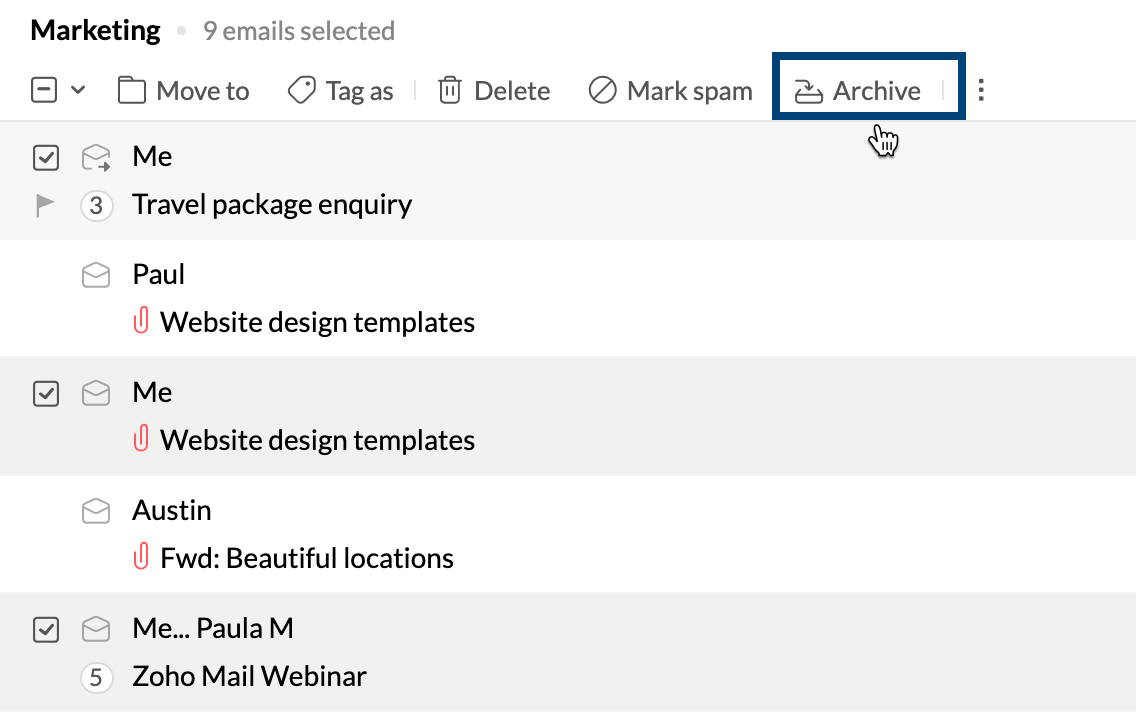
The emails will be Archived but will remain in the same folders. The archived emails will not be synced in the IMAP clients.
Unarchive Multiple Messages
You can use the View archived option to view all the archived emails in the folder.
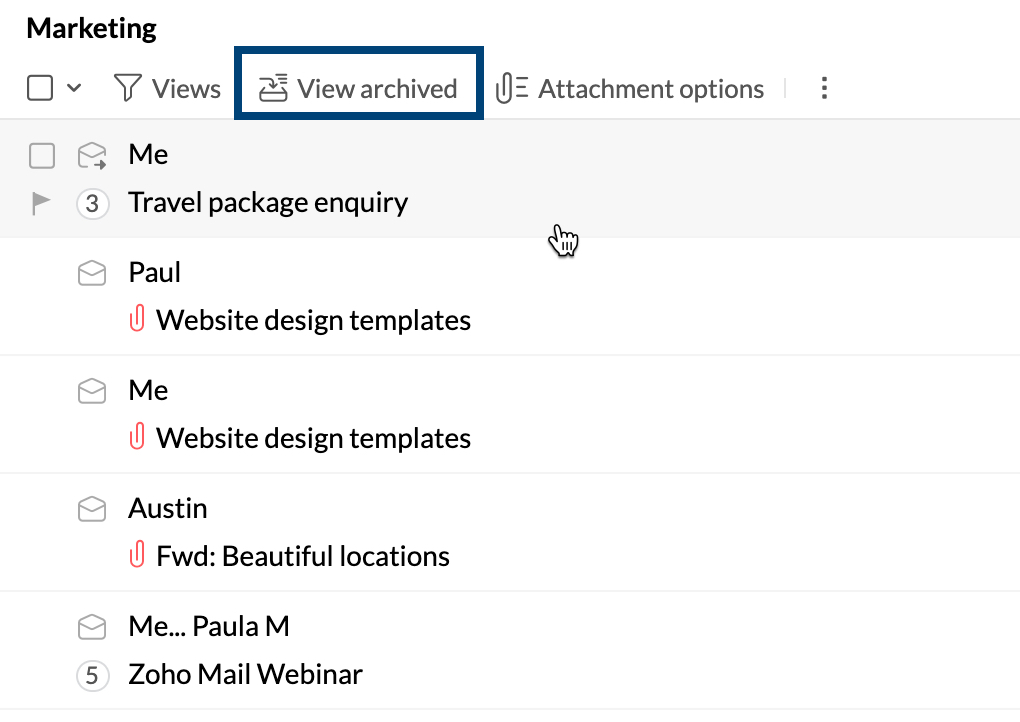
- Select the messages you want to Unarchive.
- In the listing, select 'Move To' and select the folder to which you want to unarchive the emails. You need to select the same folder, to unarchive the emails to the same folder.
The selected emails will be unarchived and will be available for further IMAP access.
Archive Folder Options
You can archive the messages in a folder. Right Click on a folder and select Archive options. The following options will be available to archive, unarchive or delete the archived emails in the folder.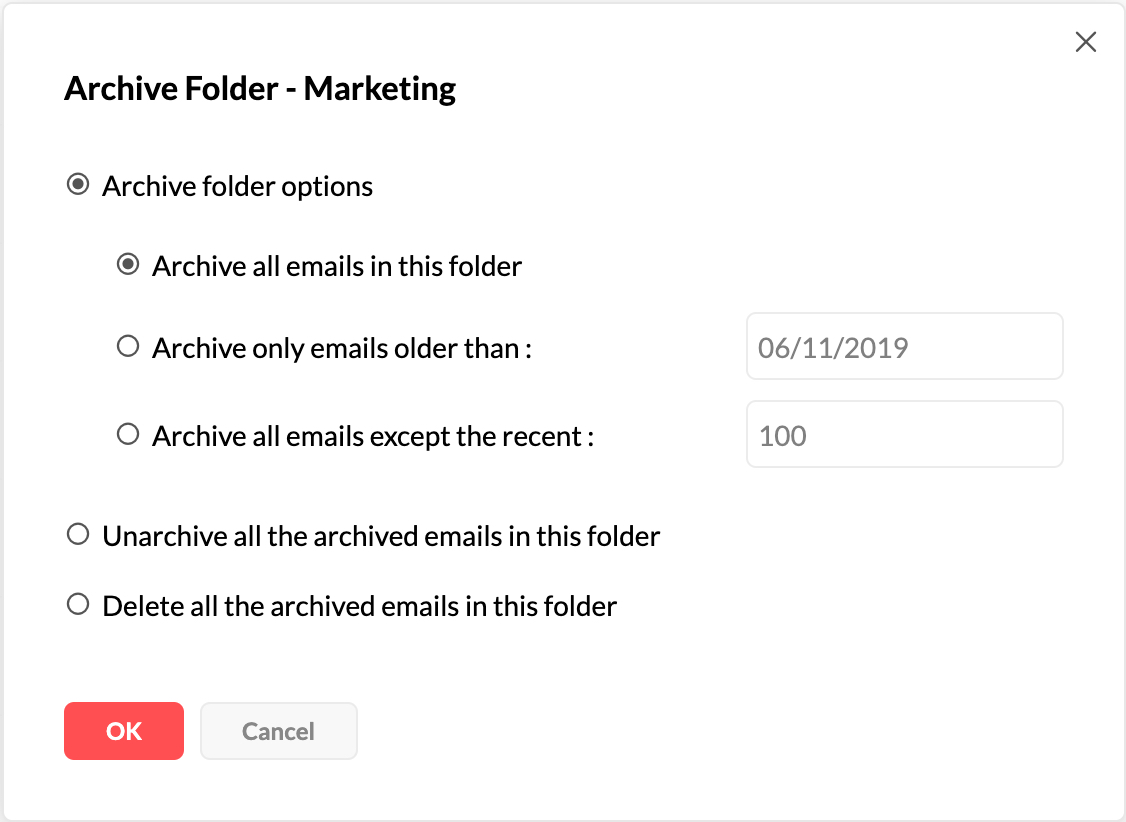
You can Archive the emails in the folder based on the date/ the count of emails. Similarly, you can unarchive the emails in the folder or permanently delete the archived emails from the folder, to regain storage space.
Send and Archive
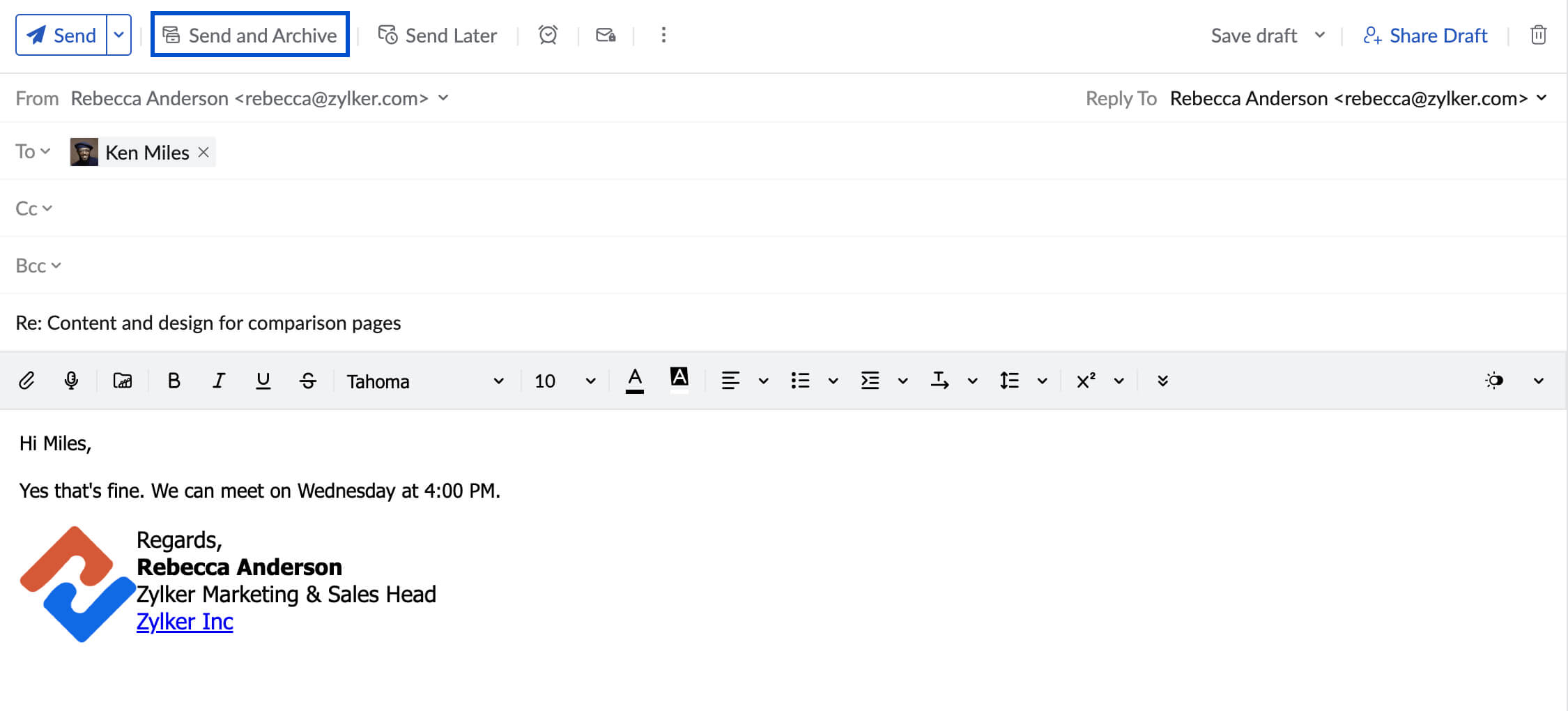
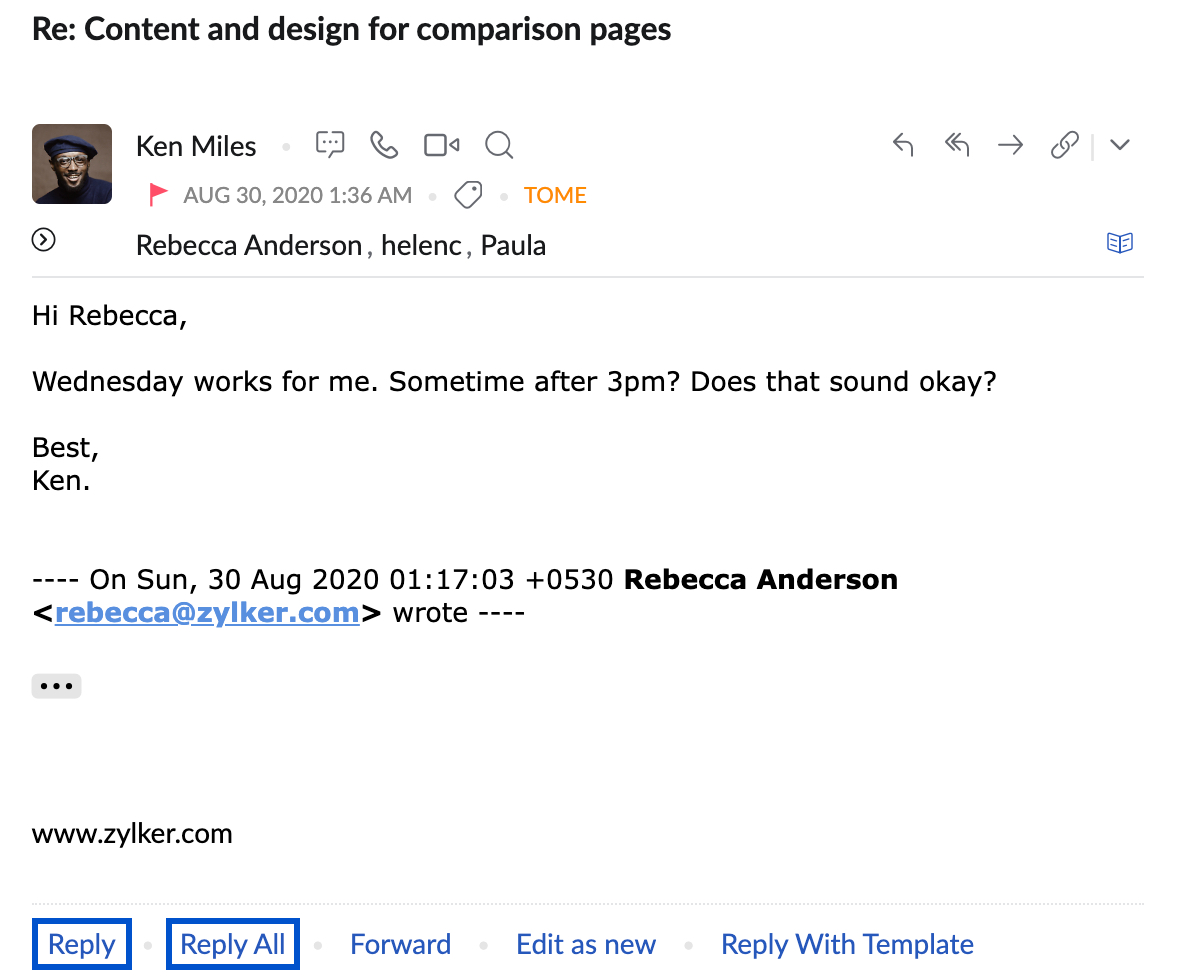
You can archive the email replies that you send and avoid clutter in your inbox. To archive email replies, navigate to the email to which you want to send a reply. Click Reply or Reply all from the preview pane.
Compose your reply and click Send and Archive button next to the Send button on the top bar of the composer window.