- HOME
- All Products
- File Management
- Document control checklist: What every business document workflow should include
Document control checklist: What every business document workflow should include
- Published : August 7, 2026
- Last Updated : August 31, 2026
- 0 Views
- 6 Min Read
No one can find the latest version of your client proposal template. A team lead doesn’t have access to the document they need for a meeting starting in five minutes. An audit reveals your document retention process is a compliance risk.
These are just a few of the potential issues that come out of a lackluster document control process.
Document control sets strict policies for how documents are accessed, updated, approved, and deleted. Many organizations let this process emerge in an ad-hoc fashion, on a team-by-team basis, but it leads to as many issues as it solves.
In this guide, you’ll find a checklist for getting your document control process locked in.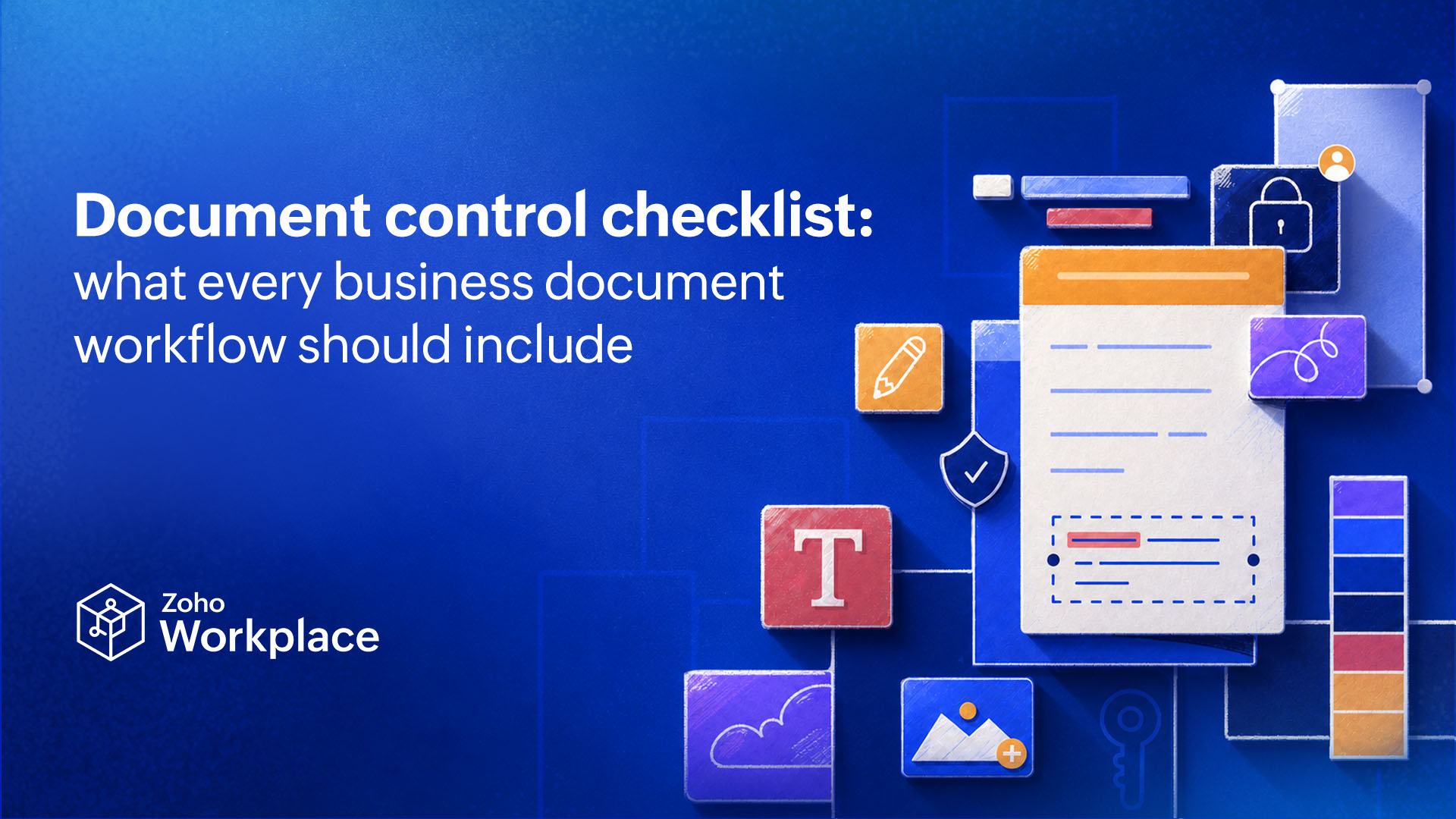
What is document control?
Document control is a set of processes governing the way an organization’s important documents are created, reviewed, approved, distributed, and retired. Essentially, it ensures that the right people always have access to the right documents, that these documents are only retained as long as they need to be, and that everyone has the right version. That means document control includes processes like setting up change logs, permission tiers, and file naming conventions.
Document control is different from document management, which is the broader practice of storing and organizing important documents so they can be both secure and accessed by the right people. Document control can be considered part of document management, with a greater focus on permissions and auditability.
10-item document control checklist
When building a document control strategy, make sure it has the 10 following elements.
Single source of truth
A single source of truth is a system that’s kept up to date as your teams work. If data is present in multiple systems, your single source of truth is where it’s most up to date. For documents, that might be a content collaboration platform like Zoho WorkDrive, an enterprise resource planning (ERP) platform, or a content management system (CMS). Whichever platform you choose, it should be clearly marked as your single source of truth, and your processes should support that. Updates made to documents on other platforms need to be replicated promptly in your single source of truth, and teams should know to check that system before any others.
Consistent version naming
File-naming conventions allow teams to find the right document and make sure they have the right version. A simple convention should include a short code that tells the user what a document is for (e.g., ClientProposalTemplate). It also needs a signal showing either the date it was last updated (e.g., YYYY-MM-DD) or a version number. A simple, complete file name might then be ClientProposalTemplate-2026-07-30.pdf.
Your naming convention shouldn’t be overly complex, but it does need to be consistent and easy to understand.
Defined document owner
Every document should have a single owner, and that owner should be named somewhere in the document—except in the case of some customer-facing documents. Owners should be chosen and listed consistently, so people know exactly who to reach out to if they have questions or concerns.
Tiered access permissions
Most content collaboration platforms have tiered access permissions like reader, commenter, and editor. Don’t give the most access to everyone by default. Build clear guidelines to determine who has access to what, how much access they have, and who they need to contact if they need more access. Role-based access control is usually ideal, which determines access people have based on their job description.
Documented approval trail
Not all documents need clear approval, but anything that does needs an approval trail. You need a clear record of who approved each document, when that approval was given, and any back-and-forth that happened before that approval came. If you create these documents from a template, that template needs its own approval trail.
Change log for substantive edits
First, your document control process should define what a “substantive edit” is, and that definition might change depending on the kind of document involved. Then, every substantive edit should trigger some kind of record-keeping, ideally by the person who made that edit. In your single source of truth, record when the change was made, why it was made, and who approved it.
Retention and disposal rules
Most organizations have systems cluttered with old files that make finding the right one excessively difficult. Files are kept around by default not because they’re still important, but because there aren’t clear guidelines around deleting them.
Have rules around which files should be archived, which ones should be deleted, and when that decision needs to be made.
Consistent metadata
Metadata makes documents easier to find, scan, and process. Your documents should at least include the following:
- Title: The document’s plain language name, which should be close to file names and version names.
- Owner: The name of the single person accountable for the document.
- Status: Potential statuses include Planned, Drafting, In Review, and Approved.
- Last updated date: The date of the last substantive change, not slight corrections.
- Version number: A number tied to a broader change log.
Scheduled review cadence
Important documents should be reviewed regularly, not just when someone stumbles on a mistake or sees an opportunity for improvement. Set this cadence for files that affect ongoing work, like policies, templates, and client-facing documents. It can be monthly, quarterly, or yearly.
A known escalation path
Even the tightest document control process can’t prevent every problem; in fact, you’ll usually see a rise in errors as you improve this process. Whether it’s a missing owner, a document stuck in approval, or a dispute over which version is the latest, have a clear path to someone who can make a decision or escalate the problem to someone else who can.
Common pitfalls of document control
As you build and roll out your document control process, you’ll inevitably run into hiccups. But with some preparation, you can avoid some of the most common.
Shared drives with no permission tiers
A content collaboration platform or CMS typically has permission tiers, but many organizations don’t use them by default. They either give too much access, too broadly, or too little. Too much access means you can’t maintain an audit trail or keep your versions straight. Too little means you’re slowing down workflows as team members constantly ask for access they should have by default.
Approval by email thread
Email threads don’t create a clean record of what happens to a document—unless you’re willing to constantly search through your inbox. Approvals should be as close to your documents as possible and recorded in your single source of truth.
Version control by file name only
A clear, consistent file name convention can tell you which version of a document is the latest, but it shouldn’t be the be-all-end-all of your version control. It doesn’t tell you who contributed to each version, what changed, or when it changed. That information is crucial.
Retention by accident
Documents are kept around for years because there’s no clear process for deciding which ones should get deleted, meaning you have to search for hours for something that should take minutes to find. Document control needs to include parameters and methods for deletion.
FAQ
What is document control in business?
Document control is a process that covers how important documents are created, modified, approved, shared, and deleted. It also covers who should have access to what.
What are the core elements of a document control checklist?
The core elements of a document control checklist are:
- A single source of truth.
- Consistent version naming.
- A single owner for each document.
- Tiered access permissions.
- Documented approval trails.
- Change logs for substantive edits.
- Retention and disposal rules.
- Consistent metadata.
- Scheduled review cadences.
- Defined escalation paths.
How is document control different from document management?
Document management is a broader discipline around the storage and availability of important documents, while document control is focused on versioning, auditability, and access control.
How often should a document control process be reviewed?
A document control process should be reviewed at least annually, but quarterly reviews can help identify problems without doing a full audit of your process every single time. You should also consider planning ad-hoc reviews whenever organizational changes lead to a large influx of new documents or many documents becoming outdated.
Who should own document control on a team?
A team lead should own document control as a broad process for their team, while individual document owners are responsible for how that process involves their documents. A team lead tells the team what metadata their documents need, for example, while individual owners make sure their documents have it.
What tools support document control without a full enterprise system?
Most content collaboration platforms and content management systems (CMS) have built-in features that support document control. Zoho WorkDrive, for example, has features like centralized feedback, timestamps, and access management for better document control.
Take back control
Document control, once in place, becomes an ongoing process that prevents significant headaches and fixes issues proactively. A single source of truth, tiered access control, and a clear owner for each document can already take you a long way. Apply the rest of the document control checklist and you’ll have a bullet-proof process.
 Genevieve Michaels
Genevieve Michaels is a freelance writer based in France. She specializes in long-form content and case studies for B2B tech companies. Her work focuses on collaboration, teamwork, and trends happening in the workplace. She has worked with major SaaS brands and her creative writing has been published in Elle Canada, Vice Canada, Canadian Art Magazine, and more.