- HOME
- Data Management
- Zoho Tables vs. Excel vs. Google Sheets
Zoho Tables vs. Excel vs. Google Sheets
- Last Updated : December 1, 2025
- 934 Views
- 3 Min Read
Spreadsheets have been around for ages for data organization, computation, and managing simple business operations; countless spreadsheet tools have launched in that time, offering various features and pricing. Industry leaders, like Microsoft Excel, Google Sheets, and Zoho Sheet, help businesses organize, manage, and collaborate on data.
However, when your data requires structured relationships across tables and automated workflows, many businesses begin to look beyond spreadsheets. Modern spreadsheet-database hybrid tools, such as Zoho Tables, bridge the gap between familiar spreadsheets and rigid databases.
In this article, we'll explore how Zoho Tables is different from Microsoft Excel and Google Sheets in terms of data management, collaboration, reports and analytics, and mobile accessibility.
Ease of use
Zoho Tables
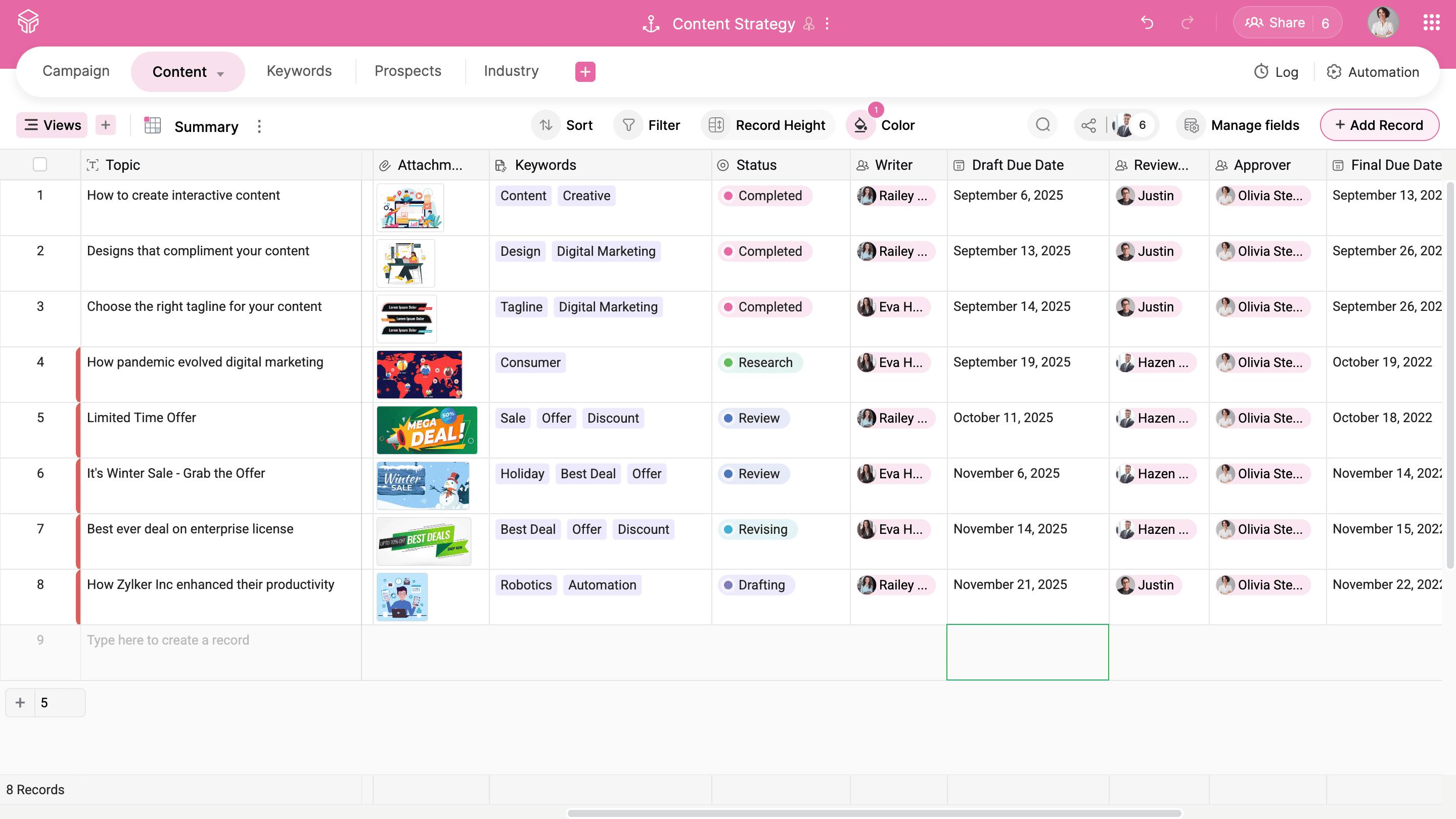
- Neat and minimalistic UI that reduces clutter and makes navigation intuitive
- AI assistance through Zia and prebuilt templates for quicker onboarding
- Great for teams transitioning from spreadsheets to structured databases without added complexity
Microsoft Excel
- Overwhelming interface with extensive menus and features
- Requires a solid understanding of formulas and functions even for moderate tasks
- Suits experienced professionals who work with complex datasets and detailed analysis
Google Sheets
- Simple layout but limited capabilities for handling large or complex datasets
- Lacks integrations outside Google Workspace apps
- Ideal for individuals or teams seeking a lightweight, accessible spreadsheet tool
Data management
Zoho Tables
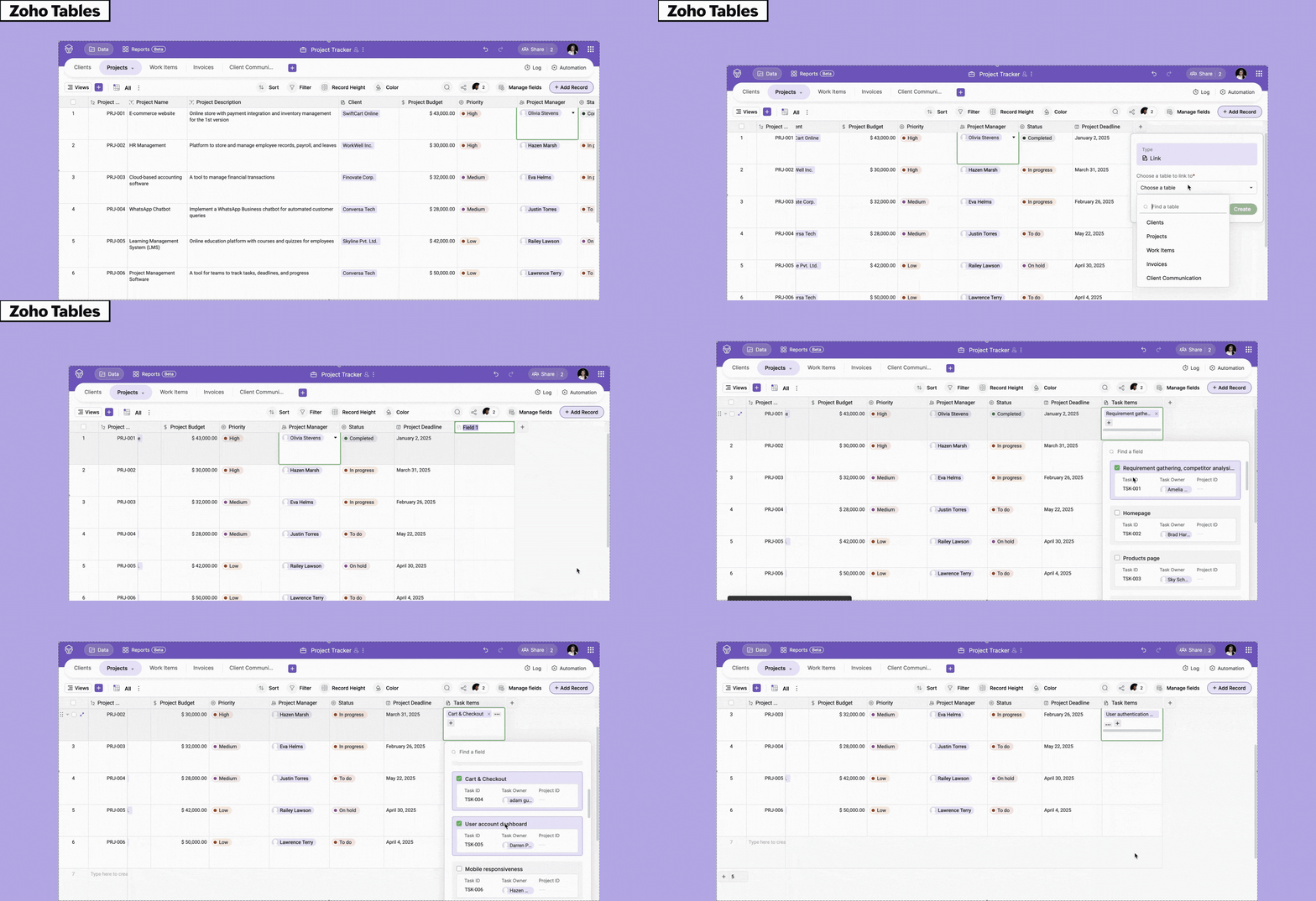
- Provides over twenty five field types to store diverse data
- Can create bidirectional relationships between tables without queries
- Data viewable in grid, gallery, kanban, or calendar views
- Publishable forms for collecting data in your base
Microsoft Excel
Relies heavily on formulas, pivot tables, and manual input for relational data
Advanced features like macros demand time and technical skill
No native support for linked tables or database-style relationships
Google Sheets
Basic formula support
Google Workspace add-ons necessary for extra functionality
Suitable only for light data management, not complex structured datasets
Collaboration
Zoho Tables

- Real-time collaboration: Live cursors, tagging, and commenting
- Role-based permissions (manager, data maintainer, editor, commenter, and viewer)
- Restricted views for specific users
- Activity logs to track changes across tables
Microsoft Excel
- Co-authoring is available via OneDrive and SharePoint
- Comments, mentions, and tracked changes are supported
- Works best within the Microsoft ecosystem
Google Sheets
- Real-time editing is smooth but lacks advanced control over user access
- Version history makes it easy to restore older versions
- Suitable for small teams
Reports and analytics
Zoho Tables

- Offers chart and summary views for quick insights
- Lets users create dashboards with bar, chart, line, and column graphs
- Great for publishing data into simple, shareable reports
Microsoft Excel
- Requires PivotTables and Power Query tools for data modelling
- Possible to create advanced reports, but demands manual setup and deep formula knowledge
- Integrations like Power BI add cost and complexity
Google Sheets
- Generates simple charts and graphs but lacks advanced analytics depth
- Relies on external tools like Looker Studio or BigQuery for serious reporting
- Not ideal for creating dashboards directly within the platform
Mobile accessibility
Zoho Tables
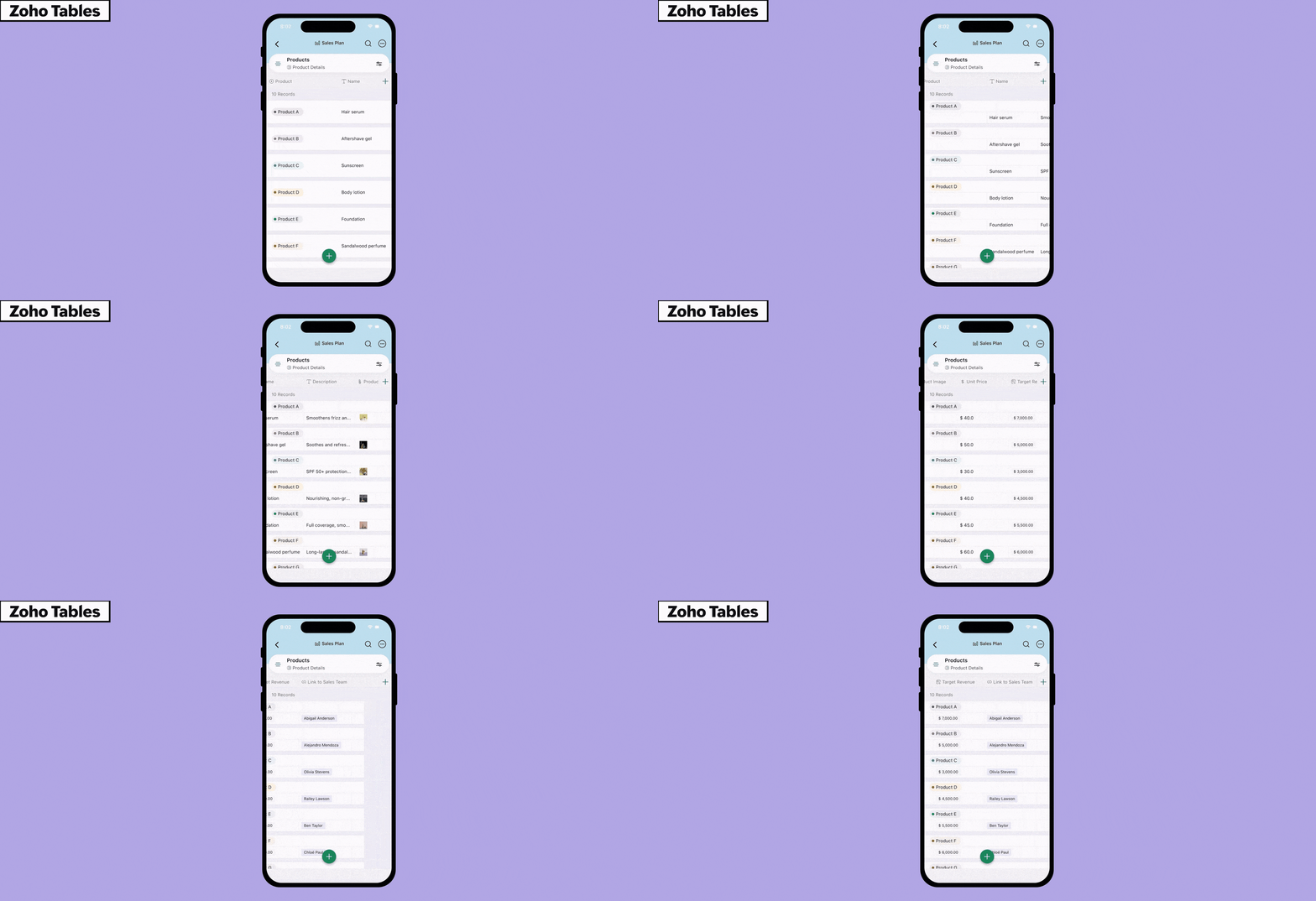
- Dedicated mobile apps for iOS and Android
- Has optical character recognition, the ability to watch video attachments in picture-in-picture mode, and base creation using Siri voice control
- Supports viewing, editing, and adding records on the move
- Mobile UI mirrors the desktop design for consistency
- Perfect for teams that are always on the go
Microsoft Excel
- Mobile app offers only limited functionality
- Advanced tools like macros or pivot tables are unavailable
- Editing complex files on mobile can be slow and clunky
Google Sheets
- Good for quick edits but minimal advanced functionality
- Offline mode helps with minor updates
- Less responsive and lacks mobile-specific features
Which tool is the best for your business?
While traditional spreadsheet tools are great for basic operations and number crunching, a spreadsheet-database hybrid provides extended collaboration, automation, data management, and visualization capabilities. It bridges the gap between basic spreadsheets and advanced databases.
Zoho Tables offers a 15-day free trial and a forever free plan. You can import your spreadsheet files effortlessly from local storage, a cloud service, or via URL; or you can build your own bases using AI prompts, templates, or from scratch.
 Archanaa
A fantasy writer who found a home in product marketing.