How Zoho Publish helps you never miss a Google review again
- Last Updated : July 27, 2026
- 107 Views
- 4 Min Read

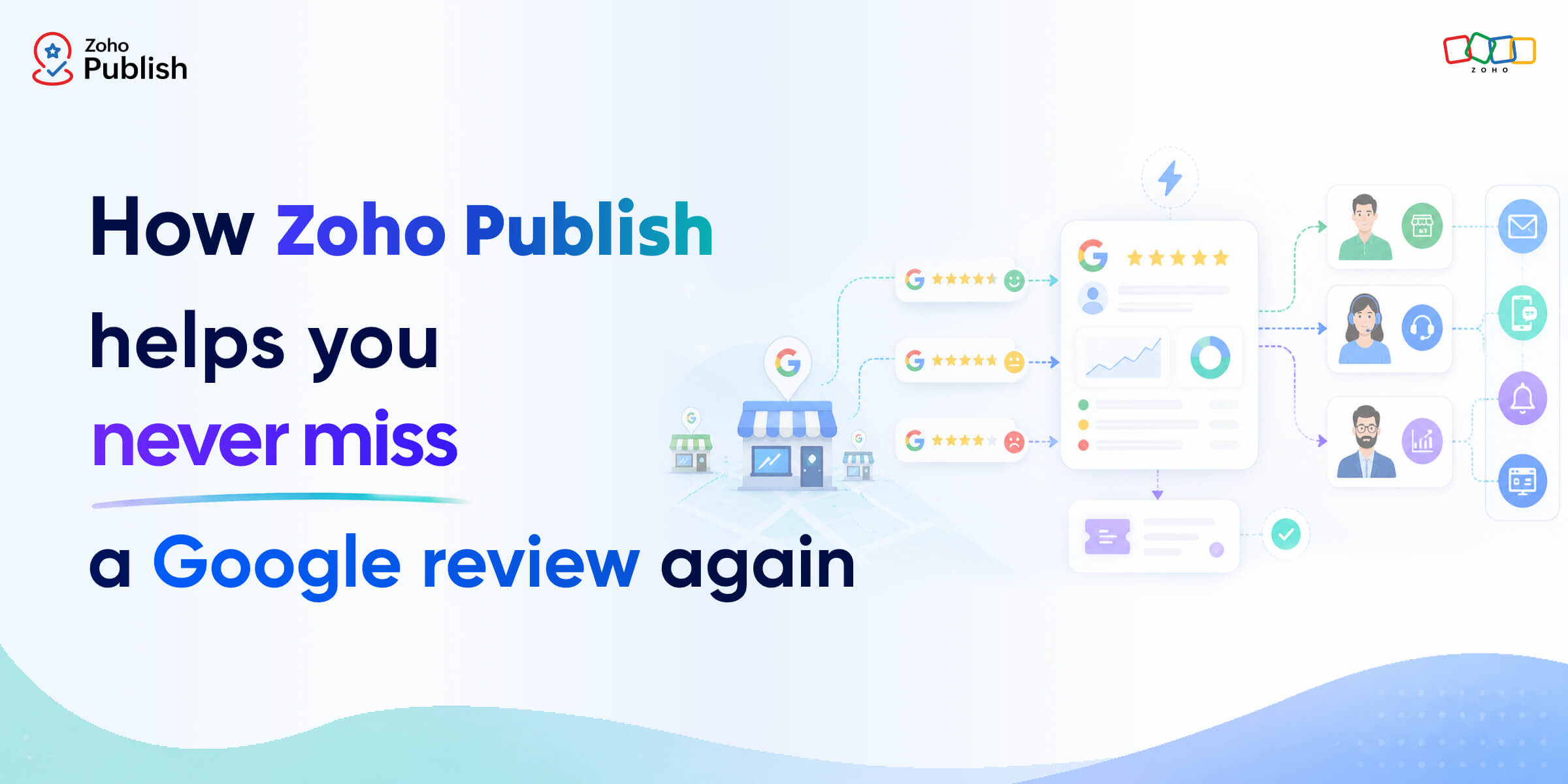
A new Google review comes in at 10:15 AM.
Your store manager is helping customers on the floor. The marketing team is busy with a campaign. Customer support doesn't know the review exists. By the time someone notices it, hours—or even days—have passed.
For businesses with one location, this may happen occasionally. But for businesses with multiple locations, it happens more often than you'd expect.
The challenge isn't collecting reviews. It's making sure every review reaches the right person at the right time so action can be taken quickly.
That's exactly what Zoho Publish is built to solve.
The problem isn't reviews. It's missed reviews.
Every Google review deserves attention, whether it's positive feedback from a happy customer or a complaint that needs immediate action.
But as businesses grow, review management becomes more complex. Different teams handle different responsibilities. Some reviews need a response from the local store manager, while others require involvement from customer support or regional operations.
Without a clear process, reviews can easily slip through the cracks.
That's why effective review management isn't just about monitoring reviews—it's about ensuring they're seen, assigned, and acted upon.
Automatically route reviews to the right people
One of the easiest ways to miss a review is by relying on manual processes.
Someone has to check for new reviews. Someone has to decide who should respond. Someone has to notify the right team member.
These small tasks add up quickly.
With Zoho Publish Automation, you can automate what happens the moment a review is received.
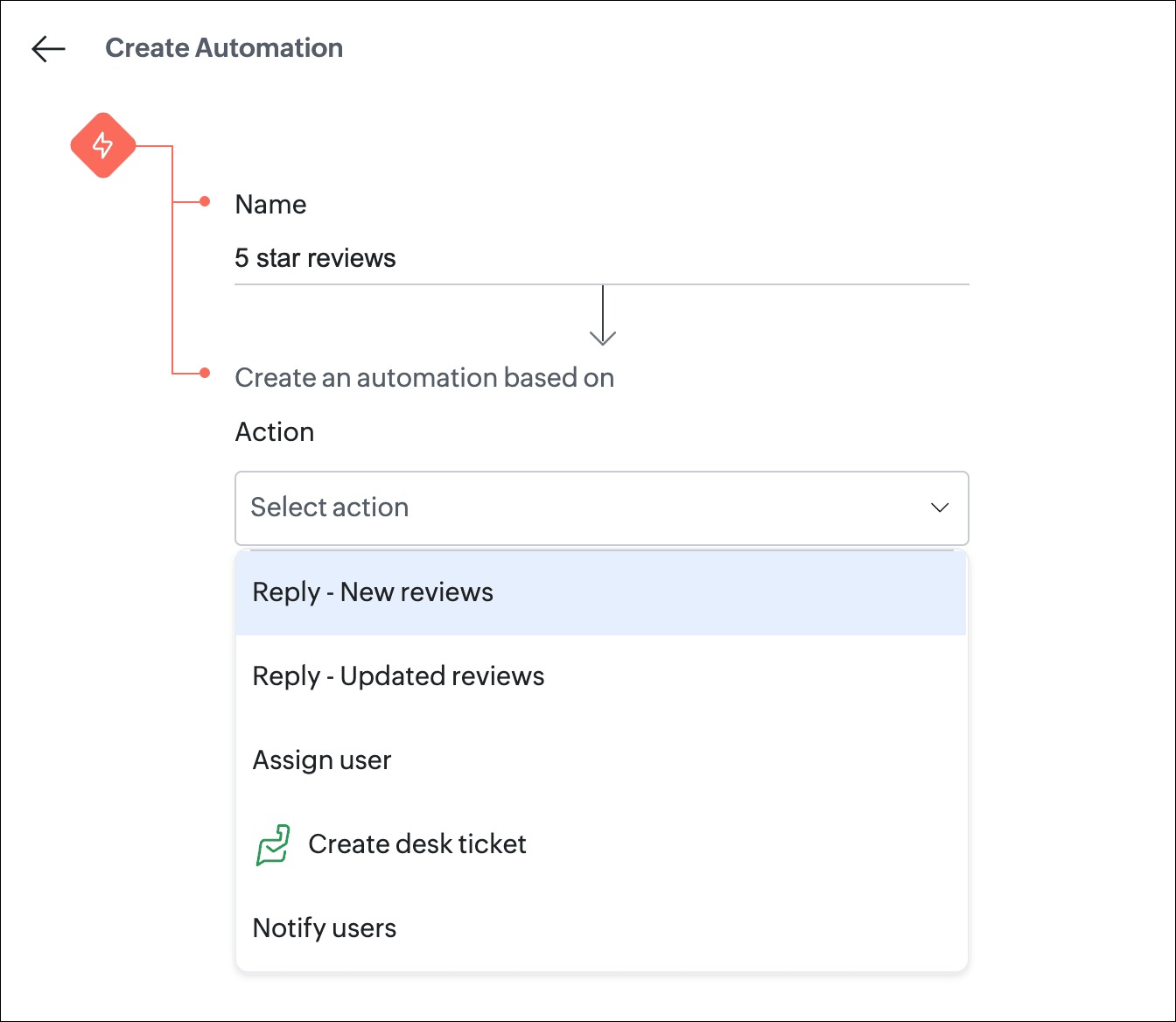
Create workflows that trigger actions like:
New review – Automatically respond to new reviews as soon as they're received. Use AI to generate personalized replies for routine positive reviews or apply response templates to ensure every reply reflects your brand voice and business preferences.
Updated review – When a customer edits an existing review, automatically generate and post a new response based on the updated content, ensuring your reply remains accurate, relevant, and contextual.
Assign user – Automatically assign reviews to the right team member based on predefined conditions, ensuring ownership is clear and every review reaches the right person.
Notify user – Instantly notify team members so they can view, respond, or take action without delay.
Instead of relying on someone to remember to check for reviews, Zoho Publish makes sure the process starts automatically.
Turn customer reviews into support tickets
Not every review needs a simple reply. Sometimes a customer reports a service issue, billing problem, or product concern that requires investigation. Responding publicly is only one part of resolving the issue; your internal team still needs to follow up.
This is where Zoho Desk integration becomes valuable.
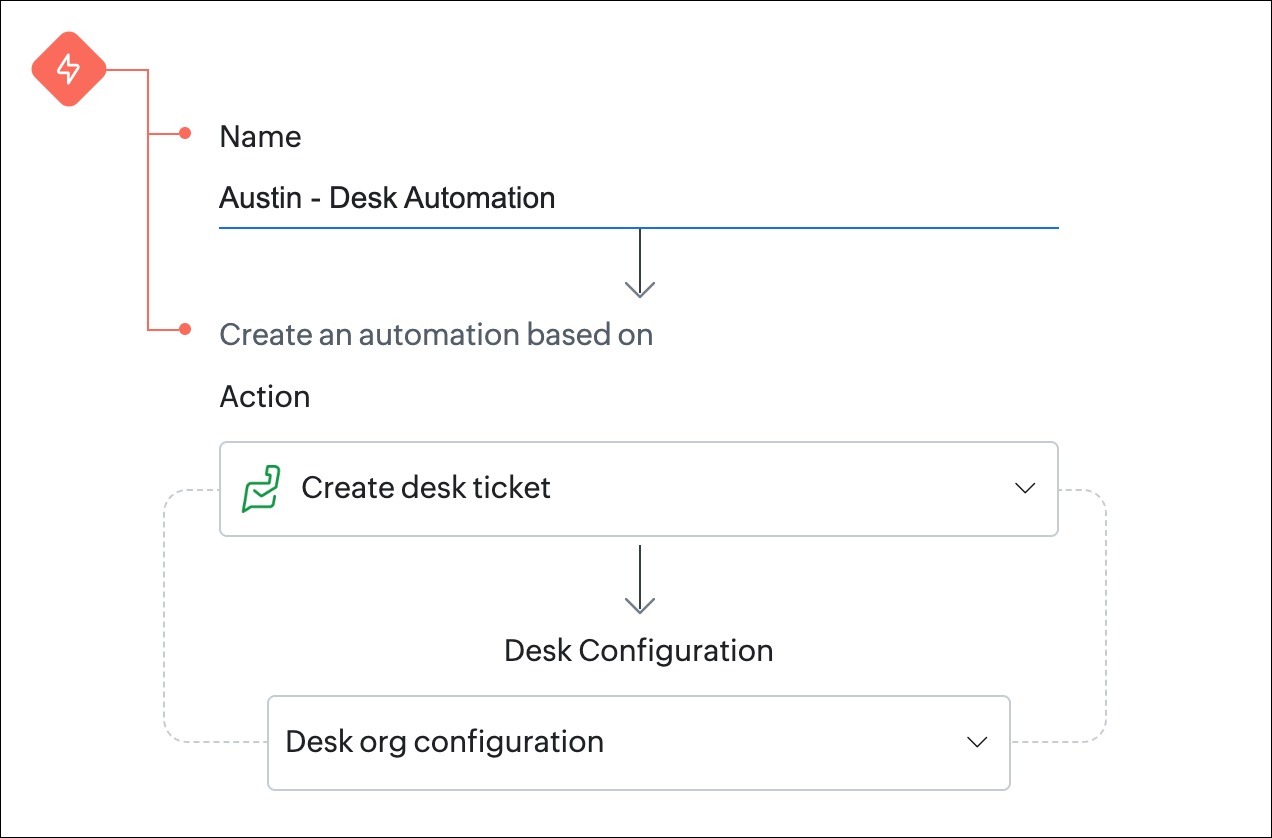
With Zoho Publish, you can convert customer reviews into Zoho Desk tickets automatically. The review becomes part of your existing customer support process, allowing your team to investigate, collaborate, and track progress until the issue is resolved.
Instead of managing reviews and customer support separately, both teams can work together through a connected workflow.
Notify your team where they already work
Even the best workflow won't help if nobody knows a review has arrived.
Most employees don't spend their day inside a review management platform. They're serving customers, managing stores, or handling support requests.
That's why Zoho Publish delivers notifications through multiple channels, ensuring important reviews reach your team wherever they are.
Email notifications
Email remains one of the simplest ways to keep teams informed. Assigned users receive notifications as soon as reviews require their attention, helping them respond without constantly checking the application.
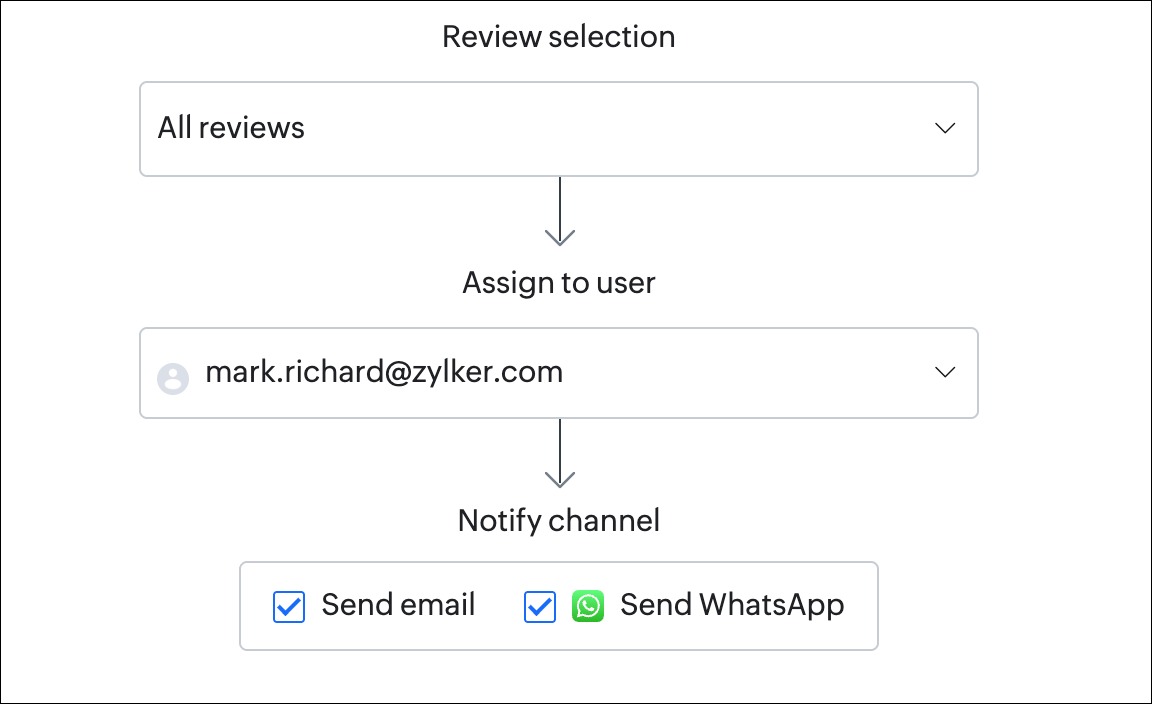
WhatsApp notifications
For teams that spend more time on mobile than at a desk, WhatsApp notifications provide another layer of visibility. It ensures that the right people receive review alerts directly on their phones, making it easier to respond quickly—even when they're away from their computers.
In-app notifications
For users already working inside Zoho Publish, in-app notifications provide real-time updates about assigned and relevant reviews, ensuring nothing gets overlooked.
By combining multiple notification channels, Zoho Publish reduces the chances of important customer feedback being missed.
Better collaboration leads to faster responses
Responding to reviews isn't always a one-person job.
A store manager may need to verify what happened. Customer support may need additional information. Regional managers may want visibility into recurring issues across locations.
Zoho Publish helps every stakeholder stay informed throughout the process. Automation ensures reviews reach the right people. Notifications keep everyone updated. Zoho Desk integration helps teams resolve complex issues efficiently.
Instead of disconnected conversations happening across emails and chat messages, your review management process becomes structured and collaborative.
Scale your review management with confidence
Managing reviews for one location is straightforward. But managing reviews across dozens—or even hundreds—of locations requires a system.
As your business grows, manually tracking reviews becomes increasingly difficult. Automation and notifications ensure every review follows a defined process from the moment it arrives.
Whether it's assigning reviews, notifying team members, or escalating customer issues to your support team, Zoho Publish helps you manage review operations consistently across every location.
Never let an important review go unnoticed
Every Google review is an opportunity to engage with a customer, strengthen your reputation, or resolve an issue before it escalates.
Missing a review doesn't just delay a response—it can affect customer trust and the overall experience your business delivers.
Zoho Publish helps ensure every review reaches the right people, every action happens at the right time, and every customer receives the attention they deserve.