Taxes
In Zoho Expense, you can associate taxes to your expenses. The Taxes section under the Settings allows you to:
Creating a New Tax
- Navigate to Admin > Settings.
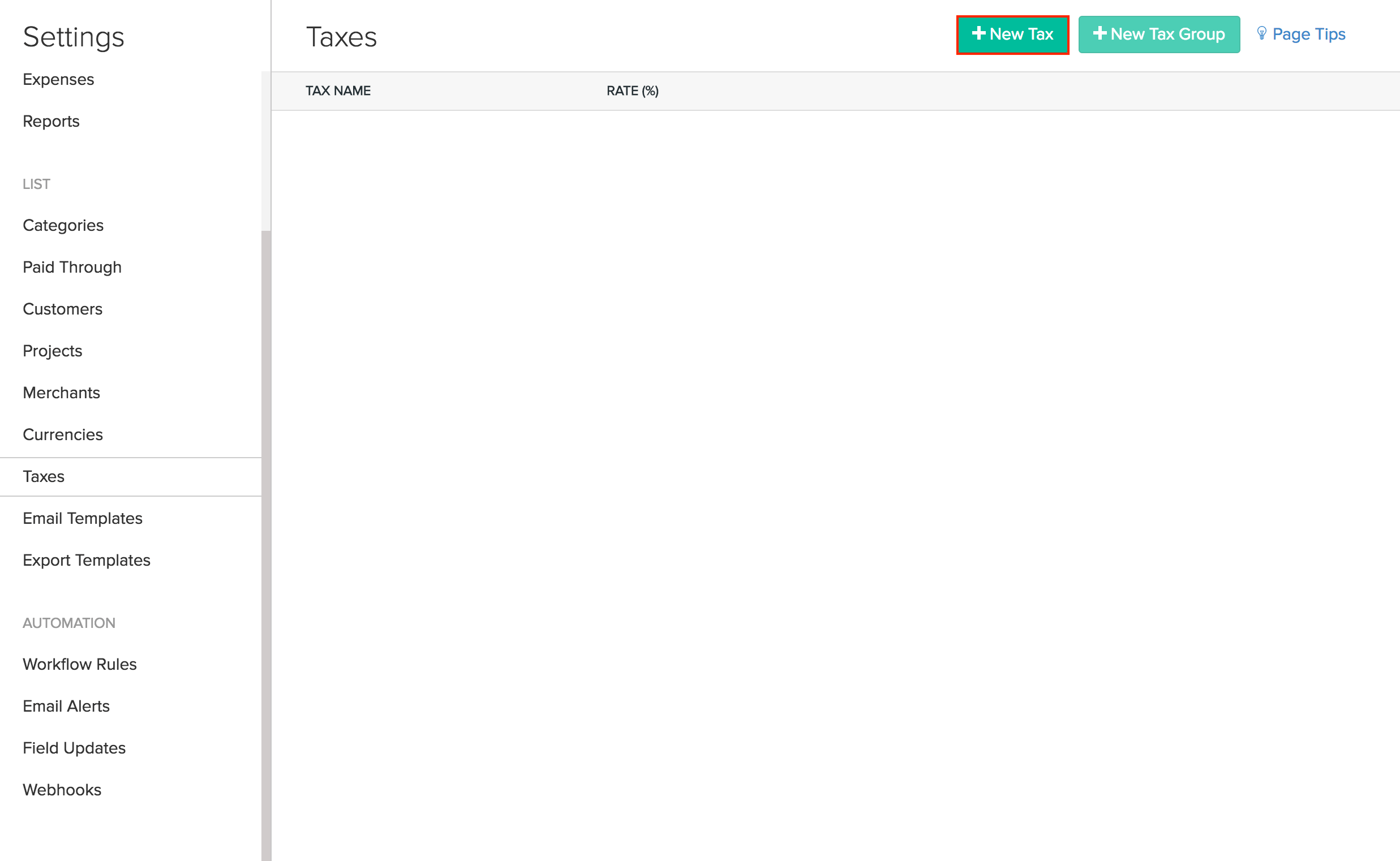
- Go to the Taxes tab and click on the + New Tax button.
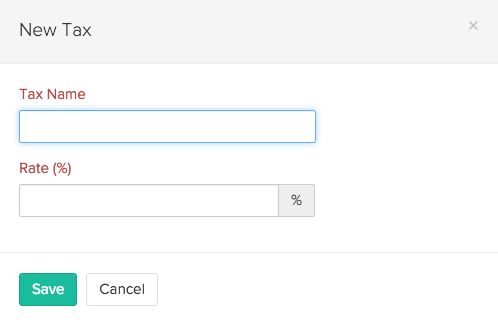
- Provide a name for your tax and set the percentage.
- Click Save to add your newly created tax.
Creating a New Tax group
- Navigate to Admin > Settings.
- Go to the Taxes tab and click on the + New Tax Group button.
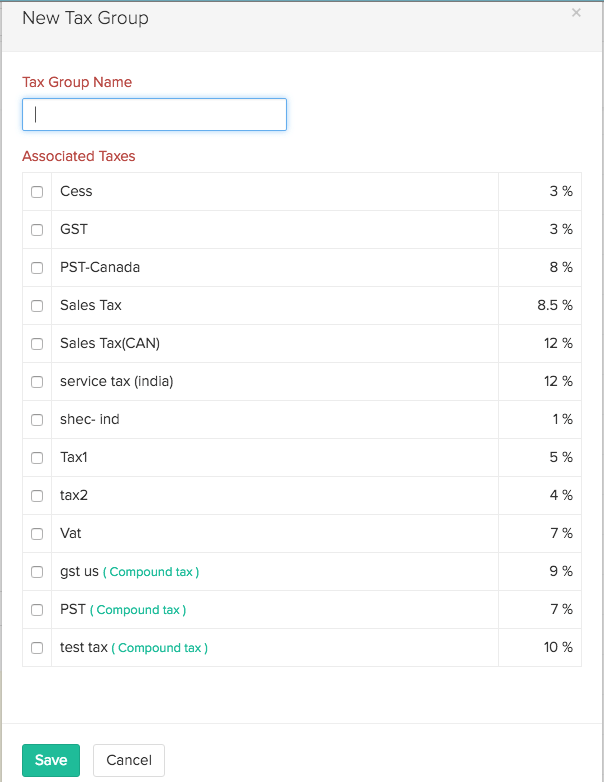
- You will see a window with the list of available taxes created under the Taxes tab.
- Provide a name for your tax group and check the taxes which you would like to add to your newly created tax group.
- Click Save to save your newly created tax group.