HIPAA-compliant form building for healthcare organizations
Zoho Forms is HIPAA Compliant, built for hospitals, clinics, telehealth providers, and healthcare administrators who need to collect Protected Health Information safely, from patient intake to clinical workflows, using native security controls, not add-on workarounds.
Secure forms built for every healthcare workflow
From the moment a patient schedules an appointment to the moment they receive a discharge summary, Zoho Forms can cover the entire care journey with secure forms.
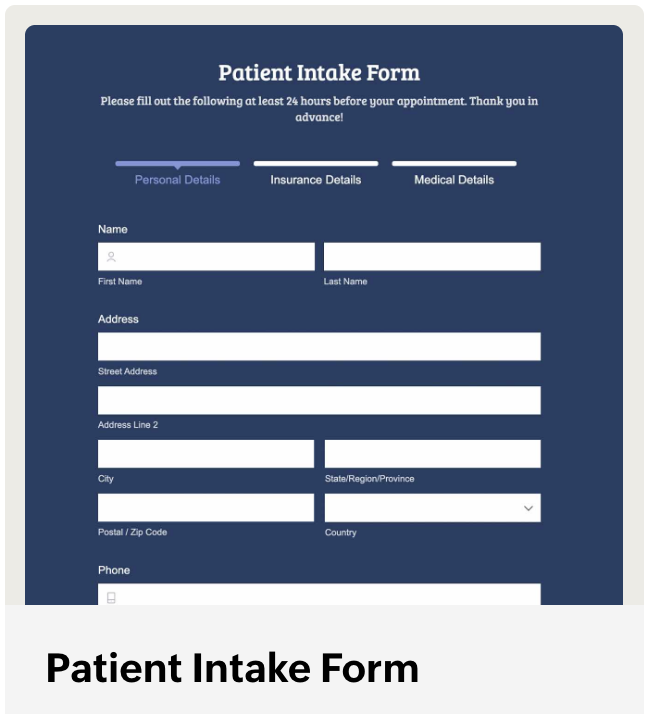
Intake: Patient intake forms
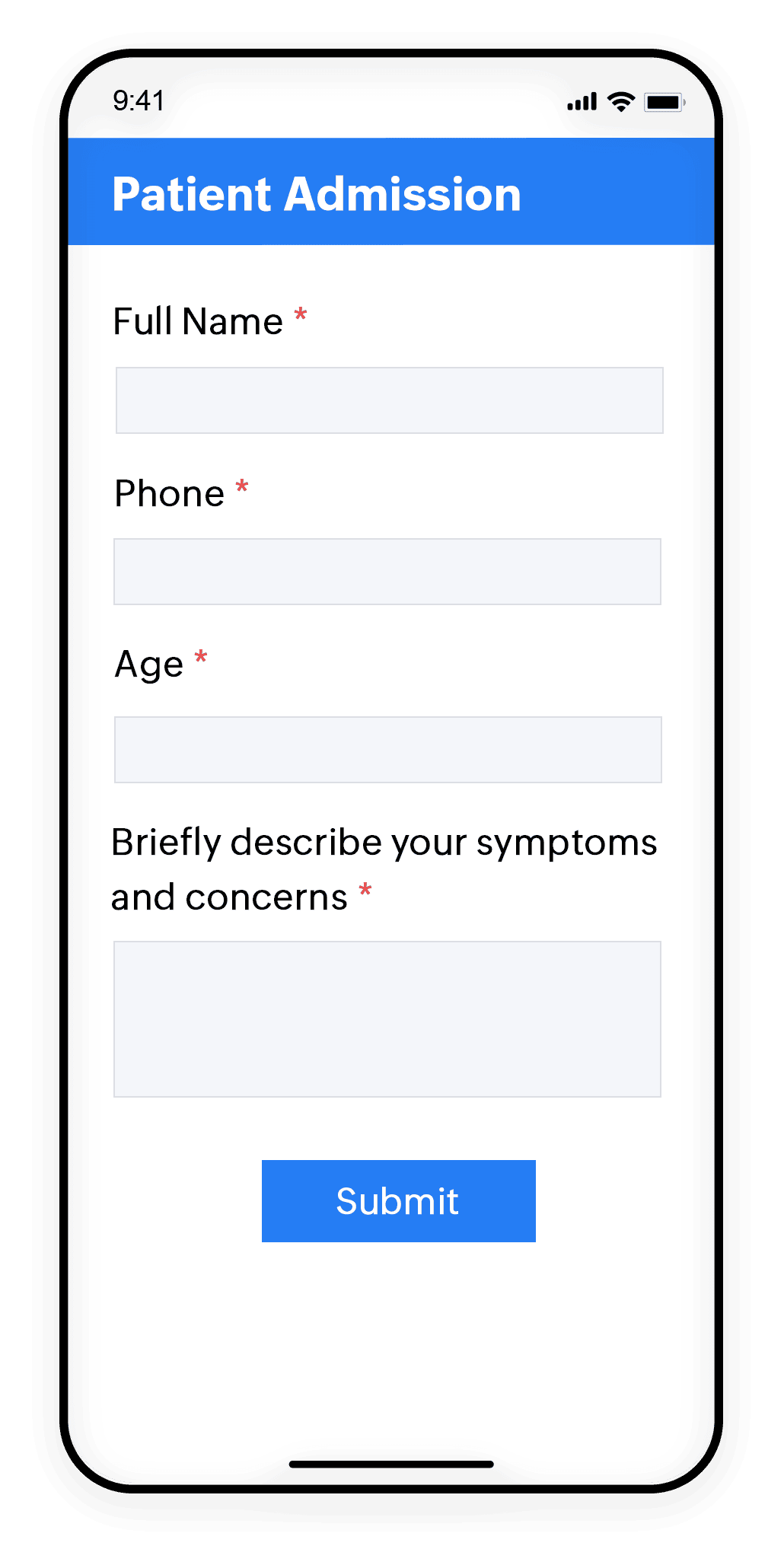
Collect demographics, insurance details, medical history, and consent before the patient walks in on any device, even offline.
Compliance: HIPAA consent & authorization
Include your Notice of Privacy Practices directly in the form. Patient acceptance is stored with every record, providing documented proof for Privacy Rule audits. Collect legally binding signatures via the native Zoho Sign field without redirecting patients to a separate platform.
Telehealth agreements
Capture informed consent for virtual visits, including technology acknowledgment and session recording notices. E-signatures are collected inline, with no separate signing flow, reducing patient drop-off.
Discharge summaries
Route completed discharge documents through approval workflows before sending. Clinician and patient e-signatures are captured in a single form with an audit log of every action taken on the record.
Billing: Insurance verification
Securely collect policy numbers, group IDs, and subscriber details.
What security controls does Zoho Forms provide natively?
ePHI protection: Field-level encryption
Marking fields as ePHI (diagnosis codes, date of birth, medication lists, insurance numbers) adds an additional layer of security specifically to fields containing protected health information.
Automatic restrictions and warnings on ePHI data
When fields are marked as ePHI, Zoho Forms enforces a set of restrictions and warnings to prevent accidental disclosure of protected health information.
For all form fields marked as ePHI, Zoho Forms automatically blocks or warns before any action that could expose patient data.
- ePHI values included in email, SMS, or push notifications sent on form submission
- ePHI fields used in double opt-in verification emails
- ePHI data used in approval process notification emails to staff or external approvers
- ePHI data being printed or exported via reports
- ePHI fields included in form submission PDF document exports
- ePHI field data being sent to external apps
- ePHI fields used in document merge templates
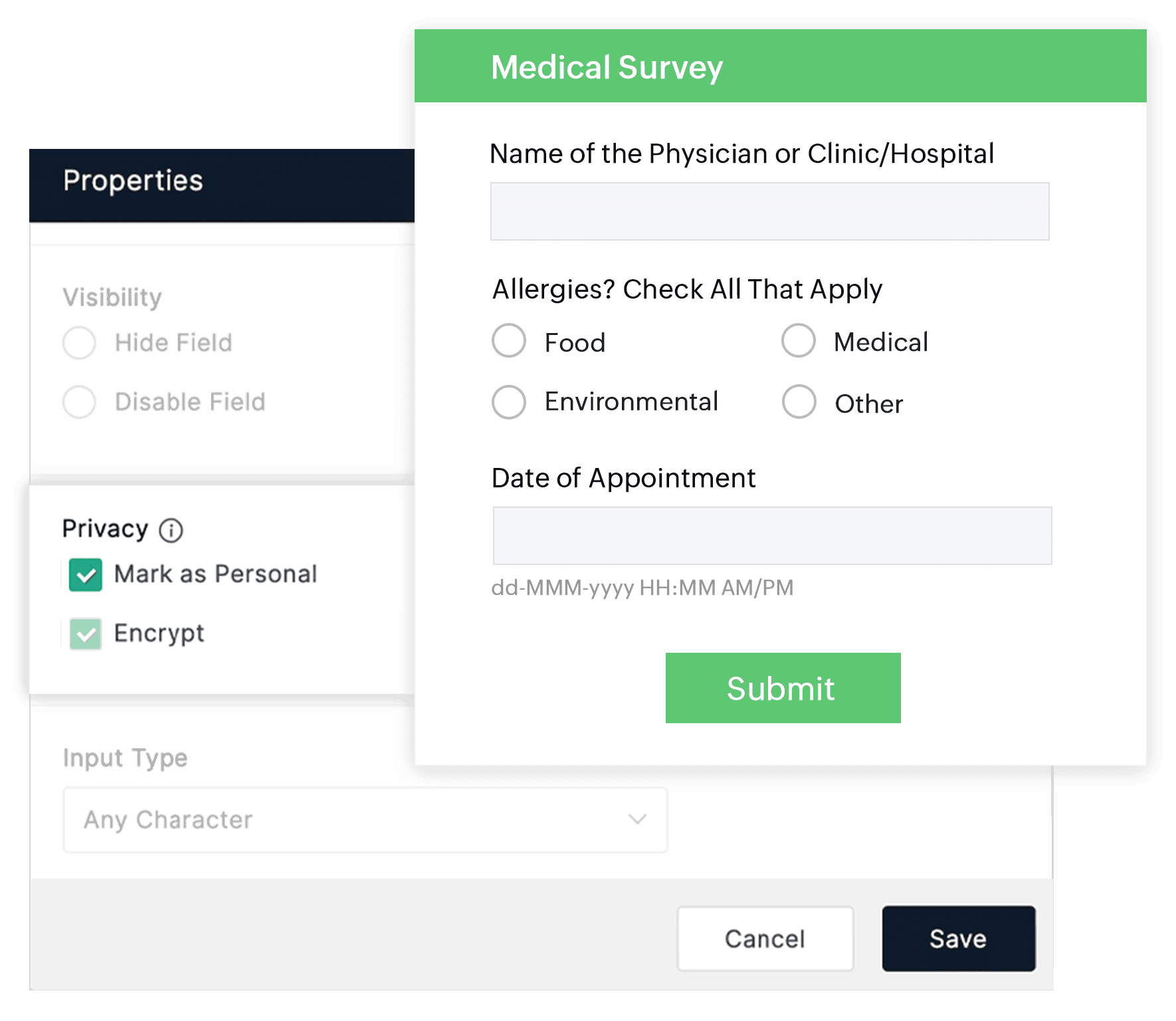
Zoho Forms adheres to ISO/IEC 27001 for information security management, ISO/IEC 27017 for cloud security, and ISO/IEC 27018 for protection of personal data in the cloud. Storage is encrypted at rest using AES-256. These measures ensure that your files are secured according to internationally recognized best practices. Files are not publicly indexed and access is restricted to authorized users.
Role-based access control (RBAC)
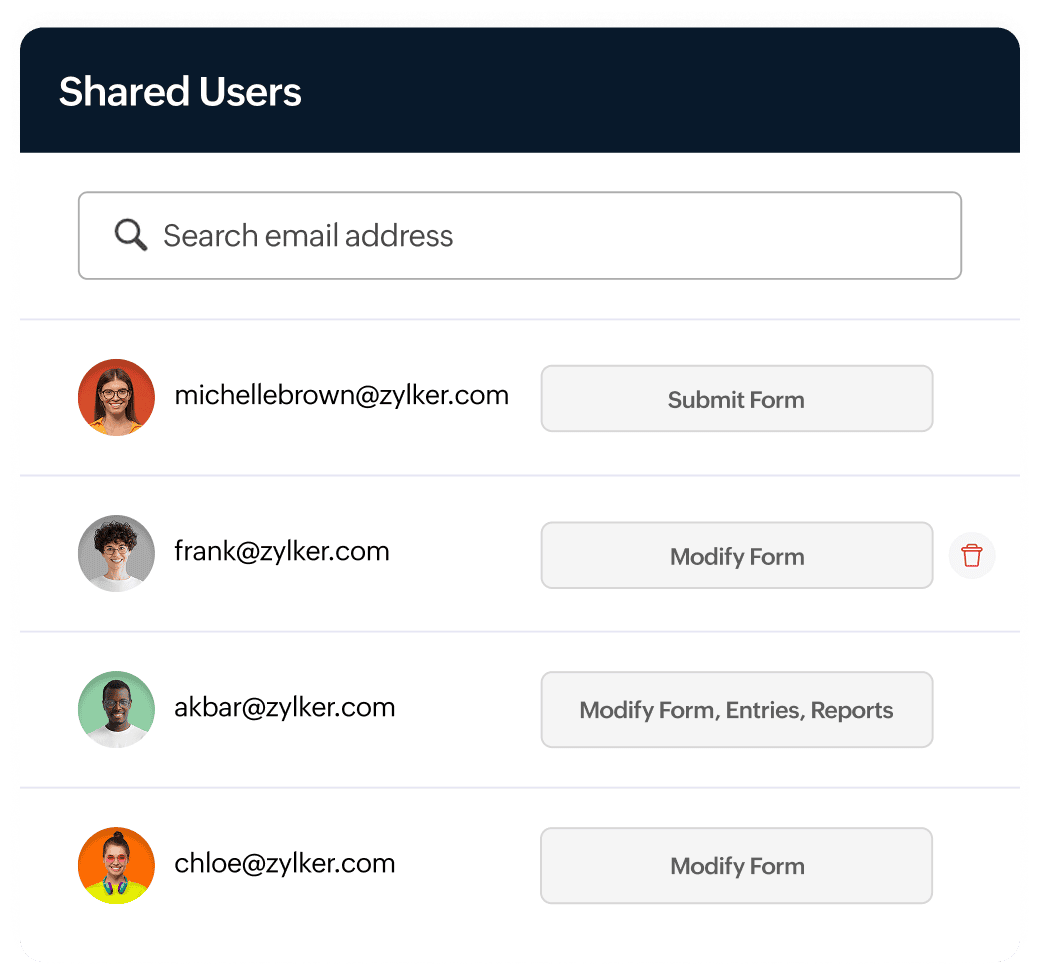
Assign form Collaborators: users who can only view and submit form, who can modify form, or modify form entries and reports for each form. Clinical staff see only their patients' records; compliance officers access full audit reports. Prevents unauthorized PHI exposure within your own team.
Tamper-evident record audit logs
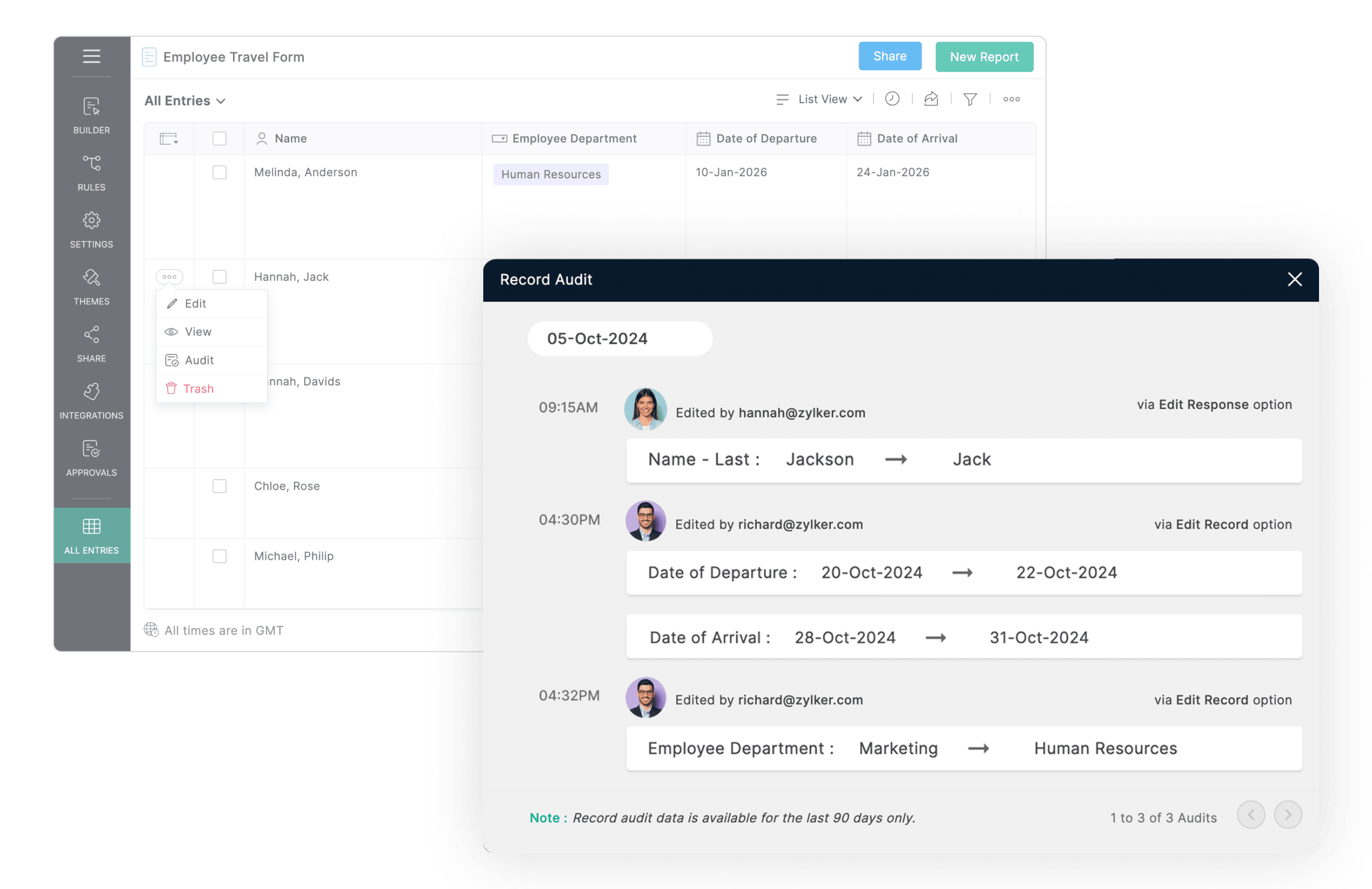
Monitoring user activity on form submissions is a core HIPAA requirement. Zoho Forms' Record Audit feature maintains a complete chain of custody for every record.
What is logged
Every view, edit, export, and deletion of a submission — with the user identity, timestamp, and action type. Logs are tamper-evident.
Who can access logs
Record audit logs can be viewed by administrators within Zoho Forms. Only the Super Admin of the organization can export audit log data.
Retention period - 90 days
Record audit logs are retained for the last 90 days, after which they are automatically deleted. Export regularly if longer retention is required for your compliance policy.
Patient consent collection and HIPAA Privacy Rule compliance
This HIPAA rule requires clear notice of privacy practices and patient consent before collecting PHI. Add a dedicated Terms & Conditions field with your organization's privacy notice. Patient acceptance is recorded which is essential for demonstrating Privacy Rule compliance in an audit.
Form URL access control
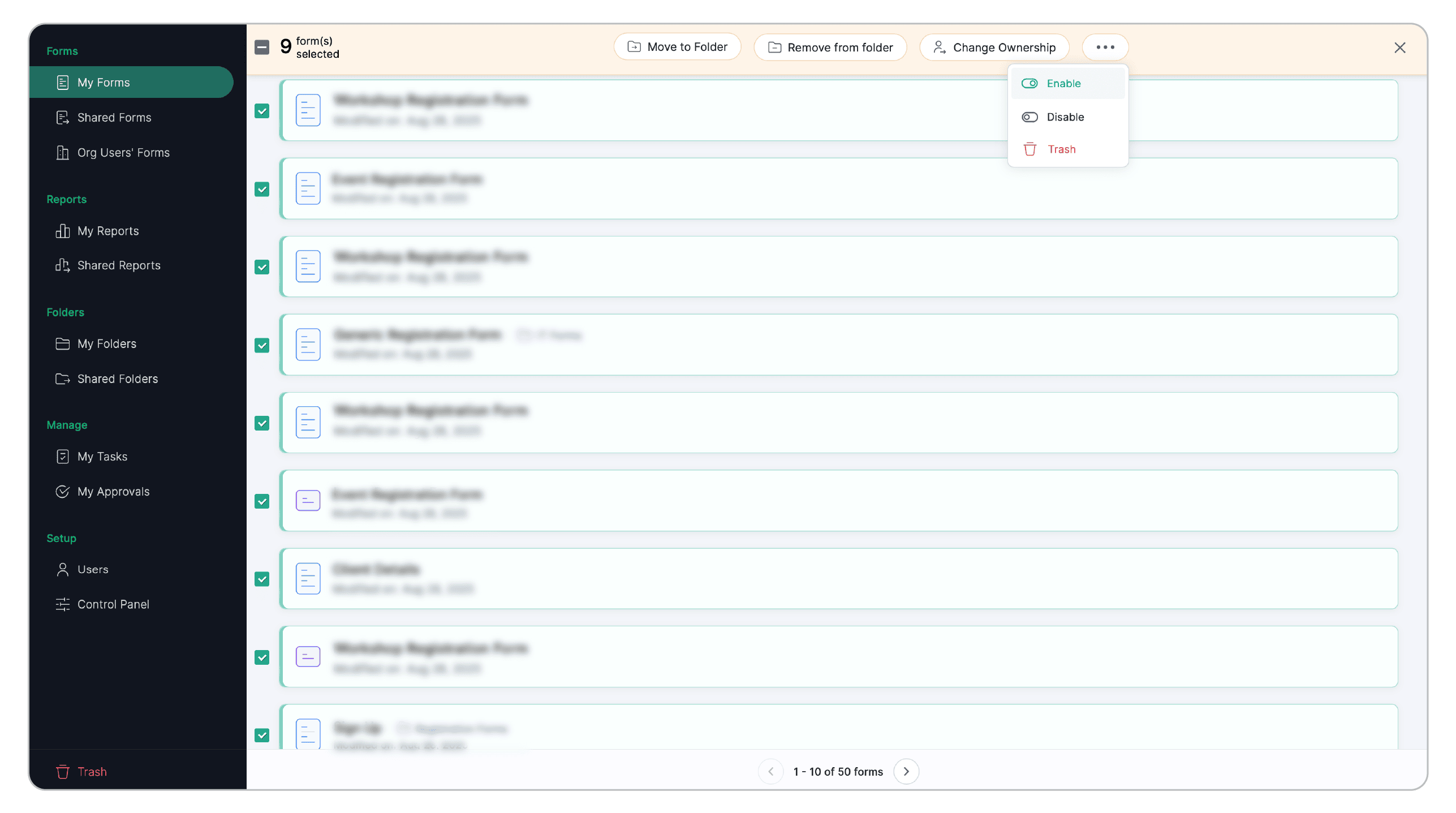
Instantly disable a form's public URL, stopping new submissions and blocking all shared links across email, social, and embeds. Use when a form is retired or a data issue is discovered.
Mobile-ready & offline forms
Zoho Forms works on all devices. Field nurses, home-care workers, and clinic tablets can capture PHI securely, even without an internet connection data syncs automatically when connectivity returns.
HIPAA setup checklist for Zoho Forms
Follow these steps sequentially to configure Zoho Forms for HIPAA compliance - from signing the BAA through to pre-launch testing and documentation.
Step 1: Request and sign the Business Associate Agreement (BAA)
Before any PHI flows into Zoho Forms, you must have an executed BAA with Zoho. Email legal@zohocorp.com to request Zoho's BAA template.
Do not enable HIPAA or collect any PHI until the BAA is fully signed by both parties. Collecting PHI without a BAA is a HIPAA violation.
Step 2: Activate HIPAA at the organization level
Log in as the Super Admin and Activate HIPAA in the Control Panel. This is the master switch that enables HIPAA features across your entire Zoho Forms organization.
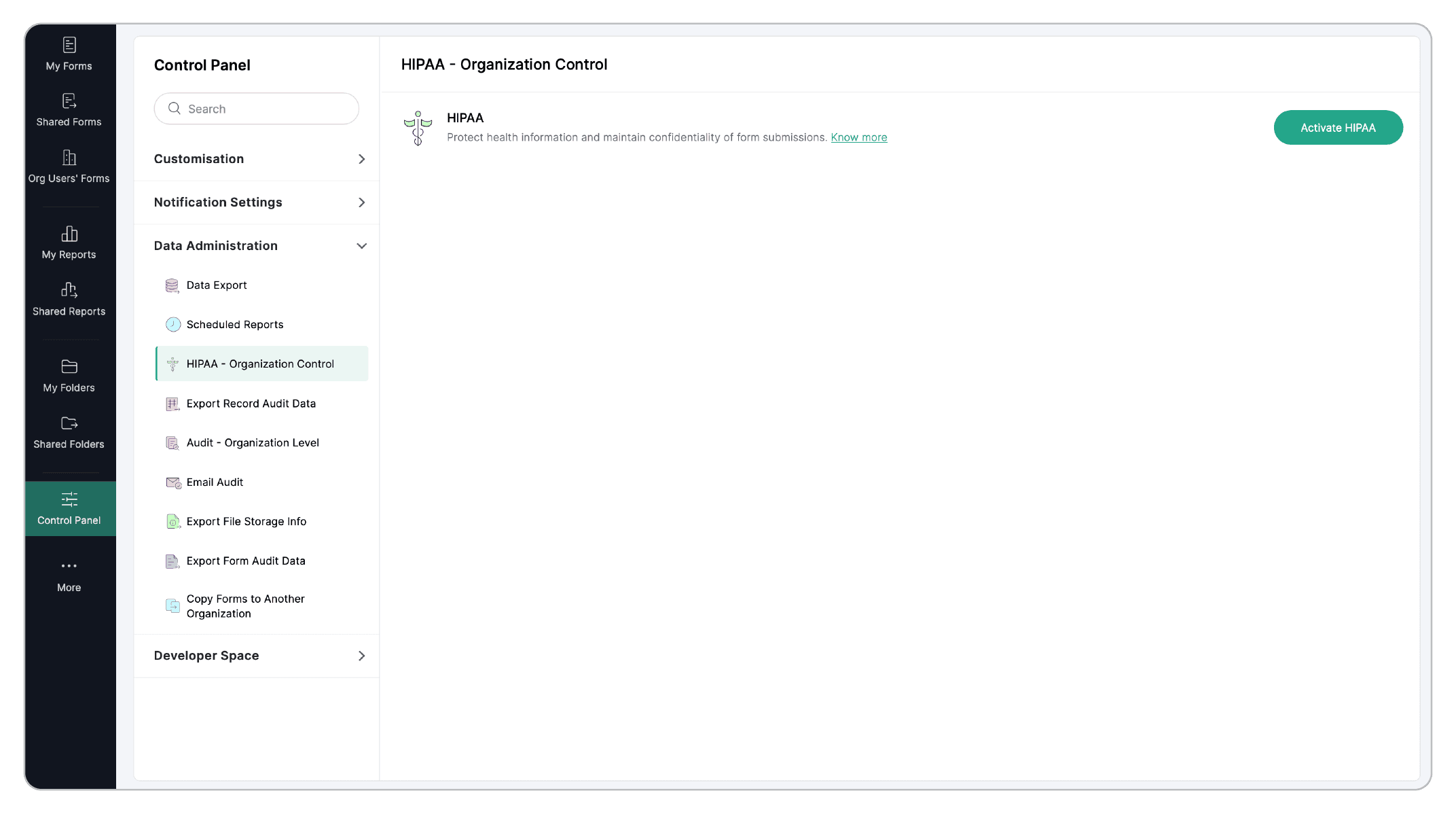
Step 3: Enable HIPAA compliance on each form that handles PHI
For every form that will collect health information, enable HIPAA-compliant security protection (Settings → Compliance & Audit → HIPAA and select Yes). This makes the ePHI field marking option available within that form.
Decide whether to allow ePHI data to be transmitted to external apps. If unsure, disable this initially.
Step 4: Identify and mark all ePHI fields
For each sensitive field collecting PHI - names, dates of birth, diagnosis codes, insurance IDs, medication lists, addresses, contact information, open Field Properties and select Mark as ePHI (HIPAA). The field will be encrypted immediately.
Step 5: Add a Terms & Conditions consent field to every PHI form
Paste your HIPAA Notice of Privacy Practices into the field. Make acceptance required so that no submission is accepted without explicit, documented consent. The acceptance is stored with each record.
Have your compliance team or legal counsel approve the exact consent language before the form is shared.
Add the Zoho Sign field & collect legally binding e-signatures on healthcare forms
Consent forms, HIPAA authorization documents, discharge summaries, and telemedicine agreements all require a patient signature. The Zoho Sign field is a native Zoho Forms field that lets patients sign a legally binding document directly inside the form, no redirection, no separate signing link, no extra steps. The document is generated from your PDF template, pre-filled with the form data, and presented for signature on the spot.
Connect to your EHR or clinical systems
Connect forms to virtually any clinical system through Webhooks. On every form submission, Zoho Forms fires a Webhook containing the form data as a structured JSON payload to the endpoint you specify. Completed patient intake records, consent forms, and insurance verifications reach your clinical system within seconds of submission.
We follow the https protocol during our communication with third parties. For transactions that involve sensitive data and use cases, we use asymmetric encryption, which utilizes a system of public and private keys to encrypt and decrypt data.
Note: Form Encryption cannot be configured for HIPAA-enabled forms and vice-versa.
Healthcare form templates
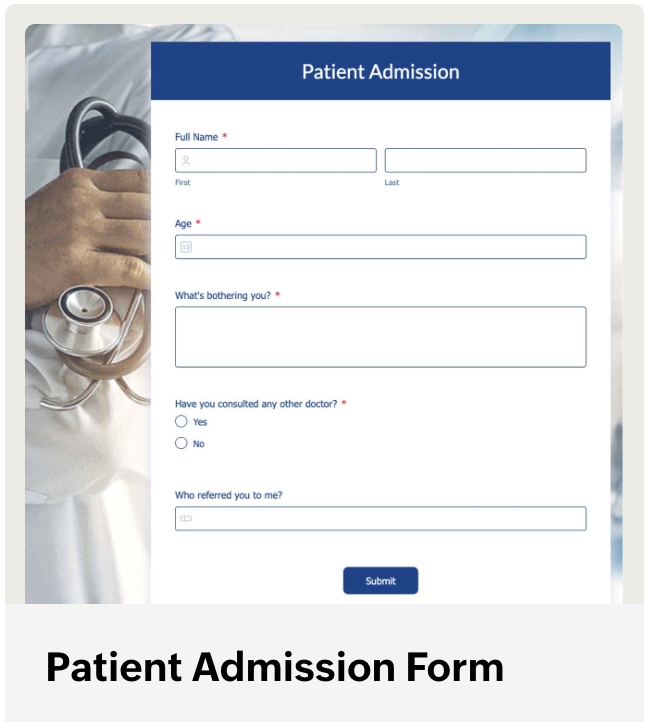
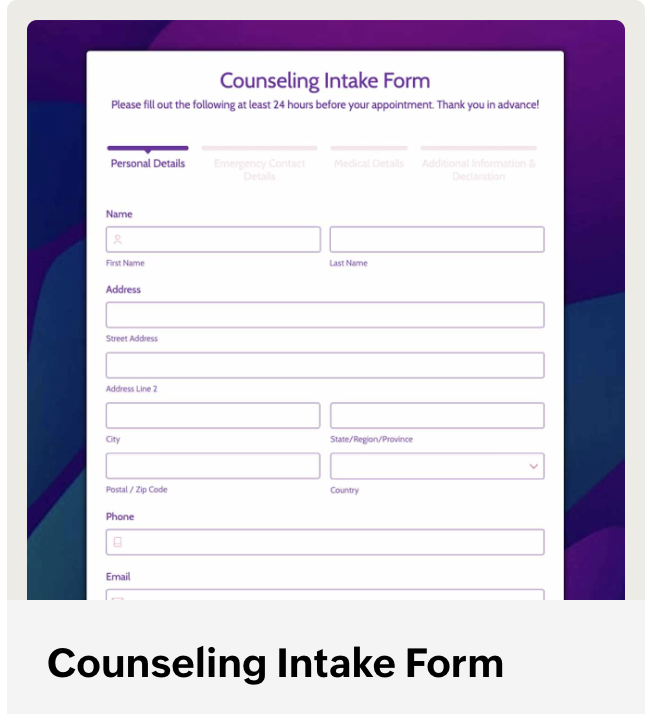
Explore all healthcare templates
Frequently asked questions
1. Does Zoho Forms sign a Business Associate Agreement (BAA) for HIPAA?
Yes. Zoho will sign a BAA before any PHI flows into your Zoho Forms account. Email legal@zohocorp.com to request the BAA template. The BAA must be fully executed, signed by both parties before you activate HIPAA mode or collect any Protected Health Information. Collecting PHI without a signed BAA is a HIPAA violation regardless of any technical controls in place.
2. What encryption does Zoho Forms use to protect ePHI?
Zoho Forms uses AES-256 encryption at rest for all fields marked as ePHI. All data in transit between patient devices and Zoho Forms servers is protected using TLS 1.2 or higher. This applies to form submissions, file uploads, and any data passing through Zoho's infrastructure.
3. Can Zoho Forms be used for patient intake forms in a hospital setting?
Yes. Zoho Forms is designed for this use case. With HIPAA enabled, you can collect patient demographics, medical history, insurance information, and consent, all with AES-256 field-level encryption. The Zoho Sign field handles patient e-signatures inline, removing the need for a separate signing platform.
4. How long does Zoho Forms retain audit logs for HIPAA compliance?
Zoho Forms retains record audit logs for 90 days, after which they are automatically deleted.
5. Does Zoho Forms work offline for home health and field care settings?
Yes. Zoho Forms works on all devices and supports offline data collection, critical for field nurses, home-care workers, and rural clinicians.