









Keep your business tools perfectly in sync with finance automation

Connect your accounting, payment, and billing tools and automate the work between them. One workflow handles it every time.

Start for free
Finance workflow automation

TRUSTED BY BUSINESSES WORLDWIDE

  • Bosch logo
  • Syncify logo
  • Innoliving logo
  • SHARC Energy logo
  • Knight Frank logo
  • Alps logo

Bring your disconnected finance tools into one unified system

Disconnected finance tools

Problem

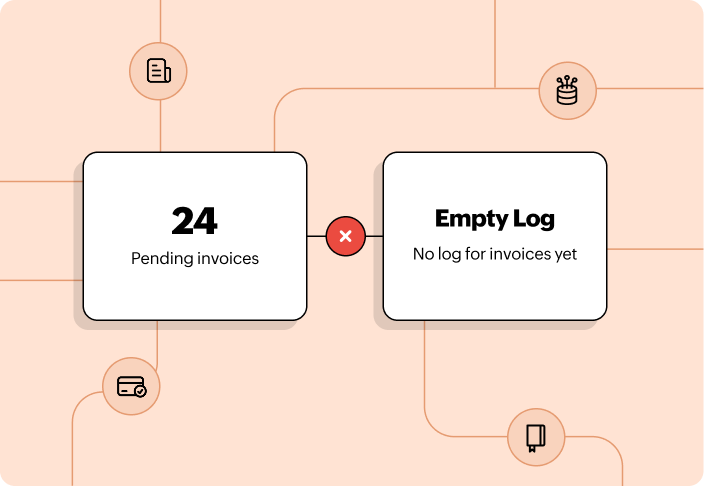
Your accounting, payment, and billing tools each do their job well. But they don't share data with each other. When a payment comes in, someone has to update the invoice, log it in the books, and notify the right person, all by hand.

Manual finance work slowing teams down

What it costs you

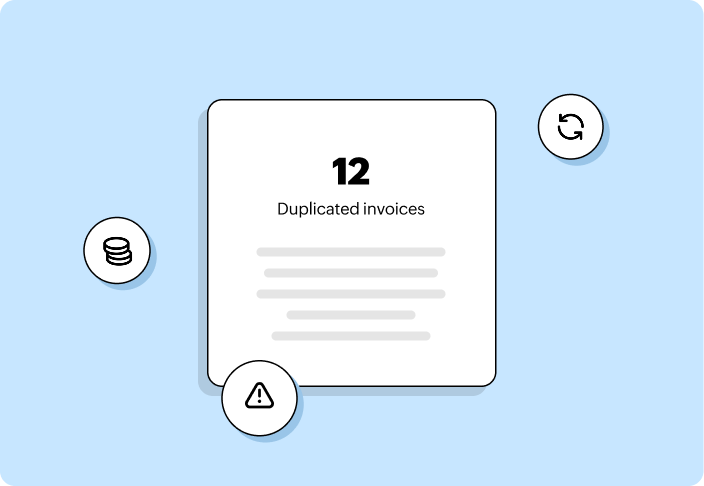
Disconnected tools mean duplicate entries, missed updates, and records that are never quite in sync. Your team spends time on data movement instead of actual finance work, and errors creep in every time a step gets skipped.

Unified finance workflow automation

How Zoho Flow helps

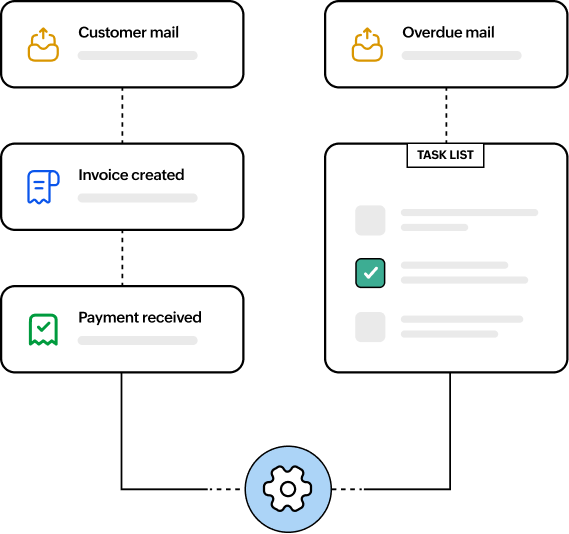
Zoho Flow helps you connect your accounting, payment, and billing tools and automate the steps between them. When a payment is received, your invoice updates, your books reflect it, and your team gets notified, without anyone doing it manually.

What finance automation looks like in real business

Invoicing

Invoices go out the moment a transaction happens

When a payment is confirmed in Stripe or a new order is placed, an invoice is created in Zoho Books and sent to the customer automatically. This means no one has to log in and create an invoice by hand every time.

Overdue invoices get followed up on automatically

When an invoice crosses its due date in Xero or FreshBooks, a follow-up email goes out to the customer without the need for manual intervention.

Your records update the moment an invoice is paid

When a customer pays you, the invoice status updates in Wave, and the relevant records are synced.

Invoicing automation

Payments

Every payment gets recorded where it needs to be

When a payment comes in through Stripe, the transaction is logged in your accounting tool and your finance team gets notified immediately.

Failed payments get flagged automatically

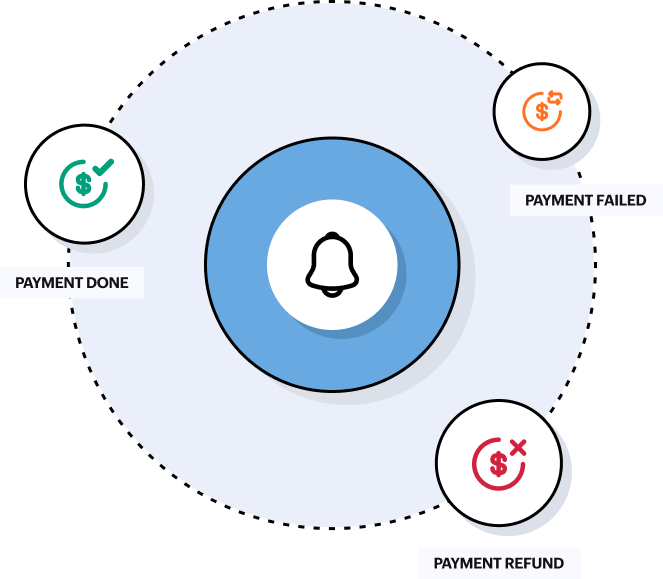
When a payment fails in PayPal, the customer gets notified and your team gets an alert. You don't find out about it days later when someone checks the dashboard.

Refunds and chargebacks are handled without manual tracking

When a refund is processed or a chargeback is raised in Razorpay, your accounting records are updated and your finance team gets notified automatically.

Payments automation

Subscriptions and billing

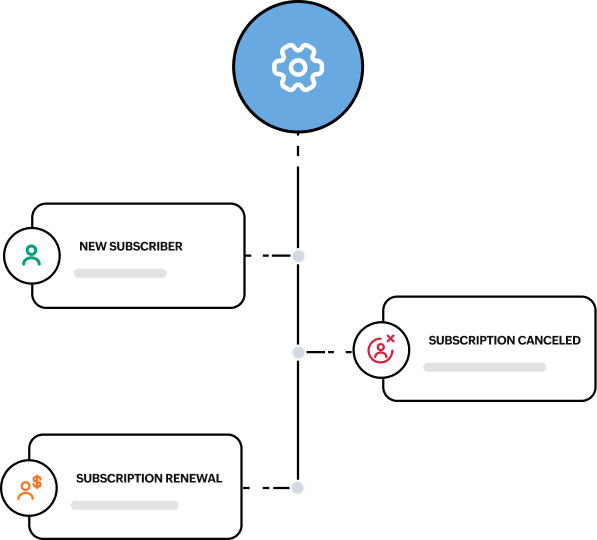
New subscribers get set up without manual processing

When someone signs up through your website, a subscription is created in Zoho Billing and a welcome email goes out automatically. Your team doesn't have to process signups one by one.

Renewals and billing cycles run on schedule

When a subscription is due for renewal, the billing cycle runs and the customer gets notified automatically.

Cancellations are handled end to end without manual steps

When a customer cancels, their subscription is updated, access is adjusted, and your finance records reflect the change within seconds.

Subscriptions and billing automation

Expense management

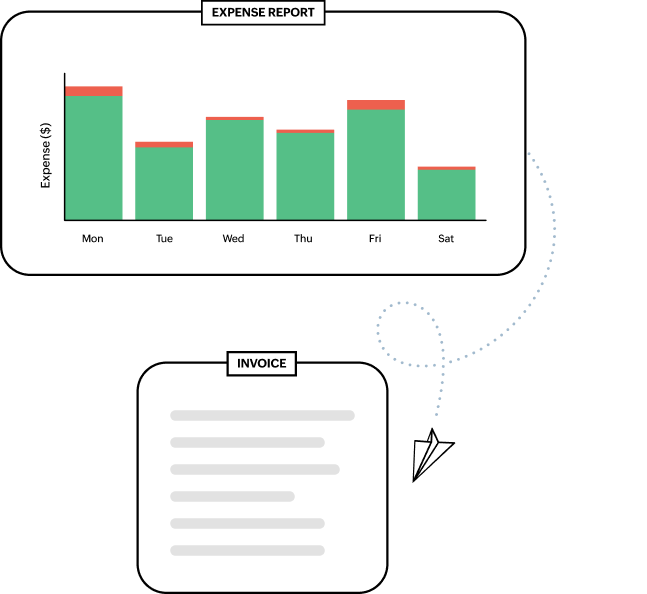
Expense reports reach the right person without any follow-up

When an expense is submitted in Zoho Books, it gets routed to the approving manager automatically. Requests don't sit waiting for someone to notice them in their inbox.

Approved expenses move to your accounting tool without re-entry

Approved Zoho Books expenses push straight to QuickBooks without anyone needing to copy and paste data between tools.

Your team gets reminded before expense deadlines pass

Anyone who hasn't submitted their expenses by the deadline gets a reminder in Slack automatically.

Expense management automation

Pros of automating your finance operations

No manual data entry

Every payment, invoice, and expense update moves across your tools automatically. Data flows from one system to the next without anyone re-entering it, which means no duplicate records and no missed transactions.

“Zoho Flow has been a game changer for us, providing instant and accurate data that keeps us on top. It's like a coach for our agents, quickly briefing them on their goals—and that's turbocharged our sales by 50%. It doesn't sweat dealing with 60,000+ daily triggers from Upya and 5,000+ Mobile Money transactions.”

Ben Walwyn
Ben WalwynCTO, Yellow Africa

Faster invoicing and payment cycles

Different stages of the billing cycle move forward on their own once the workflow is set up. Invoices, confirmations, and follow-up reminders are sent on time without your team having to track each step manually.

Your financial data stays secure

Every workflow in Zoho Flow runs on encrypted connections, with data protected in transit and at rest. Compliance with GDPR, ISO 27001, SOC 2 Type II, and HIPAA is built in, so finance teams in regulated industries can automate without compromise.

Scales without adding headcount

As your transaction volume grows, automation handles it. Your finance team can take on more without the workload growing with it and without needing to bring in more people just to keep up.

“The time and resources it saved us compared to building custom integrations is enormous. Zoho Flow has truly been a game changer for us.”

Mauricio Cacciavillani
Mauricio CacciavillaniFounder and CEO, ComparaSoftware

Every team stays in sync

Everyone working on finances, operations, and reporting sees the same data without waiting for someone to update them. No version is mismatched, so there's no confusion across teams, and everyone can move forward with clarity.

  • agiled
  • billomat
  • expensify
  • freshbooks
  • Zoho Books
  • Zoho Expense
  • sap
  • splitwise
  • checkout
  • practice
  • stripe
  • xero
  • Wave
  • teamleader
  • bexio sherpa

Frequently asked questions

1. Do I need technical knowledge to set up finance workflows in Zoho Flow?

No. Zoho Flow's visual builder is designed for non-technical users. You can connect your accounting, payment, and billing tools and set up workflows without writing any code.

2. Which accounting and payment tools does Zoho Flow support?

Zoho Flow supports a wide range of tools, including Zoho Books, QuickBooks, Xero, FreshBooks, Stripe, PayPal, Razorpay, Zoho Billing, Chargebee, and more. You can see the full list on the accounting integrations page.

3. What happens if a workflow fails mid-run?

Zoho Flow logs every workflow run with detailed error information so you can identify what went wrong and where. You can review the logs, fix the issue, and rerun the workflow from the point of failure.

4. Can I automate workflows between Zoho and non-Zoho tools?

Yes. Zoho Flow connects both Zoho and third-party tools in the same workflow. You can build automations that span Zoho Books, Stripe, Slack, Google Sheets, and any other supported app in a single flow.

5. How long does it take to set up a finance workflow?

Most workflows can be set up in minutes using prebuilt templates. For custom workflows with conditional logic or multi-step actions, setup typically takes under an hour without any technical help.

6. Can Zoho Flow handle finance automation for teams across multiple locations?

Yes. Zoho Flow is built for organizations of all sizes, including those with finance teams spread across multiple offices, regions, or countries. You can create separate workflow folders for different teams or locations, set role-based access controls, and run automations that connect the tools used by different regional finance teams. Zoho also has data centers across the world to support data residency requirements and provide an additional layer of security.