Securing remote teams without slowing African SMEs down
For a services SME in Nairobi, hiring beyond your city meant hiring beyond your budget, but remote work has changed the rules. Now, a business can easily add a developer in Kisumu, a designer in Lagos, or an accountant in Mombasa, all without opening a single office.
But this new flexibility brings new risks. Kenya's National KE-CIRT/CC found 3.3 billion cyber threats between January and March 2026, targeting the very devices, cloud accounts, and web apps that distributed teams rely on. The first reaction is often to lock everything down, but that can slow your business with VPN bottlenecks, password resets, and pending approvals.
Fortunately, you don't have to pick between security and speed. With the right order of controls, you can keep your remote SME safe without slowing anything down.
Why secure and fast feel like opposites
Most of the things people blame on security come from security being added as an afterthought. When you layer on a VPN that sends every request through a single bottleneck, create approval steps with no clear owner, or make employees remember different passwords for different tools, it creates friction. Modern identity solutions with single sign-on and multi-factor authentication remove that friction. Tools like Zoho OneAuth help people sign in securely.
Look at where breaches actually start: The 2025 Verizon Data Breach Investigations Report found that people remain the biggest security risk, with the human element involved in around 60% of breaches. Stolen credentials accounted for 22% of breaches, while phishing was responsible for 16%.
A slower VPN doesn't stop any of that. Today's biggest risks come from compromised identities. That's why a single verified sign-on is both faster and safer than juggling five passwords in a notebook.
"Zoho is on the cloud, and there is no need to connect to a VPN to work remotely. With just a laptop with an internet connection, you can access any app anywhere, anytime. This helped us reduce costs, and we didn't need to invest much in the infrastructure to enable the staff to work from home.”
— Omar Elfatatry, IT & E-Commerce Director, Town Team
The three layers that protect a distributed team
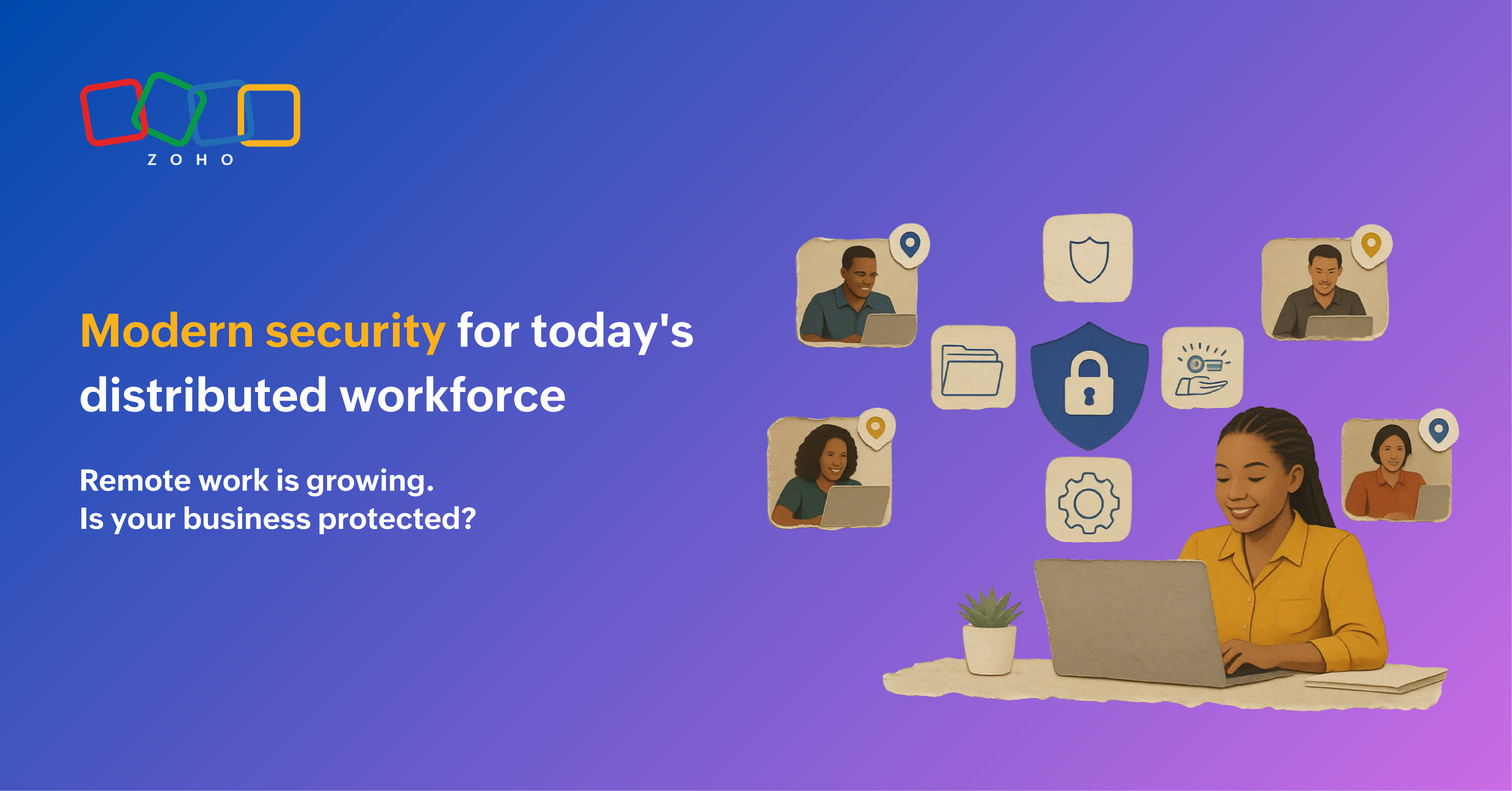
Think in three layers: identity, device, and data. Each adds protection and removes a step people already dislike.
Identity comes first because credentials are what attackers are after. Start by enabling multi-factor authentication (MFA) for email and every business app. Then add single sign-on (SSO), so one verified login gives employees secure access to everything they need. When someone joins or leaves the company, you grant or revoke access once instead of updating every application individually. A unified suite like Zoho One simplifies this by bringing identity, MFA, and app access into a single admin console, so onboarding a new hire in Eldoret takes minutes, and off-boarding is as simple as disabling their account from a single admin console.
Device security is the layer many teams skip and regret. Every laptop and phone that accesses company data should have disk encryption enabled and receive security patches on a regular schedule for critical vulnerabilities. A lightweight mobile device management (MDM) solution can automate updates, enforce security policies, and remotely wipe a lost or stolen device. All it takes is one laptop left in a Matatu to turn a normal workday into a security incident.
Data security is about controlling who can access what. Give employees role-based access, back up critical data automatically, and store files in a system that logs who accessed what and when. If a regulator comes calling, that audit trail gives you answers in minutes instead of days.
Securing your team is only the first step. Hiring across borders also brings payroll, tax, and employment law considerations alongside security. These become increasingly important as distributed teams grow across multiple regions.
"Security isn't just about preventing cyberattacks anymore. As African SMEs grow across borders, it's also about proving to customers and regulators that sensitive data is being handled responsibly. The businesses that build these practices in early will find it much easier to scale with confidence."
— Veerakumar Natarajan, Regional Head - East Africa, Zoho
Staying on the right side of POPIA and Kenya's Data Protection Act
Kenya's Data Protection Act 2019 requires organisations to implement appropriate technical and organisational measures to protect personal data, and it allows the Office of the Data Protection Commissioner to impose fines of up to KES 5 million or 1% of annual turnover. It has issued penalty and compensation orders through 2025. The three security layers above align closely with the practical measures the Act expects organisations to implement.
If your business also operates in South Africa or processes personal data there, POPIA imposes similar obligations. Section 19 requires organisations to implement appropriate technical safeguards and regularly test their effectiveness. Non-compliance can attract administrative fines of up to R10 million.
For a deeper look at privacy documentation requirements across African markets, see our guides to POPIA and NDPR and the Kenyan SME compliance landscape.
Whether you're complying with Kenya's Data Protection Act or expanding into other African markets, the practical steps remain largely the same. Start with the fundamentals that improve security without slowing your team down.
A no-slowdown security checklist for remote-first SMEs
Work through this in order. Each item cuts risk without adding daily friction.
- Turn on MFA for email and every business app, even for founders.
- Set up SSO so employees log in once and access everything they need for the day.
- Write a one-page joiner and leaver process, so you'll have access granted and revoked in one place.
- Require disk encryption on every device that touches company data.
- Enrol devices in MDM so you can push updates and wipe lost tech.
- Grant access by role and review it.
- Back up automatically, then test that you can actually restore.
- Keep an access log so you always know who saw what.
None of this needs an enterprise budget. Running it on one platform like Zoho One, rather than stitching separate security tools together, is how a small team covers most of this list without a dedicated security hire. It also lets you scale securely without rebuilding your IT stack later, and it's a practical way to stay secure and compliant without high IT costs.
Every SME secures remote work a little differently. What's the one security habit or tool you wouldn't run a distributed team without? Let us know in the comments below.
FAQs
Does adding MFA and device controls actually slow my remote team down?
No, not once they're set up. While MFA adds a few seconds at login, SSO saves far more time than that by ending repeated passwords and resets. The slowdown people fear comes from bolted-on tools and manual approvals, not from identity and device controls.
How does Zoho help a small African business secure a remote team affordably?
Zoho One puts identity, MFA, single sign-on, file storage, and device policies in one admin console at a single per-employee price, so you configure security once instead of connecting separate products. For an SME with no dedicated security team, most of the checklist above is built in rather than bought piece by piece.
What happens to company access when a remote employee leaves?
With a centralised identity system, access can be revoked from a single admin console instead of logging into each application separately. Disabling a user's account immediately removes access to authorised business apps, reducing the risk of former employees retaining access to company data. Using SSO and MFA also makes onboarding and off-boarding faster, more secure, and easier to manage across distributed teams.