Summary
The packages created in Zoho POS can either be shipped manually or with the help of a shipping channel or carrier. Ideally, this consists of numerous steps. First, a package has to be created in Zoho POS, followed by creating a shipment in subscribed the shipping channel. This becomes a hassle to create and track the shipments, as it involves switching between two different applications (Zoho POS and Shipping Channel e.g. UPS). Integrating Zoho POS and the Shipping Channel helps you create and track a shipment right from Zoho POS.
There are two types of integration:
Direct Integration
Platforms integrated via Easypost
Direct Integration
Zoho POS offers an out-of-the-box integration with UPS and USPS. If you already have an account, simply enter the credentials and synchronize the two.
Integrating with UPS
To integrate UPS with Zoho POS, you need the following:
An existing UPS account
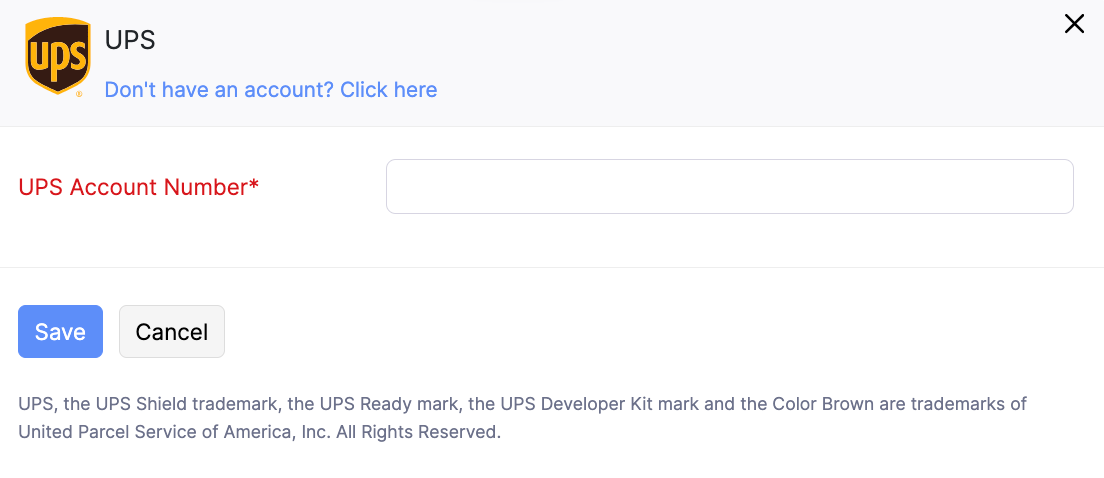
UPS Account Number
Details of any one of the invoice that is generated in the last 90 days
If you do not have a UPS account, you can create one and specify the account number for integration. Before you complete the integration, please read the UPS terms of service.
To integrate with UPS
Go to Settings > Integrations > Shipping.
Click Set up Now in the UPS section.
Enter the UPS Account Number.
Enter UPS invoice number, date, amount, and control ID, if applicable.
Click Change Address to add a new address.You can click the Edit icon to modify the address specified.
Click Save and Continue.
Read the terms of service and click the Agree to the Terms of Service button.
Integrating with USPS
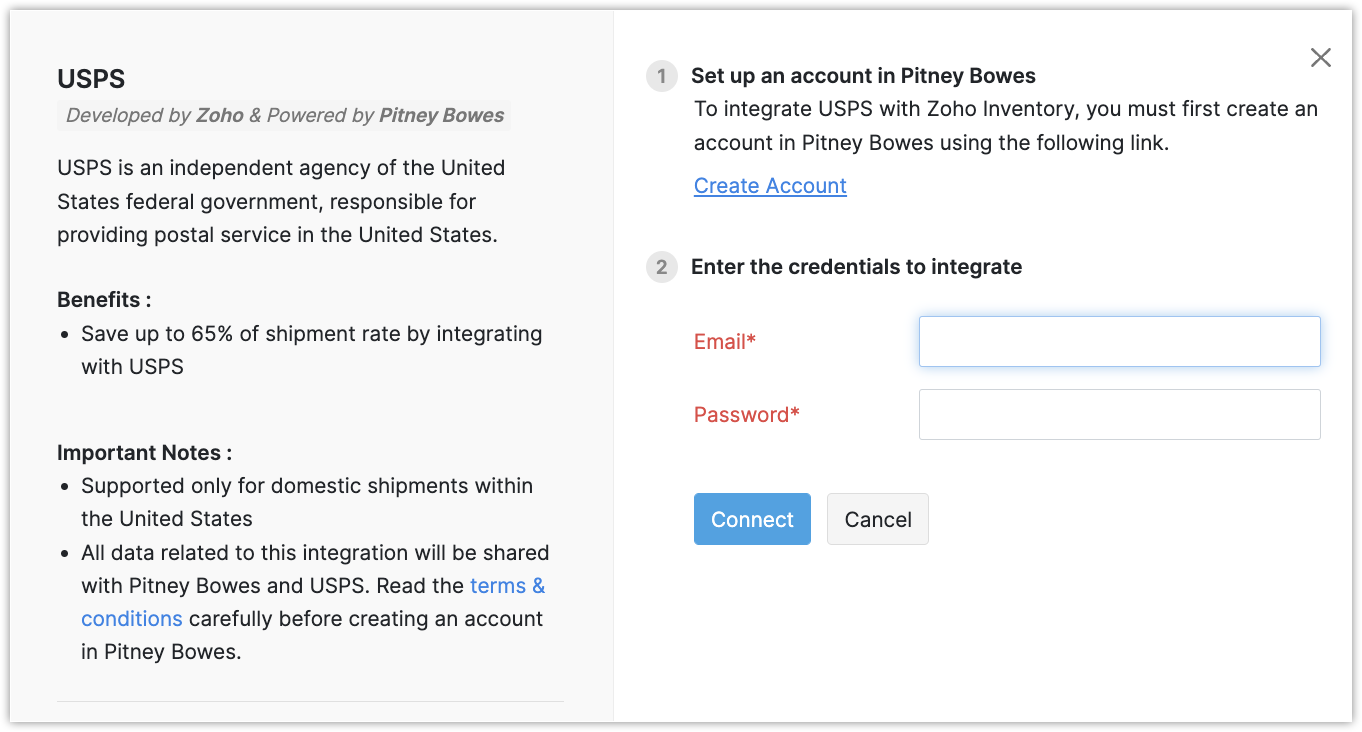
USPS powered by Pitney Bowes is an independent agency of the US federal government responsible for providing the postal service in the United States. In order to integrate USPS with Zoho POS, you need an account with the USPS.
To integrate with USPS
Go to Settings > Integrations > Shipping.
Click Set up Now in the USPS section.
Click Create Account if you do not have an account.
Enter the Email and Password and click Connect.
Carriers integrated via Easypost
Easypost is a third-party shipping service provider that integrates with various shipping carriers around the world, such as Aramex, FedEx, Amazon MWS, and DHL Express. Before integrating, you need to have an account in any one of the shipping channels that are supported in Easypost.
To integrate with platforms supported by Easypost
Go to Settings > Integrations > Shipping.
Navigate to the appropriate Shipping Channel in the Platforms Integrated via easypost section and click Set up now.
Enter the required information and click Save.
Edit Integration
The credentials specified while integrating a shipping channel can be modified by clicking the Edit button.
For example, you might have changed the password for the shipping channel's account. To update the password in Zoho POS, you can use the Edit option and modify the credentials.
Delete Integration
The integration can be deleted by clicking the Delete button next to the Shipping Channel. Once deleted, a package can't be shipped using the deleted channel.