
Add as administrator
To add admin:
- If the required user has already been added then
- Click on the Users option under the Manage section in the left pane.
- The list of users will be displayed.
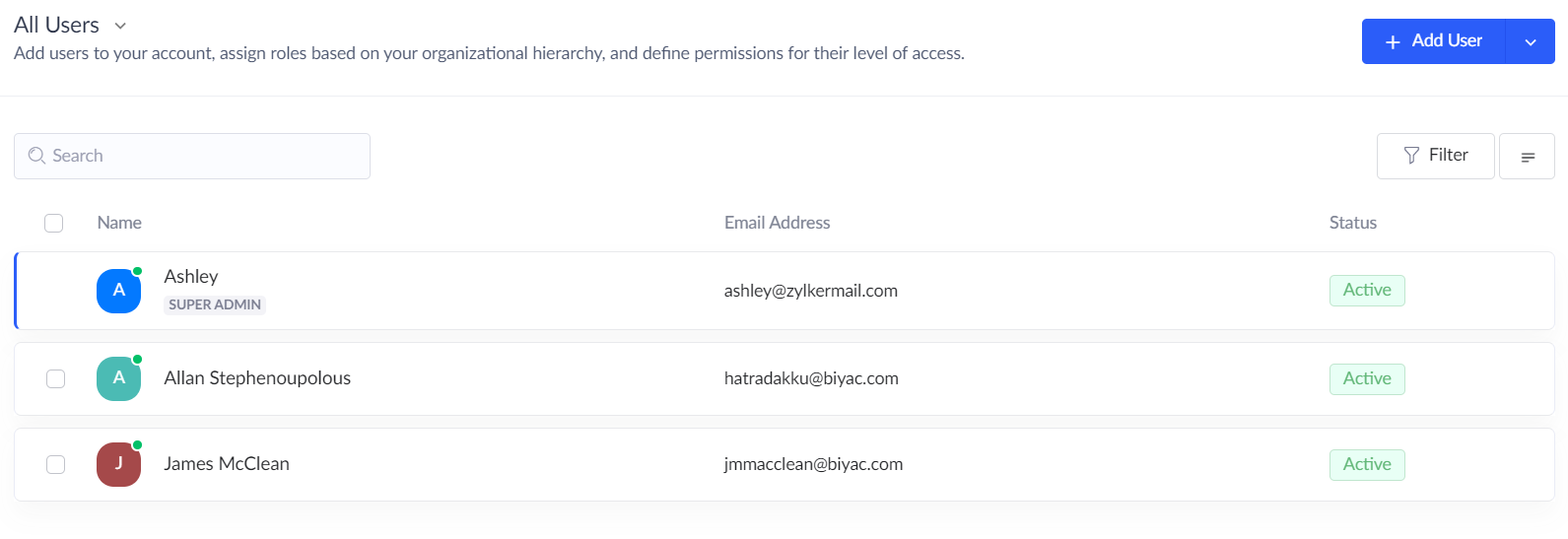
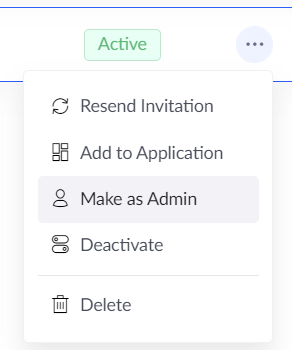
- Navigate to the specific user and click the More button adjacent to their name.

- In the drop down list choose Make as admin option.
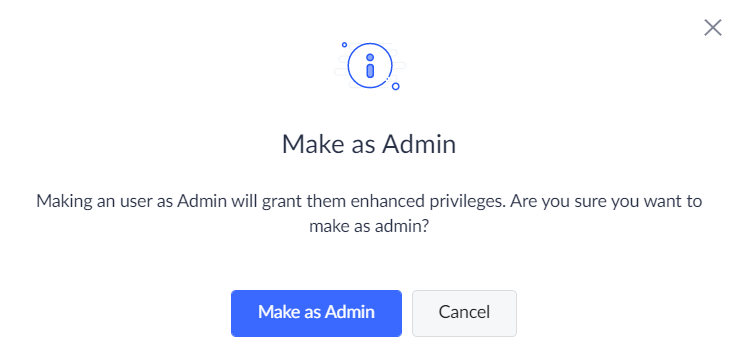
- In the popup, click the Make as admin button.
- In the user listing page the designation Administrator designation will be displayed along with the user's name
- If the required user has not been added then
- Click on the Users option under the Manage section in the left pane.
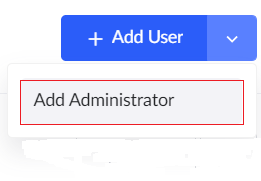
- Click the down option next to the Add Users button. In the drop down select Add Administrator.
- Enter the name, email address and other details of the administrator.
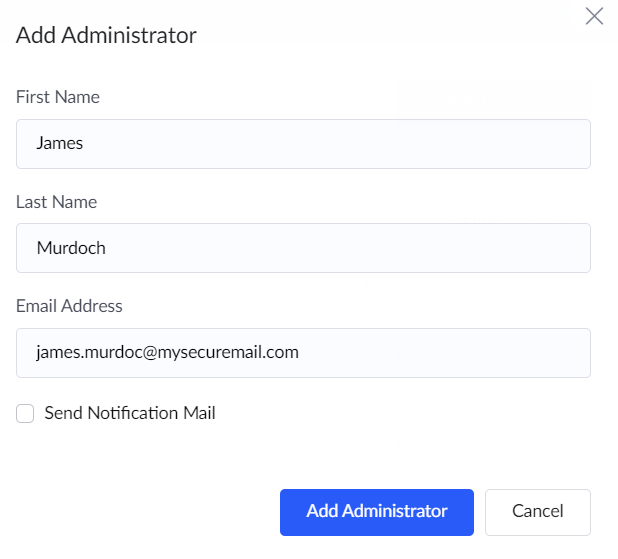
- Click on Add administrator.
- Now in the user listing page the user will be listed along with the designation Administrator.
