
Create a new GitHub repository
To host the files of the Cat.ly application, create a new Git repository.
- Open GitHub and click New under Repositories in the console. If you don't have a GitHub account, sign up for it and log in.
- Enter a name and optional description, and configure other requirements as needed. Click Create Repository.
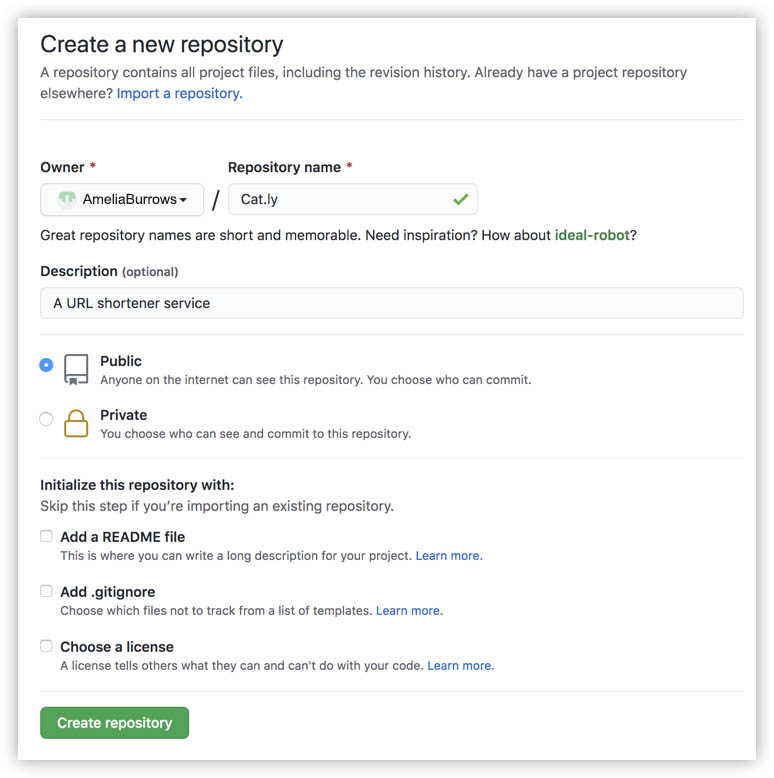
Note: You don't need to create a .gitignore file, as you copied it from Cat.ly's source code while working with the primary tutorial.