
Create a Cache Segment
Let's now create a cache segment in the Catly project. The cache segment is used to store the original URL and its short ID for easier access.
To create a cache segment:
- Navigate to Cache under Develop.

- Click Create Segment in the Segments page.
- Enter the Segment Name as "shortUrl" in the pop-up window.
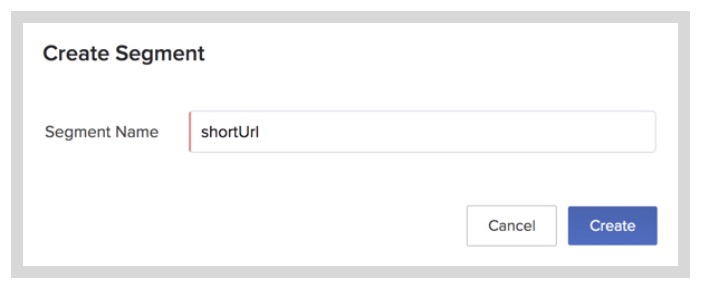 Note: Ensure that you enter the name exactly as instructed, because the application's code that you will download from the GitHub repository contains the same name.
 - Click Create.
The segment is created and listed in the Segments page.
When a URL is shortened by the user, the original URL and its short ID are automatically populated as a cache item in the form of a key-value pair. The short ID is the key, and the value contains a string of details like the original URL, short ID, and the table details.
You can learn more about cache segments and cache items from the Cache help page.