Create a Project
Let's create a Catalyst project from the Catalyst console.
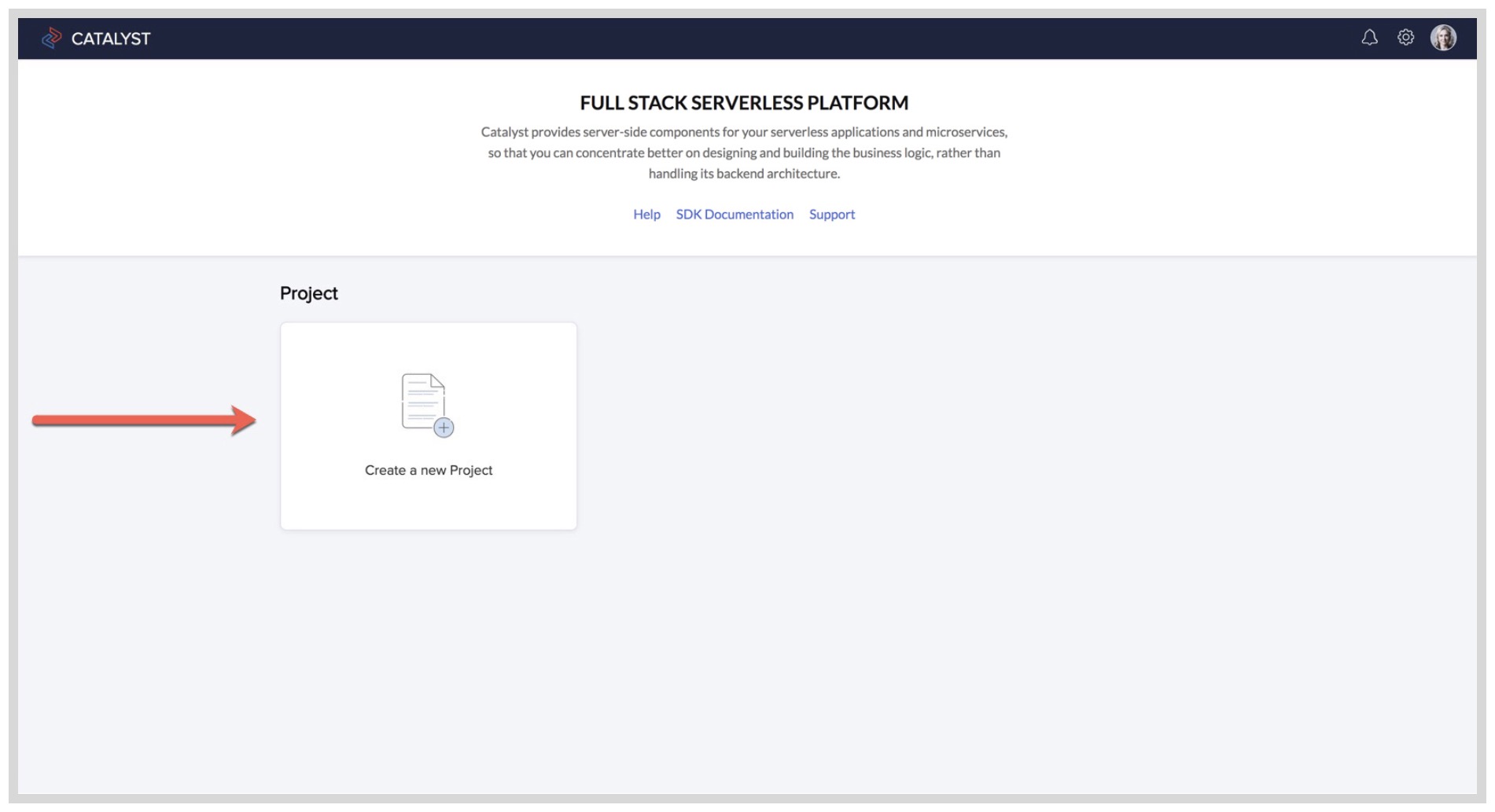
- Log in to the Catalyst Console and click Create a new Project.
- Enter the project's name as "Catly" in the pop-up window.
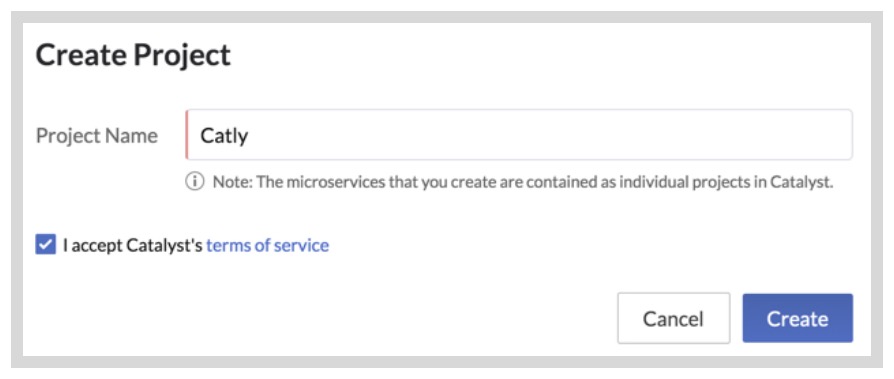
- Click Create.
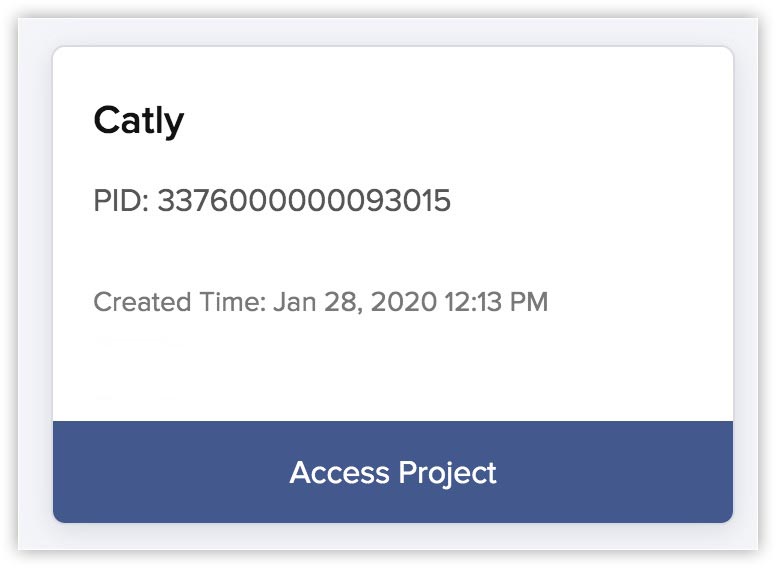
Your project will be created. You can open the project by clicking Access Project.