Introducing our new Branding feature

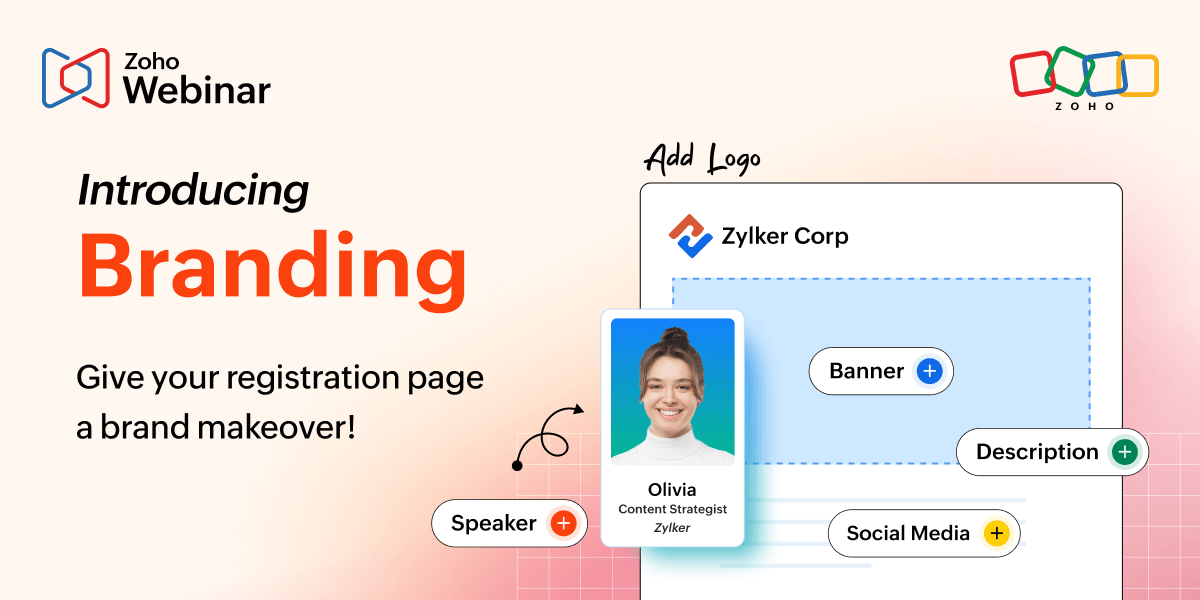
Imagine this: You're hosting a high-stakes webinar, pouring hours into perfecting your content and line-up. People start registering, but your generic registration page feels like every other event out there—it’s bland, forgettable, and totally off-brand. That's when Zoho Webinar's registration page branding steps in to make it all yours.
Zoho Webinar’s registration branding feature doesn't just collect emails, it captivates visitors and screams your brand from the first click. No more generic templates that blend into the noise. Now, you can personalize the entire registration experience by picking a layout, uploading your logo and banner, and spotlighting your guest speakers. It's like giving your webinar a custom suit before the show even starts.
Why branding matters
A branded registration page instantly boosts credibility and sets expectations. It reinforces your company's identity with logos, button colors, and layouts that match your style, turning a simple form into a professional touchpoint.
- This consistency across emails, forms, and pages helps attendees recognize and trust your brand from the first click.
- Marketers see higher engagement, up to 20% to 30% more registrations when pages feel custom and polished.
Key benefits
Visual polish: Logo and banner make your page instantly recognizable.
Speaker spotlight: Detailed profiles build credibility and excitement.
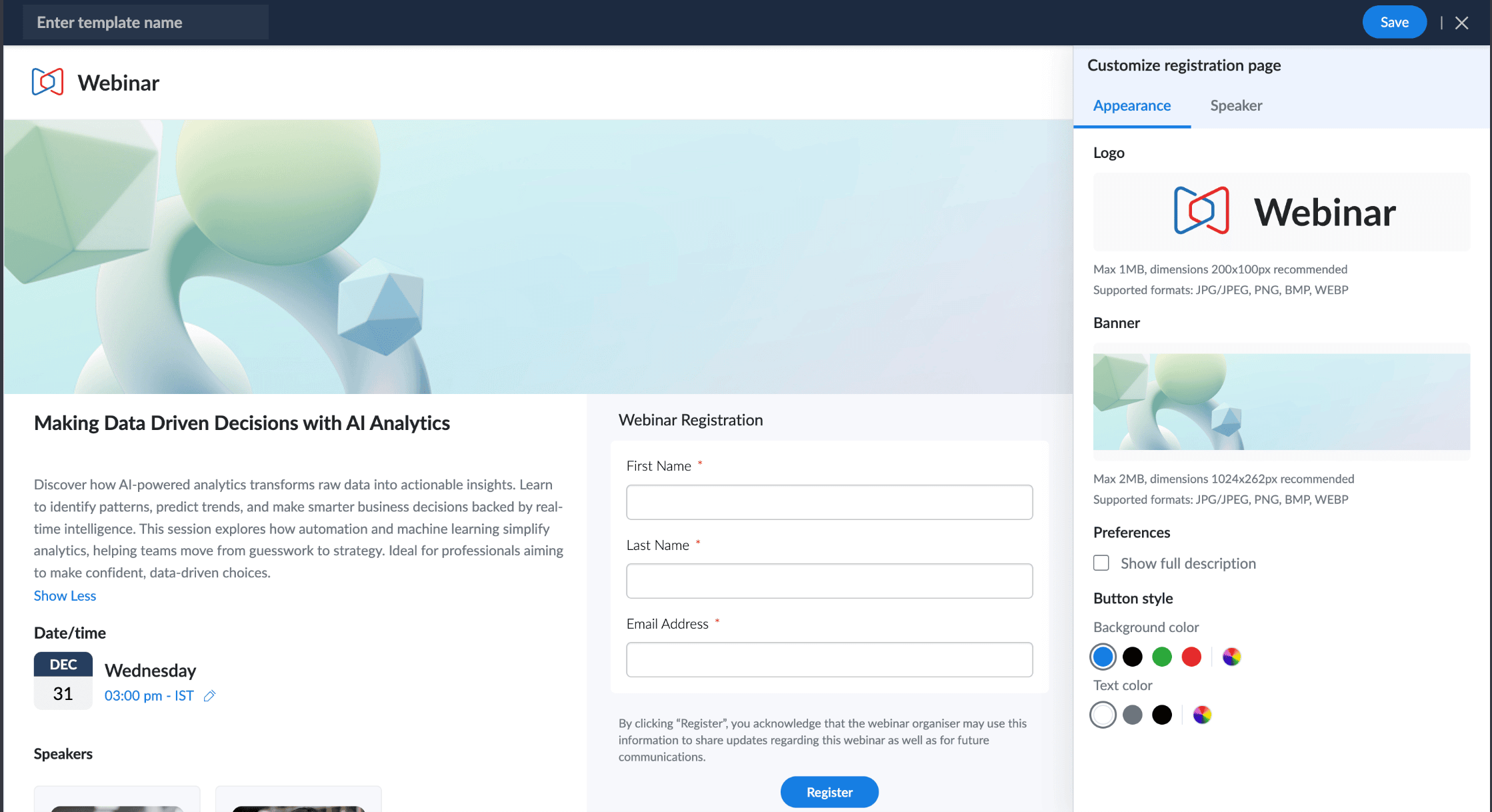
Flexibility: Four layouts, color-custom buttons, and description toggles fit any vibe.
Efficiency: Reuse templates across events; add or edit up to 15 speakers effortlessly.
Seamless sharing: Ready-to-promote pages boost attendance via campaigns.
These are available right in the registration tab, no coding expertise needed.
Registration page tips
Zoho Webinar now offers registration Branding to make your registration pages pop. Why settle for default when you can own the experience?
Under Branding, choose from a default-editable template, saved ones via Select Template, or new ones via Create Template with layouts.
Customize layouts with your logo, banners, and button colors directly in the registration tab.
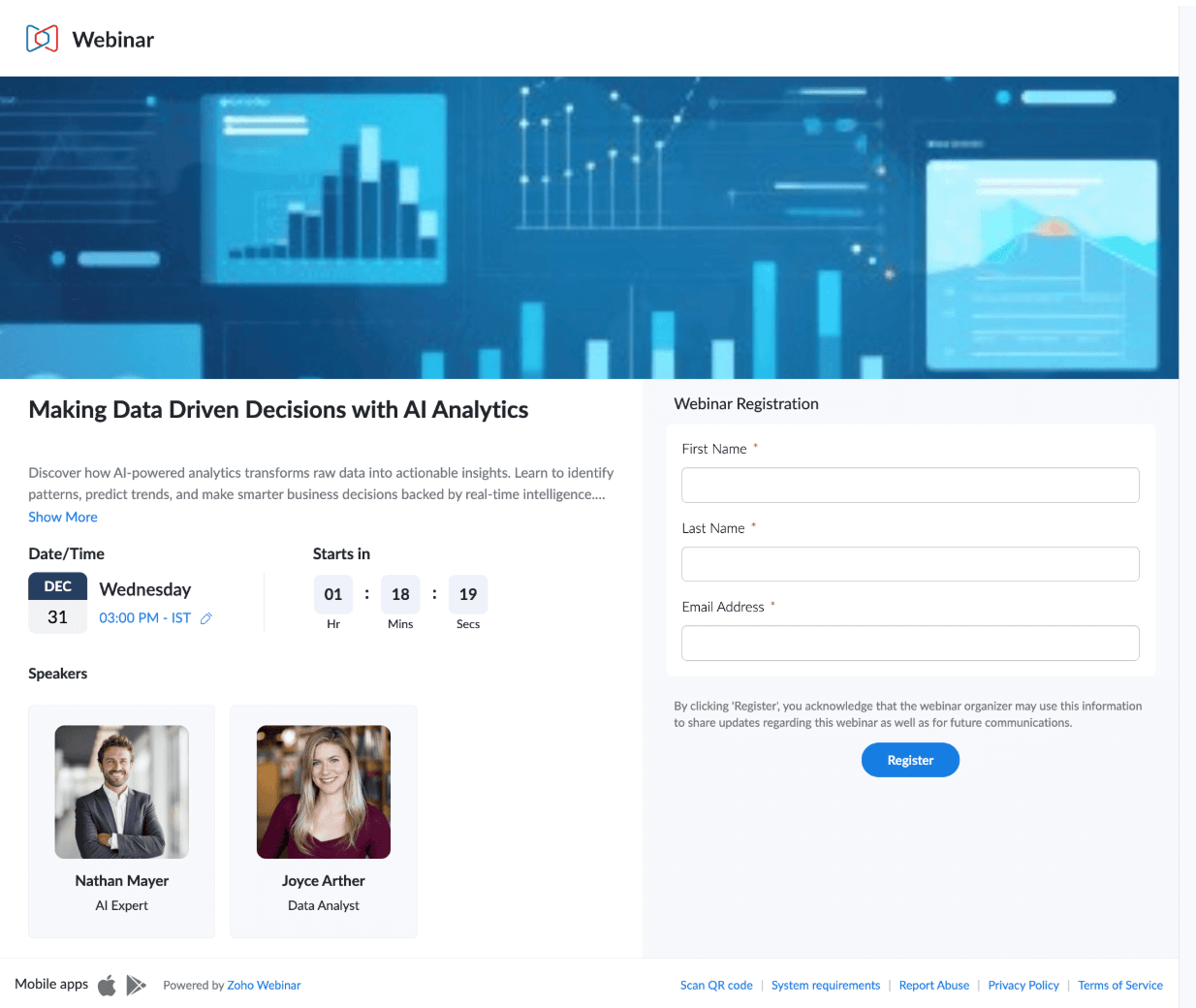
Speaker tabs can let you add up to 15 speakers with names, images, bios, social media links.
Add custom fields like industry, region, and more while embedding subtle CTA colors that match your site's style.
Use cases across industries
Marketing: Upload campaign banners and feature client speakers; prospects who register will feel it's tailored for them.
E-learning: Highlight instructors with bios and social media links; educators will see the expertise, boosting enrollments.
Technology: Brand with product logos, add development team speakers; this will turn sign-ups into qualified leads.
Healthcare: Use professional banners, doctor designations, and affiliations to build trust in sensitive topics.
Non-profits: Simple layouts with mission banners and volunteer speakers rally donors emotionally.
Final takeaway
Registration Branding isn't just a feature, it's your webinar's front door, designed to welcome, impress, and convert. Dive in today to create, customize, save, and share. Your next webinar deserves a page as standout as your content. Ready to brand your registrations?
If you’re not sure where to start, take a look at our help document. Or, if you prefer a quick call, write to us at support@zohowebinar.com and we’ll be in touch quickly!


Comments