Introducing Zoho PDF Editor Desktop App for Windows, Mac, and Linux

Edit your PDFs without handing them to the cloud, or worrying about the internet.
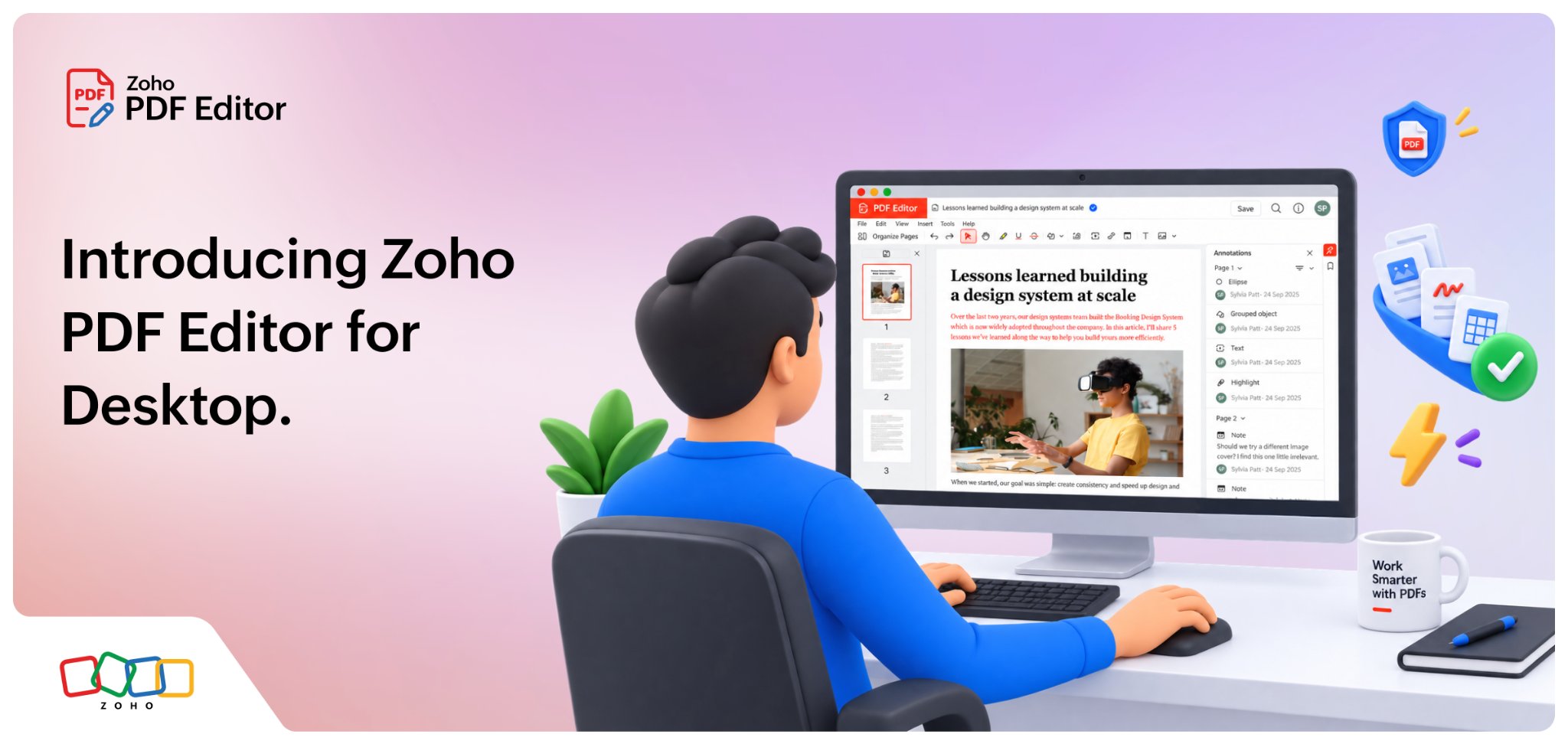
Zoho PDF Editor is now available as a free desktop app for Windows, macOS, and Linux. It edits, annotates, organizes, secures, compresses, and exports PDFs entirely on your computer. And it does all these with no account, no upload, or no internet connection.
Download Zoho PDF Editor for Desktop
Highlights of Zoho PDF editor desktop app
Everything you need to edit, review, organize, and secure PDFs from your desktop.
Edit PDF content
Edit text
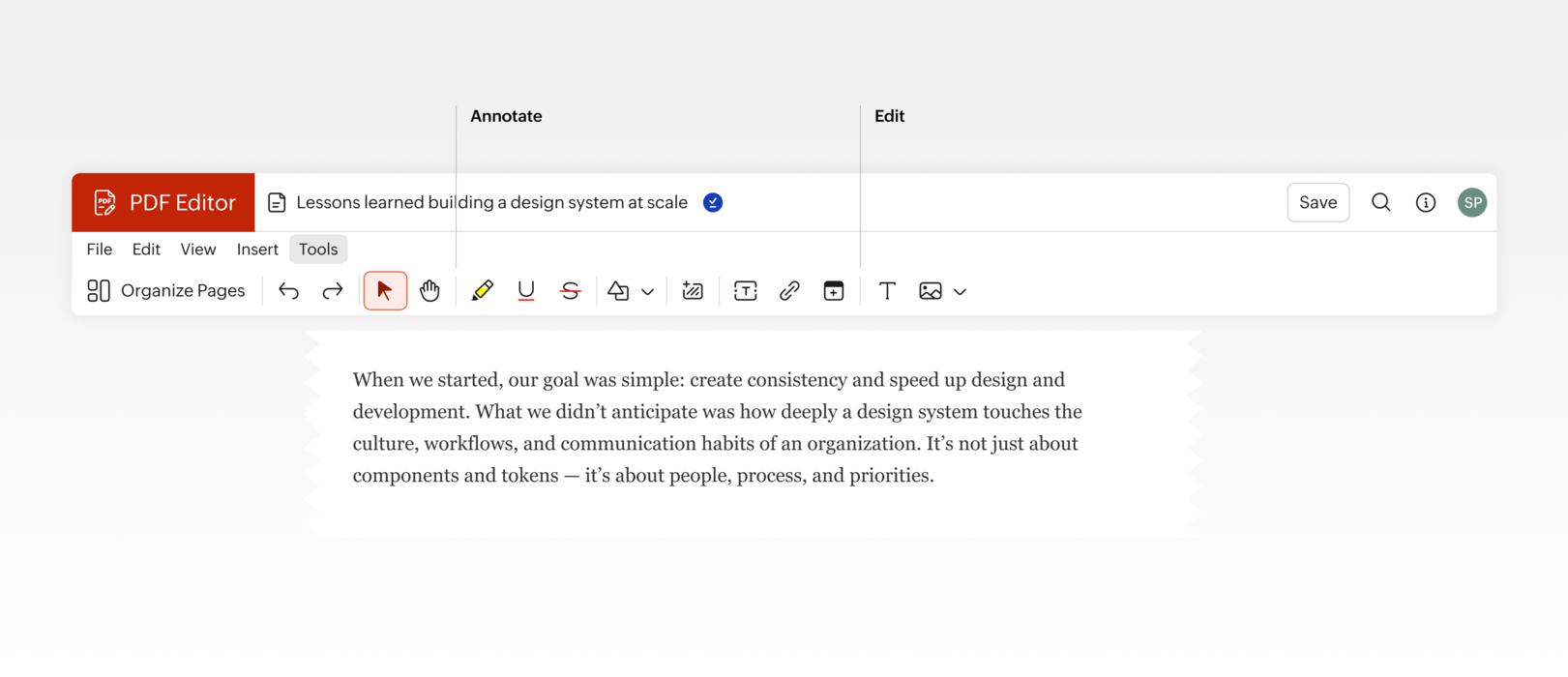
Add text via text boxes; whiteout, highlight, or underline text to edit the content on your PDFs.
Add images and shapes
Insert and resize images, draw shapes, and more easily.
Insert barcodes and QR codes
Add barcodes or QR codes at the required position.
Review PDFs
Add comments and notes
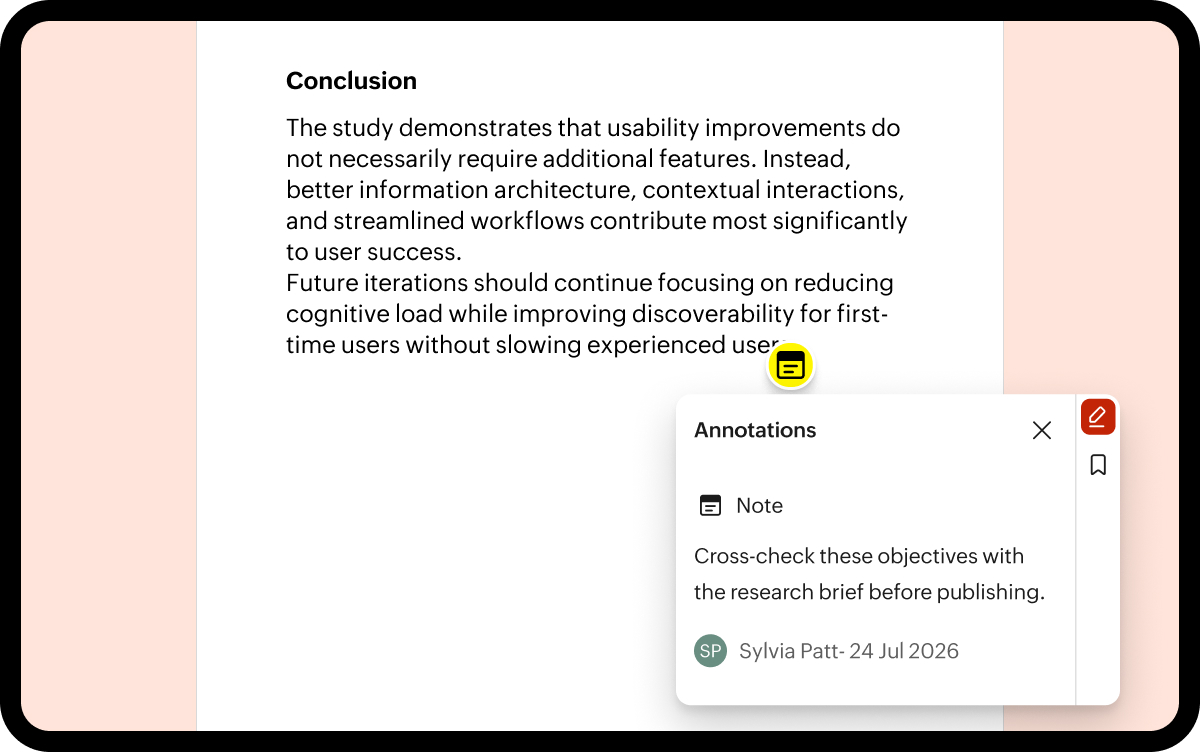
Add your views as sticky notes and comments, insert links to other documents or content, and highlight content to review PDFs effortlessly.
Export comments
You can export all comments as TXT, HTML, or Markdown format for sharing, reviews, or record-keeping.
PDF page operations
Insert blank pages
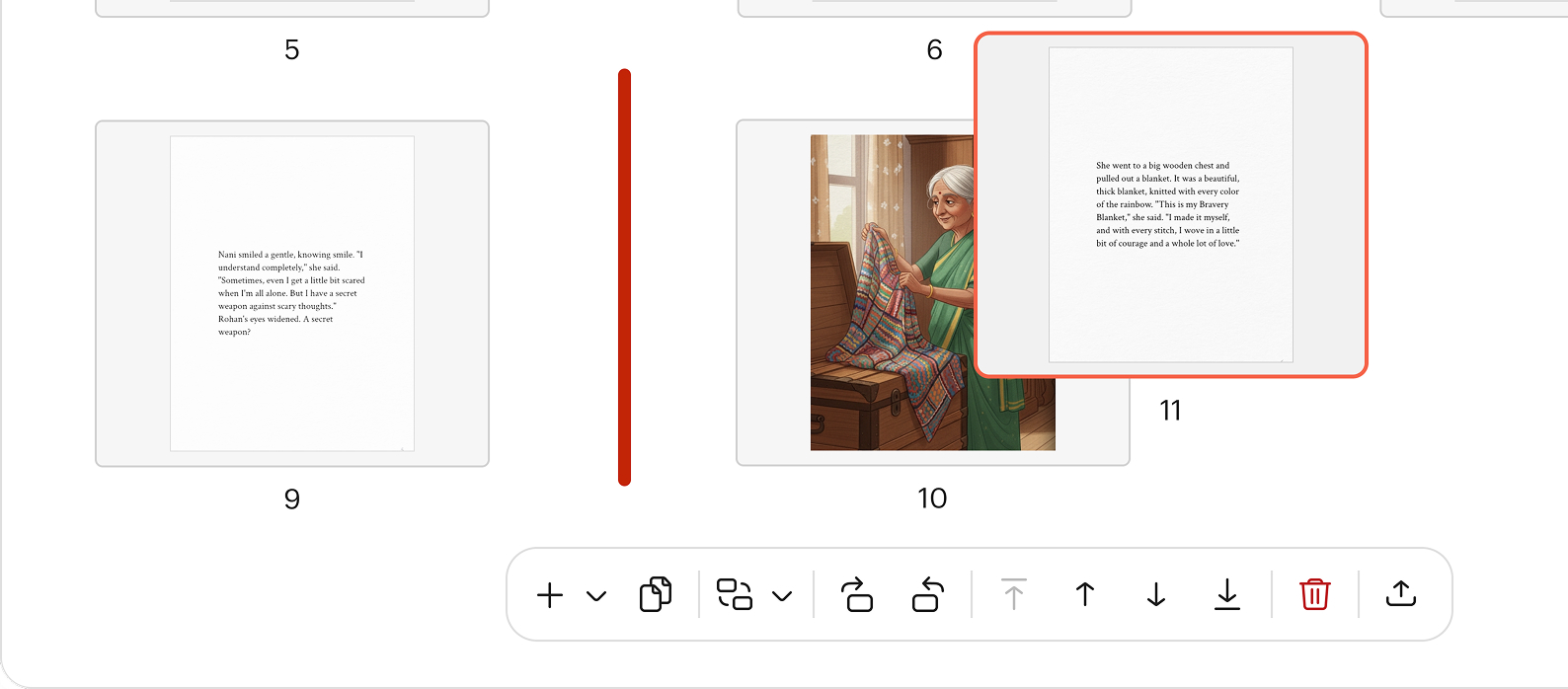
Add new blank pages anywhere in your PDF to include additional content.
Duplicate PDF page
Create a copy of any page instantly, making it easy to reuse.
Import pages
Add one or more pages from another PDF to the current document without recreating the file.
Extract pages
Select specific pages from the current PDF and save them as a separate document.
Rotate pages
Rotate individual pages or multiple pages to correct page orientation and improve readability.
Rearrange pages
Change the order of pages using a simple drag-and-drop interface to organize your document the way you need.
Delete pages
Remove unwanted pages from your PDF.
Protect and manage PDFs
Password-protect PDF files
Secure your PDFs with passwords to control who can view, modify, and print PDF files.
Insert watermark
Add watermarks to your PDFs to protect and identify your documents.
PDF tools
Compress and flatten PDFs, and view document details such as the document's author, file size, version number, and page count to ensure you are always using the right PDF.
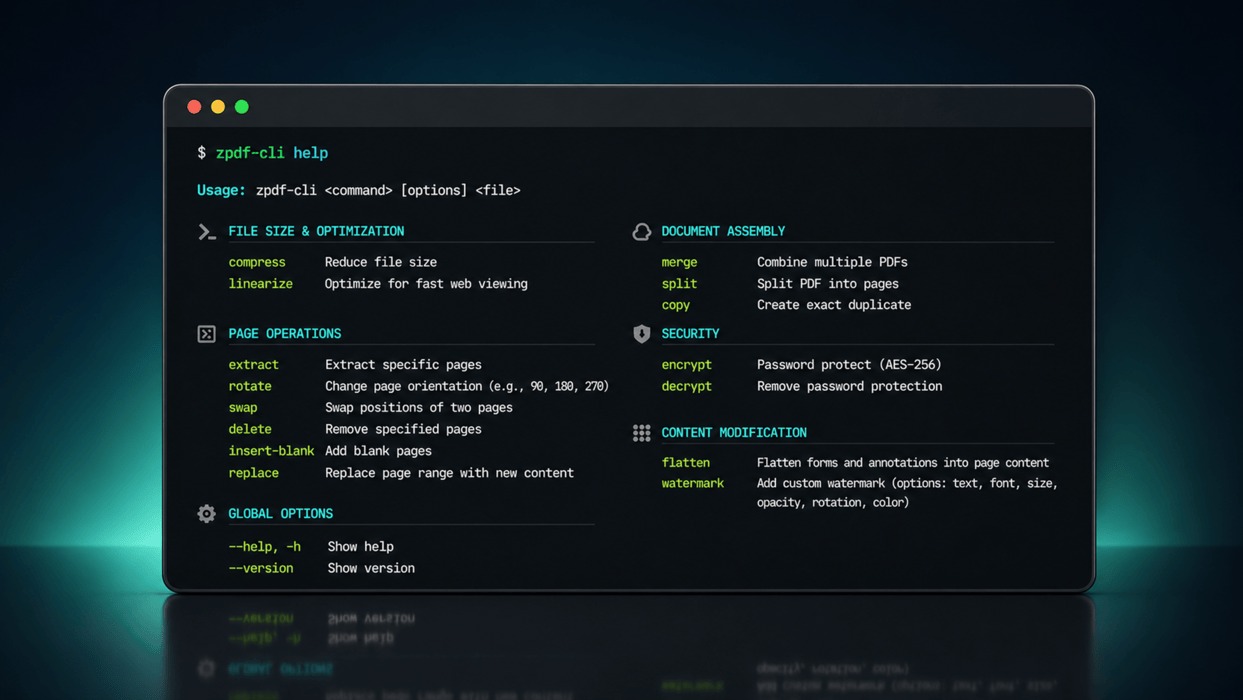
Edit and manage PDFs from the command line
Execute PDF operations accurately and instantly from the convenience of your terminal. Merge, split, extract, rotate, compress, watermark, protect, and flatten PDFs. Integrate these operations into scripts, scheduled jobs, and larger document workflows using Zoho PDF Editor's built-in CLI commands.
Free PDF editor desktop app for Windows, macOS, and Linux
The Zoho PDF Editor desktop app is completely free and works on machines running Windows 10 or later, macOS 12 or later, and Debian Linux distributions.
Download Zoho PDF Editor for Desktop
What's next for Zoho PDF editor desktop
The capability to add form fields, fillable-form conversion, digital signing, additional export formats, and more command-line operations are already in the works and coming soon.
Download Zoho PDF Editor for Windows, macOS, or Linux and try it on a file you've got open right now. For detailed instructions on editing, organizing, securing, and managing PDFs, refer to the Zoho PDF Editor Desktop App User Guide.
If there's a PDF task you'd like the desktop app to handle, we'd like to hear about it. Write to us at support@zohopdf.com or let us know in the comments.
Until our next update,
Happy PDF editing!


Comments