Top shortcuts to work your way through Zoho Cliq


The debate between mouse and keyboard users has been around for years. Whether it's about efficiency, speed, or productivity, there's always this question about which device lets you do a better job—and the choice often comes down to the task.
If you're someone who loves working with a keyboard, you've probably memorized your favorite shortcuts. We're here to add a few more to your toolbox of shortcuts so your experience with Zoho Cliq is even faster.
The top five shortcuts in Cliq (as rated by us):
1. Unlocking the ultimate search
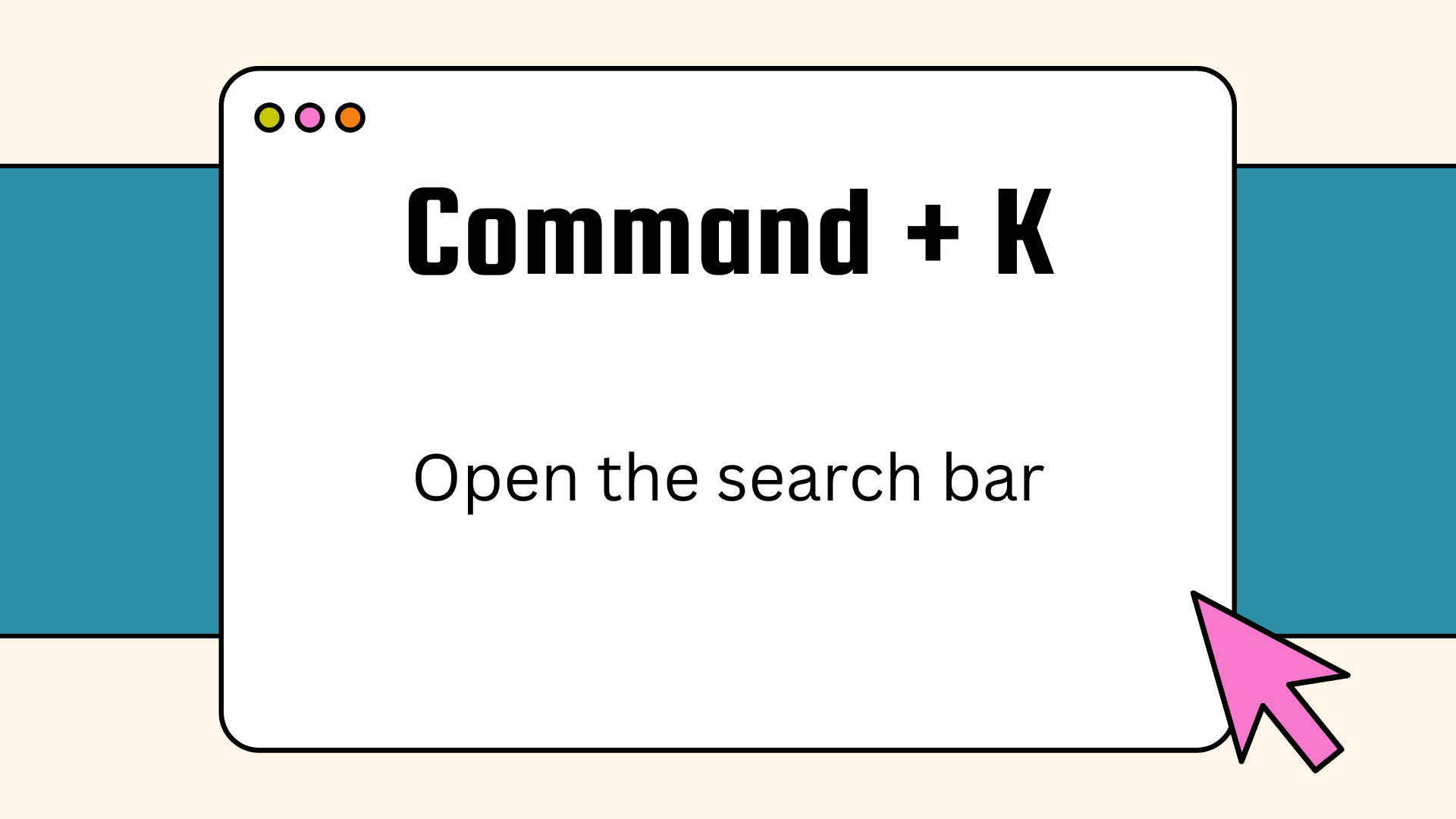
We're always looking for something, aren't we? And the quickest way to locate what you need without fumbling around is right here. With this keyboard shortcut to open the search bar in Cliq, you can locate anything from a recent file or message from a teammate to a document link your manager shared eons ago.
2. When views matter
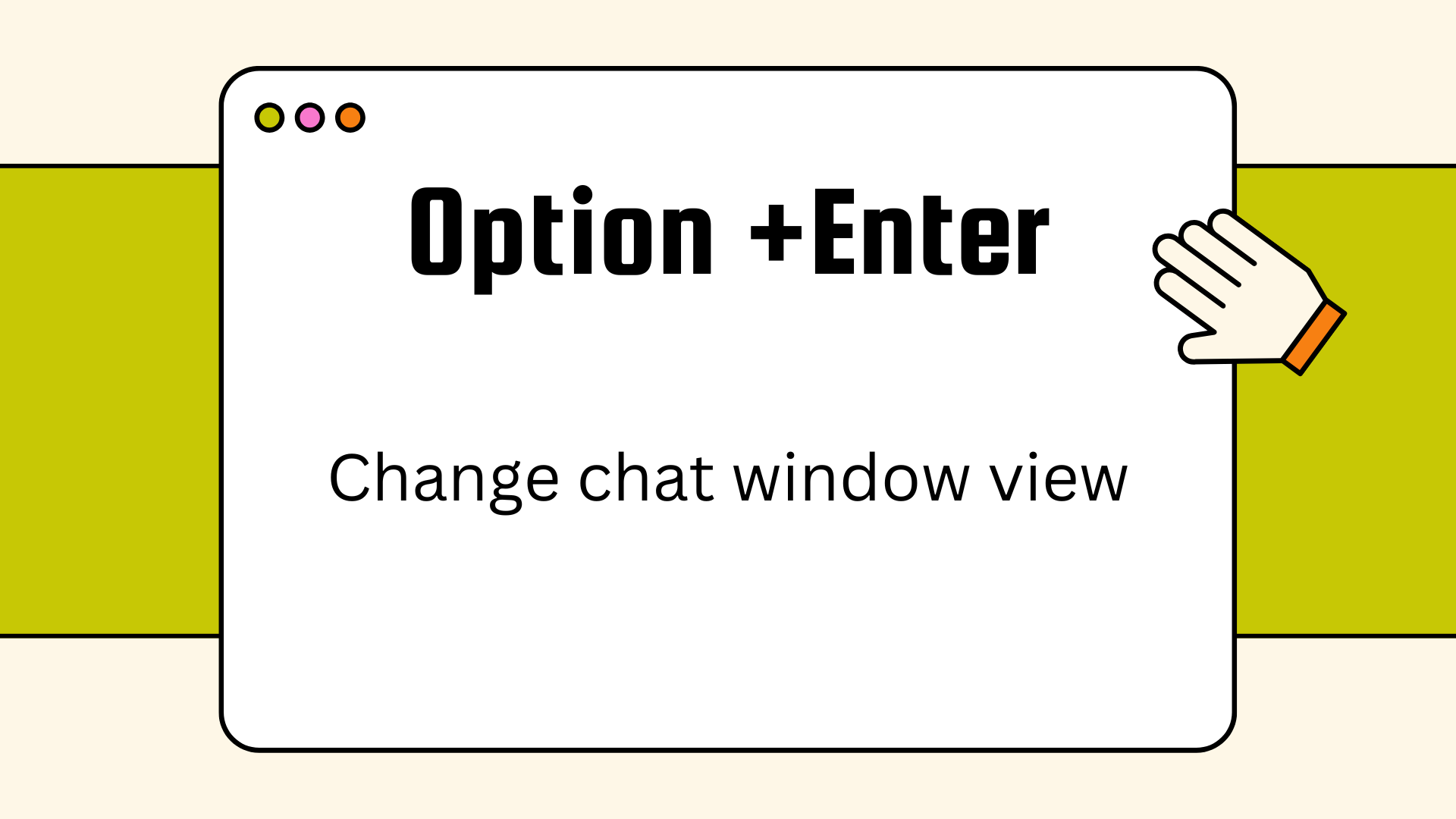
Swiftly shift between the multi-chat view and the single-chat view in Cliq without having to access the settings using this simple shortcut. Multi-chat view allows you to collaborate with multiple people from the same window, and it's best when you're dealing with multiple conversations at a time. The single-chat view helps you focus in and avoid distractions during conversations.
3. No more typos
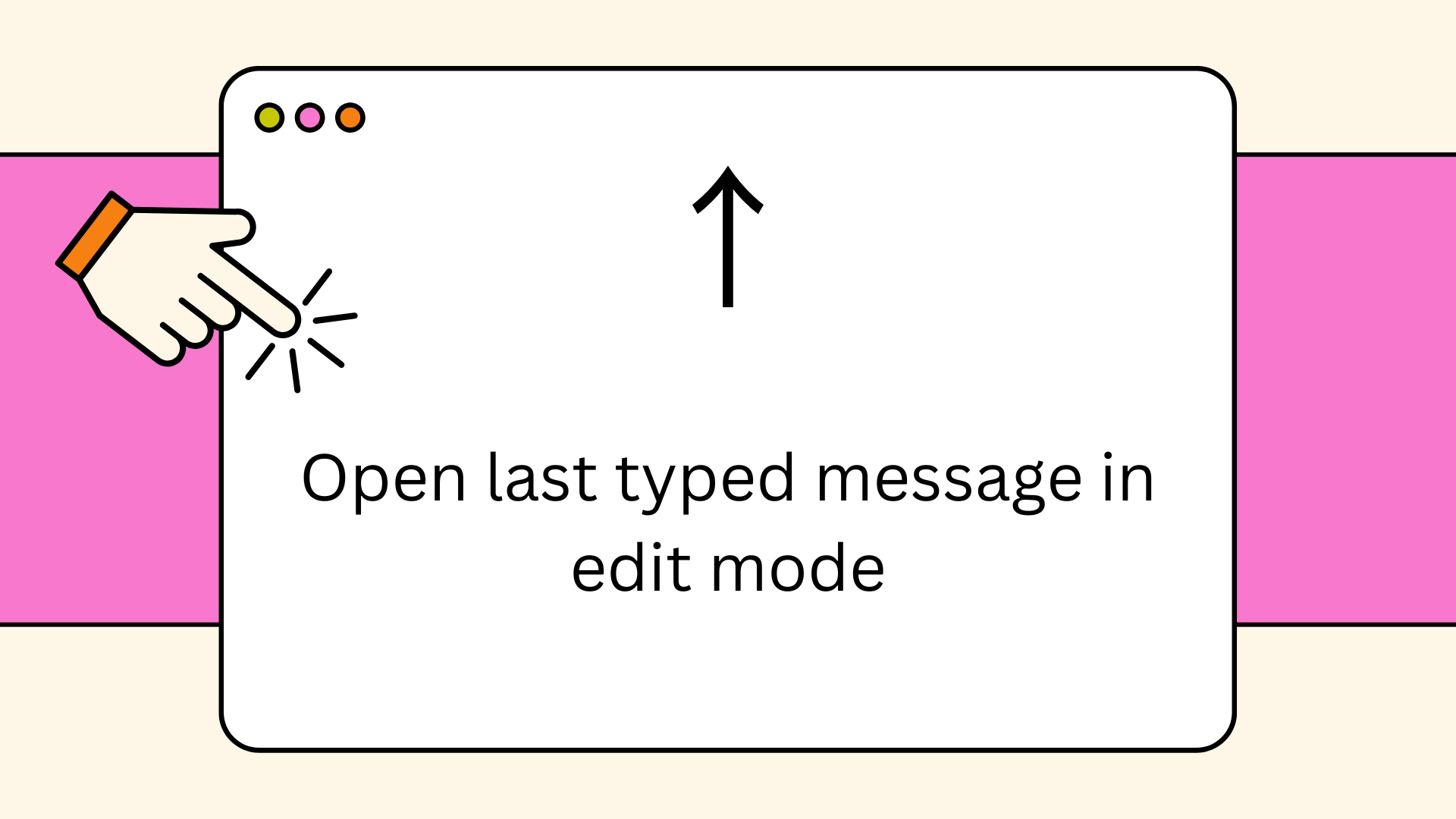
Did you just type a message out at hyper and send it before noticing a glaring error? We've been there, and we know how badly you want it corrected before the recipient sees it. The up arrow on your keyboard sends you straight to your last typed message in edit mode, so you can fix it immediately. Just make sure your cursor is active in the message.
4. Win the emoji war
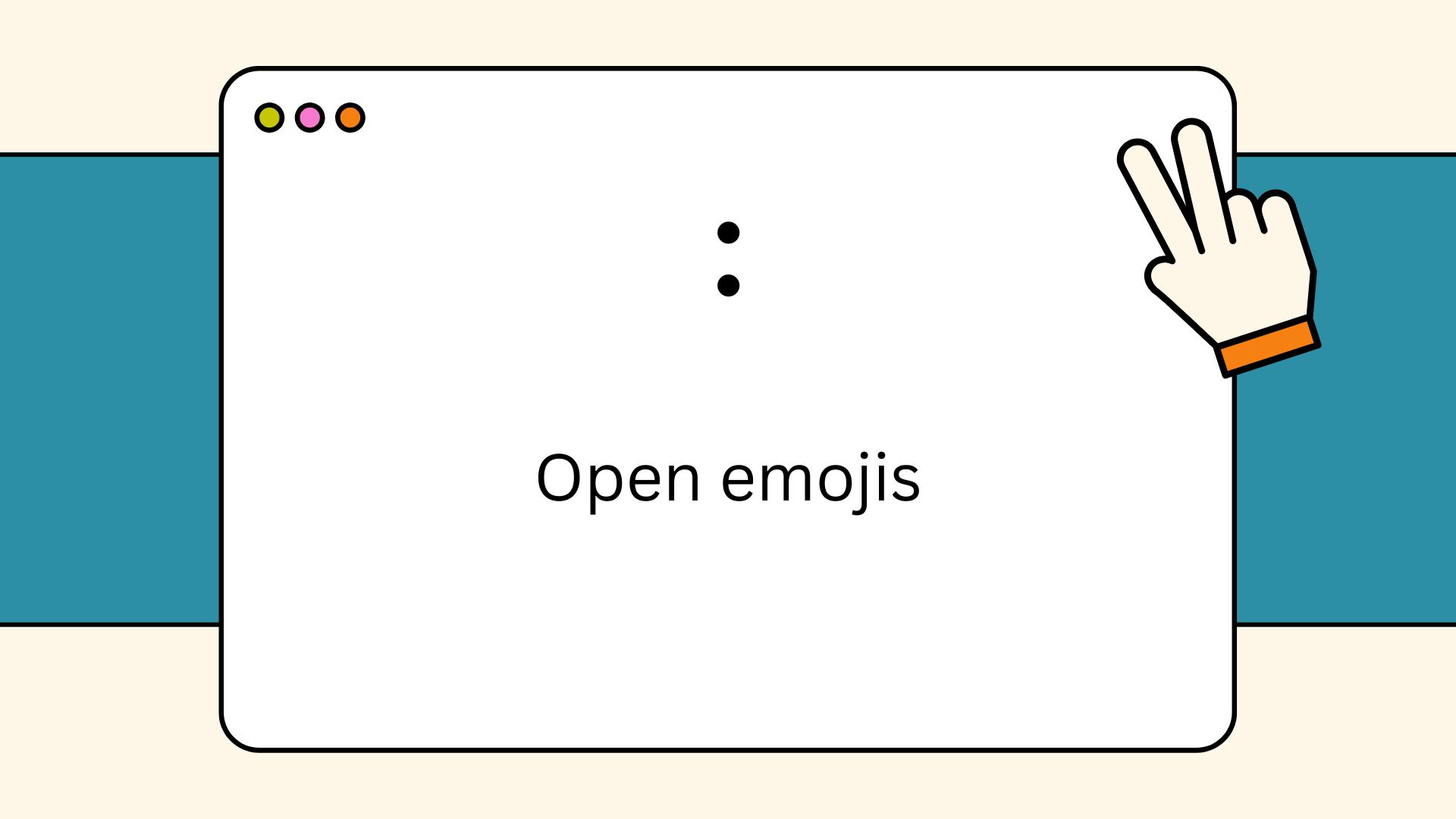
Want to add a quick emoji to your message? All you need to do is enter a colon in the composer, and all the emojis will be listed for you to choose. It's that easy.
5. Scheduling is now a breeze
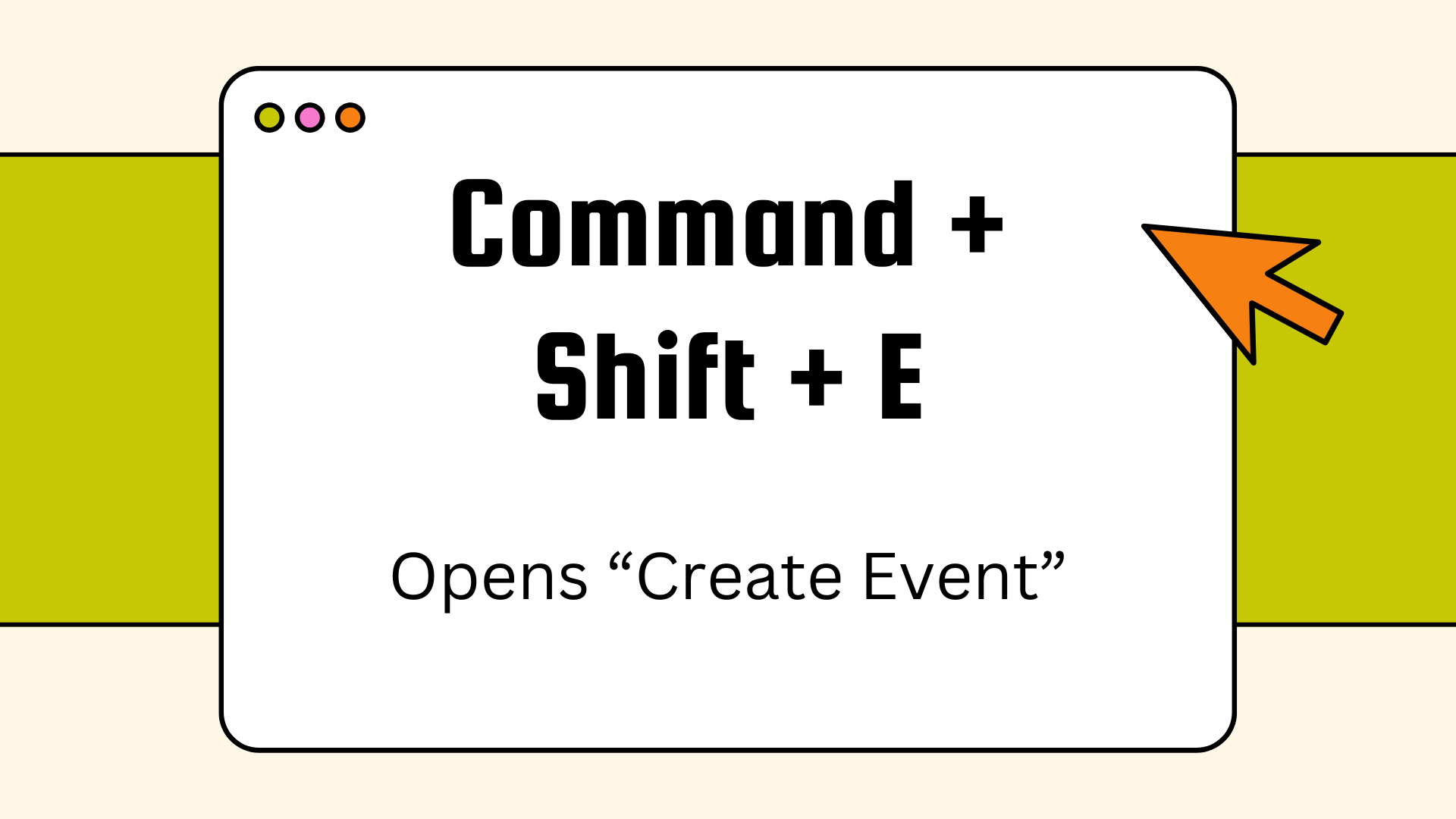
If your scheduling or event organization skills are ever put to the test, don't forget to unlock this keyboard shortcut. It instantly opens the "Create Event" form for you, so you can it scheduled done it a wink.
Zoho Cliq has a plethora of other shortcuts that could help simplify your everyday work in addition to all the other tools it provides. If you'd like to explore the full list of keyboard shortcuts, you can find it in our help documentation. Once you're ready, it's time to open Zoho Cliq and put your shortcut knowledge to work. Go ahead, try it out and let us know your favorite one!


Comments