Meet the new Cliq Mini: Communication that stays with you across Zoho apps

Every workday involves juggling apps: managing sales in your CRM, answering customer queries through the help desk, logging tasks via a project management app...the list goes on. While the tools change, your team's communication method shouldn't have to. That's why we've built Cliq to work across all other Zoho apps. Formerly known as the Cliq chat bar or Smart Chat, our ecosystem-wide chat panel has a new name—and a major upgrade.
Introducing the new Cliq Mini, your omnipresent chat bar for seamless collaboration.
Find anything, instantly
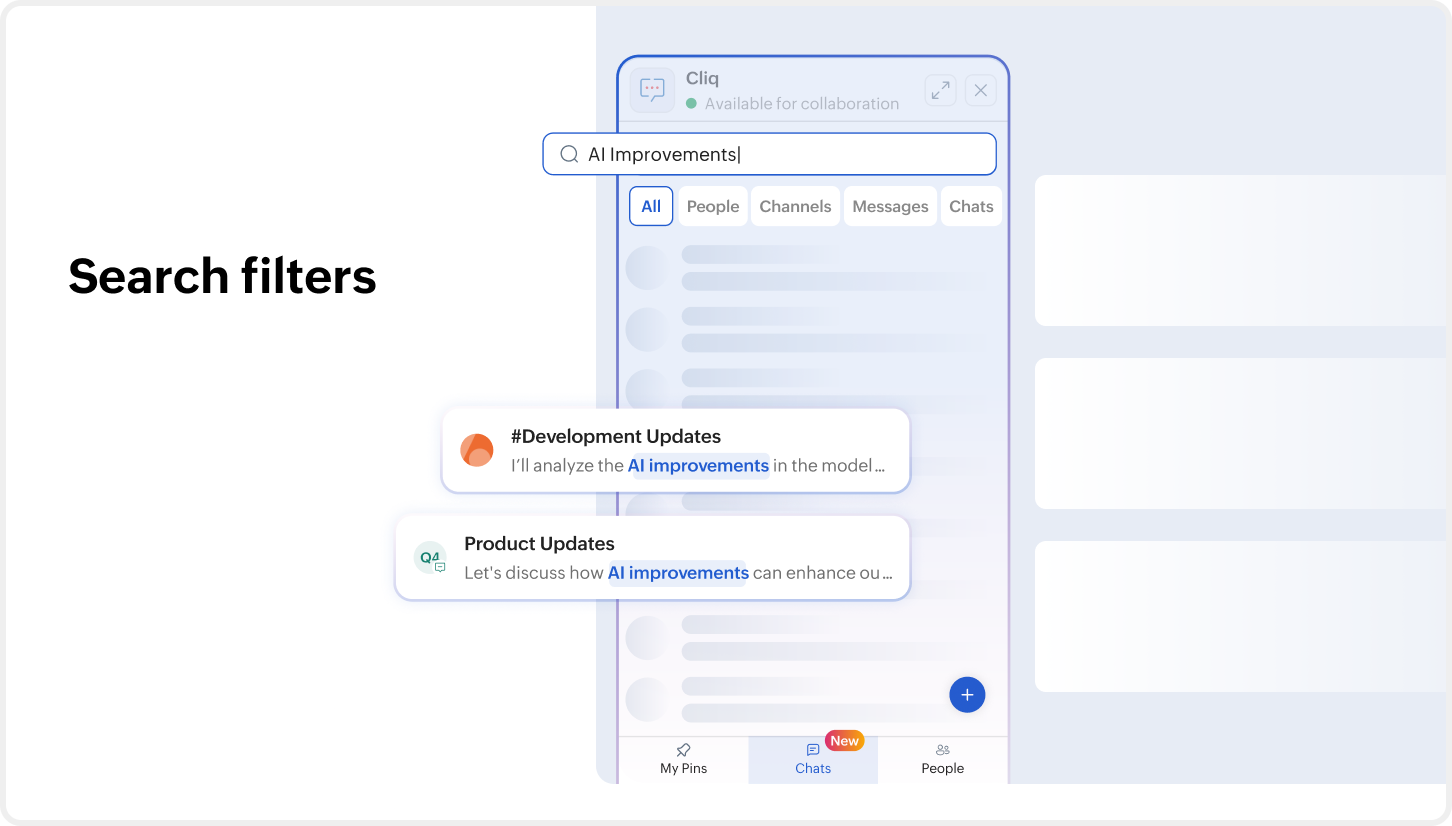
Whether you're looking for a colleague, a conversation, or an important message, everything is within reach thanks to the advanced search function in Cliq Mini. Narrow down your search using extensive filters, and navigate between messages, links, and files in the search view. There's also a dedicated view for @mentions and starred messages, so you don't miss anything important. Everything stays accessible without having to open the Cliq app separately.
Stay on top of every conversation
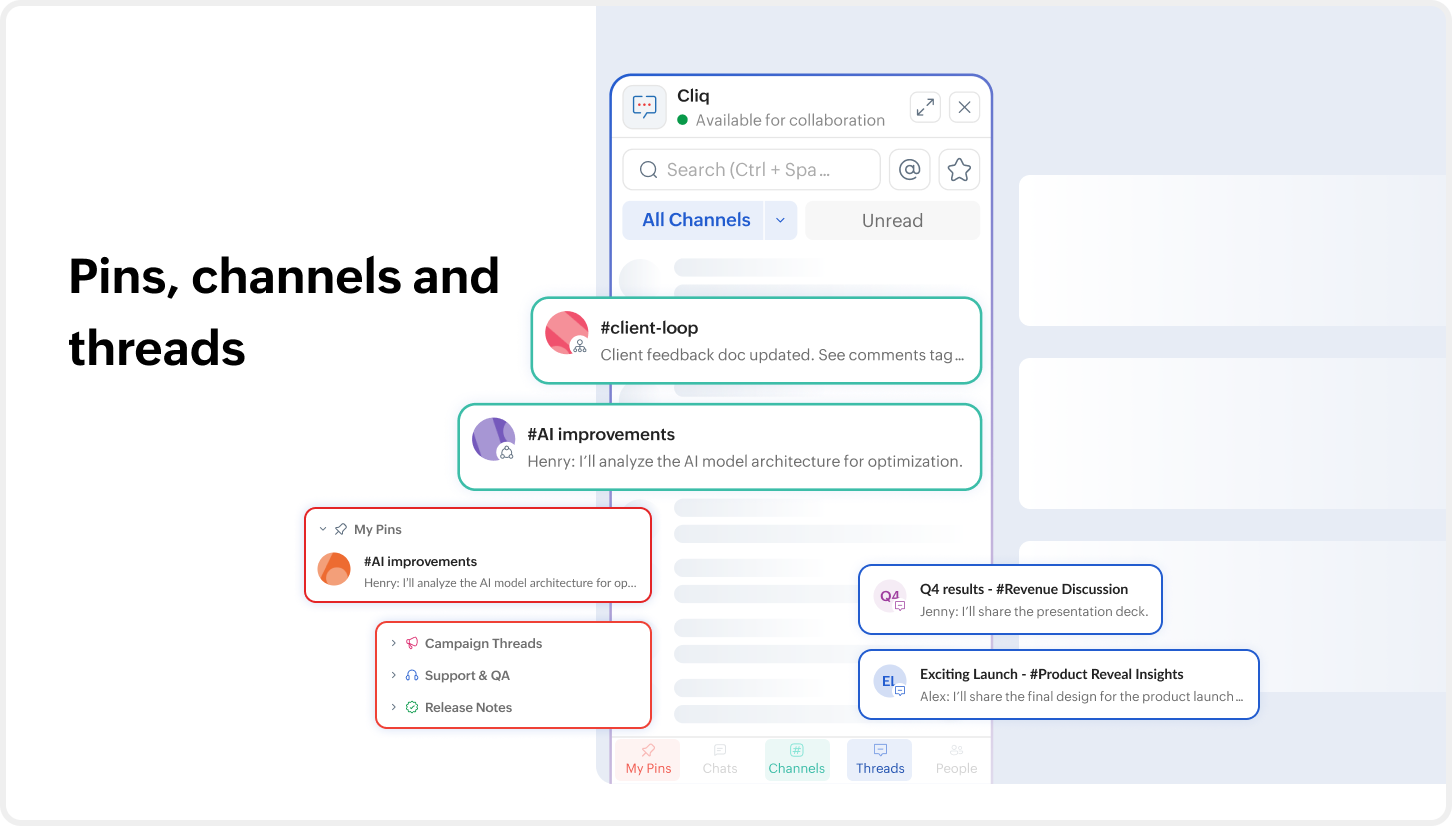
Jump straight to what matters most with dedicated views for every type of conversation. Access and organize your pinned conversations, chats, channels, threads and the people in your organization from their respective tabs. Cliq Mini simplifies the way you communicate by pulling all the conversations you need into a compact interface, allowing you to collaborate effortlessly without having to leave your current app.
Take action without leaving your work
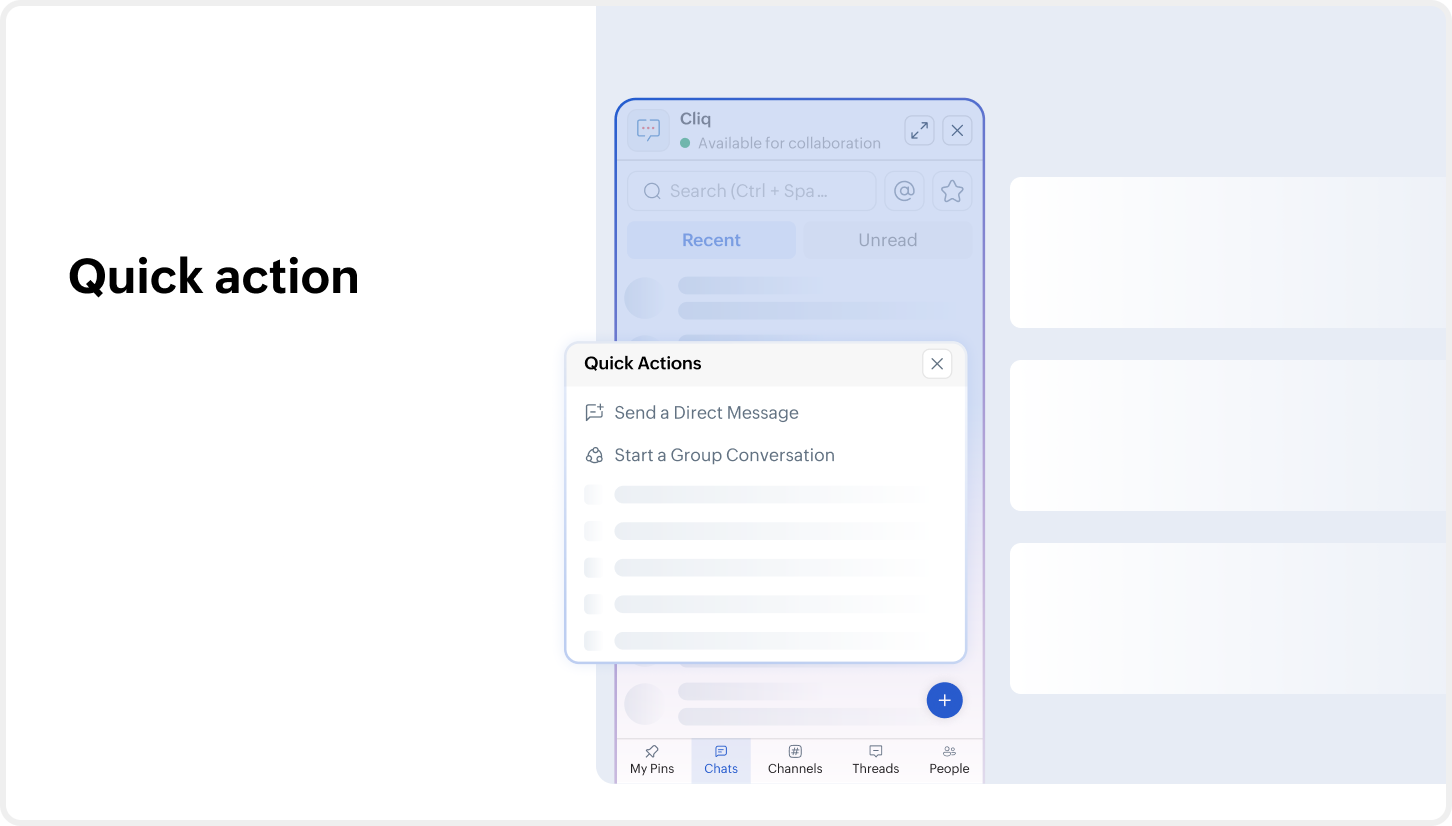
The actions you use every day in Cliq are always within reach from the Cliq Mini interface. If you'd like to start a conversation, create a channel, start or schedule a meeting, or invite an external user for a conversation, you can perform all these actions from the Quick Actions button inside Cliq Mini, without leaving your CRM record, help desk ticket, or Writer document.
Communication that works your way
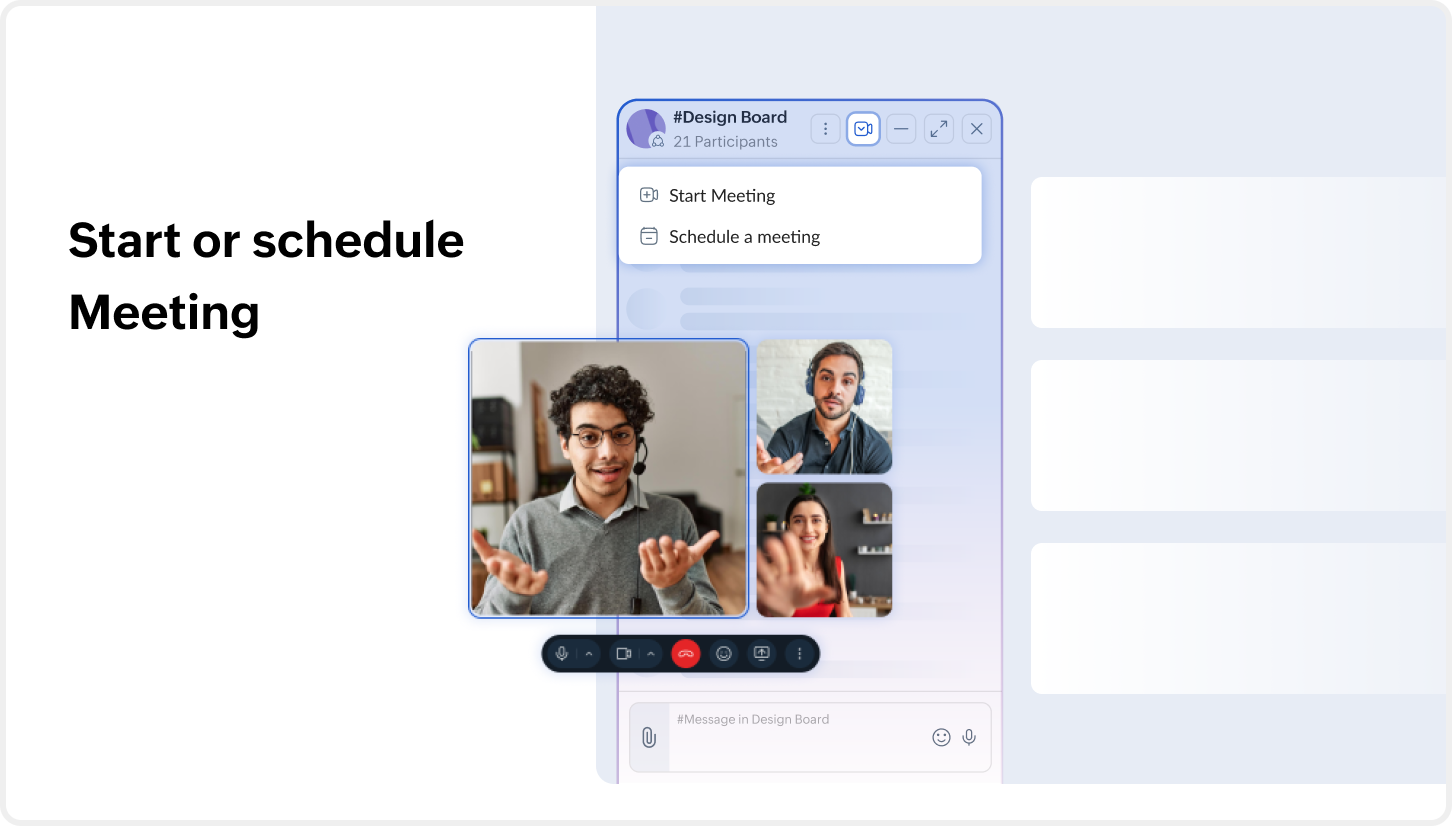
Conversations inside Cliq Mini are fully accessible. When you open a chat, you can now start or schedule meetings right inside the conversation, search inside the chat, add participants to it, access all threads in the channel, and also pin or mute it if required.
Personalize your workspace
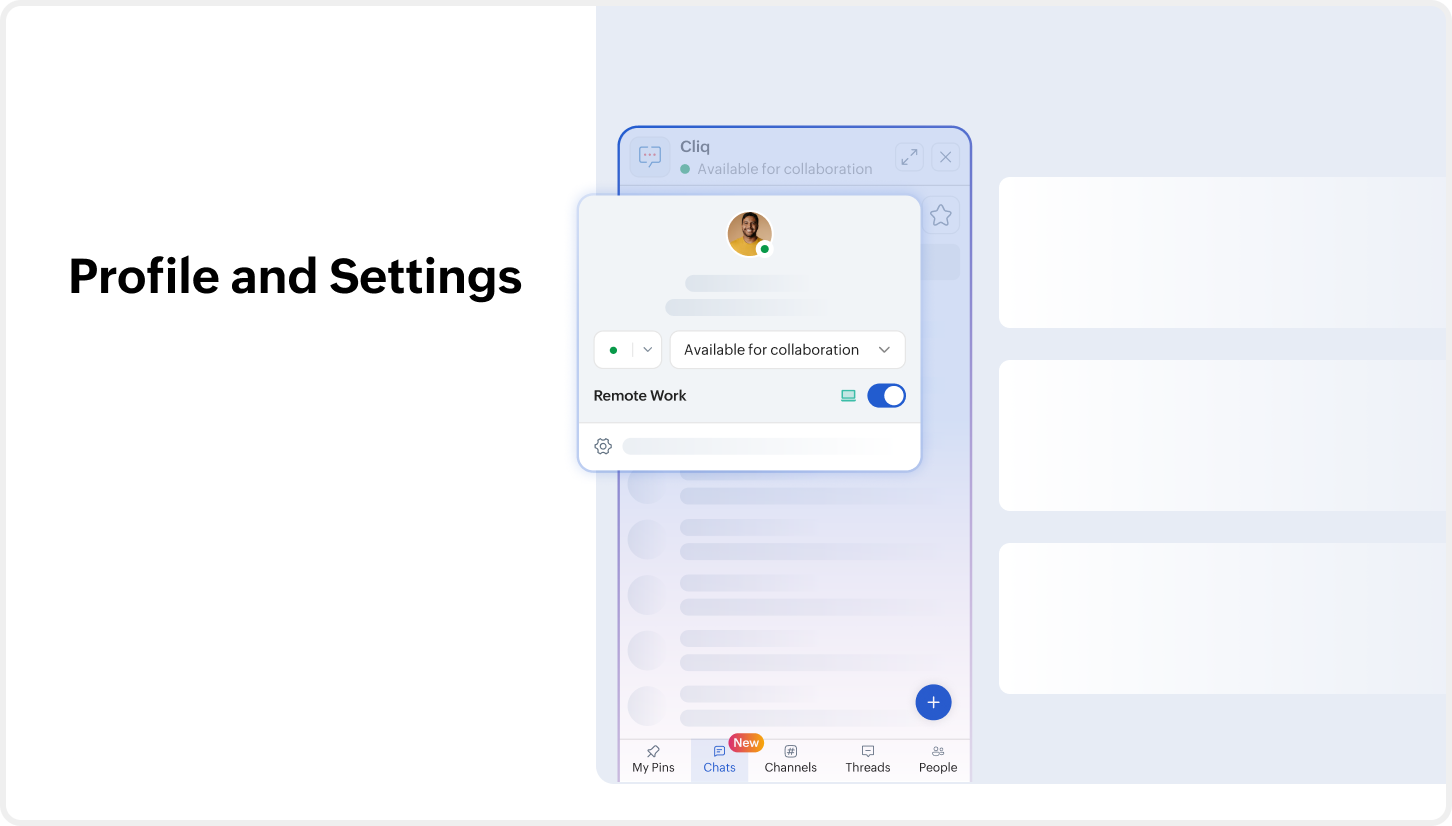
Your Cliq experience stays consistent across every Zoho app. With the new ability to access your profile and settings from Cliq Mini, you can make quick changes to your status message, select notification preferences, configure last-seen and read receipts, turn on language translation, and more.
Work happens across multiple apps, but communication shouldn't feel disconnected. With the upgraded Cliq Mini experience, your conversations, search, actions, and settings are always just a click away—so you can stay focused on work, not on switching tabs. Give it a try and let us know what you think by dropping your feedback at support@zohocliq.com.



Comments