Microsoft retired the Remote Desktop App: What you need to know in 2026
- Last Updated : April 22, 2026
- 755 Views
- 4 Min Read
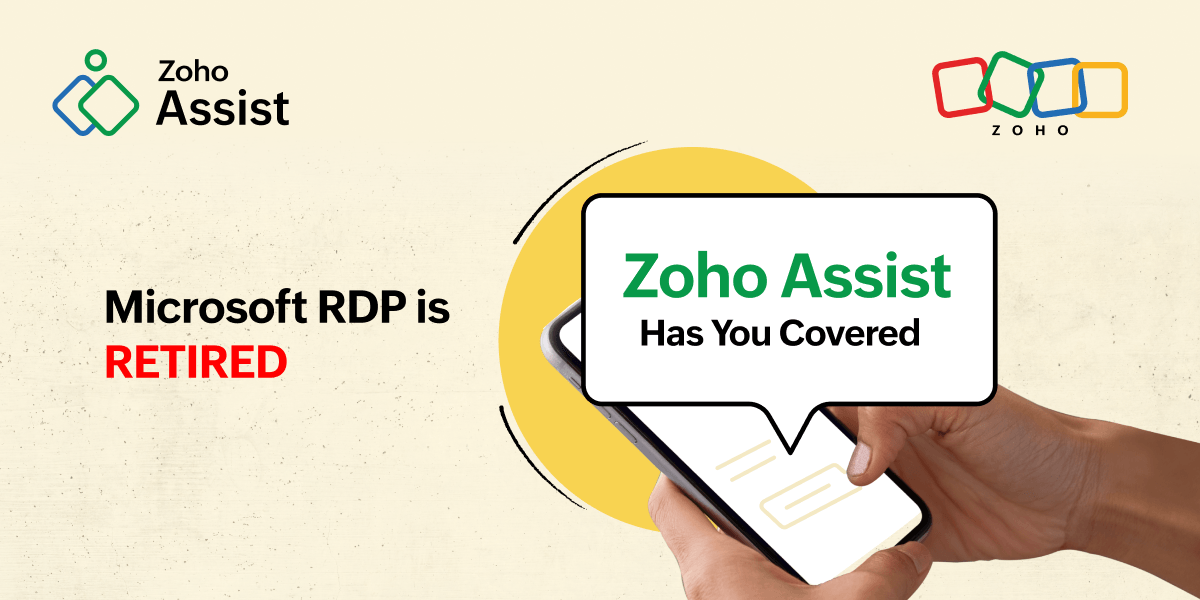
As of late March 2026, Microsoft officially retired the legacy Remote Desktop client. While the technology isn't dead, the way you connect to remote PCs has changed. If you are seeing "End of Support" notifications, it’s time to understand the new "Windows App" ecosystem, and why now is the perfect time to consider a more robust alternative like Zoho Assist.
What happened to Microsoft Remote Desktop?
With Microsoft Remote Desktop retired as of March 27, 2026, many IT professionals are scrambling to find a reliable path forward. The client (MSI and Store versions) has been replaced by the Windows App, which serves as a central hub for Windows 365, Azure Virtual Desktop, and Remote PC. While the classic mstsc.exe utility remains for local connections, it is now considered a legacy tool with no future feature updates.
The retirement of the MSRDC installer marks a shift in how Microsoft handles remote connectivity. Microsoft Remote Desktop is shutting down its traditional standalone client in favor of a cloud-first model. They have effectively split their remote tools into three separate categories:
The Windows App (The direct successor): This is the new hub for Azure Virtual Desktop (AVD), Windows 365, and Dev Box. It is built for a cloud-first world, requiring a modern interface and specific account types to function properly.
MSRDC (Retired): The standalone MSI installer that many IT admins preferred for its stability and features is now unsupported. As of late March, it no longer receives security updates, making it a liability for secure networks.
mstsc.exe (The legacy fallback): The "classic" Remote Desktop Connection tool still ships with Windows for simple local IP connections. However, it lacks modern features like dynamic resizing, integrated chat, and cloud-service integration.
Why the "Windows App" is frustrating IT admins
The transition to "Windows App" was supposed to unify the remote desktop experience, but for many technicians, it feels like a regression. Since the March 27 cutoff, several Windows App issues have caused significant friction in daily workflows:
Reduced options for multi-monitor support
One of the most persistent complaints involves monitor management. The legacy MSRDC client allowed you to pick exactly which monitors you wanted to use for a session. Currently, the Windows App forces an "all-or-one" approach. If you have a three-monitor setup and only want your remote desktop on two of them, you are out of luck. For power users with complex screen layouts, this is a massive productivity barrier.
The Entra ID "account wall"
The Windows App is heavily optimized for Microsoft Entra ID (formerly Azure AD). This works well if you are inside a single corporate tenant, but it creates a wall for freelancers or MSPs supporting external clients. If your client uses a personal account or a non-Azure environment, the login process is cumbersome and often fails due to strict account requirements.
Proxy and authentication Issues
Many enterprise environments use secure proxy servers that require HTTP/Proxy authentication. As of April 2026, the Windows App still struggles to maintain stable connections in these environments. This lack of reliability is a dealbreaker for technicians working in high-security corporate or government networks.
Why Zoho Assist is the superior choice post-RDC
As Microsoft focuses on its cloud-subscription model, Zoho Assist continues to prioritize the technician's need for speed and flexibility. As the go-to RDC replacement for teams affected by the retirement, here is how it bypasses the current Microsoft hurdles:
Zero-installation technician console: You don't need to worry about MSI retirements or local updates. Zoho Assist allows you to start a full session directly from your web browser. It is a true "zero-config" solution that works instantly on any OS.
Granular multi-monitor support: Zoho Assist allows you to view all remote monitors in a single window or toggle between them with one click. It respects the host machine's aspect ratio and resolution, giving you the precision that the Windows App currently lacks.
Total account freedom: Zoho Assist removes the "account wall" entirely. Whether your client is authenticated through Entra ID, a personal Gmail, or a local Linux machine, a secure, high-performance connection is always just one click away. You send a link; they join, No complex login hurdles required.
Unattended access for physical gear: Unlike Microsoft’s virtual-first approach, Zoho Assist is built for the real world. You can manage servers and PCs with Wake-on-LAN and remote power commands without complex Azure configurations.
The retirement of the MSRDC app is a signal that Microsoft is moving toward a locked-in, cloud-centric ecosystem. For IT teams that need to support diverse platforms and physical infrastructure, relying on default OS utilities is no longer a viable long-term strategy. Zoho Assist offers a stable, platform-agnostic environment that works every time, regardless of how Microsoft rebrands its internal tools.
Try Zoho Assist for Free Today
FAQ
Is it still safe to use the retired Remote Desktop app?
No. Since March 27, 2026, Microsoft has stopped security updates for the MSRDC app. Using unpatched software for remote access is a significant security risk for your organization.
Does Zoho Assist support Windows 11 and Windows 12?
Yes. Zoho Assist is fully optimized for all current versions of Windows, including native support for the latest security protocols and ARM architecture.
Can I use Zoho Assist for personal and commercial use?
Yes. Zoho Assist offers a range of plans, including a free tier for basic personal use and professional plans tailored for high-volume IT help desks.
 Ragapriya
SaaS product marketer exploring remote support, IT workflows, and all things remote access—making tech a little less ‘huh?’ and a lot more helpful. Fiction nerd, idea hoarder, and always up for a chat about anything that tells a good story.