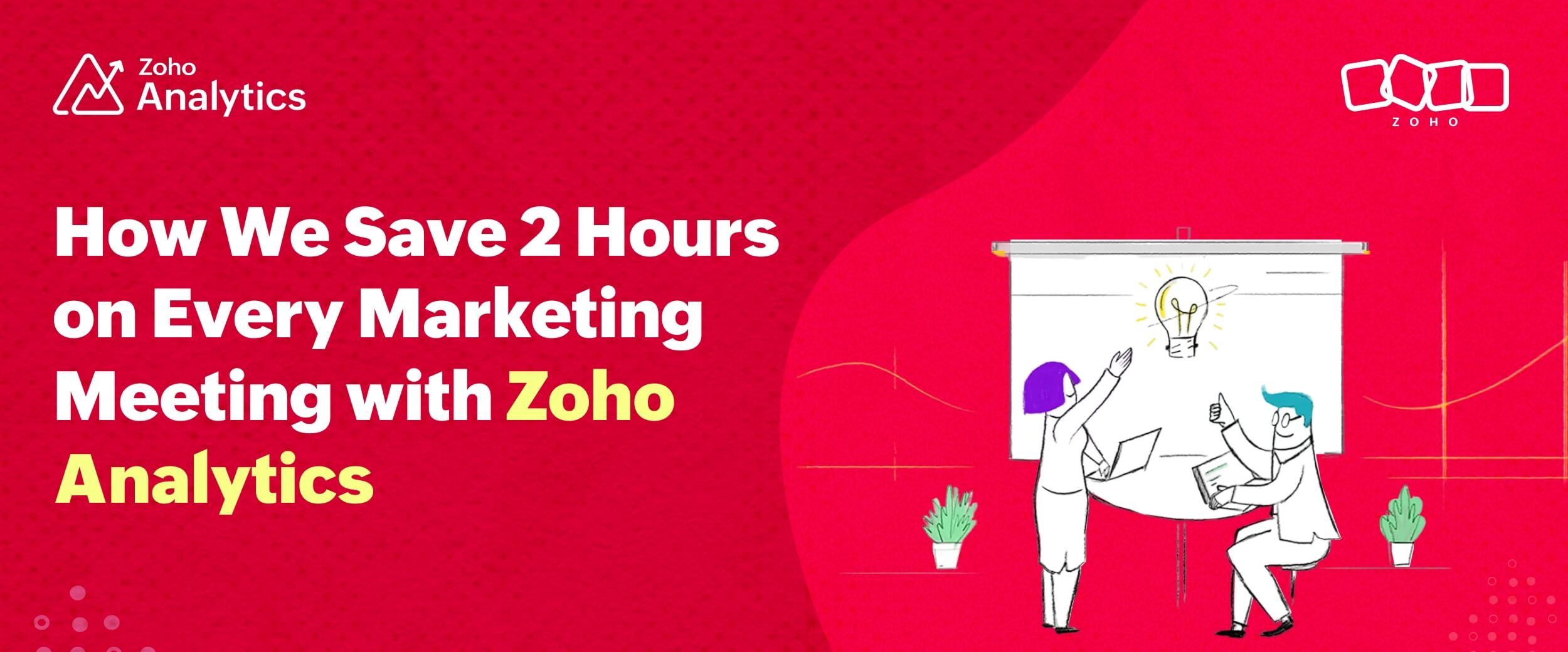
How We Save Two Hours on Every Marketing Meeting with Zoho Analytics
- Last Updated : February 10, 2026
- 287 Views
- 3 Min Read
This is the first post in a series where I'll be sharing practical use cases of Zoho Analytics that I've seen work in real scenarios.
Monthly marketing meetings are critical.
You're reviewing leads, revenue, marketing-influenced pipelines, and year-to-date stats. These are the metrics that prove marketing's worth to a business.
But preparing for these meetings is often where teams get stuck.
The common workflow problem
Many marketing teams follow a familiar routine: taking screenshots of reports, pasting them into presentation software, and spending 30–45 minutes on what's essentially data copy-paste work—every single month.
Some teams try to streamline this by opening dashboards directly during meetings, but that creates a different challenge: constantly switching between the dashboard to review metrics and the presentation deck to discuss insights and plans. The back-and-forth disrupts flow, and it's easy to lose your train of thought when someone asks a question mid-switch.
There's a better way.
A different approach
During my first or second week at Zoho Analytics, I was sitting in a marketing sync-up. I was new, so I was just observing.
We were all in the conference room. My manager pulled up what looked like a standard Zoho Show presentation on the screen.
The reports in the presentation weren't static images, though; they were live, interactive reports. He was clicking through data points, filtering by date ranges, and drilling into specific metrics, all without leaving the presentation.
After the meeting, I went straight into the help documentation and searched for "Presentations with interactive slides." That's when and how I discovered Advanced Slideshows, interactive and visually compelling presentations.
Here's what they look like:
That was three years ago. When I decided to write this blog series, I went and asked my manager to explain the setup we use for our presentations in his own words for this post.
How it actually works
Here's what my manager told me:
"In our marketing workspace, we combine all the data right from Zoho CRM, marketing tools like Web Analytics, Google Search Console, and social media platforms that we're on (like LinkedIn and X) to get a complete view. Then, we create over 200 reports and dashboards for our analysis. These reports and dashboards stay updated based on the intervals we set. After that, we select the reports we need for the marketing sync-up and create a slideshow."
I asked him about the time we save. He said, "I would say we're saving at least a couple of hours in preparing for each meeting."
For context, that's 24 hours a year, time I spend actually analyzing data instead of screenshotting it endlessly.
The reports also have a built-in feature called Zia Insights where you can see AI-generated insights at the click of a button. So, in reality, we don't spend time updating the presentation (except for recommendations and action items).
For a team that runs monthly marketing reviews, this approach has made a real difference.
How to create interactive slideshows in Zoho Analytics
If you want to set this up for your team, here's the process:
Creating your interactive slideshow
- Create your reports and dashboards in your workspace with the data you need to track.
- Go to your workspace settings, click on Slideshows, and select Create Slideshow. Give it a name.
- Choose your access settings. If your presentation contains sensitive business data, restrict access to people within your organization.
- Select the reports you want to include in your presentation.
- Choose Advanced Slideshow powered by Zoho Show.
- Check the Include Zia Insights narrative box if you want AI-generated insights added to your slides as editable text.
- Pick a theme and click Create.
- Click Edit with Zoho Show to add additional slides for commentary, insights, recommendations, and future plans.
Your presentation now has live reports that update automatically with fresh data.
Why this matters for marketing teams
For any team that runs regular performance reviews, the Slideshow feature in Zoho Analytics solves a real problem. Instead of spending an hour before every meeting updating presentation decks with new data, you maintain your reports and let the presentation update itself.
The time you save can go toward actual analysis, strategy development, or tackling the growing list of projects that always seems to expand.
If you want to try this for your team, sign up for Zoho Analytics for free and create your first slideshow with interactive data visualizations. If you need help getting started, you can book a personalized demo.
No credit card required, no more screenshots, and, especially, no more copy-paste nightmares.
Stay tuned for the next post in this series where I'll cover another practical use case of Zoho Analytics that we use every day.
 Pradeep V
Pradeep is a product marketer at Zoho Analytics with a deep passion for data and analytics. With over eight years of experience, he has authored insightful content across diverse domains, including BI, data analytics, and more. His hands-on expertise in building dashboards for marketing, sales, and major sporting events like IPL and FIFA adds a data-driven perspective to his writing. He has also contributed guest blogs on LinkedIn, sharing his knowledge with a broader audience. Outside of work, he enjoys reading and exploring new ideas in the marketing world.