Power BI's QuickBooks Online Connector Is Being Retired. Here's What to Do Next
- Last Updated : March 19, 2026
- 471 Views
- 3 Min Read
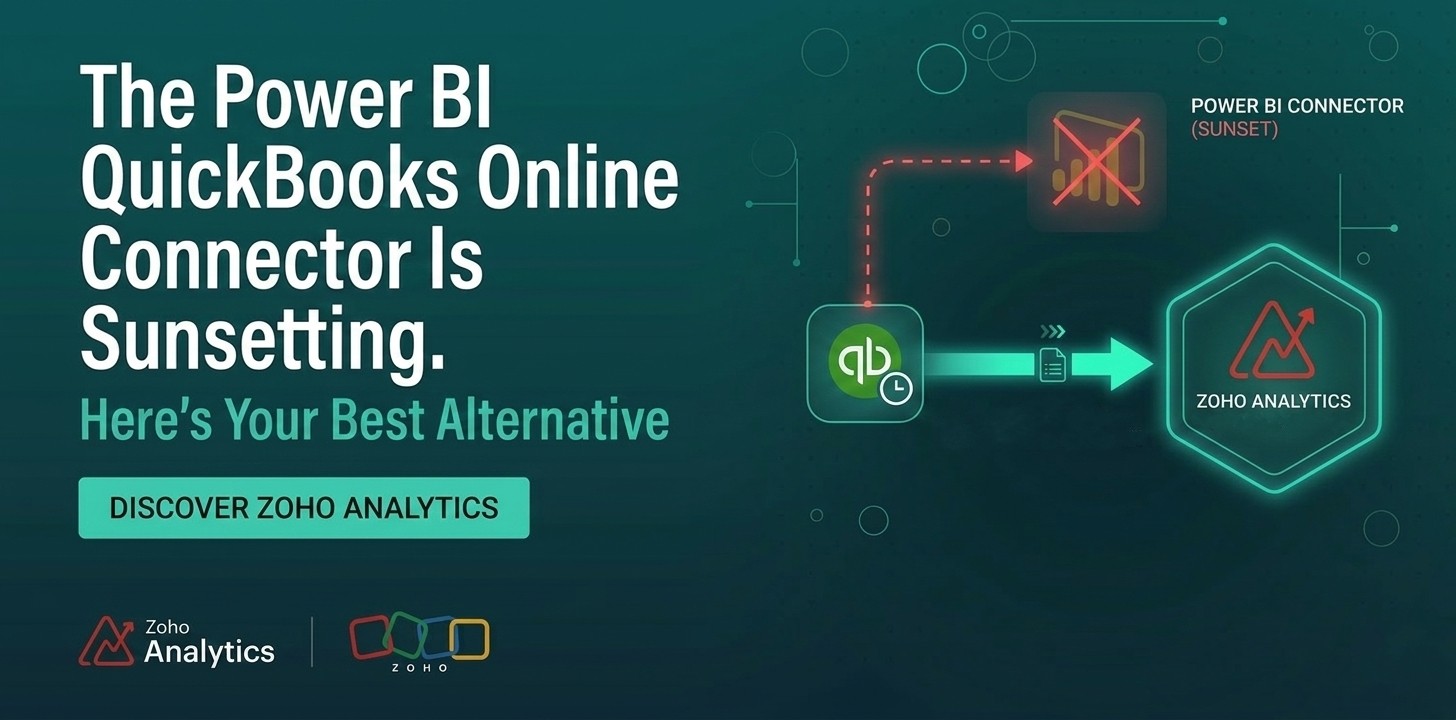
If your financial reporting workflow relies on pulling QuickBooks Online data into Power BI, you need to act now. Microsoft has announced the retirement of the native Power BI QuickBooks Online connector as of March 2026, and if you haven't already started planning your migration, now is the time.
Here's what's changing and the fastest path forward.
What's Happening
Microsoft is retiring the QuickBooks Online connector for Power BI as part of an ongoing effort to streamline and maintain its connector ecosystem. Once the connector is officially sunset in March 2026, existing reports and dashboards that depend on it will stop refreshing. That means broken dashboards, stale financial data, and manual workarounds, none of which your team should have to deal with. If you're using the connector to pull in profit and loss statements, invoices, cash flow data, or expense reports, your entire reporting workflow is at risk.
Who Is Affected?
You're affected if you currently use the Power BI QuickBooks Online connector to:
- Automatically refresh QuickBooks financial data in Power BI dashboards
- Schedule data syncs between QuickBooks Online and Power BI
- Build reports that combine QuickBooks data with other business data sources
- Share live financial dashboards with executives, investors, or stakeholders
Small and mid-sized businesses, finance teams, and operations managers who have built QuickBooks-powered BI workflows will feel this change most acutely.
Your Best Alternative: Zoho Analytics
Instead of rebuilding your reporting stack from scratch through third-party connectors like CData/Coupler.io/Skyvia or APIs, there's a purpose-built solution ready to go: Zoho Analytics and its native QuickBooks Online connector.
Zoho Analytics is a full-featured business intelligence and analytics platform designed specifically for the kind of financial and operational reporting that growing businesses rely on. Its QuickBooks Online connector is natively supported, actively maintained, and built for the exact use cases that the Power BI connector covered. And then some.
Here's what you get with Zoho Analytics + QuickBooks Online:
Seamless, no-code data sync. Connect your QuickBooks Online account in minutes. No manual exports or engineering help required.
Pre-built financial dashboards. Hit the ground running with out-of-the-box reports and dashboards covering P&L statements, cash flow analysis, accounts receivable aging, and expense breakdowns, all powered by live QuickBooks data.
Scheduled and real-time data refresh. Set your sync frequency and let Zoho Analytics keep your dashboards current. No more stale data or manual refreshes.
Advanced analytics and AI-powered insights. Go beyond what Power BI's QuickBooks connector offered. Zoho Analytics includes AI-driven insights, natural language querying, and forecasting capabilities that help finance teams.
Cross-source data blending. Mix your QuickBooks Online data with CRM data, spreadsheets, databases, or other cloud apps, all within a single analytics platform.
How to Make the Switch
Migrating from Power BI's QuickBooks connector to Zoho Analytics is more straightforward than you might expect. Here's a general path forward:
- Audit your current Power BI reports that rely on the QuickBooks Online connector. Document what data is being pulled and what dashboards depend on it.
- Set up Zoho Analytics and connect it to your QuickBooks Online account using the native connector.
- Recreate your core reports using Zoho Analytics' drag-and-drop report builder or start from pre-built templates.
- Validate your data by cross-checking a few key figures against your QuickBooks Online account directly.
- Sunset your Power BI QuickBooks reports once you've confirmed Zoho Analytics is delivering accurate, timely data.
Many teams can complete this migration in a matter of days, not weeks.
Don't Wait Until Your Dashboards Break
The Power BI QuickBooks Online connector retirement is already done, whether you're ready or not. And teams that migrate proactively will come out ahead with a more capable analytics platform, and no disruption to their financial reporting workflows.
Zoho Analytics is the smart, purpose-built alternative. If your team runs on QuickBooks Online data, it's the right move.
Get started with the Zoho Analytics' QuickBooks Online connector. Free 15-day trial, no credit card required.
 Aravind
Aravind leads content and inbound marketing for Zoho Analytics, where he's focused on the embedded analytics and ISV segment. He's been writing about business intelligence, SaaS, and data products for Zoho since 2005, making him one of the longest-running voices in the Indian B2B SaaS content space. Connect with him on LinkedIn.