- HOME
- Deliverability
- Basics of email subdomain: What is it, and how does it boost deliverability?
Basics of email subdomain: What is it, and how does it boost deliverability?
- Published : November 27, 2025
- Last Updated : November 27, 2025
- 1.2K Views
- 7 Min Read

Email remains one of the most reliable and effective channels for marketing, business communication, and customer engagement. Our attention rarely ever goes beyond the name of the person sending the email and the content of the email. But behind the screens, there is a sophisticated infrastructure with complex elements and multi-layered protocols in place to make the delivery possible.
One such element is the “From” address. More often than not, the name before the "@" of the address is all that matters to us, but there is an often overlooked series of domains and subdomains system involved that decides the fate of your emails. In this article, we’ll learn about one of the elements—email subdomain. It’s a crucial component that can make or break your sender reputation, deliverability and email security.
What is an email subdomain?
A domain is a unique way of identifying a website that’s easy for humans to read and remember. This domain is called the parent domain or root domain. For example, let’s take zylker.com. The domain zylker.com is mapped to a unique IP address through DNS records. A subdomain is essentially a sub-section of the root domain. It’s a prefix that comes before the root domain. These are often used to route traffic to a different IP address while maintaining the root domain associated with the business.
Parent domain: zylker.com
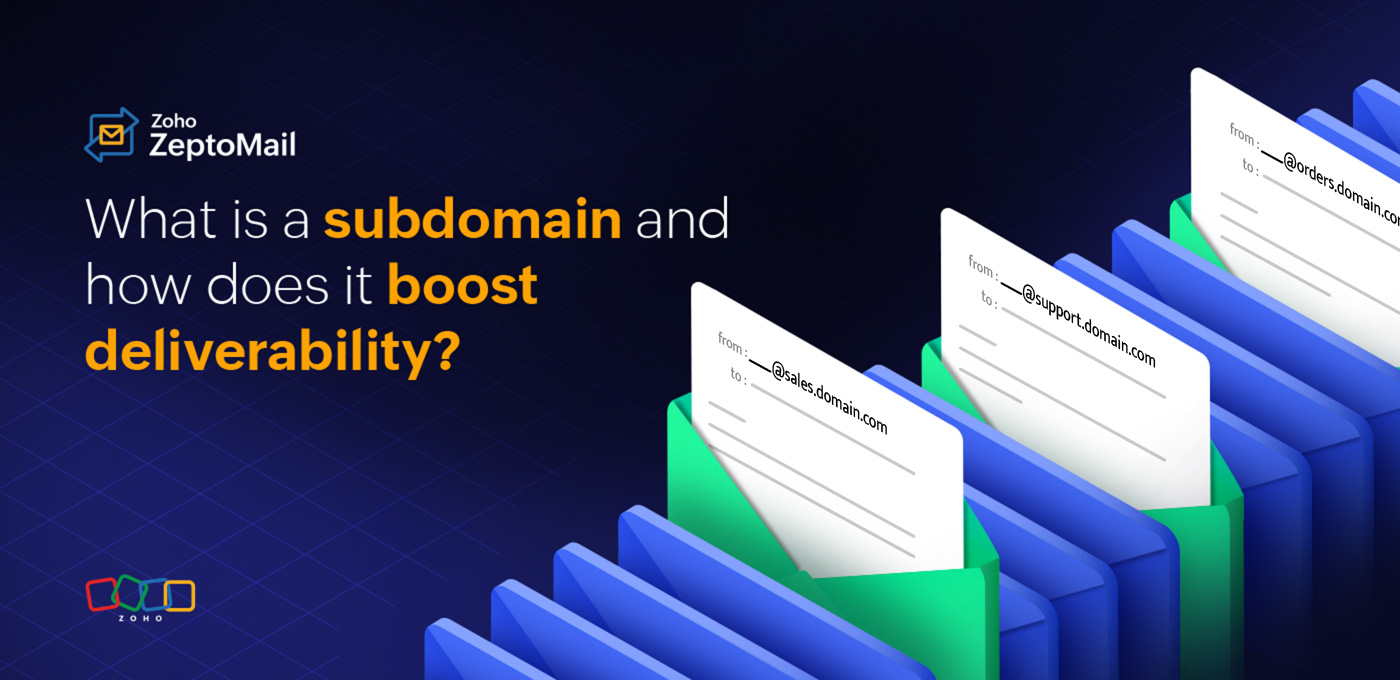
Subdomain: orders.zylker.com, hello.zylker.com, sales.zylker.com
Now, moving on to emails, these email domains are how users send and receive emails. Every business will and should have a custom email domain that all employee email addresses belong to. This makes the business look professional and trustworthy. While most business emails are sent from the root domain (Gary from HR will use gary.g@zylker.com), businesses can use subdomains for other streams of email, like promotional or transactional emails, to segment the emails.
For example:
hello@notifications.zylker.com
Username: hello
Subdomain: notifications
Domain: zylker.com
Why use email subdomains?
Email service providers like Zoho Mail, Google, Outlook, or Yahoo monitor emails received from every email sending source (domain or IP). Depending on your email behavior, they’ll associate a sender reputation to your domain. Good emails and good practices mean a better sender reputation, and spam or other bad email activities mean a poorer sender reputation. This sender reputation is what will decide if emails from your domain will be delivered or not.
If your root domain gets a poor sender reputation, it’s extremely difficult to undo it. You also won’t have the luxury of changing the root domain because, more often than not, it’s tied to your brand website, name, or identity. This is where an email subdomain is the perfect choice.
Note: Proper isolation of sender reputation is only possible if the subdomains are pointed to different IP addresses from the root domain, using DNS records.
Using an email subdomain will help in the following ways.
Improved email deliverability
Regarding reputation and sender trust, email service providers (ESPs) treat subdomains independently from the root domain. Using a different email subdomain for different types of emails allows for better deliverability control tailored to specific types, like marketing or transactional emails.
Reputation management
Using email subdomains for logical email grouping allows you to build a separate sender reputation for different email groups like marketing, support, or notifications. If the reputation of any of the subdomains takes a hit, this isolation will protect the reputation of your root domain and the other subdomains. With smaller groupings, it will be relatively easier to recover a subdomain’s reputation or even switch to a different subdomain if the need arises.
Enhanced email security
A subdomain allows granular control over email authentication standards like SPF, DKIM, and DMARC. You can assign unique authentication records to each subdomain, improving protection against spoofing and phishing.
Organized email traffic
Large organizations may run multiple email campaigns or department-specific communications. Subdomains provide a way to segment emails by department or campaign type—for example, sales.company.com for sales emails, promo.company.com for promotions, and support.company.com for customer support.
Use cases for email subdomain and how to use them
1. Marketing campaigns
Marketing emails can sometimes lead to being marked as spam or gray mail. Because they have varying engagement rates, it’s better to use a separate email subdomain for these.
Benefits:
Protect your corporate domain’s reputation.
Enable fine-tuned tracking and analytics.
Improve deliverability through reputation isolation.
Example: promotions.example.com or offers.example.com
2. Transactional emails
Transactional emails are automated emails triggered by users, like confirmations, receipts, and password reset emails. These emails are expected to be delivered to the inbox without any delay. It’s advisable to use a separate email subdomain to send these in order to isolate the reputation.
Benefits:
High deliverability due to a clean reputation.
Secure, authenticated message handling.
Example: orders.example.com or notify.example.com
3. Segmentation by department or team
You can use a dedicated email subdomain to manage emails sent out from different departments—like customer support communications—through ticketing systems, sales communication, and more.
Benefits:
Keeps correspondence organized.
Builds trust with consistent branding.
Separates support volume from marketing traffic.
Example: support.company.com, sales.company.com
4. Notifications
Email subdomains can be used to set up the email notification system. Used for automated messages such as system updates, downtime alerts, or security warnings, notifications ensure that technical messages stay distinct from customer communications.
Example: alerts.example.com or noreply.example.com
5. Regional domains
If your business operates across different countries, you can use regional subdomains like:
eu.example.com (Europe)
us.example.com (United States)
This approach simplifies compliance (e.g., GDPR) and allows localized branding.
6. Internal communications
Use a separate subdomain for internal communication like HR updates, IT alerts, and internal memos—helping isolate internal traffic from external campaigns and ensuring stronger data control.
Example: internal.example.com
How to set up a subdomain
Choose a relevant subdomain name. Select a prefix that clearly identifies the email purpose, such as “news,” “sales,” “orders,” or “events.”
Create DNS records. Log in to your domain registrar or DNS hosting provider (like GoDaddy) and add the subdomain as a DNS entry. Configure the necessary DNS records for email functionality:
MX records: Specify mail servers that handle emails for this subdomain.
SPF records: Authorize sending servers to prevent spoofing.
DKIM records: Cryptographic keys to verify message integrity.
DMARC records: Policies to handle authentication failures.
Authenticate your subdomain. Within your email service provider platform, authenticate the subdomain by verifying the DNS records that you added are correct. This builds trust with internet service providers (ISPs).
Configure email servers. Ensure that your email servers or ESPs are properly set up to send and receive emails from the subdomain, including handling forwarding and aliases.
Test and monitor. Send test emails to verify successful delivery and proper authentication. Monitor open rates, bounce rates, complaints, and overall sender reputation using tools or the analytics dashboard of your ESP.
Email subdomain best practices
Segment email traffic
Assign unique subdomains for different email streams such as marketing, transactional, and support communications. This isolation ensures that if one subdomain’s reputation suffers—due to high bounces or spam complaints—it doesn’t impact the entire domain or other critical communications.
Maintain brand identity
Customers may not immediately recognize the subdomain used in the email. To avoid confusion and reinforce trust, maintain consistent branding in emails sent from subdomains. Emails from subdomains should reflect core branding: Match sender names, design, legal footers, and domain information with the primary domain’s brand.
Monitor reputation and feedback loops
Regularly monitor and track the subdomain’s sender reputation and feedback loops to detect issues early. Set up automated alerts for discrepancies so you can take swift countermeasures.
Avoid alias accounts
Configure real, fully authenticated email accounts on subdomains. Avoid using aliases or forwarding setups, because they can be flagged by ISPs and will reduce compliance with major ESP requirements. Each sending address should have robust authentication and complete contact metadata to improve trust with mailbox providers.
Authenticate every subdomain
Ensure that all required DNS and authentication protocols—SPF, DKIM, DMARC, and, if possible, BIMI—are correctly implemented and regularly audited for each subdomain. Bring subdomains up to the latest standards, especially as providers like Gmail and Yahoo increasingly enforce authentication and compliance.
Stay current with email guidelines
Update one-click unsubscribe and complaint-handling practices per new sender guidelines. Remove disengaged users promptly to maintain healthy engagement rates and low spam complaints. Periodically review and refresh subdomain records, security, and compliance against evolving industry requirements.
Warm up new subdomains
Suddenly sending high volumes of email from a new subdomain can be marked as suspicious and affect your domain reputation. Warm up new subdomains by gradually increasing your sending volume over 30 to 60 days, starting with highly engaged recipients to build a good reputation.
Additional recommendations
Use clear naming: Choose descriptive, non-spammy subdomain names that reflect the purpose or audience of each email stream (e.g., “events.company.com”).
Align tracking and sending domains: Ensure that tracking links and sending subdomains share the same root domain and TLD.
Keep subdomain websites online: Most mailbox providers expect all sender subdomains to point to live websites with clear company info and privacy policy details to help validate authenticity for recipients and inbox filters. Make sure you redirect the subdomains to the website of your root domain.
Nurture subdomains: Make sure that you don’t rapidly change or abandon subdomains.
Rules for replies: Create rules with your ESP to redirect replies to the subdomain to a monitored inbox so that no replies fall through the cracks.
Conclusion
Email subdomains are a powerful means to manage and optimize email communications for organizations. They protect the primary domain’s reputation, improve deliverability, and enhance security. Whether you’re sending marketing newsletters, transactional updates, or customer support replies, a well-planned subdomain structure ensures that your messages reach the inbox—and your brand retains the trust it’s worked so hard to cultivate.