- HOME
- What's new
- Introducing Zoho Show for Mac
Introducing Zoho Show for Mac
- Last Updated : December 3, 2025
- 1.1K Views
- 3 Min Read

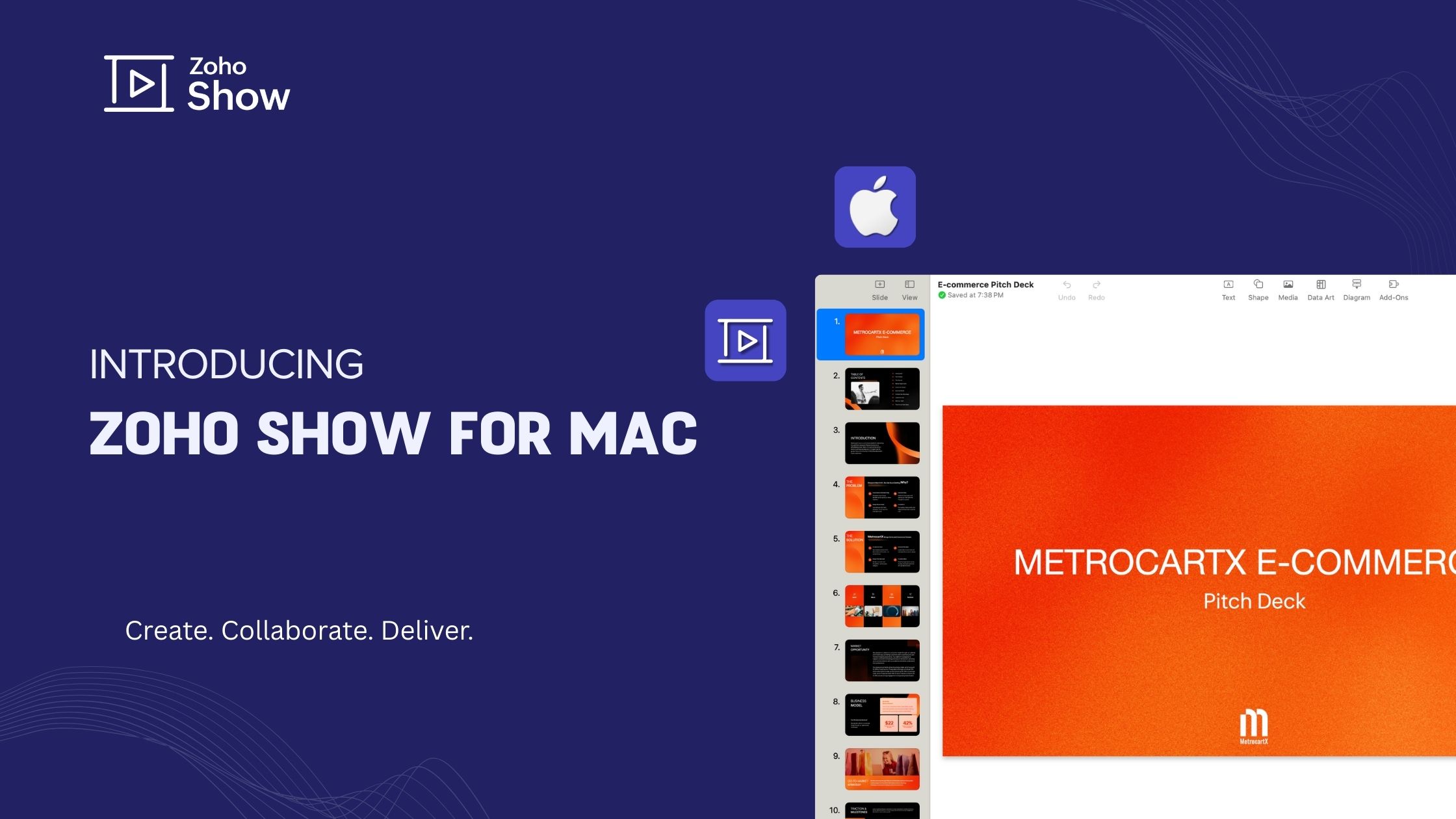
Mac users, your wait is over. Zoho Show for Mac is here!
Great presentations don’t always happen in one place. Sometimes it’s at your desk, other times on your phone, or even mid-flight. That’s why we’ve been expanding Zoho Show across platforms: the web, Android, iOS, Windows, and now, the Show experience has arrived on Mac.
You may ask why you'd need a desktop app when you already have access to a cloud app. Well, the answer is simple: flexibility. Ideas shouldn't always have to wait for an internet connection. Sometimes inspiration strikes at the most odd places, and with Zoho Show app for Mac, your ideas don't have to wait.
So what makes your presentation experience on Mac better?
Designed for the Mac experience
Zoho Show for Mac brings all your favourite features of the web app to your desktop, optimized for the Mac OS. Familiar keyboard shortcuts keep your workflow fast and natural, while smooth window management lets you present full-screen or position your slides alongside other apps for easy multitasking. All this is paired with the Retina display to make the visuals in your presentation pop.
Sign in at your own pace
Start building slides the moment inspiration hits—no account required. You can brainstorm privately, polish your draft, and sign in when you’re ready to share or back up your work. When you do log in, your presentations merge seamlessly with your Zoho account and are instantly available across your other devices. It’s flexibility and control rolled into one, allowing you to decide when and how your ideas leave your desktop.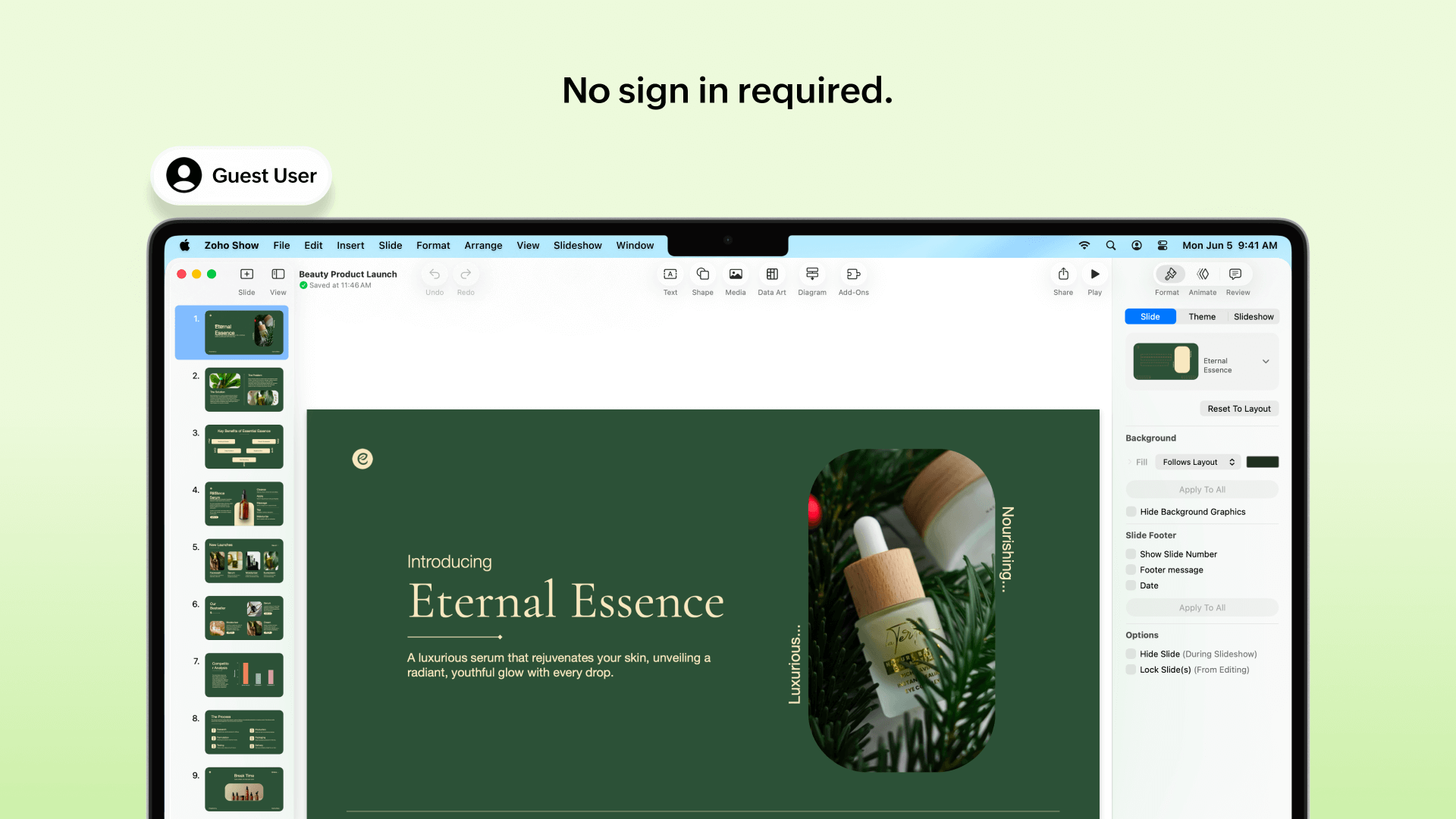
No network, no problem
With the Mac app you can create, edit, and refine entire decks offline with confidence that every change is saved locally. As soon as you reconnect, your work syncs automatically with the cloud. Whether you’re shaping a keynote on a long-haul flight or revising a client proposal from a mountain cabin, the Mac app keeps you moving even when the network doesn’t.
Import and export made effortless
Import PowerPoint presentations without losing formatting and continue from where you left off. And when it is time to deliver, you can download the presentations in other formats like PPTX, PPSX, or ODP files. You can also download the files as PDFs or high-resolution PNG or JPEG images. Whether you’re collaborating with a team that uses different software or preparing slides for print, Zoho Show for Mac makes it seamless.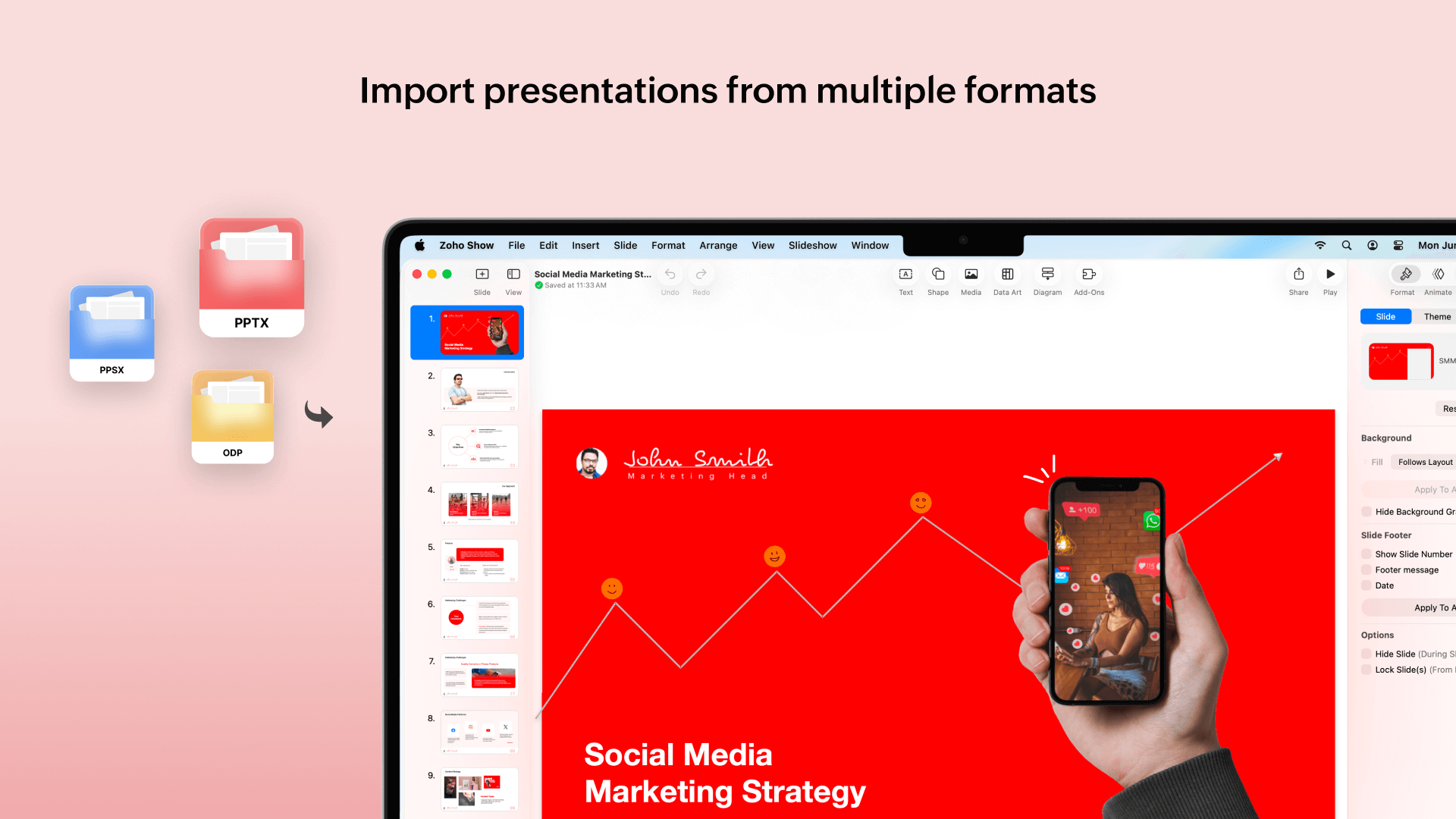
Work together, anywhere
When its time to collaborate with your team, your Mac app connects with your colleagues anywhere. You can leverage Show's secure collaboration to discuss, share feedback, and co-edit in real time. And don't worry, with version history you can track every version with details on the changes made. Whether you’re collaborating across time zones or across the hallway, everyone stays perfectly aligned, so the final presentation feels like it was built in one room.
Apple Intelligence support
Zoho Show for Mac works seamlessly with Apple Intelligence, letting you refine content, rewrite slide copy, and generate visuals instantly using built-in Writing Tools and Image Playground. Whether you're polishing a draft or shaping ideas on the go, Apple Intelligence adds an effortless layer of speed and creativity to your presentation workflow.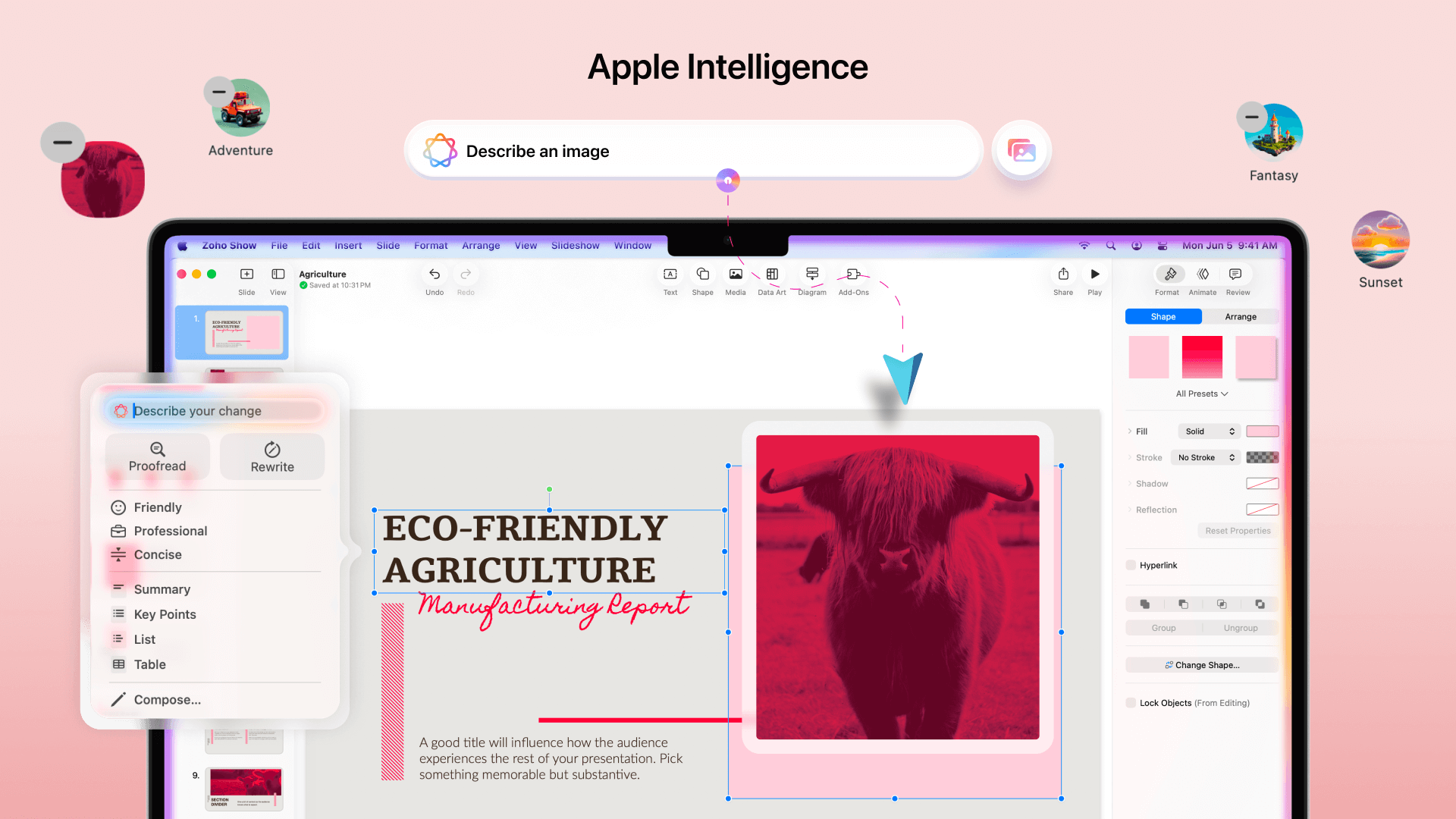
The road ahead
This launch is just the beginning. Soon, you’ll be able to create presentations from your organizational library's slides and templates, generate presentations and slides with the help of Zia AI, and use Apple’s Handoff to move seamlessly between your Mac, iPhone, and iPad. Each update will make the Mac app even more powerful and more connected to the Apple ecosystem you already love.
Zoho Show for Mac gives you the full power of modern presenting, ready whenever and wherever inspiration strikes.
Download the app today and start creating your best presentations.
Enjoy presenting on your Mac!