Purchase requisition software built for simplicity
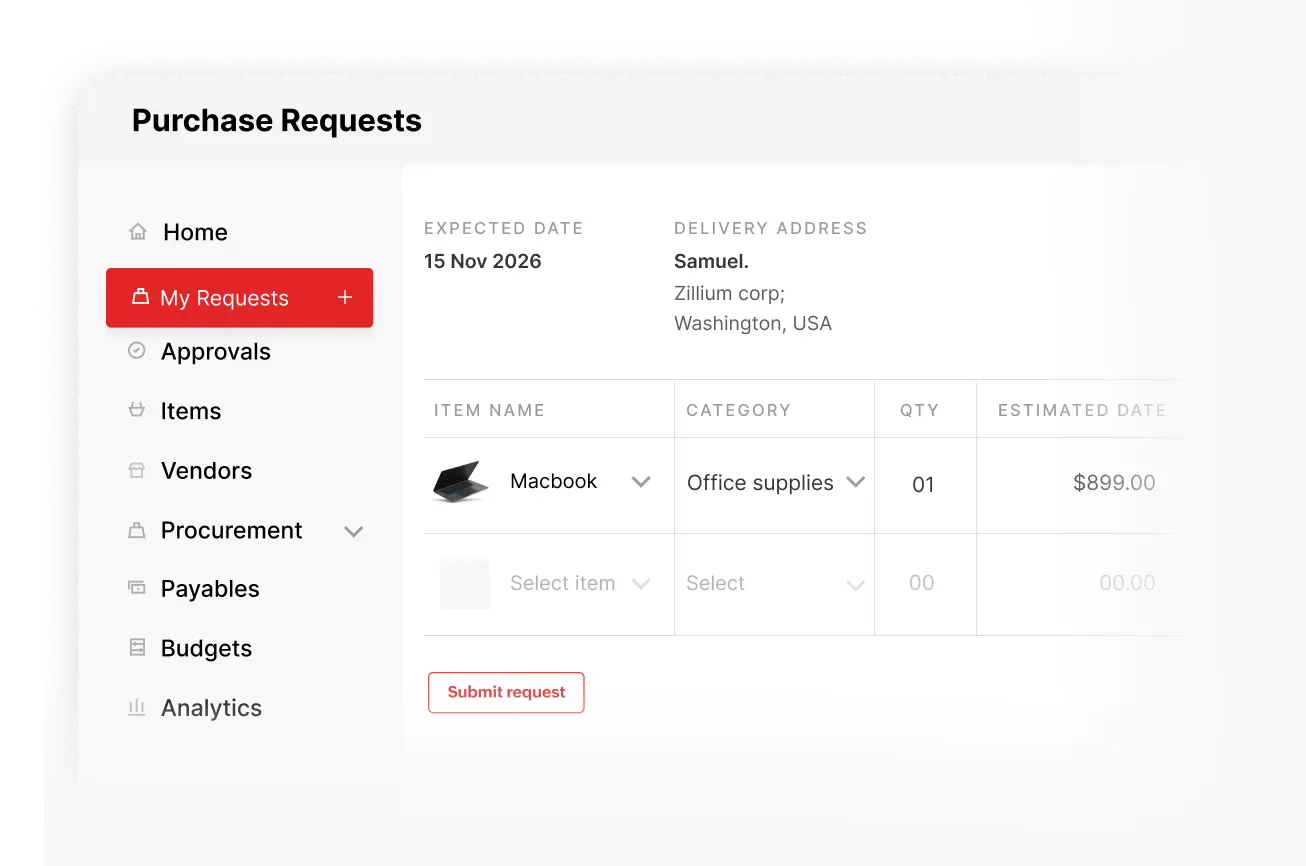
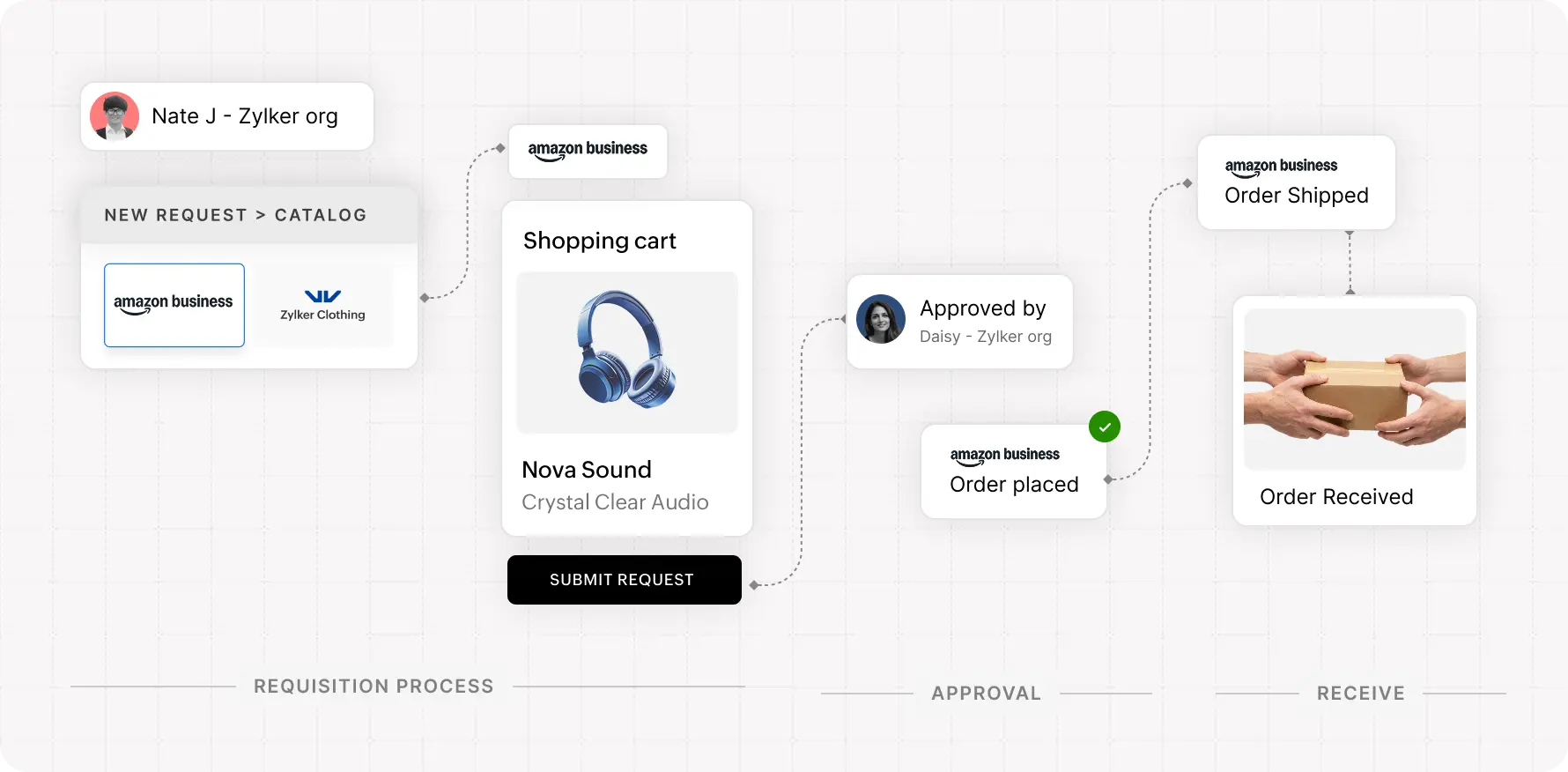
Zoho Procurement offers the ease of an ecommerce site; employees select items from a pre-approved catalog, submit their order in seconds, and get real-time updates, with every request routed to the right approver with all the right details.
Purchase requests, finally under control

Control before spending

No missed or rogue buys

Faster, cleaner approvals

Full request visibility
From request to approval, nothing slips through
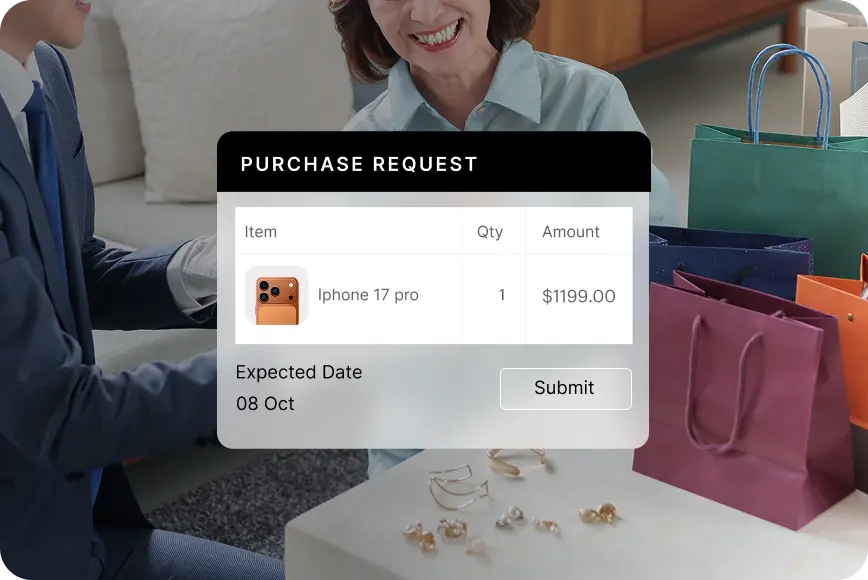
Create complete purchase requests
Create, edit, and submit purchase requests from a desktop or mobile device with all required details, account codes, and attachments, so every request is complete and ready for approval.
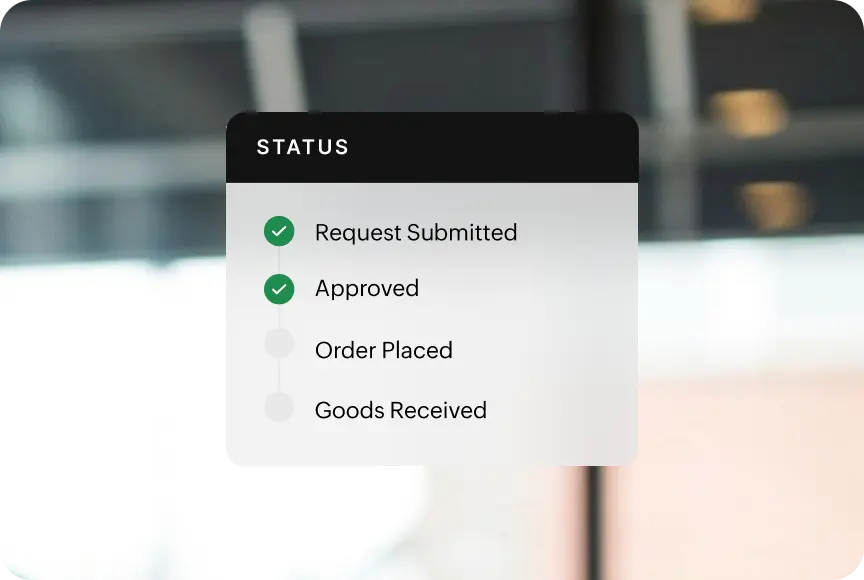
Track request status in real time
Stay informed on every request without following up. View who’s reviewing it, what’s approved, and what’s pending, so nothing gets delayed or lost in someone’s inbox.
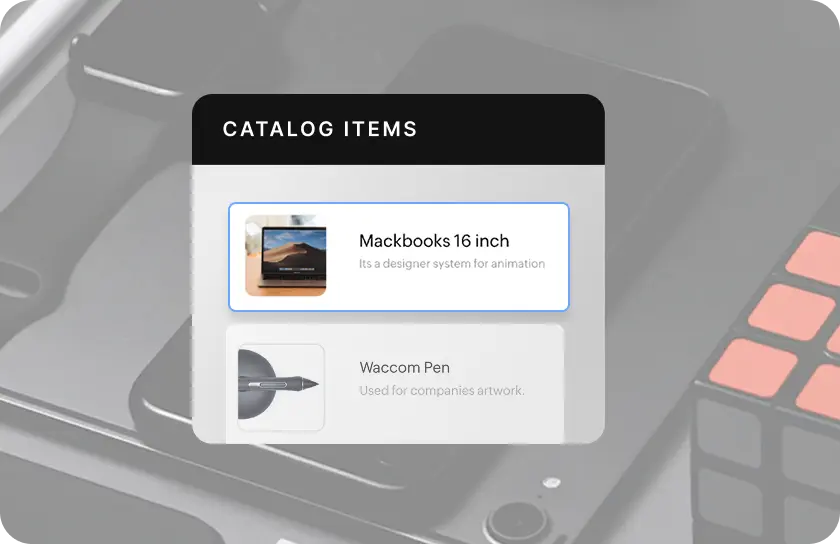
Select from approved catalogs
Choose items from predefined vendor catalogs with fixed descriptions and pricing, ensuring requests are consistent, accurate, and aligned with approved vendors before they reach the approver.
Give employees the freedom to buy the right way
PunchOut to vendor sites
Browse vendor websites, select items, and bring them into a purchase request with all relevant details, so employees can shop freely while approvals remain controlled within your system.
Frequently Asked Questions
A purchase request is a formal internal request raised by an employee to buy goods or services. It captures key details such as items, quantities, account codes, and preferred vendors (if applicable), and routes it to the right approver.
Employees with the required permissions can raise purchase requests from any department, using desktop or mobile.
Once submitted, requests are routed to designated approvers based on your configured workflows. Approvers can review, comment, approve, or reject directly within the system.
Yes, You get clear visibility into who is reviewing it, what is approved, and what is pending without follow-ups.