Smarter purchase order management, made simple
Create, approve, amend, and reconcile purchase orders without re-entering data or losing control after they're issued.
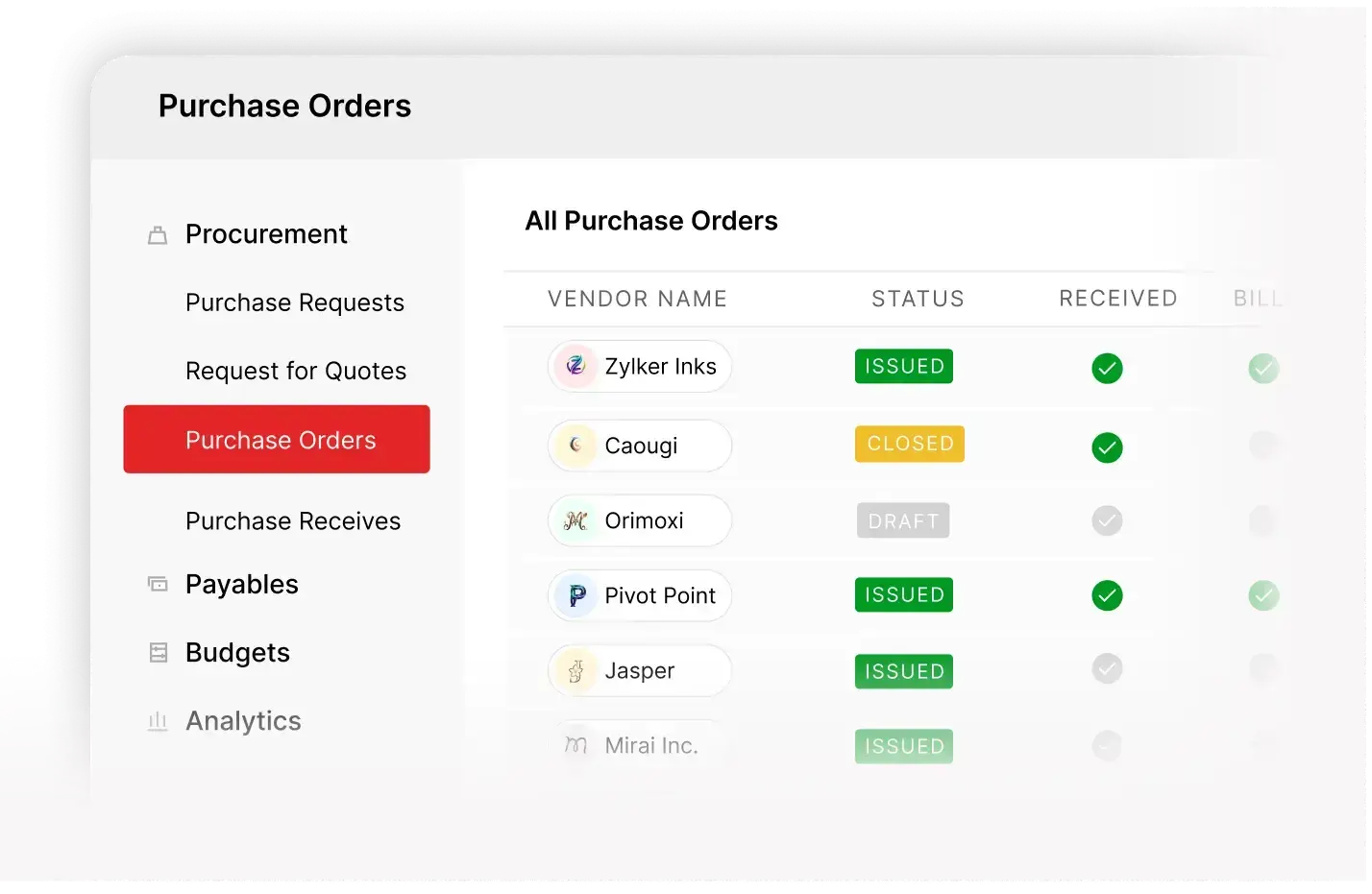
Keep purchase orders moving without rework

Convert requests and RFQs to POs easily

Amend issued POs without recreating

Budget checks built into approvals

Accurate billing with matched transactions
Manage purchase orders beyond creation
Flexible purchase order creation
Create purchase orders from approved purchase requests and awarded RFQs with all details carried forward. Clone repeat orders or import in bulk to handle volume, nothing needs to be re-entered later.
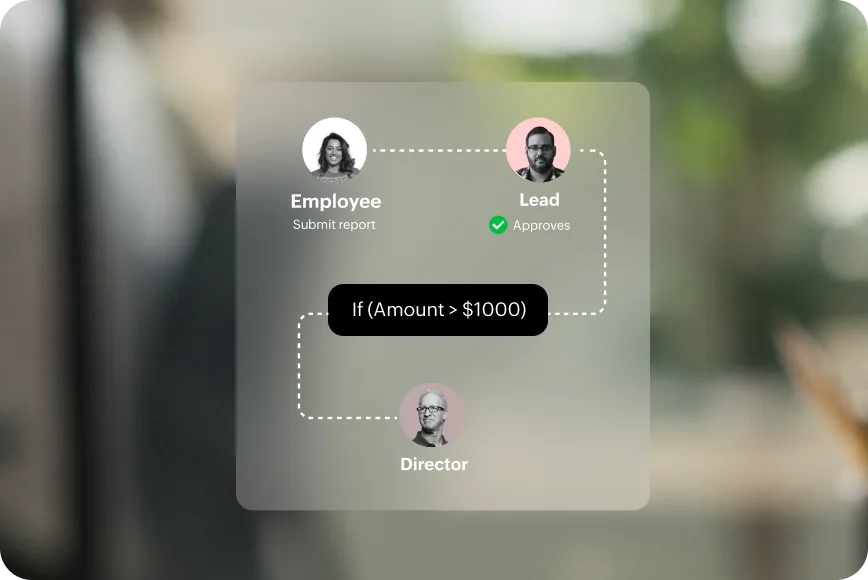
Approval workflows with built-in budget control
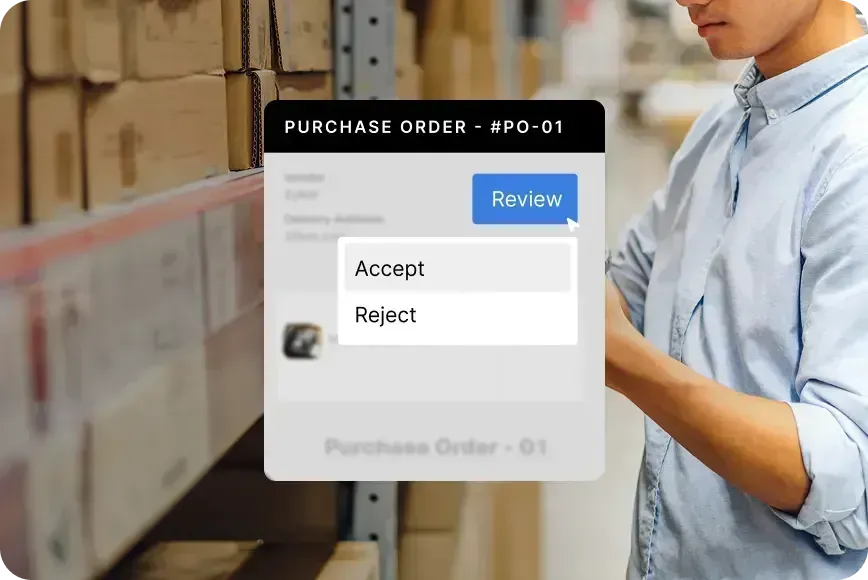
Route purchase orders through approval workflows based on roles, departments, or spend thresholds. Budget checks happen during approval so overspend is flagged before the order is issued.
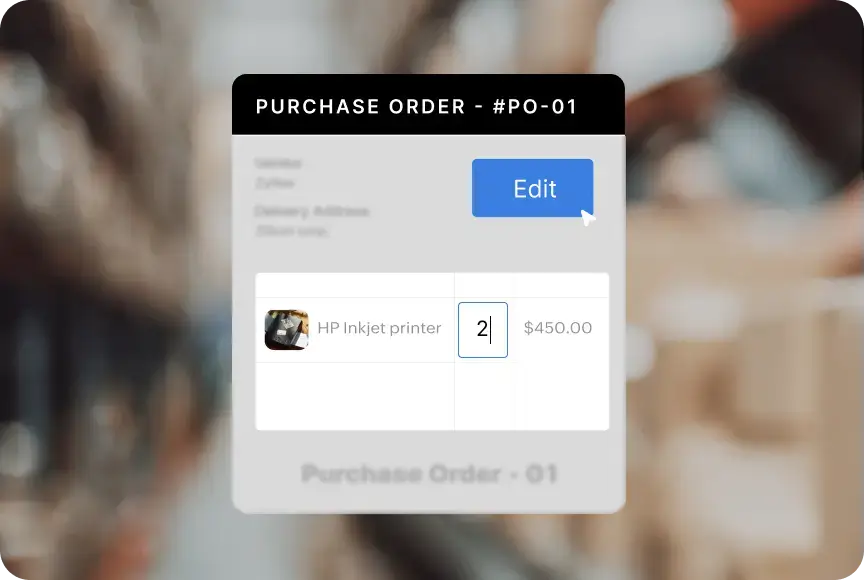
Controlled amendments for issued orders
Coming soonAmend purchase orders after issuance without cancelling and recreating them. Update quantities, pricing, delivery dates, or line items through a structured approval process with full version tracking.
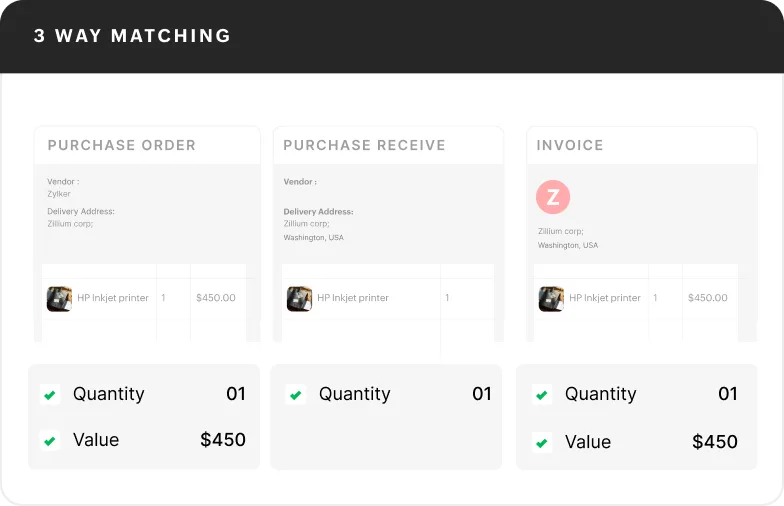
Match orders, receipts, and invoices before payment
Accurate receiving & billing
Record goods and services as received, fully or partially and convert purchase orders into bills when invoices are issued. Two-way and three-way matching ensures every invoice aligns with the order and receipt.
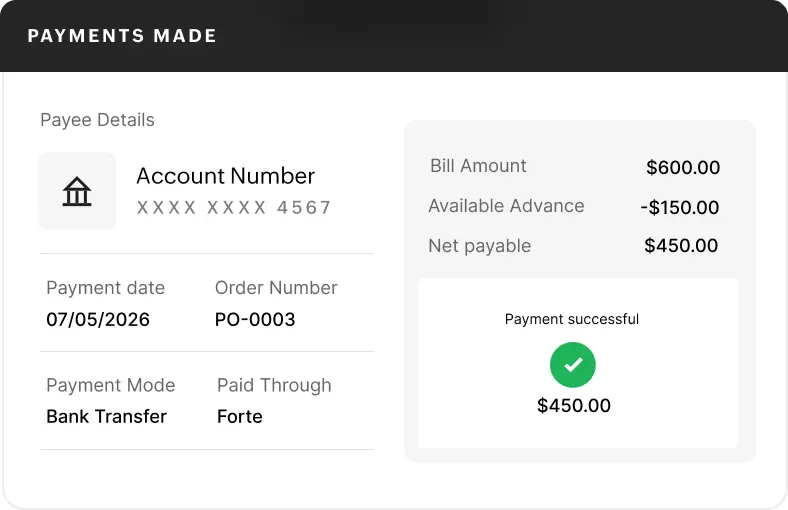
PO-linked vendor advance management
Link vendor advances directly to purchase orders so they're applied to related bills. Enforce utilisation rules to avoid duplicate or excess payments.
Elevated purchasing with catalogs and punch-outs
Bring catalog and punch-out purchases into the purchase order workflow
Let employees purchase through curated catalogs or supplier punch-out storefronts. Completed carts are converted into POs with policy and budget control applied automatically.
Learn more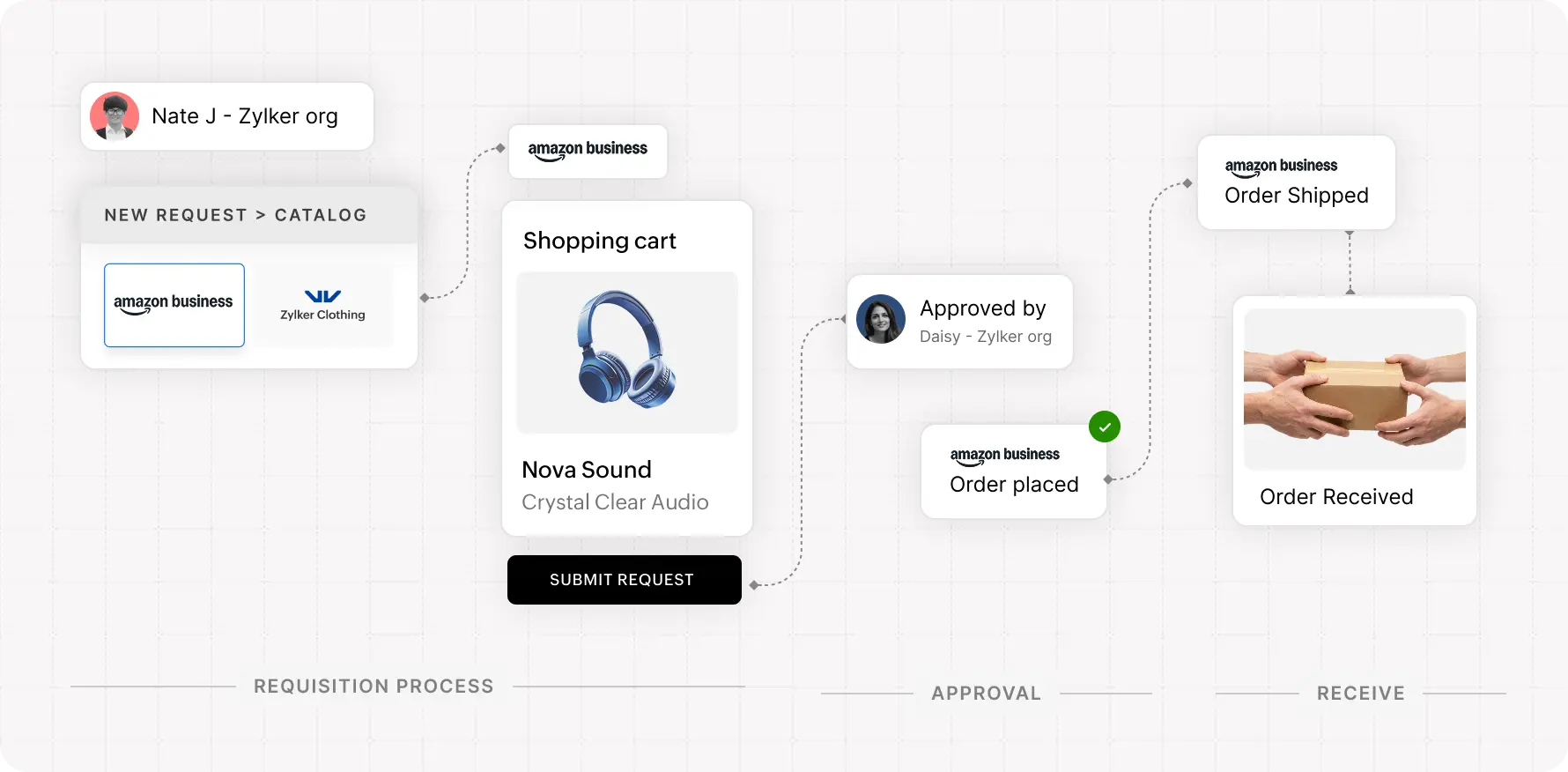
Stay aligned after the purchase order is issued

See where every order stands
Track purchase orders from draft through approval, issuance, receiving, billing, and cancellation with clear visibility at every step.

Update orders without disrupting the flow
Cancel full orders or specific items, reopen orders, and manage multiple purchase orders without disrupting your workflow.

Keep vendors in-sync without follow-ups
Share POs through the portal where vendors can accept or reject orders, upload invoices, and track updates all tied to the same transaction.
Frequently Asked Questions
A purchase order (PO) is a formal document issued to a vendor to authorize a purchase. It defines what is being bought, at what price, and under what terms serving as the reference for receiving, billing, and payment.
Purchase orders can be created from scratch or generated from approved purchase requests or awarded RFQs, with all details carried forward. You can also clone existing orders or import them in bulk for recurring or high-volume purchases.
Yes. Instead of cancelling and recreating, you can raise an amendment. Changes go through approval and are applied as a new version, so the original record stays intact and vendors are only notified after approval.
Invoices are validated against the purchase order and goods receipt. Any mismatch in quantity, price, or items is flagged before payment, so issues can be resolved early.
Yes, once an RFQ is awarded, you can create a purchase order with vendor details, items, pricing, and quantities carried forward, there's no need to re-enter information.