- HOME
- From video calls to standardized workflows: The new era of visual assistance
From video calls to standardized workflows: The new era of visual assistance
- Last Updated : July 14, 2026
- 52 Views
- 4 Min Read
For years, enterprise technical support has operated under a major handicap: experts at desks trying to diagnose physical, real-world problems based solely on verbal descriptions. When a complex piece of manufacturing machinery or network infrastructure fails, a phone call often leads to miscommunications, stretched timelines, and a costly field dispatch.
Enter visual assistance, a rapidly growing remote support category that is shifting operations from reactive troubleshooting to highly structured, repeatable processes. By blending live video feeds with augmented reality (AR) and AI, modern platforms allow companies to bridge the physical gap between off-site technical mastery and frontline execution.
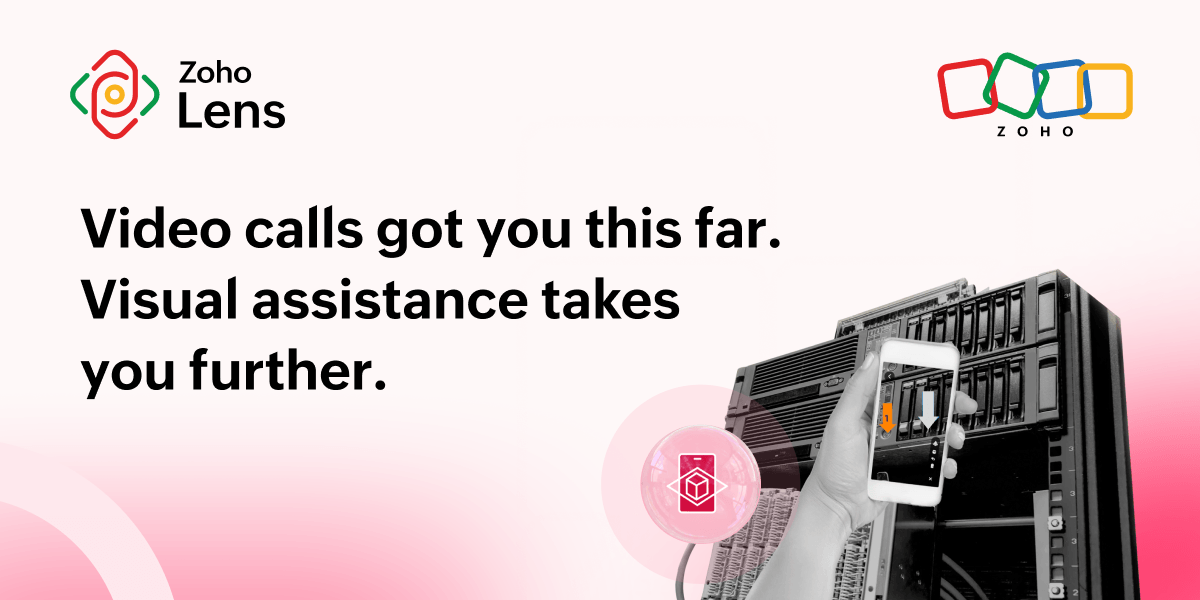
What visual assistance means in enterprise support context
At its most basic level, visual assistance connects a remote expert to an on-site technician or customer via a live camera stream. However, the enterprise-grade iteration of this technology is vastly different from a standard, passive video call.
While consumer applications of visual assistance frequently focus on accessibility tools for the visually impaired, the enterprise B2B landscape is entirely focused on operational execution. It introduces structured parameters to a live interaction:
Spatial anchorings: Translating a chaotic camera stream into an absolute reference point using AR markers that stay glued to physical objects even when the camera moves
Process compliance: Embedding interactive, digital standard operating procedures directly into the visual interface
Definitive documentation: Automatically recording and mapping every live interaction to a verifiable, time-stamped data trail
How we design remote workflows for real-world support teams
Most tools in the remote video support space treat the interaction as an open-ended phone call with a camera. The true evolution in this sector lies in platforms like Zoho Lens that structure the support workflow before, during, and after a live connection takes place.
Phase 1: Frictionless inbound access
The most common operational bottleneck for remote visual support is requiring an end-user or third-party contractor to download an external application during an active machine failure. Modern visual assistance bypasses this via an appless self-service portal.
Users simply scan an asset's QR code to raise the issue directly with the support team. The issue immediately lands in a centralized help desk queue, organized and documented from the first point of contact. The assigned technician initiates a visual assistance session, and the user can join directly from the request page within their mobile web browser.
Phase 2: Enforcing process via digital work instructions
Frontline execution shouldn't rely on a technician’s memory or paper-based compliance binders. Through digital work instructions, enterprises can digitize complex checklists and standard operating procedures (SOPs) into step-by-step interactive paths.
To guarantee quality control, managers can enforce mandatory evidence logs, such as requiring a technician to capture a photo or video confirmation of a calibrated dial before the platform allows them to unlock the next step in the sequence.
Phase 3: Unalterable audit trails and geolocation
For regulated field work, insurance adjusting, and high-stakes inspections, confirming the physical validity of a session is paramount. By using geolocation, the inspecting officer can get the precise GPS coordinates of the remote party. This establishes an irrefutable geographical and visual audit trail, validating that a certified technician was physically on site, mitigating liability, and stopping fraud before it begins.
How visual support platforms handle tough environments and smart AI tasks
When a live session is running, the technology must adapt to the chaotic and unstable environments of field service, whether that’s a noisy factory floor, a hospital server room, or a remote utility tower.
In-session AI assistant
To scale Tier 1 support without constantly pulling senior engineers away from high-priority projects, platforms are embedding context-aware AI directly into the live video environment.
With Zia Answer Bot, a field technician can pull up an active AI assistant mid-session without switching tabs or exiting the application. Trained directly on an organization's internal knowledge base, manuals, and schematics, the bot extracts precise technical specifications, fluid levels, or error code explanations instantly. This eliminates context switching and allows junior personnel to work with senior-level confidence from day one.
[ Traditional lookup ] ➔ Exit app ➔ Search PDF ➔ Lose live visuals
[ Zia Answer Bot ] ➔ Stay in-session ➔ Query bot ➔ Instant answer on screen
Smart tech for bad cell service zones
Field operations frequently occur in cellular dead zones where standard streaming applications fail completely. To solve this, advanced visual infrastructure depends on two key mechanisms:
Low-bandwidth optimization: Automatically throttle video bitrates over weak networks to preserve crystal-clear audio and prioritize static high-resolution image captures.
Offline recording: When working completely off grid, technicians can record physical environments with active AR overlays superimposed locally onto device storage. Once an internet connection is re-established, the user manually shares the recorded file with a central expert to verify the compliance of the fix.
Omnichannel expansion: Unifying the corporate stack
An enterprise tool is only as powerful as its ability to talk to the rest of the business. Visual assistance is no longer a standalone software silo; it's an integrated layer across core help desk systems like Zoho Desk, Zendesk, and Jira.
Through integrations with tools like Zoho SalesIQ, support organizations can escalate an active, text-based customer live chat on a website directly into a browser-based AR session with a single click. The visual data, snapshots, and text strings collected during the session are instantly organized inside the Files module within your Zoho Lens portal, giving your team a unified historical record for compliance, review, and auditing without cluttering your main ticketing system.
Conclusion
As operational margins tighten and asset complexity rises, businesses can no longer afford the downtime associated with traditional communication bottlenecks. Shifting to a comprehensive visual assistance model ensures that compliance is automated, documentation is absolute, and expert intelligence is delivered exactly where it matters most: at the point of the fix.
 Martina Joan
B2B content specialist covering augmented reality, remote assistance, and the future of field operations. Perpetually mid-chapter — let's talk cats, chess, or crochet anytime.