
Personal and Encrypted Fields
You can further secure your form respondents' data by either marking the fields as personal or encrypting them.
Table of Contents
Mark Fields as Personal Fields
By marking a field as a Personal Field, you can apply a higher degree of sensitivity for this type of information and exercise more control over how this data is processed.
Field types that can be marked as personal:
- Basic Fields: Single Line, Multi Line, Number, Decimal, Name, Address, Phone, Email, Date, Date-Time, Website, Currency, File Upload, Image Upload
- Advanced Fields: Signature, Unique ID
To mark as field as personal,
- In the Form Builder, go to the Field Properties of the given field.
- Scroll down to Privacy Settings.
- Select Mark as Personal.
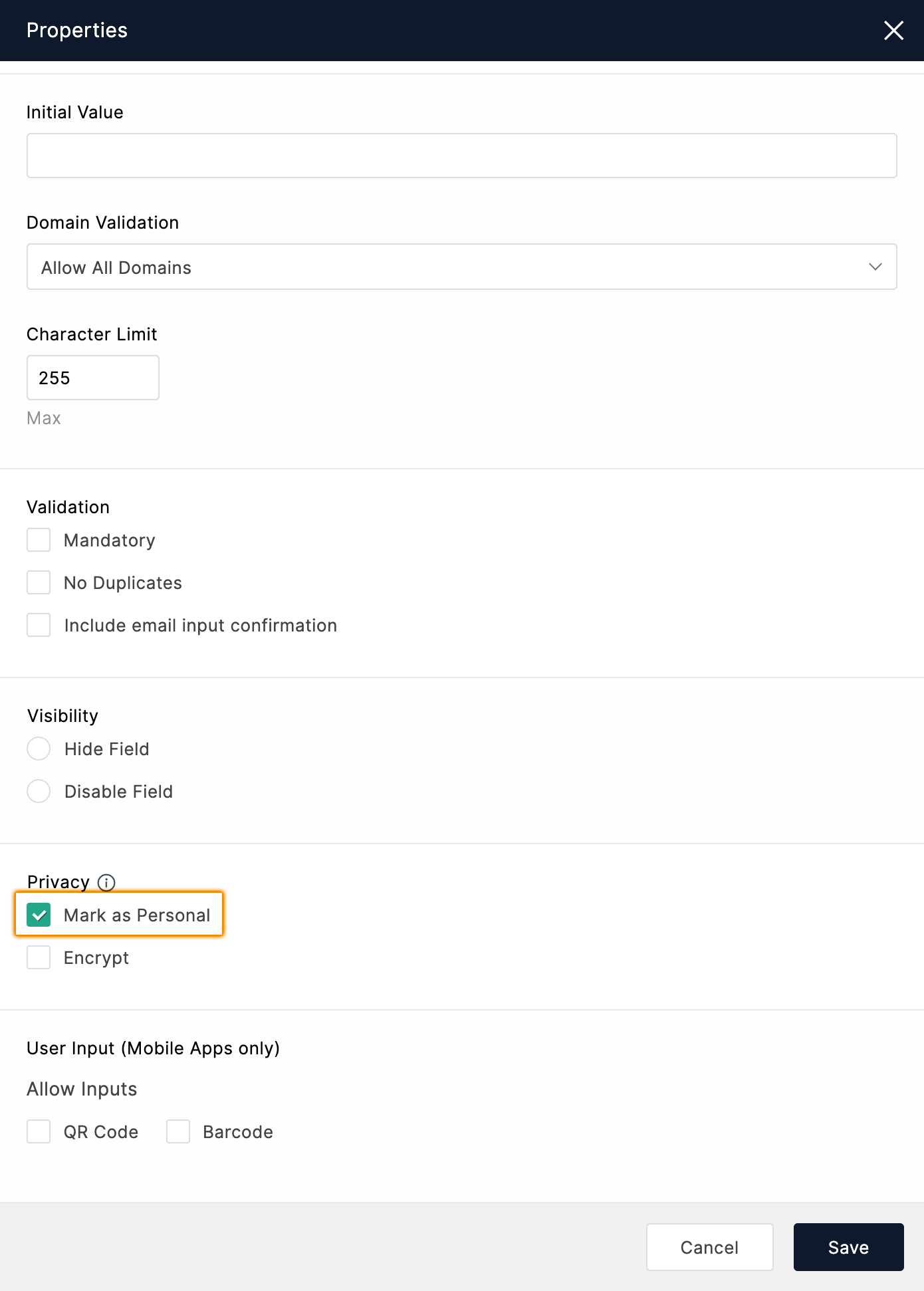
For every field you've marked personal, you will be alerted with a prompt while configuring:
- Email Notifications
- Report printing or downloading
- PDFs of form responses
- Document Merge
- Integrations
Encrypt Fields
Add an extra layer of security for your form respondents' data by enabling field-level encryption.
Field types that can be made as encrypted fields:
- Basic Fields: Single Line, Multi Line, Number, Name, Address, Phone, Email, Date, Date-Time, Website, File Upload, Image Upload
- Advanced Fields: Signature, Unique ID
To encrypt a field:
- In the Form Builder, go to the Field Properties of the given field.
- Scroll down to Privacy Settings.
- Select Encrypt.
Fields marked this way will be encrypted at rest as well as in transit.
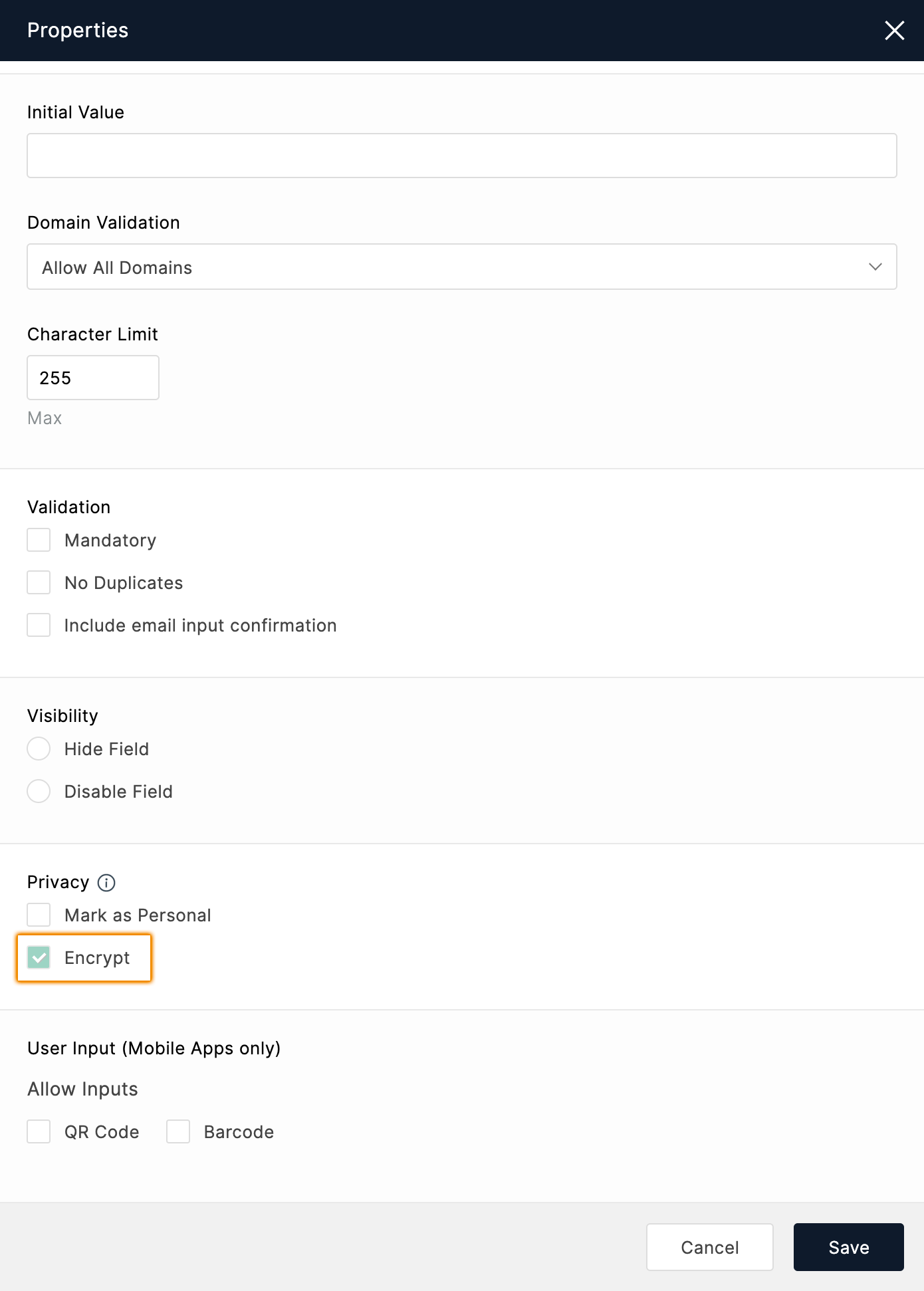
For every encrypted field that you've added to your form, you will be alerted with a prompt while configuring:
- Email Notifications
- Report printing or downloading
- PDFs of form responses
- Document Merge
- Integrations
In report printing and downloading, encrypted fields will be in masked format.
Only the following comparison operators are compatible with encrypted fields for search filters applied on All Entries and Reports:
- is
- is not
- is empty
- is not empty
Note:
- Up to 10 encrypted fields can be added in a form.
- Once a field is encrypted in your form, this action cannot be reverted.
- Encrypted fields are available only for our paid plans.
- Signature and File/Image upload fields cannot be masked in reports.