
Audit - Organization Level
Audit - Organization Level displays the activities performed by the users within your Zoho Forms organization in a chronological sequence. The Super Admin and the Admin can view all the audit data.
The Audit Log records the following activities:
- Adding / Deleting a User in the organization
- Changing User role / User Status
- Creating / Duplicating / Deleting forms
- Changing the Portal name
- Adding a Custom Domain
- Activating / Deactivating HIPAA - Organization Control
- Adding / Deleting DKIM domain
- Deleting the third-party access tokens
- Adding / Deleting / Renaming / Updating SMS Gateway connections
To view your organization level Audit data,
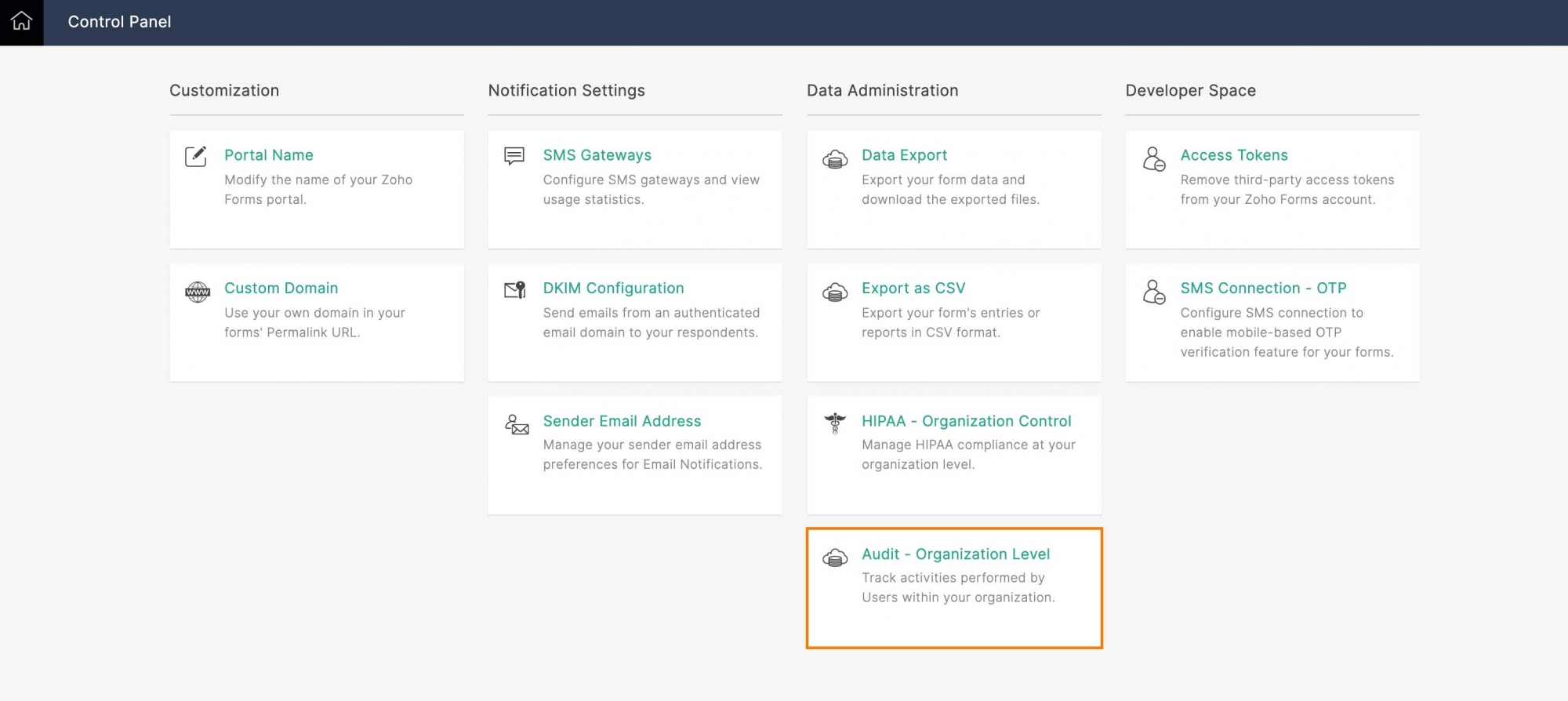
- Click your profile picture in the top-right corner to access the Control Panel.
- Click Audit - Organization Level under Data Administration.
The activities performed in your Zoho Forms organization will be listed.

Note: Zoho Forms will only keep track of the actions performed in the organization in the last 90 days.