
End manual signature collection, paper-based processes, and fragmented workflows
- The Zoho Sign field is integrated directly into Zoho Forms' form builder, enabling you to collect legally binding electronic signatures right within your online forms.
- Create comprehensive PDFs that require signatures for contracts, agreements, consent forms, waivers, NDAs, and more.
- This is a paradigm shift in how businesses handle signature automation and document workflow management. Electronic signatures in Zoho Forms make it easier than ever to go completely paperless!
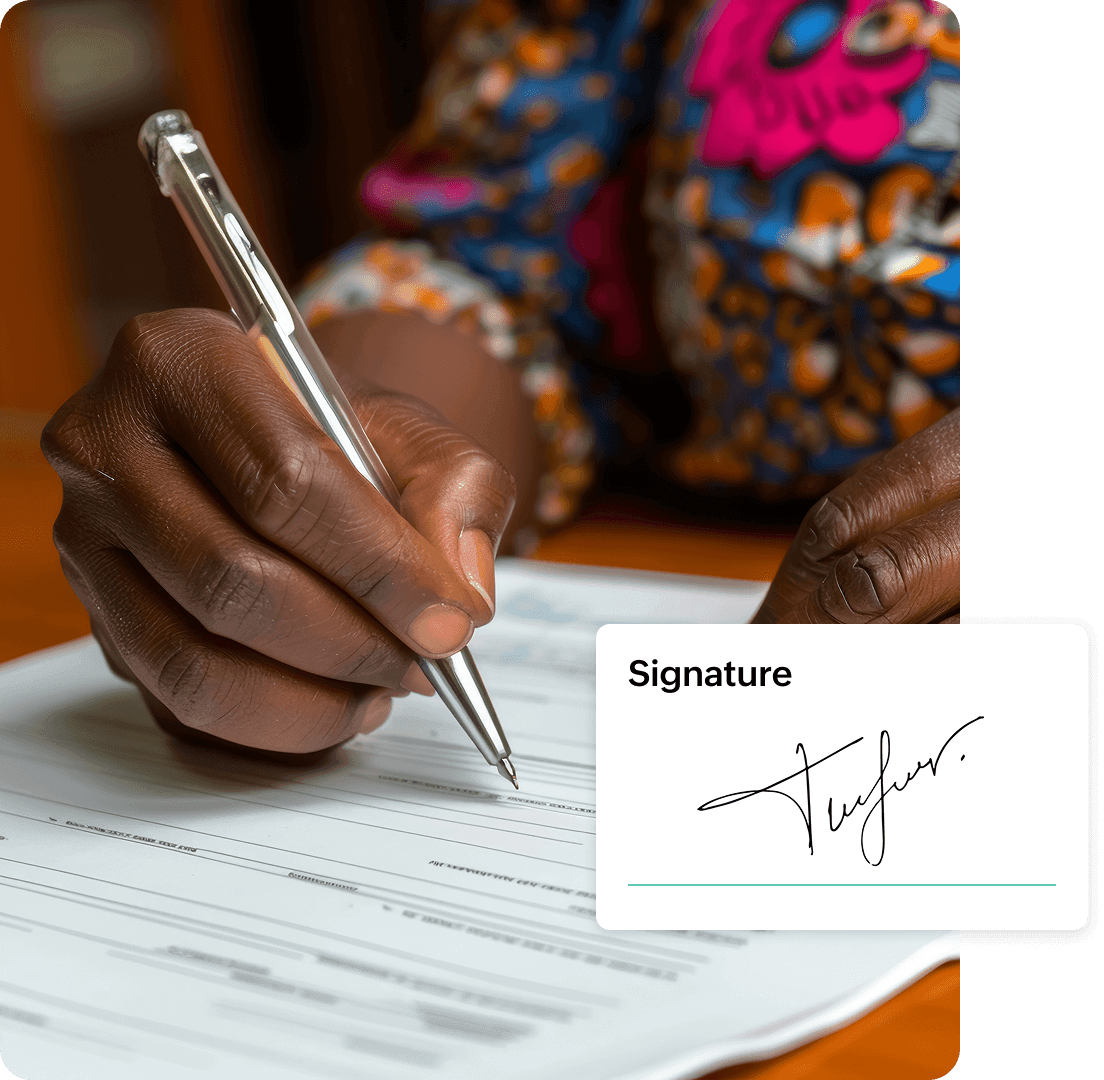
Legally binding signatures
Collect signatures that are compliant with international e-signature laws and regulations, ensuring your documents hold up in legal proceedings.
Seamless signature flow
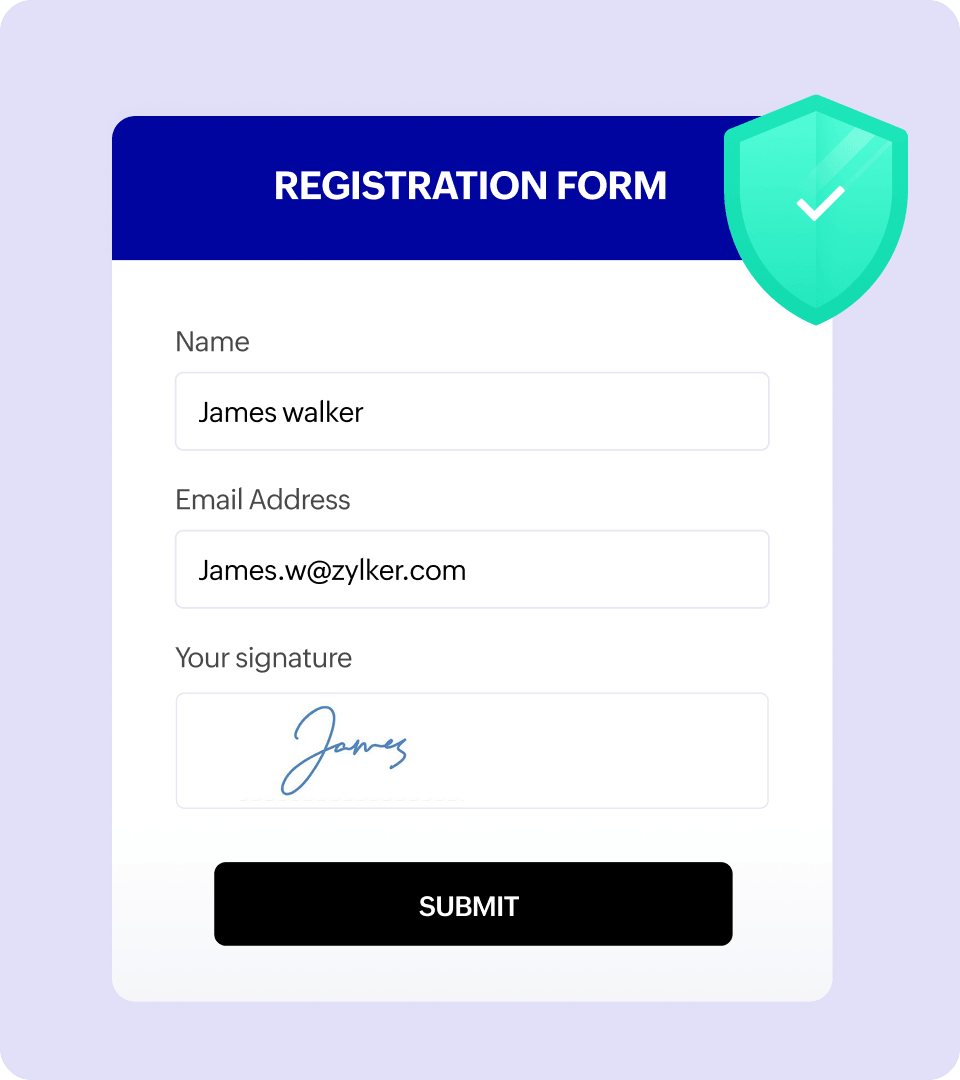
Adding a native field in Zoho Forms means you get a secure form with no third-party tools and no complicated setup—just smooth, unified functionality.
Mobile-friendly
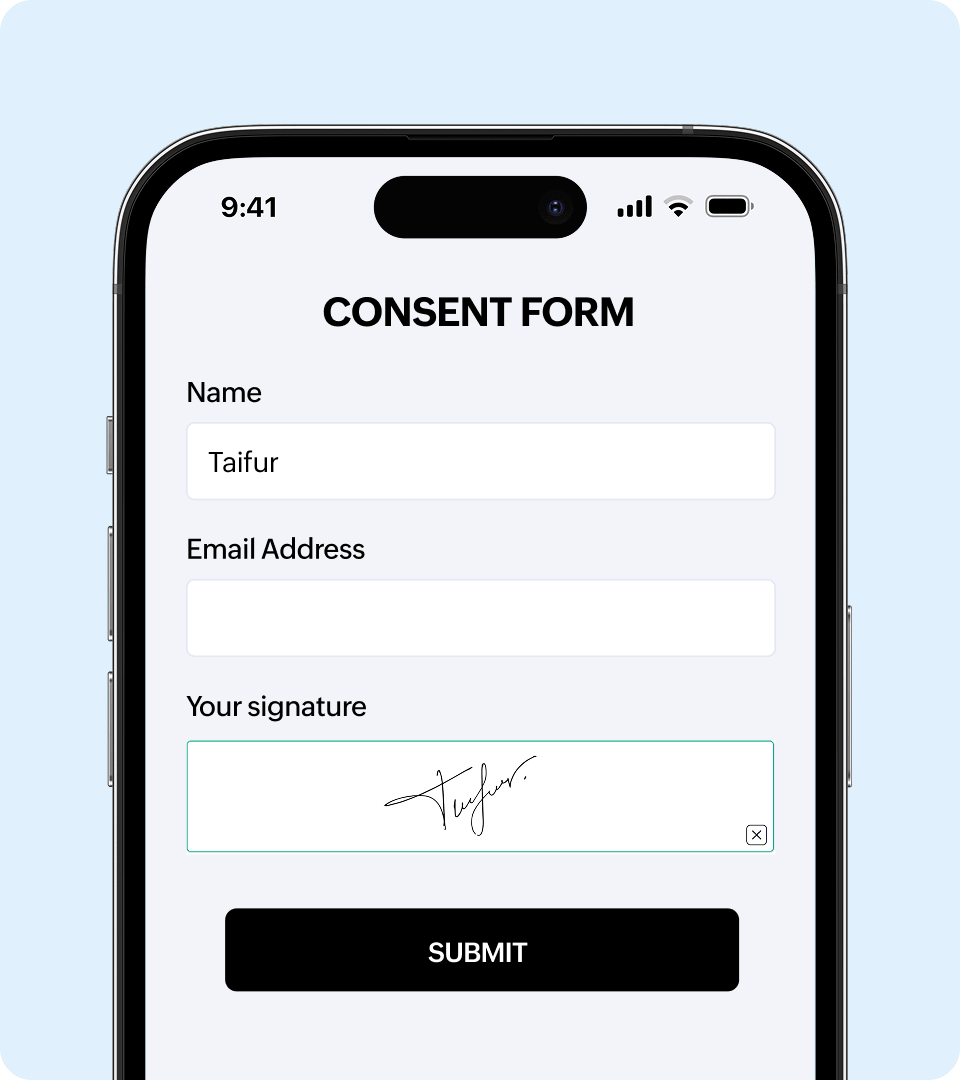
Sign documents from any device, desktop, tablet, or smartphone, with responsive design that works perfectly on all screen sizes.
Cloud storage
All signed documents are automatically stored securely in the cloud with easy access.
Real-time tracking
Monitor signature status in real time and receive instant notifications.

Have your custom PDFs signed with Zoho Sign field
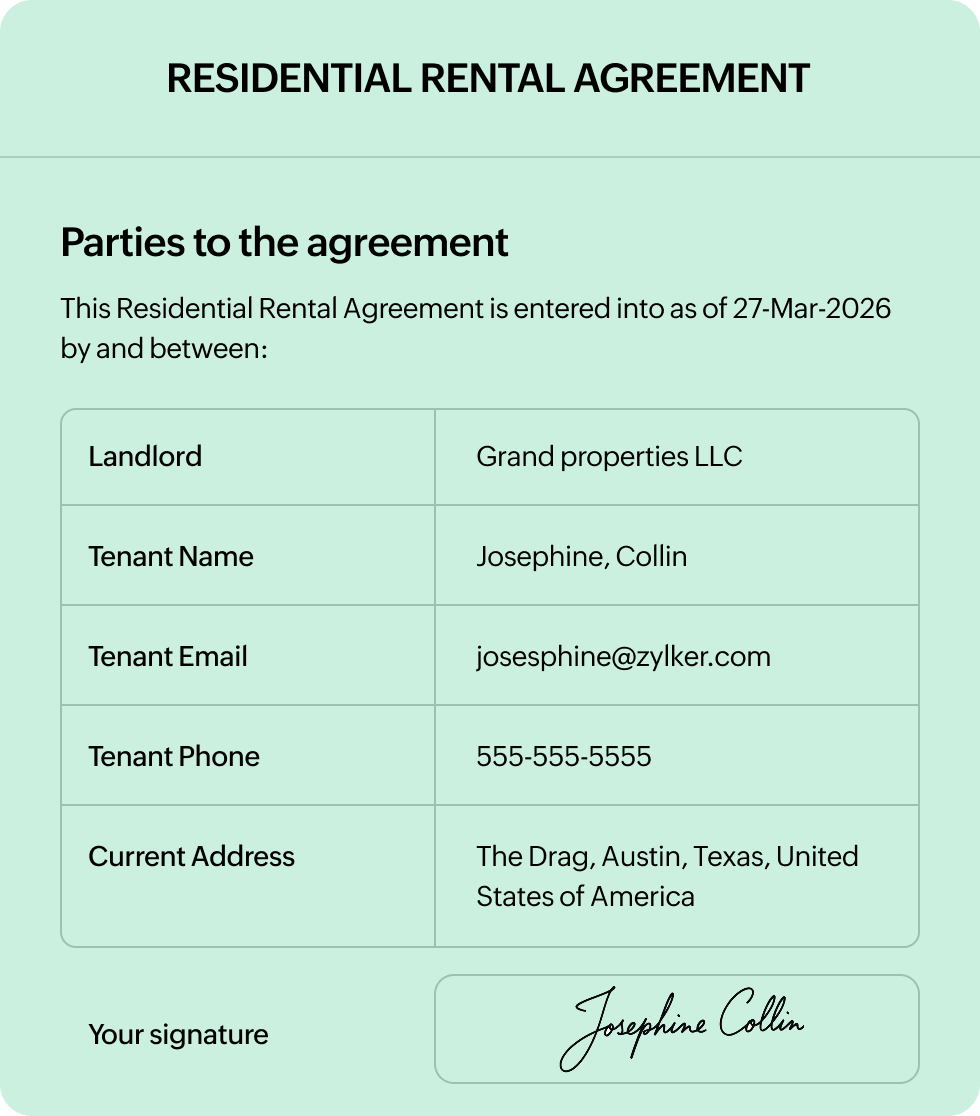
The Zoho Sign field in Zoho Forms lets you use your own custom PDF documents to collect legally binding electronic signatures. Contracts, application forms, consent documents, or agreements can now be signature-ready in minutes.
This means you can continue using your carefully crafted PDF templates while gaining the benefits of digital signature automation.
Insurance teams benefiting from Zoho Forms
Cut costs
Collecting e-signatures digitally eliminates expenses tied to printing, scanning, courier services, and physical storage. With Zoho Forms, you reduce operational costs while speeding up document turnaround. There's no paper and no delays.
Improve compliance
Zoho Forms helps you stay compliant with regulatory and legal requirements to give you peace of mind and clear documentation when you need it most.
Enhance customer experience
Make signing effortless for your customers. Documents can be reviewed and signed in just a few clicks, on any device. No downloads are required—just a smooth, fast signing experience that fosters trust and reflects a professional image for your brand.
Enable remote work
Whether your teams or customers are across the street or across the globe, Zoho Forms makes document signing location-independent and allows you to collect legally binding signatures anytime. Perfect for remote teams, distributed clients, and modern workflows.
How to get signed documents through an online form
- 1Step 01
Create your form with Name and Email fields.
- 2Step 02
Mark these fields as mandatory.
- 3Step 03
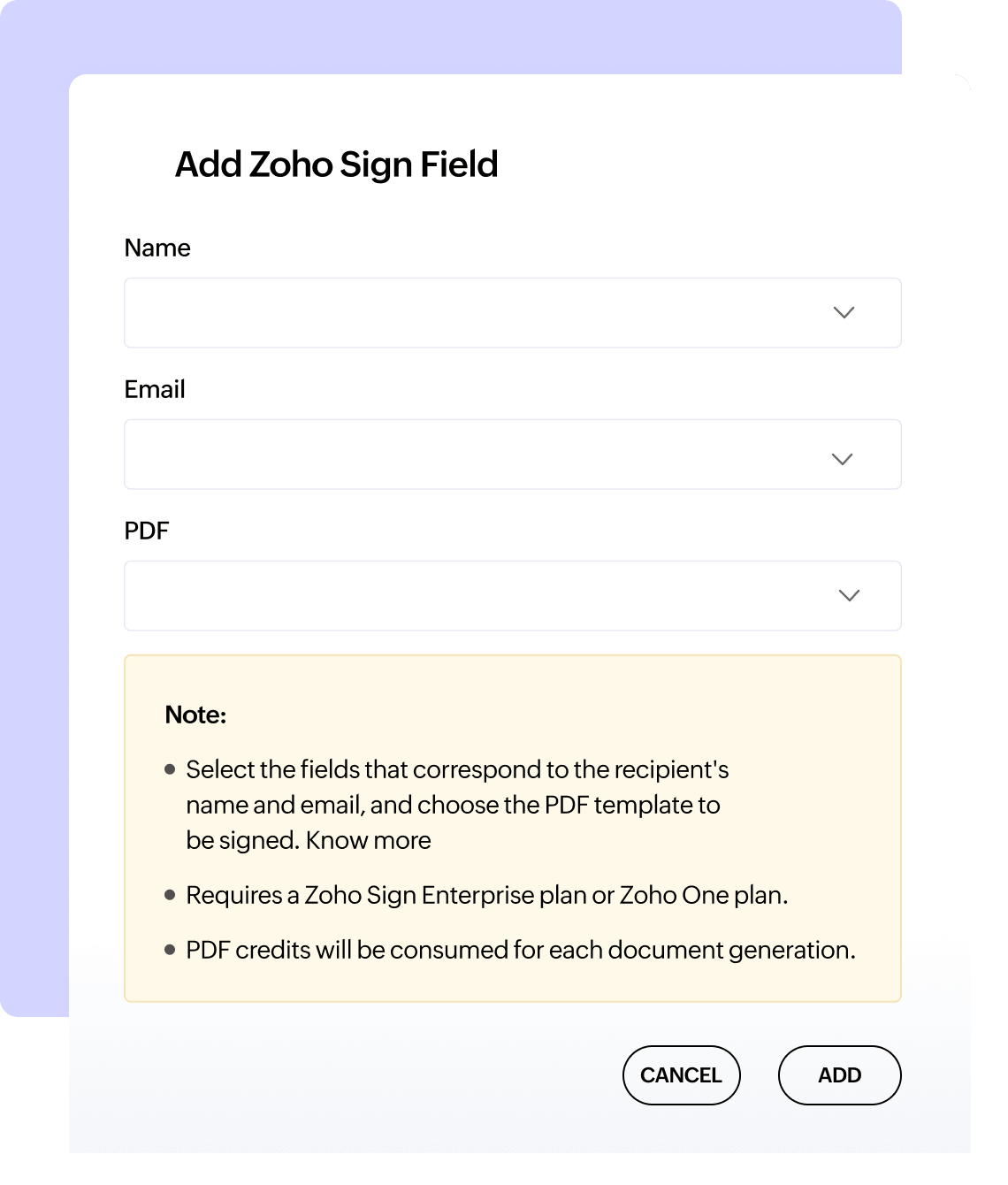
Add the Zoho Sign field.
- 4Step 04
Select the fields that correspond to recipient's name and email address, and the PDF document to be signed.
Real-world applications
Zoho Sign fields enable countless business scenarios across industries.
Employment contracts
Streamline new hire onboarding with digital employment agreements, offer letters, and policy acknowledgments that can be signed remotely.
Real estate documents
Enable property rentals, lease agreements, purchase contracts, and disclosure forms to be signed electronically by all parties.
Client agreements
Accelerate sales cycles with instant contract signing for service agreements, proposals, and addendums or updated terms.
Non-disclosure agreements
Protect sensitive information with NDA collection during vendor onboarding, partnerships, or pre-sales discussions.
Financial documents
Process loan applications, account opening forms, investment agreements, and financial consent forms with signatures.
Legal compliance
All documents signed with Zoho Sign meet the requirements of the Electronic Signatures in Global and National Commerce Act of 2000 (ESIGN) in the United States, the electronic IDentification, Authentication and Trust Services (eIDAS) regulation in the European Union, and the Information Technology Act of 2000 (ITA) in India, along with several other digital signature laws.
Check the legality of using digital signatures in your countryFrequently Asked Questions
Yes, electronic signatures collected through Zoho Sign fields are legally binding.
Yes! The signing experience is fully responsive and optimized for smartphones and tablets. Signers can use their finger or stylus to sign naturally on touchscreens, or choose typed or uploaded signature options. The mobile experience is seamless across iOS and Android devices.