Best Domo Alternatives in 2026 (Free/Paid) - Zoho Analytics
Looking for alternatives to Domo in 2026?
Explore the best Domo competitors and alternatives available in 2026. Compare top free and paid data analytics tools and find the best option.
Contact Us
20K +
Customers

3M +
Users


Why customers choose Zoho Analytics over Domo?
AI-powered insights
Unified analytics
Intuitive user interface
What makes Zoho Analytics a better Domo alternative?
Ease of use
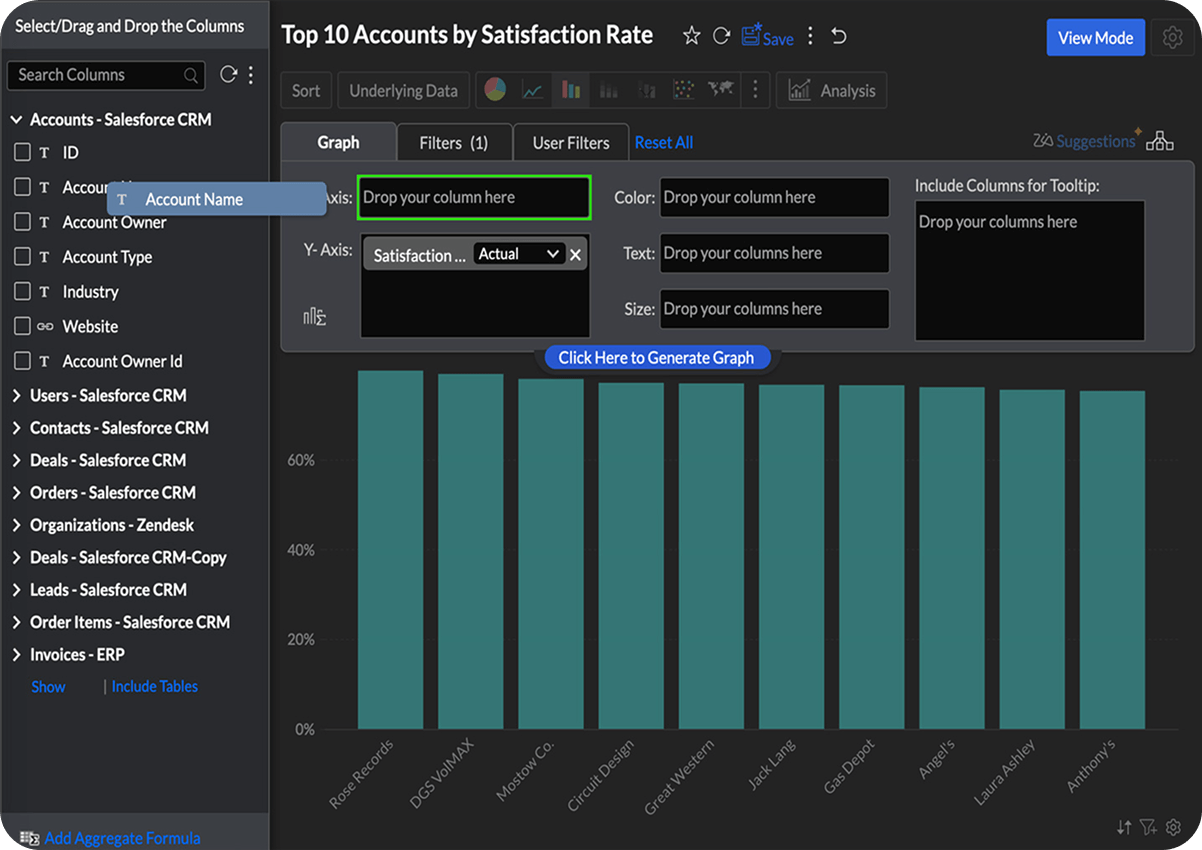
Intuitive drag-and-drop interface
Create visualizations in minutes
Single unified interface for data to insights and actions
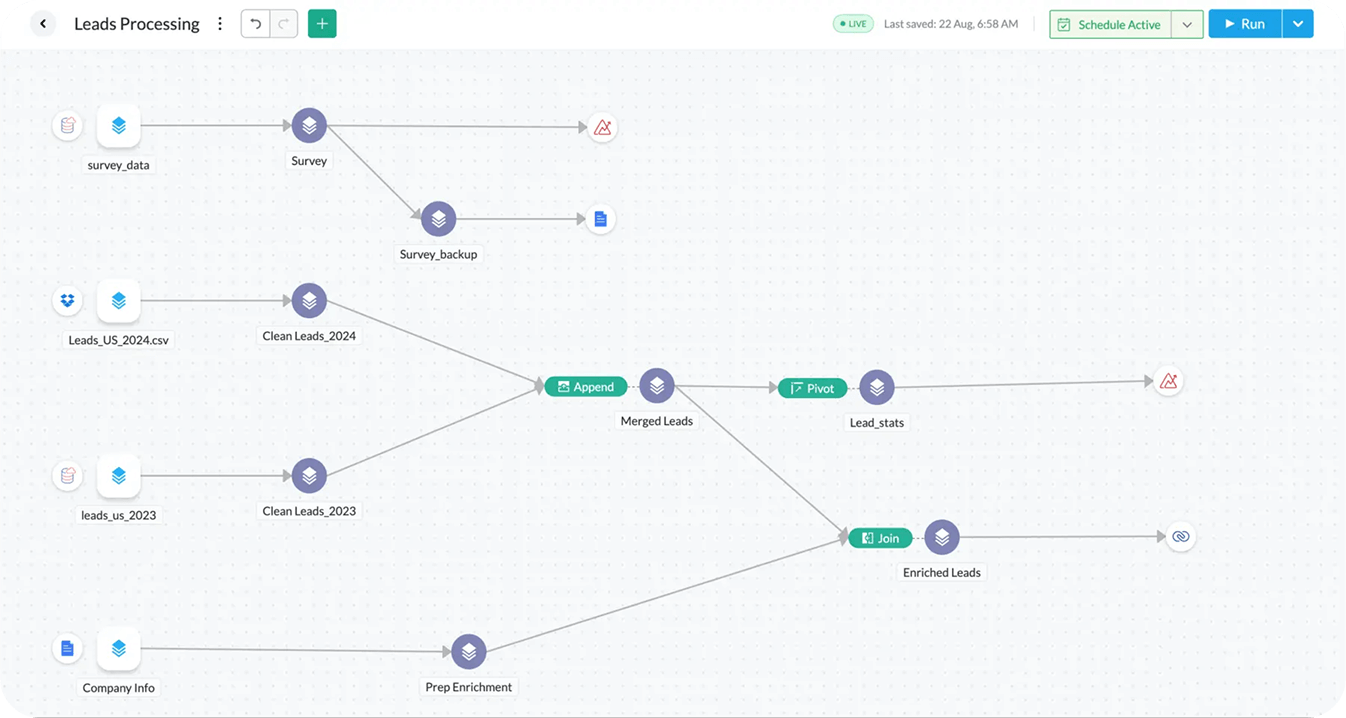
Data pipeline and preparation tool
Effortlessly set up pipelines for smooth data integration
Clean, transform, enrich, and model data—no coding required
Centralized metrics management to define and oversee all business KPIs
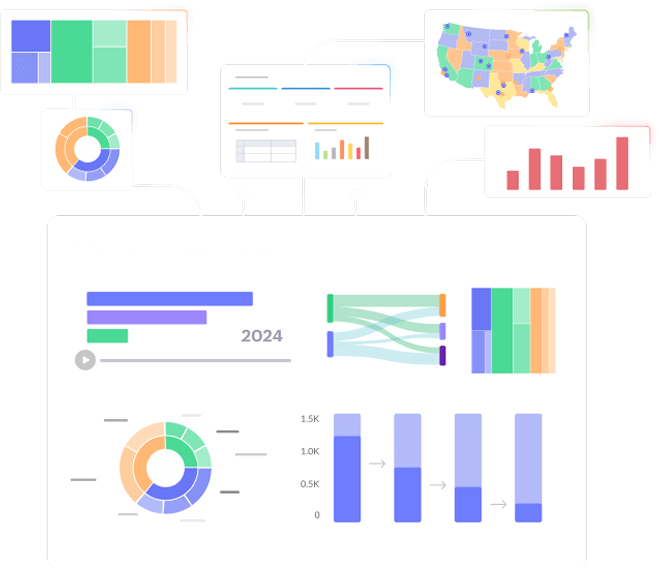
Unified business analytics
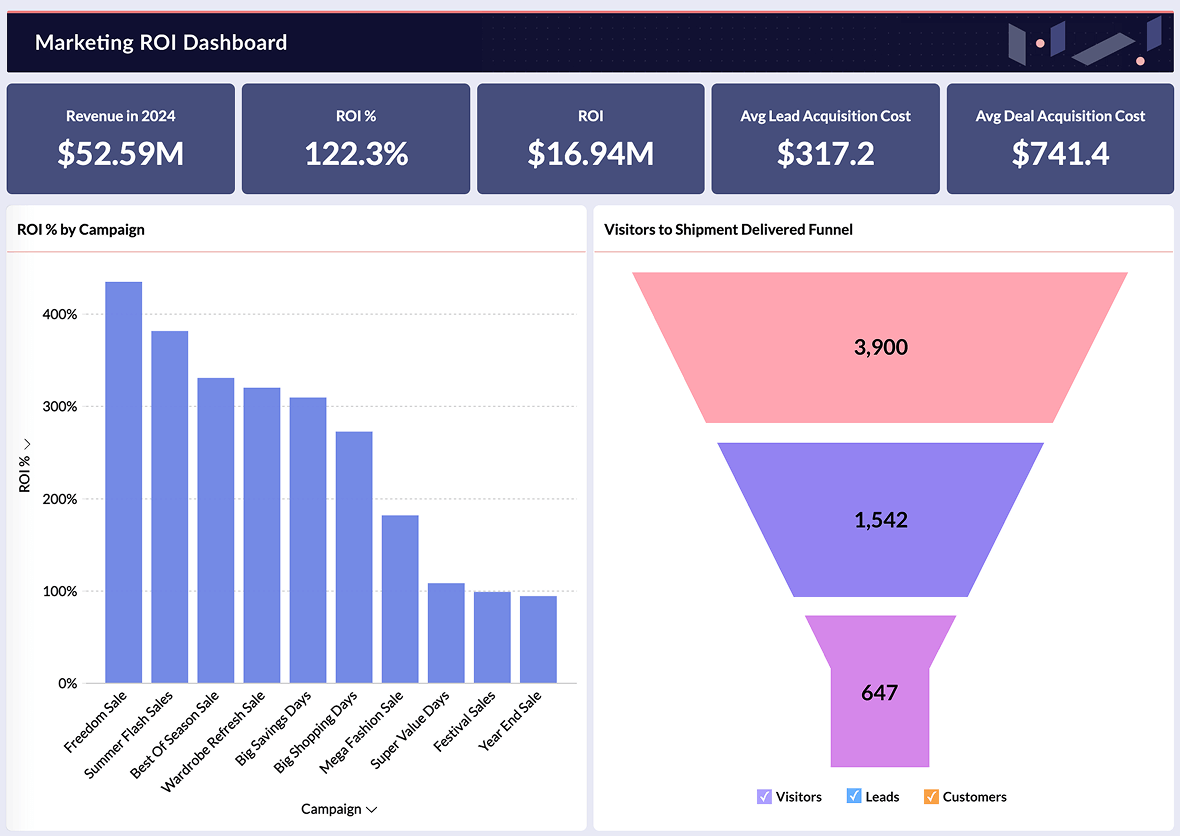
Out of the box integrations to 100+ business apps
Prebuilt metrics, reports and dashboards for each domain
Automatic blending across business apps for 360° insights
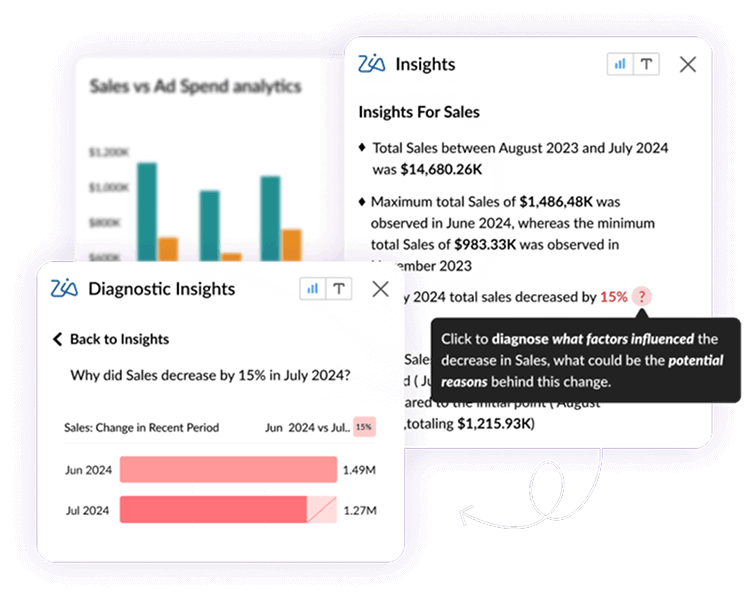
Generative AI for BI and Data Analytics
Ask Zia - Copilot for Data & Insights
Ask questions in natural language to Zia and get insights as a response
Get Ask Zia assistance for setting up models, metrics, and actions
Converse with Zia in multiple languages
Diagnostic Analytics to know the 'Why'
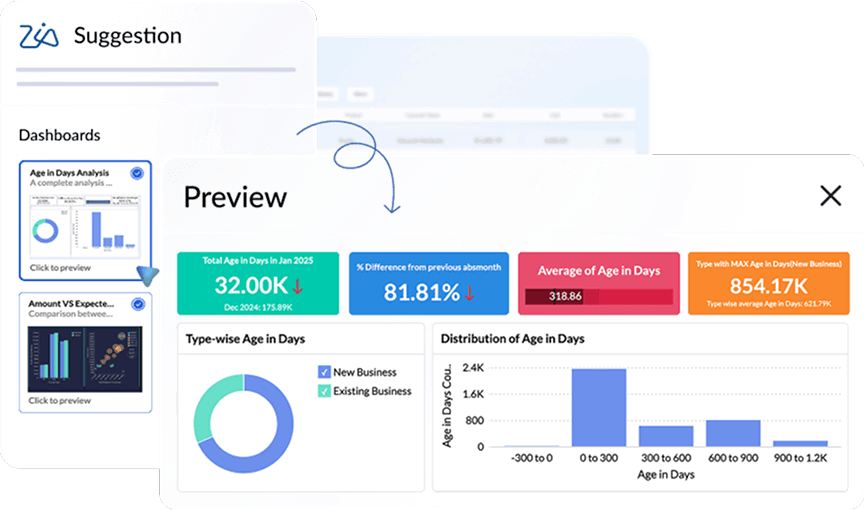
Perform root cause analysis to know the 'Why' behind any fact
Diagnostics offered contextually as you analyze any data
Highly customizable model to suit your needs
Automated Narrative Insights
Generate top insights to act on any report or dashboard you view
Insights narrated in easy digestible textual or visual format
15+ AI models that you can customize for your needs
Predictive AI for Advanced Analytics
Perform forecasting, trend & what-if analysis to predict future outcomes
Spot Anomalies/Outliers in your data and business metrics
Setup automated alerts on anomalies


The Ask Zia and Zia Insights features are so cool. I can ask for a specific agent name for their quarterly or monthly performance and get to see if their sales numbers are trending up or down, and from which geographic areas their sales are coming from. I can also dive into why they can't close deals in other areas and try to replicate the successful ones.
John SheldonBusiness Intelligence Manager, Renu Energy Solutions
DSML Studio

Build custom machine learning models easily

Python code studio for creating custom data transformation and models

Automated Machine Learning for low-code model building


Key Differentiators
| Features |  |  |
|---|---|---|
| Data integration | Seamless integration with 500+ native data connectors | Extensive but requires additional setup for some connectors |
| Data visualization | Create reports with over 50 visualization options with the intuitive drag-and-drop interface | Strong visualization but customization can be difficult |
| Data preparation | Built-in data prep and easy for non-technical users | Magic ETL with manual configuration is needed |
| Automatic data blending | Automatic blending across sources with minimal setup | Supports data blending but needs manual intervention |
| Generative AI | Zia AI for automated insights, NLP queries, anomaly detection | Has Domo AI but limited in automation |
| DSML studio | Built-in DSML tools for predictive analytics and anomaly detection - no code needed | Requires DomoML, available only in high-tier plans |
| Automation and reporting | Automated data workflows and data reporting | Advanced workflows requires Domo workflow |
| Flexible deployment | Flexible cloud and on-premises deployment with seamless migration | Fully cloud-based; no on-premise deployment option |
| Scalability | Scales easily and supports data growth without any extra cost | Scales well but cost increases with users and size |
| Customization | Fully customizable dashboards and reports | Requires advanced configurations for customization |
| Collaboration | Real-time collaboration, commenting, and sharing features | Strong collaboration but limited to cloud-based teams |
| Global presence and compliance | Global data centers ensuring compliance with regional data protection. Strong global presence, multilingual support | Compliance standards met but limited deployment flexibility |
| Security and governance | ISO/IEC 27001, 27017,27018, SOC 2 Type 2, GDPR, HIPAA | ISO 27001, 27018, SOC Type 2,HIPAA, GDPR |
Tailored pricing for every business
Starts at $8 per user per month

Maximized ROI
Transparent pricing that delivers exceptional value

Affordable for All
Flexible plans tailored to businesses of every size and stage

Designed for Growth
Scalable solution that adapts as your business expands


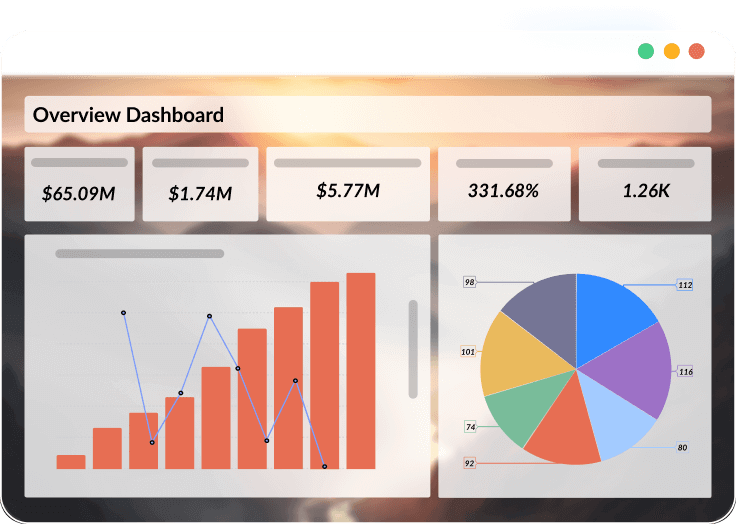
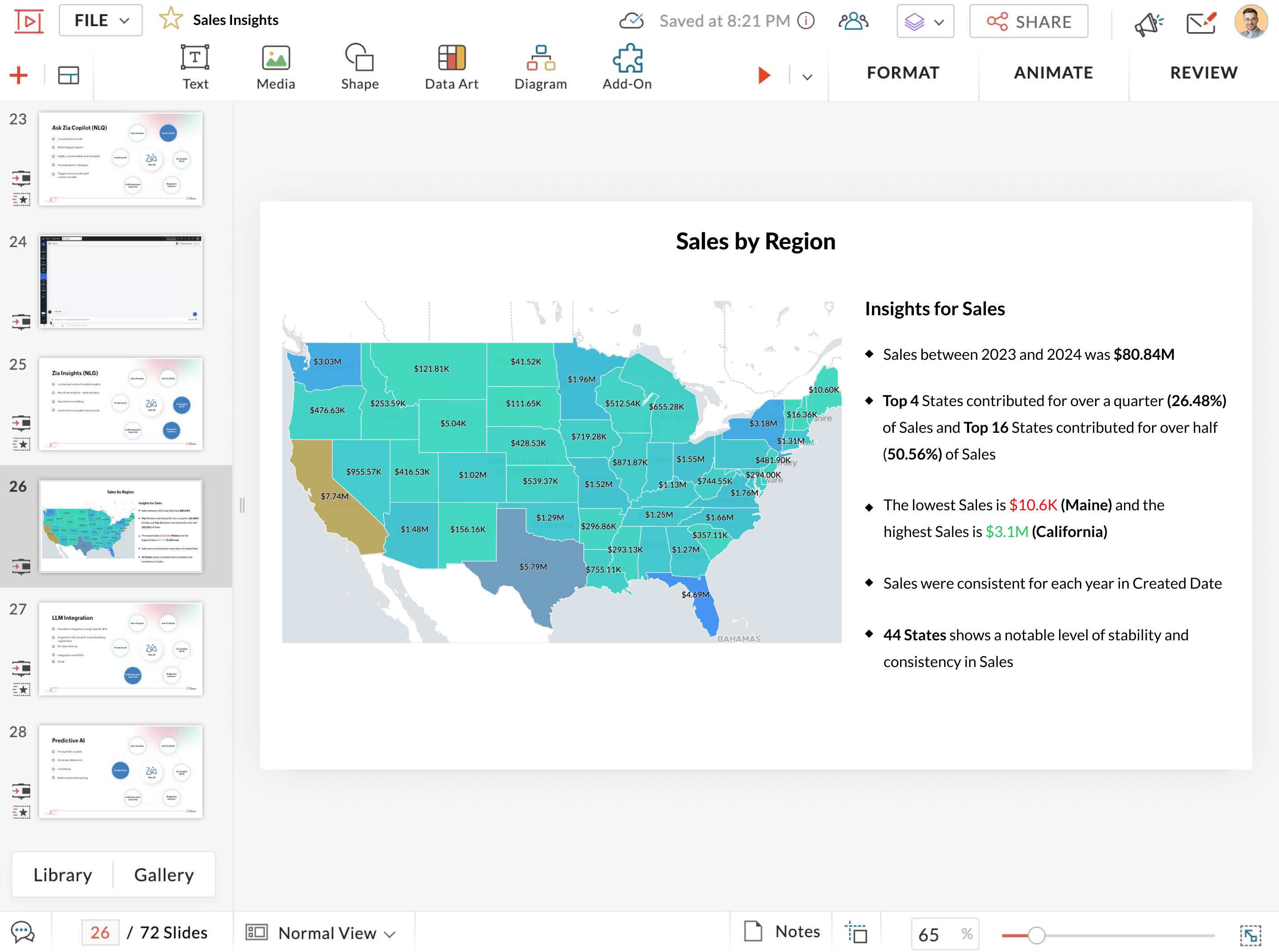
Data visualization
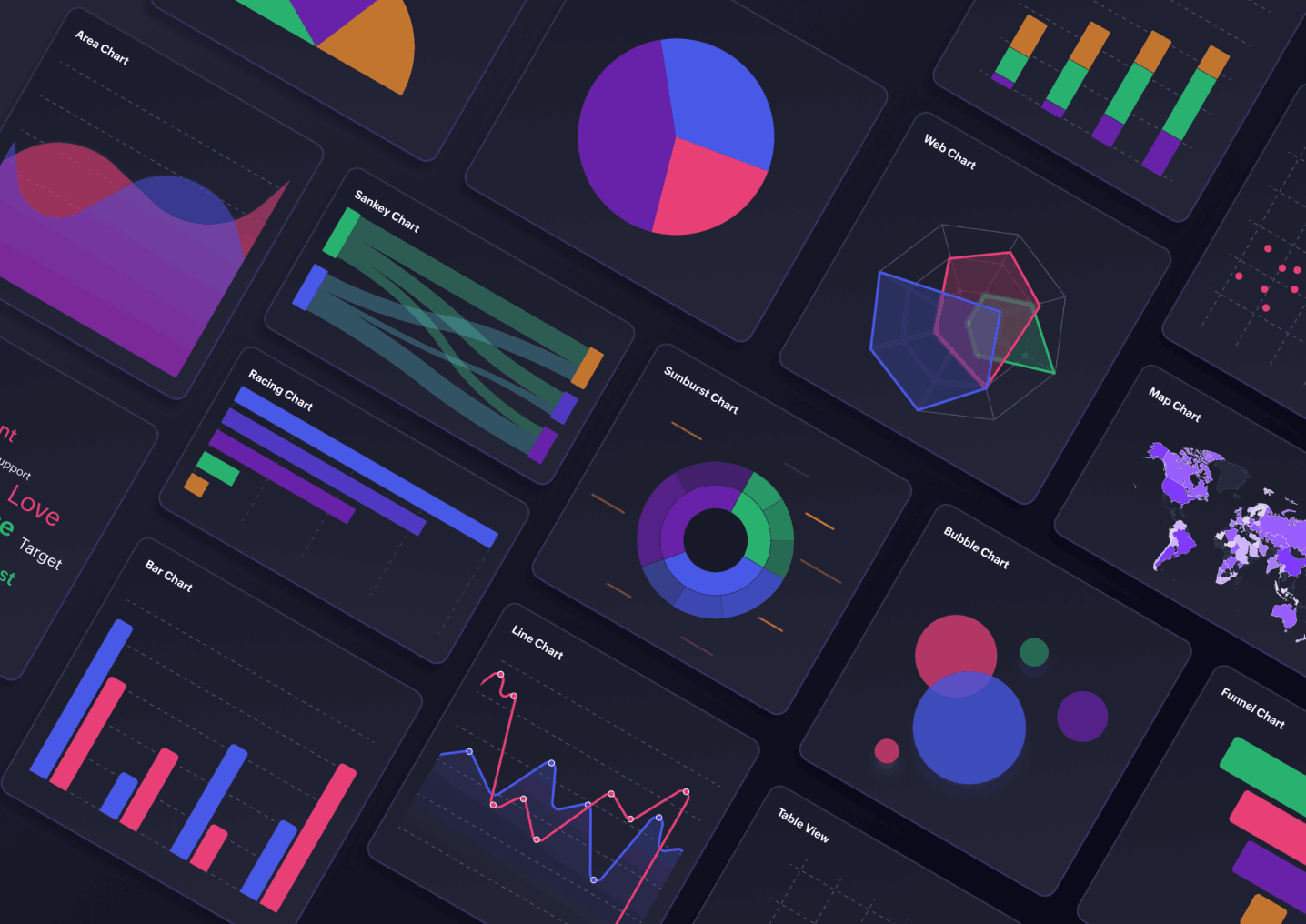
Robust data visualization
Variety of charts, pivot tables, geo visualization
Intuitive drag-and-drop interface
Clear and actionable insights
Data storytelling
Increases data literacy across the organization
Boosts audience engagement and communication
Helps identify why and how something happened
Communicates insights effectively to all types of audiences
Collaborative analytics
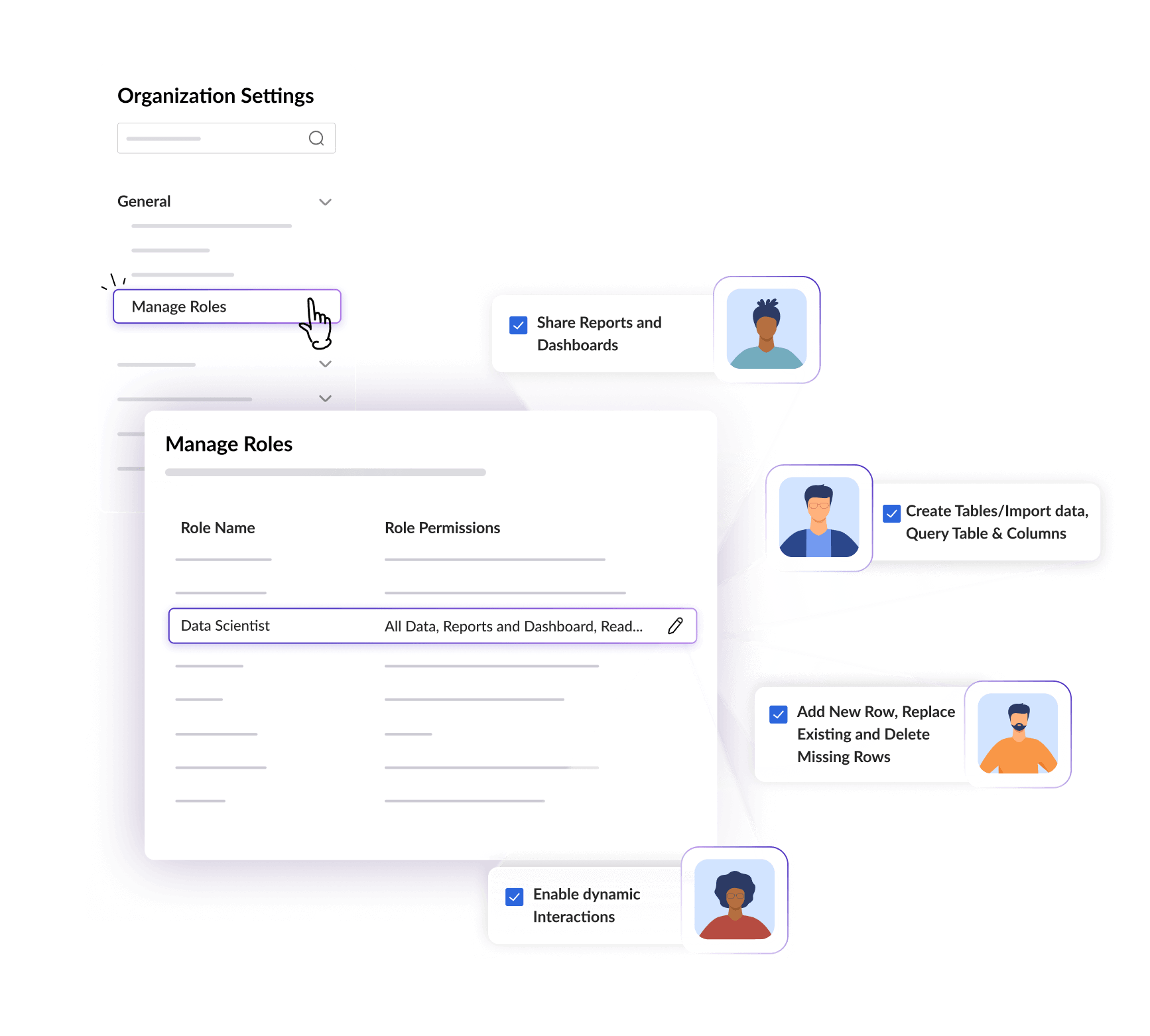
Share reports and dashboards with your team and collaborate
Gain complete control over who has access to what based on role
Make reports accessible to users with or without login
Have real-time collaboration with contextual comment threads
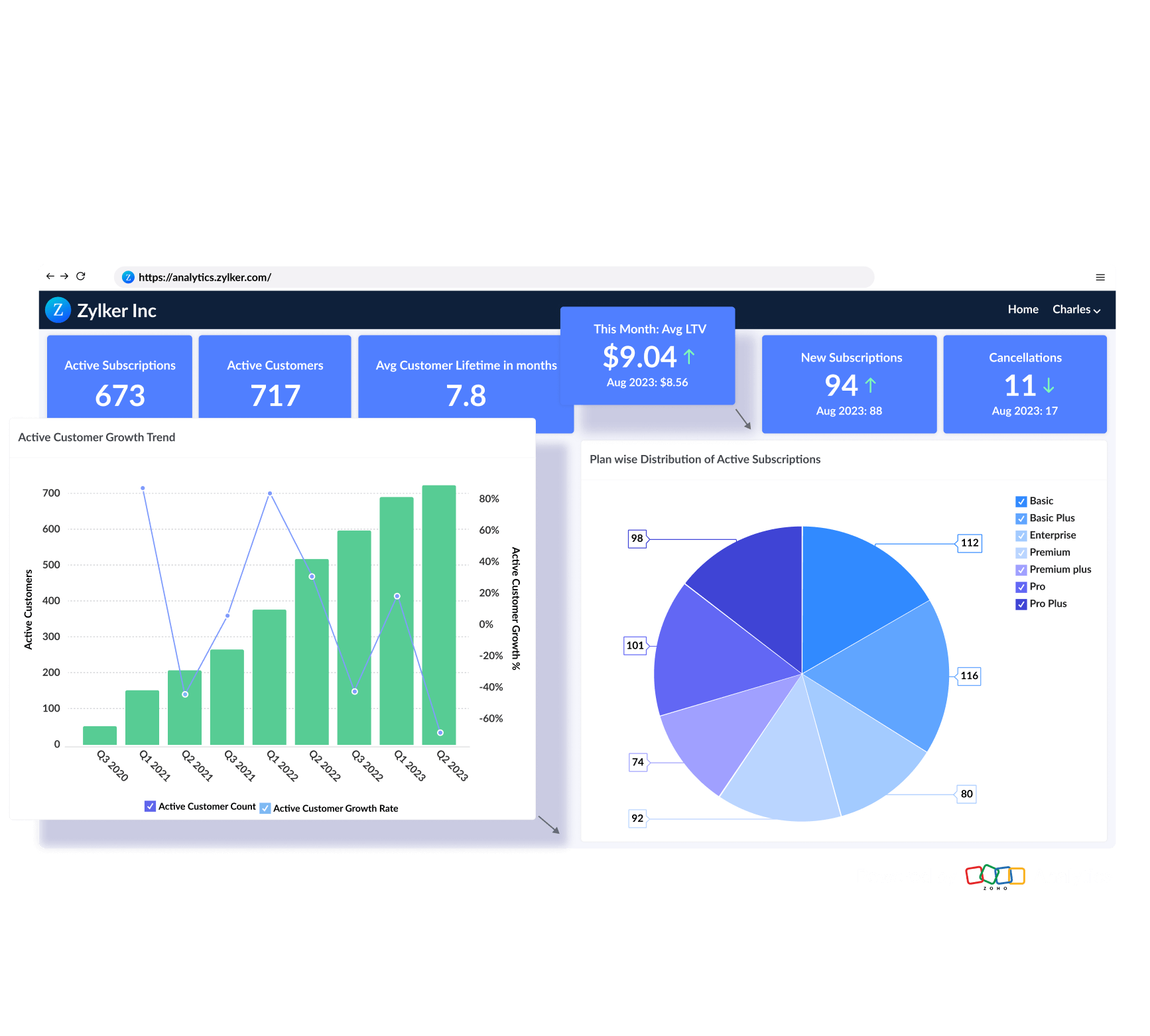
Embedded analytics
A full-featured BI & analytics service, hosted on the Zoho cloud
Analyze your data by installing Zoho Analytics on your own servers
Deploy Zoho Analytics on public/private clouds like Amazon AWS and more
A full-fledged analytics app under your own brand
Security and governance
Enterprise-grade security features and governance framework
Clear demarcation on who can do what
Your data stored in Zoho Analytics cloud version is backed up every day
All user activity is logged within the app to ensure safety













Frequently asked questions
How does Zoho Analytics and Domo differ in pricing?
- Zoho Analytics offers clear and transparent pricing with no hidden cost. Pricing starts at $8 per user per month,making it a cost-effective choice for businesses of all sizes. Whereas Domo uses a credit-based pricing model with cost varying based on users and usage. While price isn't publicly disclosed, estimates suggest it starts at around $83 per user per month, making it a higher-cost solution.
Is Zoho Analytics easier to use than Domo?
- Yes! Zoho Analytics is easier to use with no-code, drag-and-drop interface, making it easy for everyone to create reports effortlessly. Domo, while powerful, has a steeper learning curve and required more technical expertise.
Which tool has better visualization?
- Zoho Analytics has a simple, no-code dashboard builder with a wide range of visualization options. Domo requires advanced configurations for custom visualizations, adding complexity.
What are the support options available in Zoho Analytics?
- Zoho Analytics offers 24/7 email and chat support, a detailed help center with guides and tutorials, live and on-demand webinars, and virtual classroom training to get you started.
Is Zoho Analytics more cost-effective than Domo?
- Absolutely. Zoho Analytics provides robust capabilities such as AI-powered insights, data preparation, and collaboration tools at a significantly lower cost. In contrast, Domo typically comes with a high price tag and complex pricing tiers, while Zoho Analytics offers top-tier BI functionality at a reduced cost.
What kind of analytics can I perform with Zoho Analytics?
- Zoho Analytics supports a wide range of BI use cases, from basic KPI tracking to advanced forecasting. You can visualize trends, build custom dashboards, automate reports, and even use AI to uncover hidden insights without writing a complex code.
Can I integrate my existing tools with Zoho Analytics?
- Yes! Zoho Analytics supports more than 500 native data connectors across cloud apps, databases, files and feeds, including Salesforce, HubSpot, QuickBooks, Shopify, and more. If you're transitioning from Domo or looking to unify data from multiple sources, Zoho Analytics makes integration seamless.
How does Zoho Analytics compare with Domo in terms of ease of use?
- Zoho Analytics caters to users of all levels of expertise, from business users to data analysts. Its user-friendly drag-and-drop interface, AI assistant, and prebuilt dashboards make it easy to get started. Unlike Domo, which may require more onboarding and technical expertise, Zoho Analytics simplifies data exploration and reporting.