How-to Videos
Learn when and how to use different features in Zoho CRM
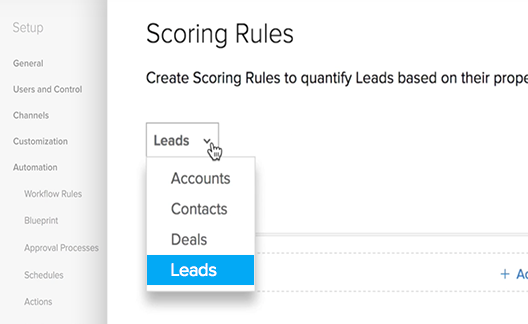

Scoring Rules
Prioritize your records based on Scoring Rules. They help you work on records that matter to you most and use your time wisely.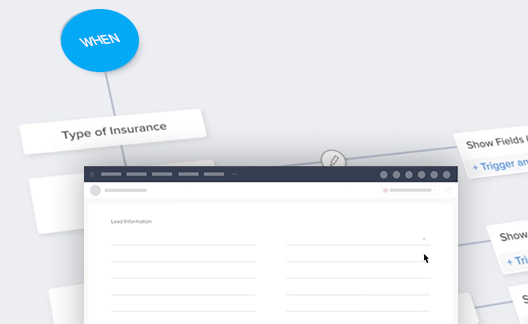
Conditional Layouts
Make the layouts dynamic using Conditional Layouts. This makes creating a record a clutter-free and less confusing experience.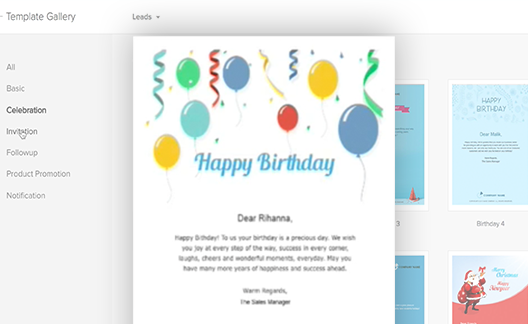
Email templates
To save you from the manual copy and paste routine, build email templates and send personalized emails to multiple recipients
Gamescope
Make sales fun through gamification. Gamescope in Zoho CRM is designed to make sales more exciting for sales teams.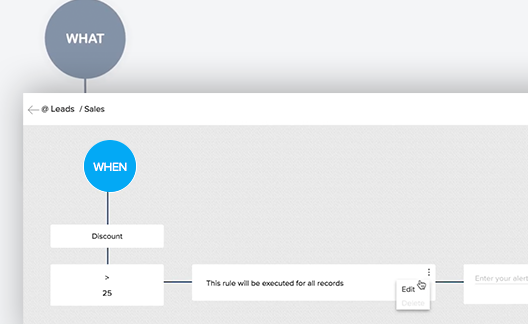
Validation Rules
Keep your CRM data clean by blocking the incompatible and irrelevant data even before it can enter the CRM.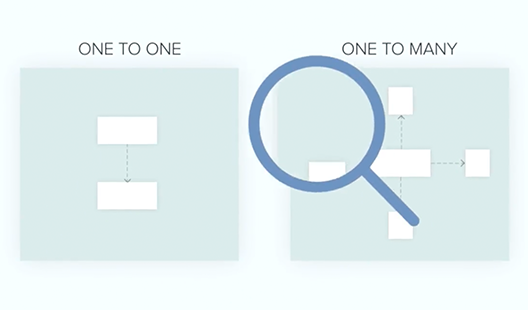
Interlinking Modules
Establish database relationship with linking modules. This will help you keep track of how data in your CRM is interrelated.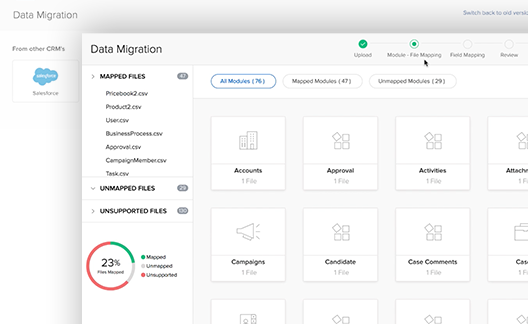
Data Migration
Switching to Zoho CRM? Migrate your business data to the new system accurately with very minimal manual work.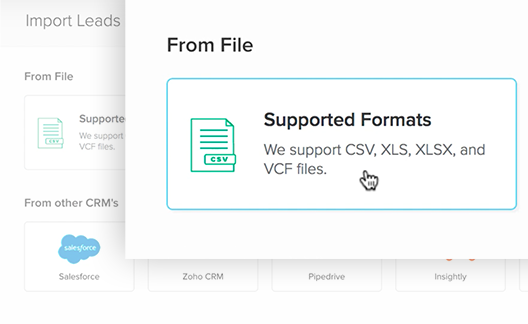
Data Import
Import bulk records into various modules of Zoho CRM effortlessly.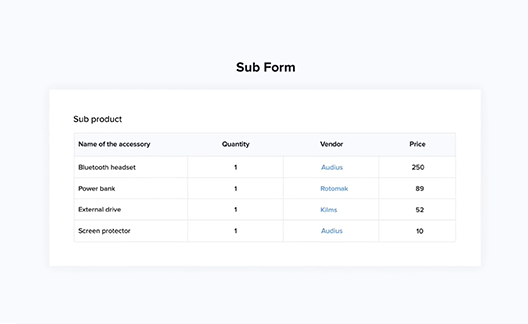
Subforms
Associate multiple line items to a record using subforms. They are secondary forms or tables, which is part of a primary form in Zoho CRM.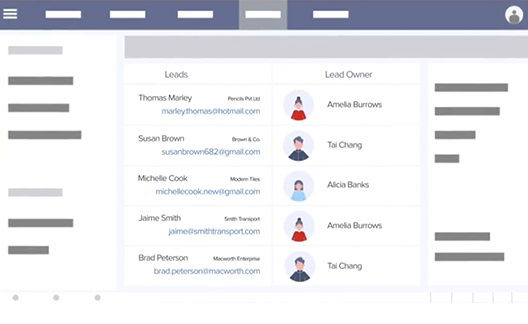
Assignment Rules
Use Assignment Rules to automate the lead distribution process for reps based on specific lead information.
Approval Process
Automate the submission of records for approval. You can do so by specifying criteria based on which records will be sent for approval.
GDPR Overview
Watch this video to get a quick overview of GDPR, its possible implications to your business, and a sneak peek of what Zoho CRM has in store for you.