Understanding Zoho CRM Functions
Learn what Zoho CRM Functions are, how they work, and when to use them.
Table of Contents
1. How It Works
2. Scripts and Languages
3. Function Triggers and Associations
4. Reliability and Management
5. Where Functions Live
6. When to Use Functions
Zoho CRM Functions is a serverless platform that lets you write and run custom business logic directly within the CRM ecosystem. You can focus on your business logic without provisioning, scaling, or maintaining any infrastructure.
The Core Concept:
You write the script; Zoho CRM handles the rest.
How It Works
Functions executes your scripts in response to events, on a schedule, or via a direct HTTP call.
- Isolated Execution: Each execution runs in its own isolated environment with dedicated permissions, resource limits, and settings. This prevents one execution from affecting others or degrading the core CRM platform.
- Automatic Management: Zoho automatically manages the execution environment and scales resource allocation based on workload demand.
- Zero Overhead: No server configuration, no deployment pipeline, and no idle capacity costs.
Scripts and Languages
Functions supports four languages, giving teams the flexibility to write in whatever fits their stack:
| Language | Best For |
|---|---|
| Deluge | Native CRM operations, Zoho service integrations, and quick automations. |
| Python | Data processing, ML pipelines, and teams with existing Python expertise. |
| Node.js | Async workflows and JavaScript-native teams. |
| Java | Enterprise logic and teams with existing Java codebases. |
Note:
Deluge is the most deeply integrated language. It has direct access to zoho.crm.* built-in namespaces and native connectors to other Zoho services. Python, Node.js, and Java interact with CRM data via respective SDKs or ZRC calls instead.
How Functions are Triggered and Associated
A Function runs only when it is associated with a trigger. The trigger tells CRM when and where to execute the Function. When you create a Function, you choose a category that determines which triggers it can be associated with. The category defines the Function’s intent. It determines the input and output data, as well as where the Function can be used in CRM.
| Category | Triggered by | What it does |
|---|---|---|
| Automation | Workflow Rules, Blueprints, Approvals | Runs automatically when a record event or condition is met. |
| Button | Custom Button on a record detail page, list page, etc. | Runs when a user clicks the button; returns a message shown as a modal. |
| Schedule | Time-based interval (hourly, daily, weekly, custom) | Runs on a schedule independent of any user action or CRM event. |
| Standalone | Another Function or an HTTP call | General purpose such as being used by other Functions or exposed as a REST API endpoint for external applications. |
| Related List | Related list on a record page | Returns an XML string that CRM renders as a related list on a record page. |
| Signals | Inbound webhook from an external system | Raises a real-time notification in CRM. |
| Validation Rule | Record save event | Validates field data before allowing the record to be saved. |
You associate a Function with its trigger during configuration. For example, you can do this in a Workflow Rule action, a Blueprint transition, or a Custom Button. The Function and trigger are linked there, not in the Function editor itself.
For a full breakdown of each category, see Function Categories. For step-by-step instructions on wiring a Function to a trigger, see Associating Functions with CRM.
Reliability and Management
Isolation and Reliability
Every Function execution runs with dedicated resource allocation, isolated from every other Function in your org. A misbehaving or long-running script cannot impact other Functions or the CRM platform itself.
Built-in Revision History
The Functions editor includes native version control.
- Every save creates a revision snapshot.
- You can browse the change history and restore any of the last 30 revisions directly from the editor.
- No external tooling needed for rollbacks.
Where Functions Live
All Functions are created, managed, and monitored from one place:
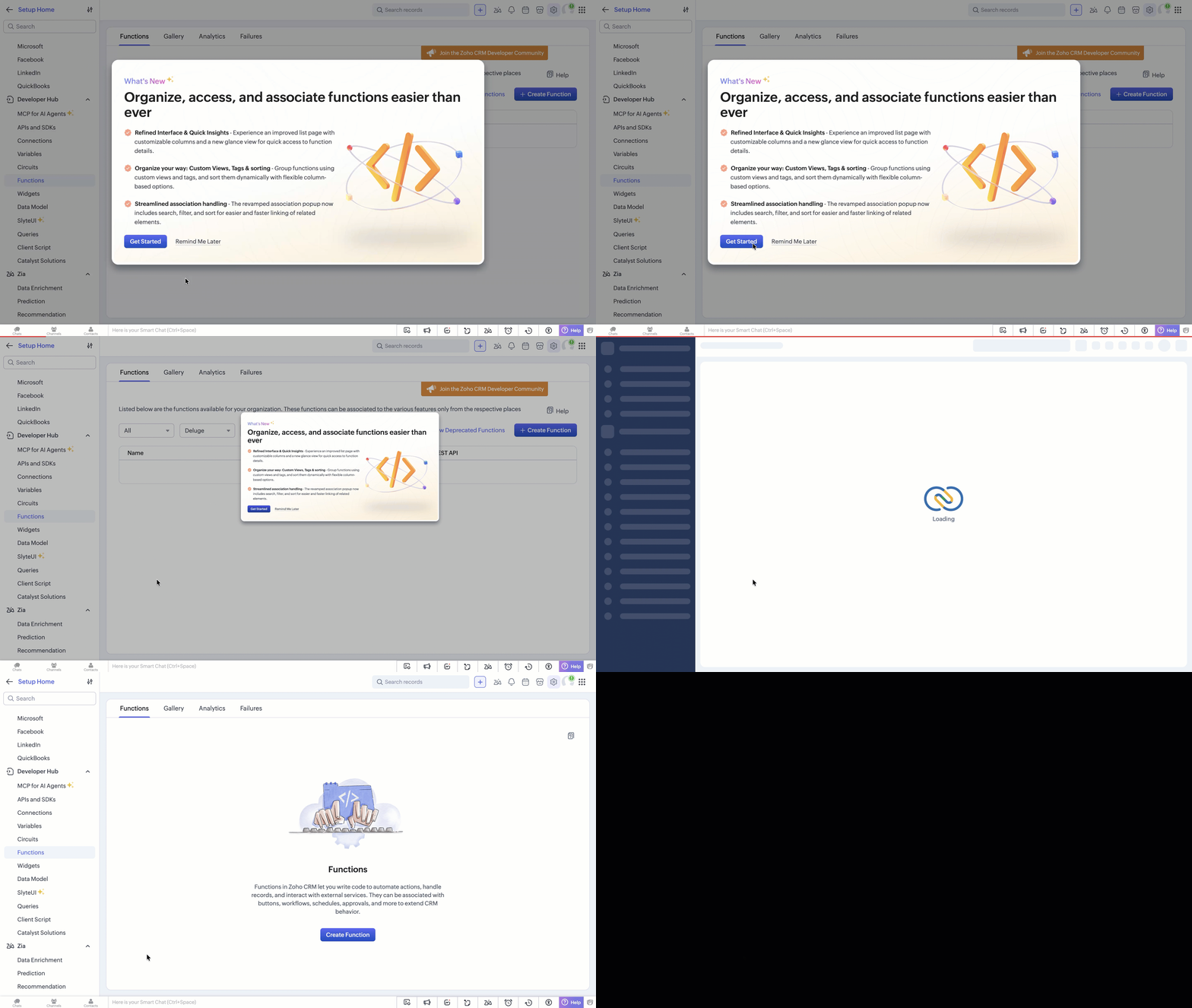
Setup → Developer Hub → Functions
From here you can create new Functions, open existing ones in the editor and view execution logs. See the Functions Editor for a walkthrough of the editor interface.
When to Use Functions
Functions extend the capabilities of built-in CRM automation features, such as Workflow Rules and Blueprints, to support more advanced requirements.
Reach for Functions when you need to:
- Execute custom business logic that goes beyond field updates, email alerts, or standard workflow actions.
- Integrate with external systems by calling third-party REST APIs, sending data to ERP systems, synchronizing records with external databases, or processing webhooks from external services.
- Interact with other Zoho apps, such as creating a Zoho Books invoice from a won Deal, raising a Zoho Desk ticket from a CRM record, or updating a Zoho Projects task when a Deal stage changes.
- Process and transform data for tasks including validating field combinations, computing derived values, reformatting data before saving, and aggregating records across modules.
- Run batch operations on a schedule, including daily data synchronization, periodic cleanup routines, and scheduled summary reports.
- Expose CRM logic as an API for external systems and AI agents to invoke directly over HTTP.
- Chain logic across Functions to invoke a Standalone Function from another Function to reuse common business logic across multiple triggers.
Not sure if Functions is the right fit?
Prefer Workflow Rule actions, Blueprint transition constraints, or Macros whenever they can meet the requirement. Functions add scripting overhead and should be introduced when declarative automation reaches its limit.
Ready to Get Started?
Now that you know what Functions are and where they fit in, see them in action.
- Get started by creating, running, and saving your first Function in just a few minutes.
- Then learn how to associate a Function with a trigger so it runs automatically in response to CRM events.
- Next, build a real automation Function that triggers on a Deal stage change, reads CRM data, updates a record, and connects to a Workflow Rule end-to-end.
- Finally, expose a Function as a REST API.