Post code snippet in chats
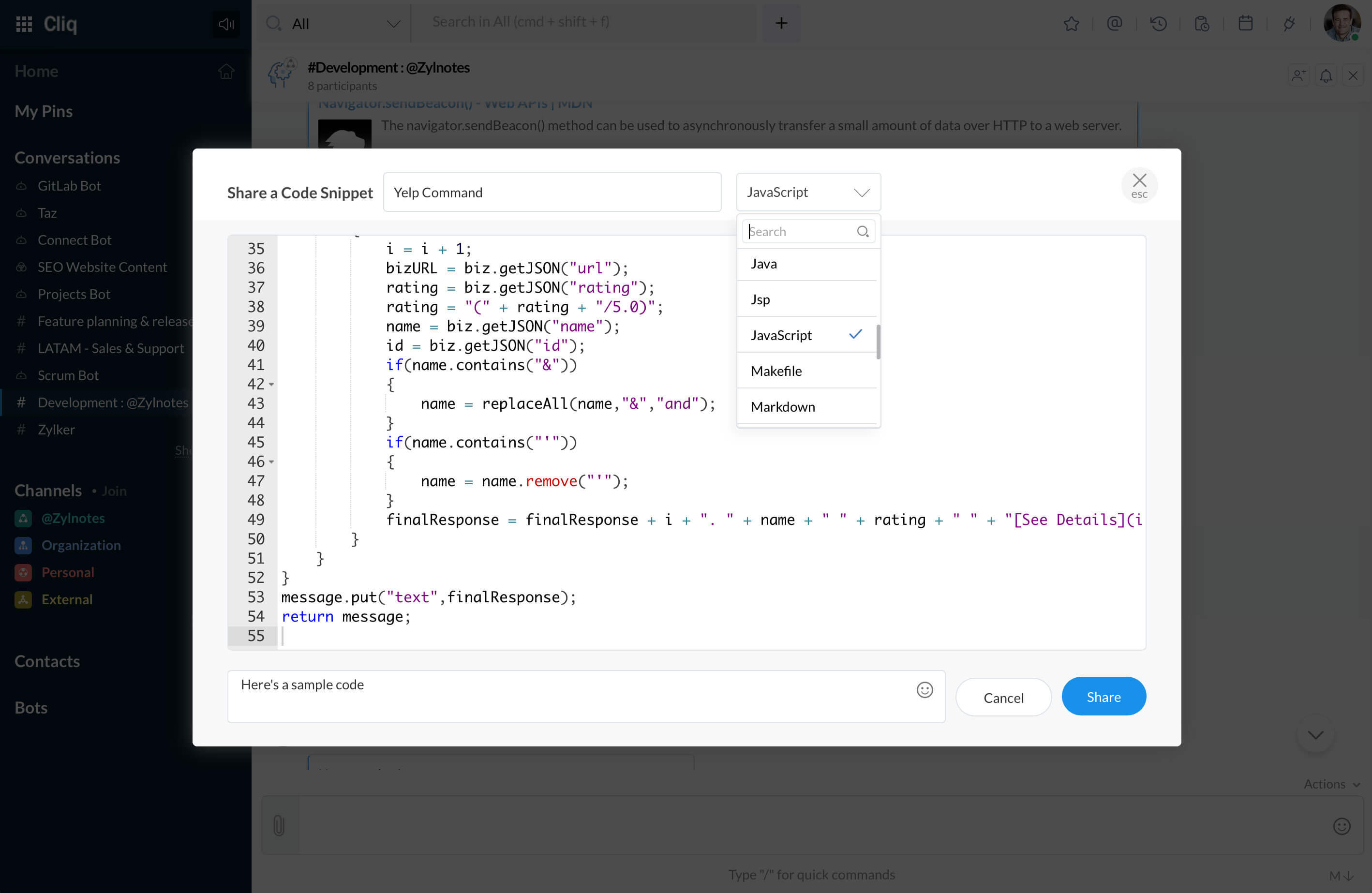
Share code in the chat preserving its format by entering the code inside the snippet.
- Click on
 in the textbox and select Code Snippet.
 - Give a title and paste the code. The snippet will auto-detect your code language. You can also select the language or format from the dropdown.
- If needed, enter a comment in the comments field and hit the Share button. The code snippet will be shared in that chat.
 in the textbox and select Code Snippet.
Tip:
If a file shared in the chat is supported by the snippet (example: .txt, .json, .ini, .cs, ...), then that file will automatically be posted as a code snippet instead of a file!