Best meeting management software for businesses in 2026
- What is meeting management software?
- Core components of meeting management software
- Why meeting management software matters
- How to choose the right meeting management software
- Zoho Bookings + Zoho Meeting: End-to-end meeting management
- Top five meeting management software apps in 2026
- What's next?
Last updated on: 24/02/2026
Meetings drive decisions, bring teams together, and push ideas forward. But without structure, they can easily run long and lose direction.
The right meeting management software does more than just send invites. It creates structure and streamlines the process by setting clear agendas, tracking meetings, and ensuring no one is overlooked in the follow-up process.
This guide helps you understand these tools: what they are, why they matter, and how to pick the one that fits your business.
Key takeaways:
- Understand what meeting management software is and how it goes beyond basic calendars and video calls
- Learn the core components that make meetings more structured, productive, and accountable
- See why unstructured meetings quietly drain time, focus, and business resources.
- Get a clear framework to evaluate meeting tools based on features, scale, and team needs
- Compare the top meeting management software options for businesses in 2026
- Discover how Zoho Bookings and Zoho Meeting work together to manage the entire meeting lifecycle
What is meeting management software?
Meeting management software helps you plan, organize, and run meetings without any repetitive or time wasting tasks. Unlike basic calendar apps or video conferencing tools, it goes beyond just setting a time and place. It streamlines scheduling, sends automatic reminders, and handles follow-ups so every meeting starts on time and stays productive.
Core components of meeting management software
1. Scheduling and coordination
- Syncs with personal and organizational calendars.
- Finds the best time slots based on everyone's availability.
- Simplifies meetings, reminders, and global time zone differences.
2. Agenda management
- Enables organizers to draft and share agendas well in advance.
- Encourages participants to prepare, ensuring time isn't wasted.
- Keeps discussions structured and focused on top priorities.
3. In-meeting collaboration
- Offers shared notes, digital whiteboards, and brainstorming spaces.
- Includes live chat, polls, or Q&A for real-time engagement.
- Centralizes file sharing so everyone is aligned with the same materials.
4. Documentation and minutes
- Supports automated or manual note-taking.
- Captures key decisions, agreements, and unresolved points.
- Tags action items with clear owners and deadlines.
5. Follow-up and accountability
- Assigns post-meeting tasks directly within the tool.
- Sends automated reminders to keep things moving.
- Tracks completion status to ensure accountability.
6. Analytics and reporting
- Provides insights into time spent across meetings.
- Identifies patterns in meeting frequency and efficiency.
- Highlights wasteful practices.
Why meeting management software matters
A single one-hour meeting with eight employees earning $40 an hour each costs the company $320. But when meetings drag, the real cost is harder to measure: lost momentum, productivity, and focus.
With meeting management software, every unproductive minute becomes an opportunity to refocus, drive progress, and stay on track. Plus, it ensures everyone knows their role, so every session drives results rather than just fill calendars.
How to choose the right meeting management software
With numerous options available, choosing the right software can feel overwhelming. Here's a structured way to evaluate your choices:
Step 1: Know your needs
- Do you need it just for scheduling, or to manage the entire meeting process?
- How many people will use it? Just a small team or the whole organization?
- Will you be holding online or in-person meetings? Are they one-time or recurring events?
- Do you need basic features (agenda, notes) or advanced ones (analytics, automation, integrations)?
Step 2: Check the core features
- Calendar integration (Google, Outlook, etc.)
- Agenda creation and sharing
- Notes and meeting minutes
- Task assignment and follow-ups
- Secure file sharing
Step 3: Look for advanced features
- Integrations with other tools like CRM or project management apps
- Analytics to track meeting productivity
- Automated reminders and recurring agendas
- Strong security and compliance
- Can grow with your team
Step 4: Match your organization
- Small businesses/startups: Keep it simple, affordable, and easy to set up.
- Enterprises: Focus on security, compliance, and scalability.
- Freelancers/consultants: Prioritize scheduling, client collaboration, and professionalism.
Step 5: Evaluate the user experience
- Is it easy to use?
- Can non-technical people adapt quickly?
- Does it work well on mobile devices?
Step 6: Consider budget and ROI
- Understand the pricing model (per user, per meeting, or flat fee)
- Will it save time and reduce unproductive meetings?
- Will it improve satisfaction for clients or team members?
Zoho Bookings + Zoho Meeting: End-to-end meeting management
Almost every meeting tool integrates with scheduling software, and vice versa. However, that often means two separate software solutions, two distinct dashboards, and a forced connection that keeps data trapped in separate systems.
But, Zoho Bookings and Zoho Meeting are native components of the same Zoho ecosystem. This deep, organic integration eliminates the common friction points of third-party integrations to provide an unmatched, automated, and complete end-to-end meeting management experience.
By addressing the meeting stages as before, during, and after, these Zoho apps cover the entire meeting lifecycle, using tools that speak the same language and ensure everyone is on the same page.
| Meeting stage | Core component | How Zoho Bookings + Zoho Meeting handle it |
|---|---|---|
| Before (Bookings) | Scheduling and coordination | Customers can book appointments in real-time without any back-and-forth, and the software creates a unique Zoho Meeting link. |
| Before (Bookings) | Agenda management | Agendas are set in Zoho Bookings and delivered in automated email notifications alongside the meeting link. |
| During (Meeting) | In-meeting collaboration | The meeting link opens the Zoho Meeting room, providing whiteboards, chat, and HD conferencing. |
| After (Meeting) | Documentation and minutes | Zoho Meeting records the session and generates transcripts and keynotes for review. |
| After (Bookings/Meeting) | Follow-up and accountability | Meeting details and recordings are stored, and post-meeting follow-ups and CRM updates are automated. |
Top five meeting management software apps in 2026
1. Zoho Bookings + Zoho Meeting: Best for effortless scheduling and structured meeting workflows
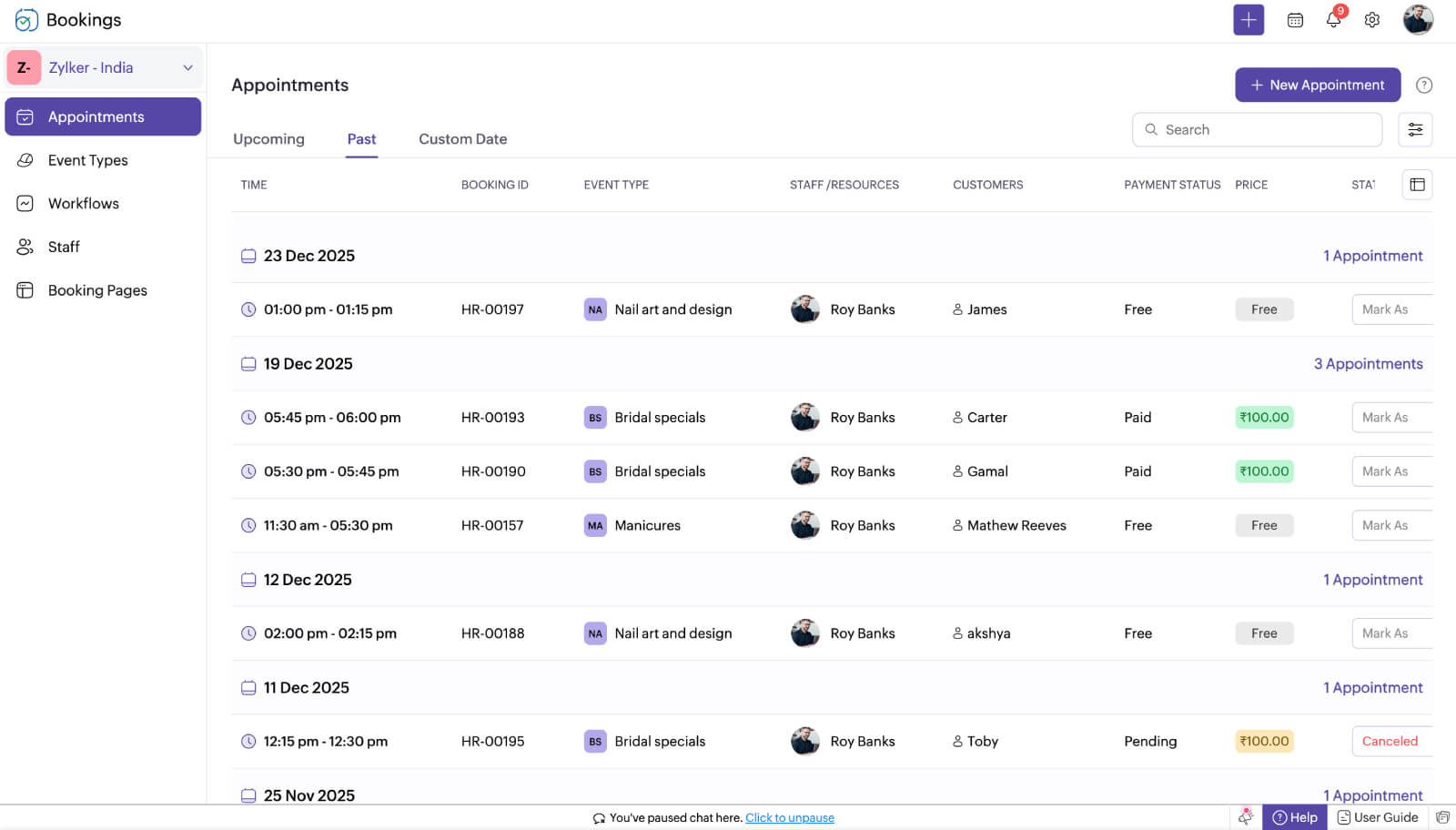
Zoho Bookings is an intuitive meeting scheduling software and Zoho Meeting is a robust meeting management tool that extend beyond simple scheduling and management. Unlike other meeting tools, Zoho Bookings and Zoho Meeting are built for businesses of any size; they handle not just the "when" and "where" of meetings but also the "how."
With multiple meeting types, appointment configurations, and integrations, they automate the entire workflow. Both attendees and organizers receive agendas in advance (via email notifications), timely reminders, and automated follow-ups, so nothing slips through the cracks.
Key features
- Multi-calendar integration (Zoho Calendar, Google, Outlook)
- Brandable booking pages
- Seamless integration with Zoho Meeting
- Multi-staff and resource scheduling
- AI-powered onboarding and customization
- Deep integration with the Zoho ecosystem
- WhatsApp integration
- Mobile app and browser extension
Pros
- Multiple location support
- Complete scheduling and meeting management
- Highly customizable workflows and branding
- Strong integration with the Zoho ecosystem
- Cost-effective compared to enterprise tools
Cons
- Direct file sharing isn't available
Ready to streamline your meeting management?
Try Zoho Bookings2. Google Meet: Good for simple, no-fuss video meetings
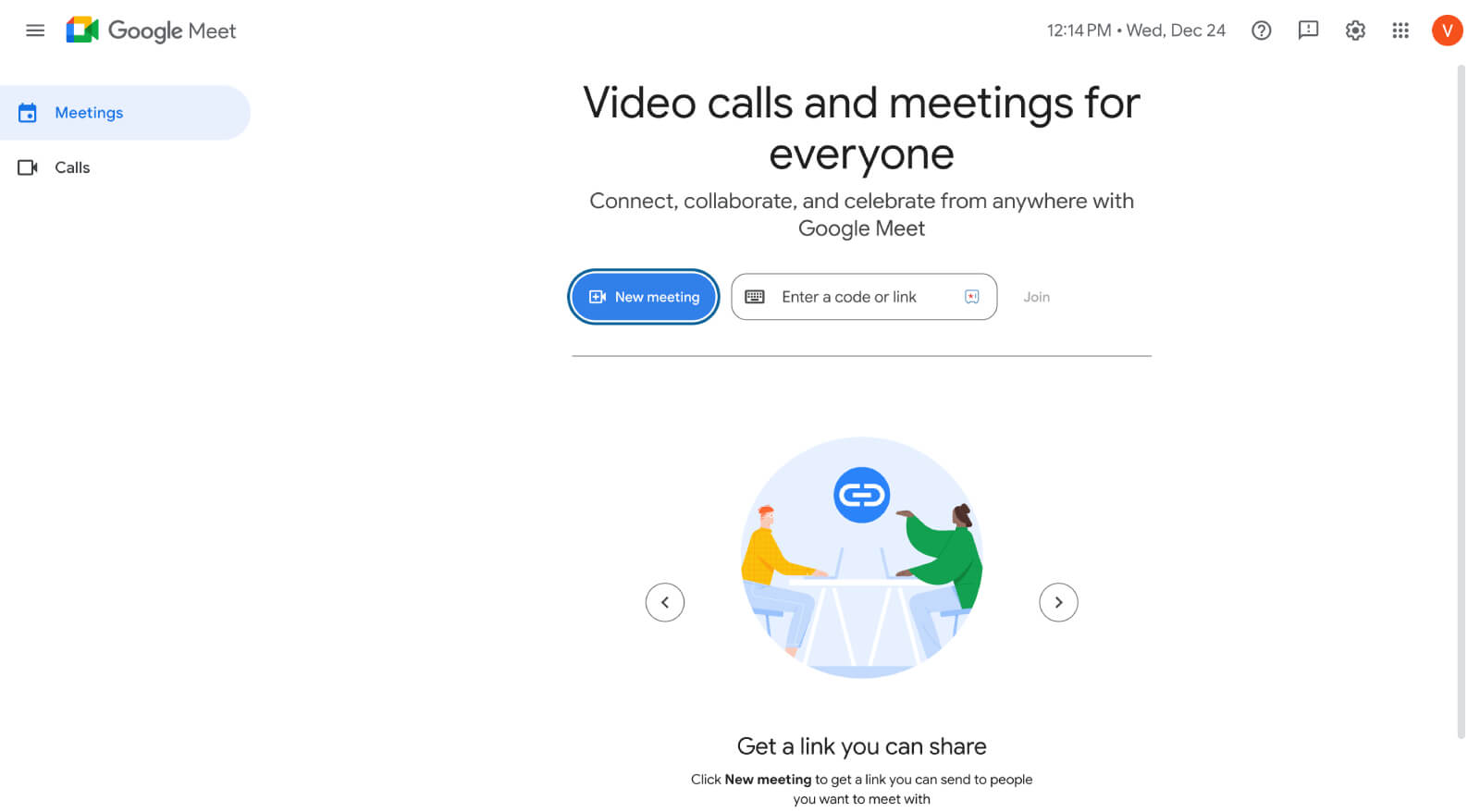
Google Meet is one of the most popular video conferencing tools, built directly into Google Workspace. Its biggest strength lies in its simplicity. With just a link, anyone can join a meeting without any downloads or complicated setup. This accessibility makes it particularly appealing for organizations already part of the Google ecosystem.
It offers reliable performance and strong security, backed by Google's infrastructure. However, its functionality focuses heavily on the meeting itself rather than full meeting lifecycle management, which may limit its usefulness for teams that require agenda tracking and post-meeting tasks.
Key features
- Direct integration with Google Calendar and Gmail
- Secure meetings with encryption
- Real-time captions powered by Gemini
- Automatic recording and saving to Google Drive
- Supports up to 250 participants (on higher plans)
Pros
- Extremely user-friendly, no steep learning curve
- Strong integration with Google Workspace
- Reliable video and audio performance
- Real-time captions improve accessibility
Cons
- Limited meeting management beyond scheduling and conferencing
- Minimal customization and branding options
3. Zoom: Good for scalable meetings and webinars with advanced engagement features
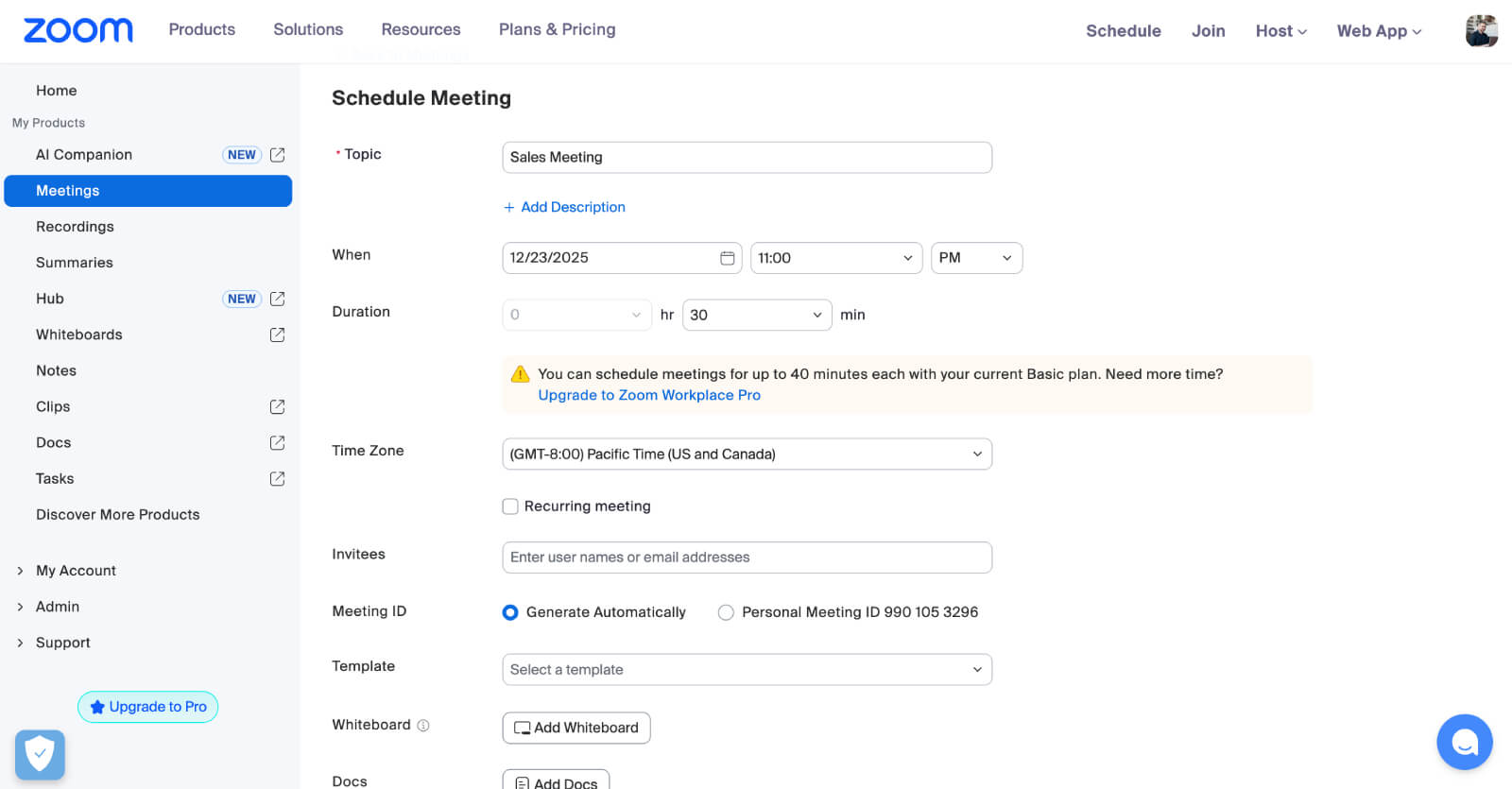
Zoom has become synonymous with video conferencing. It's known for ease of use, reliability, and a rich set of conferencing features. Zoom works well for one-on-one calls to large-scale webinars and virtual events. Its breakout rooms, interactive features, and scalability make it a good option for organizations of all sizes.
However, while Zoom is excellent for conducting meetings, it is not a full-fledged meeting management platform. Agenda management, task tracking, and automated follow-ups are not its primary strengths and often require third-party integrations. Businesses looking solely for a powerful conferencing solution will find Zoom highly effective. But, those who seek complete meeting lifecycle management will need additional tools.
Key features
- HD video and audio conferencing
- Breakout rooms for small-group discussions
- Cloud recording and automated transcription
- Interactive tools like polling and Q&A
- Calendar integrations (Outlook, Google)
- Supports up to 5,000 participants
Pros
- Highly scalable for small and large organizations
- Strong webinar and event hosting capabilities
- Consistently reliable video/audio quality
- Wide third-party integration support
Cons
- Free version has time limits and participant restrictions
- Meeting management beyond conferencing requires third-party tools
- Security concerns in the past (though significantly improved)
Ready to get started with a complete meeting management solution?
Try Zoho Bookings4. Microsoft Teams: Best for enterprises seeking a full collaboration suite
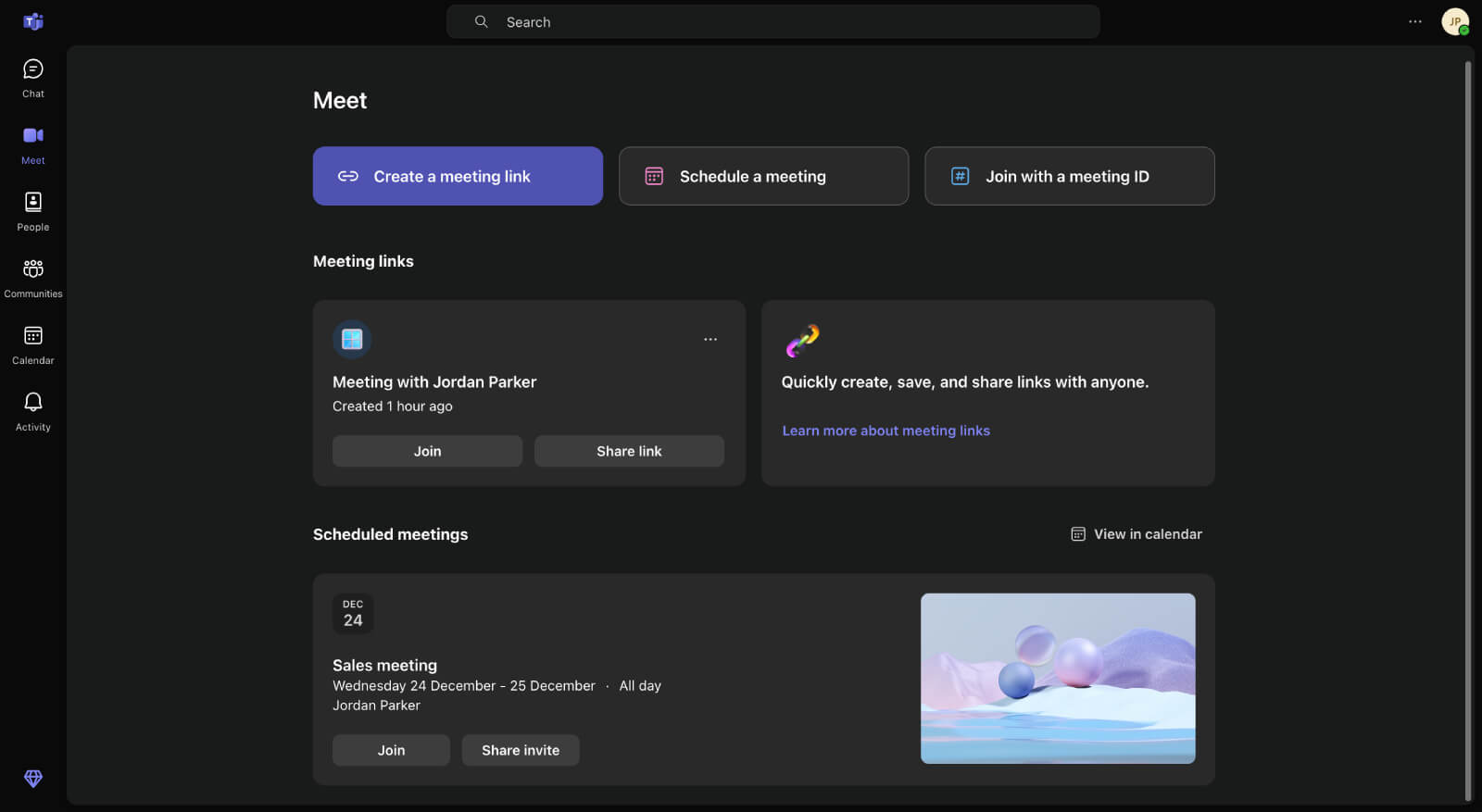
Microsoft Teams brings chat, video, file sharing, and project management into one platform, making it easier to keep work and conversations in one place. For businesses using Microsoft 365, it feels like a natural fit, with seamless integration across Outlook, Word, Excel, and SharePoint.
Its meeting features include scheduling via Outlook, recording, live captions, and task tracking with Microsoft Planner. With enterprise-level security and compliance, it's well-suited for large organizations in regulated industries. So, smaller teams or freelancers may find it a bit too heavy for their needs.
Key features
- Integrated with Microsoft 365 apps (Outlook, Word, Excel)
- Persistent chat and collaboration spaces
- Breakout rooms
- Enterprise-level compliance and security controls
Pros
- Combines collaboration, meetings, and project management
- Excellent integration with the Microsoft ecosystem
- Strong security and compliance features
- Suitable for enterprise workflows
Cons
- Steeper learning curve for new users
- Can feel overwhelming for small teams
- Requires Microsoft 365 subscription for full functionality
5. Webex by Cisco: Best for secure, enterprise-ready video conferencing
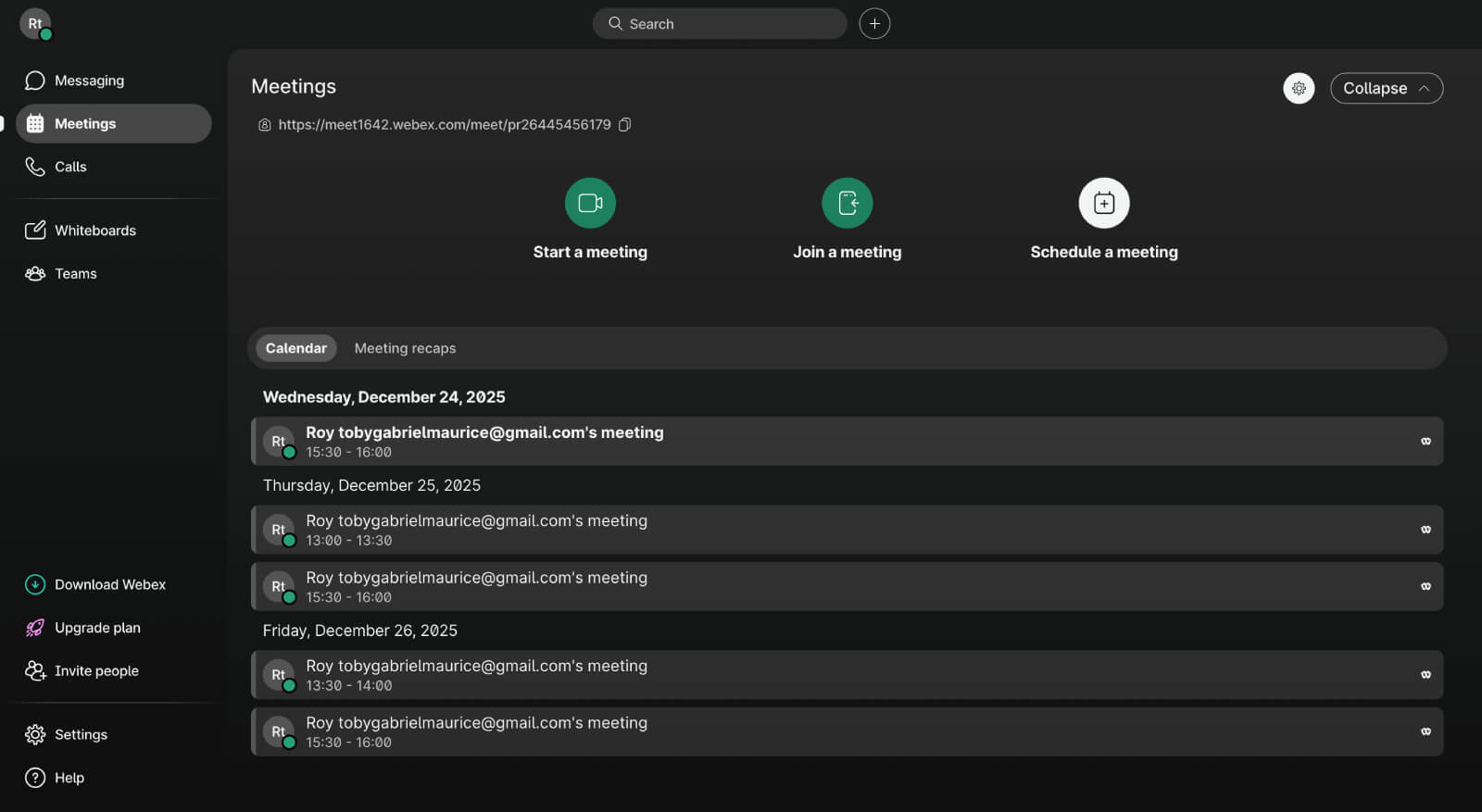
Webex is a meeting and collaboration solution from Cisco. It is designed with large organizations and hybrid work in mind, offering advanced conferencing, AI features, and deep security standards. Unlike some lightweight tools, Webex brings a professional, enterprise-focused experience.
Its AI-powered productivity features, such as noise cancellation, automated transcription, and meeting insights, set it apart. Webex also offers strong compliance and integration with major enterprise applications. While it's powerful, its cost and complexity may not suit smaller teams or freelancers seeking simplicity.
Key features
- Breakout sessions and real-time polling
- Automated transcription and meeting insights
- Integration with calendars (Outlook, Google)
- Enterprise-level security and compliance
- Scalable to thousands of participants
Pros
- Enterprise-grade reliability and compliance
- Advanced AI features for productivity
- Scalable for hybrid work and large organizations
- Strong integrations with enterprise systems
Cons
- Higher cost compared to lightweight solutions
- Overwhelming for small businesses or individual use
What's next?
You've just explored some of the best meeting management software out there. Each tool serves different teams, business sizes, and use cases.
If you're a solopreneur, a small team, or running a service-based business, Zoho Bookings stands out as the right fit. With powerful branding options, smart automation, and advanced features, it helps you stay ahead of the competition.
Start your free 15-day trial today and see what Zoho Bookings can do for your business.
Author's bio:

Venkat Kishore Content Strategist, Zoho Bookings
Venkat Kishore is a content strategist and storyteller with over seven years of experience in the tech space. Passionate about making technology feel more human, he crafts content that connects ideas, products, and people. At Zoho, he focuses on helping people learn how automation tools like Zoho Bookings help teams streamline scheduling and strengthen customer relationships. Find him on LinkedIn.