Keep your business moving with delegated signing in Zoho Sign

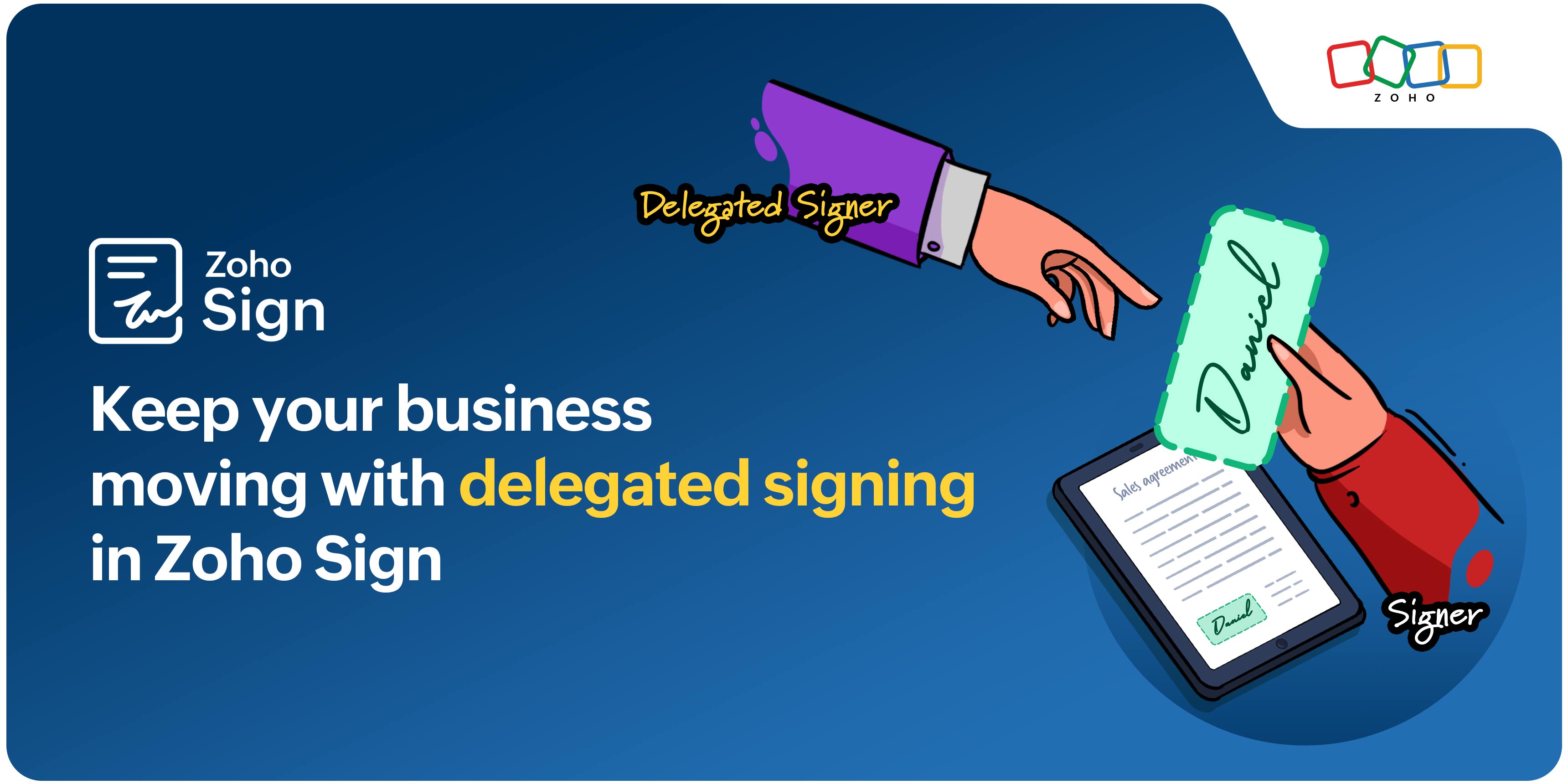
Contracts piling up while you’re traveling or stuck in back-to-back meetings? With Zoho Sign’s delegated signing feature, those delays will be a thing of the past. Simply authorize a colleague to sign on your behalf to keep workflows moving without interruption. Everything is tracked and secure, with delegates signing under their own credentials, so accountability remains clear while your business operations stay on schedule.
The benefits of delegate signing
Quick document turnaround: Documents are signed promptly, keeping deals and processes on schedule.
Accountability and transparency: Delegates sign with their own credentials, ensuring every action is traceable and secure.
Flexibility for busy professionals: Focus on high-priority tasks while trusted colleagues handle signature responsibilities.
Business continuity: Approvals, compliance documents, and time-sensitive contracts are executed on time, keeping operations running smoothly.
Delegate signing is especially valuable for businesses with multiple signatories, legal teams, or high-volume contract workflows. It helps organizations maintain speed and efficiency without compromising security or compliance.
How delegate signing works in Zoho Sign
Assigning a delegate in Zoho Sign is quick and straightforward. From your dashboard, go to Settings > My Profile > Delegation. Enter the delegate’s name, set the start and end dates (within six months, for up to 30 days), and click Save. Only one active delegate can be assigned at a time, but you can edit or remove a delegate anytime.
Before assigning delegates, make sure delegate signing is enabled in your account settings under Recipient Experience. If it’s not, your account administrator can activate it for you.
Getting started with Zoho Sign
So why wait? Start using Zoho Sign today to keep your paperwork moving no matter what. If you're not already a Zoho Sign customer, head over to zoho.com/sign and sign up for a 14-day free trial. Check out our help documentation on getting started with Zoho Sign, or watch this video.
Please feel free to email us at support@zohosign.com to share your feedback or request a personalized demo.
Until next time, happy signing!

Comments