New in Zoho Sheet: Multi-select picklist, web forms, workflows and more

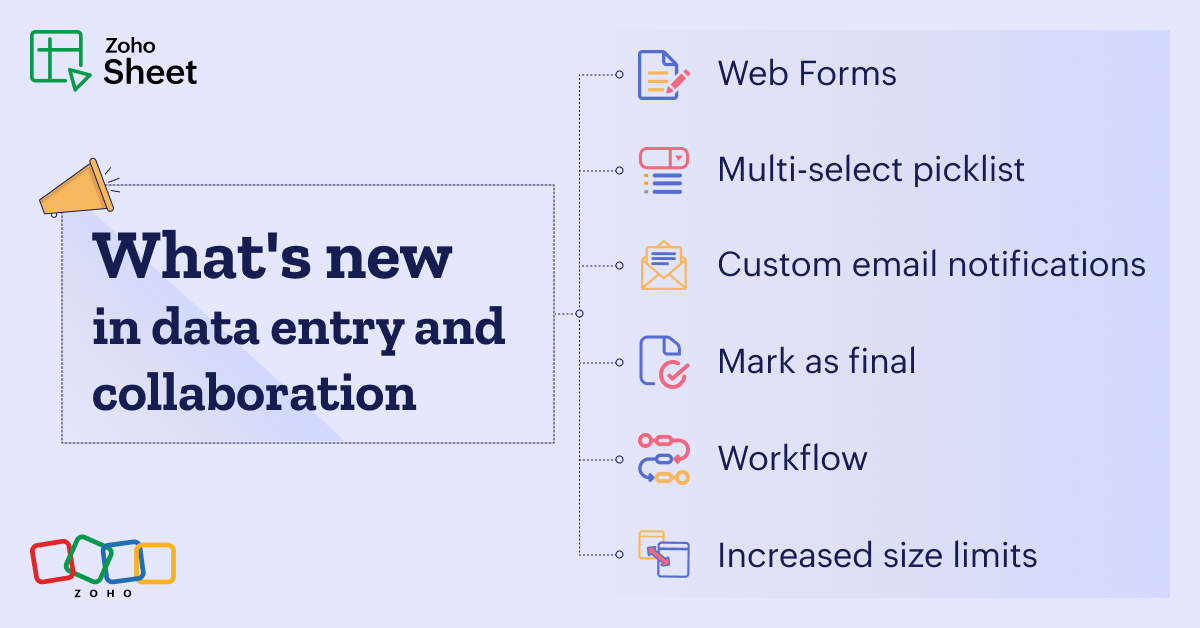
Last year, our team was dedicated to research and development so we could bring value-adding updates to Zoho Sheet. This year, we'll be releasing those enhancements in batches to ensure they're easy for users to adopt. First on the list is a set of features focused on simplifying data entry and collaboration.
Pick more than one
Discrepancies in data entry are common, especially in shared spreadsheets where multiple users enter data in different formats. By using a picklist, you can make sure that collaborators select from a predefined set of options, maintaining consistency and accuracy.
Previously, we supported single-select picklists alone and now we're introducing the multi-select picklists to make data entry even more convenient for you.
You can add more than one item from the list within a single cell, and you can customize the appearance of the items by adding colors or displaying them as chips.
Collect data from within your spreadsheet using forms
Whether you're running surveys, collecting feedback, or driving registrations, creating, collecting, and organizing data just got easier with forms in Zoho Sheet. Our simple yet intuitive drag-and-drop interface allows you to build forms quickly. You can further personalize the forms by setting properties and mandatory input fields. Once your form is ready, you can publish it either internally or externally, sharing them with your respondents.
Streamline collaboration using workflows
In a collaborative space like a spreadsheet, it's easy for things to go out of order. Without a set workflow, it’s all about chasing team members down in one-on-one chats and emails.
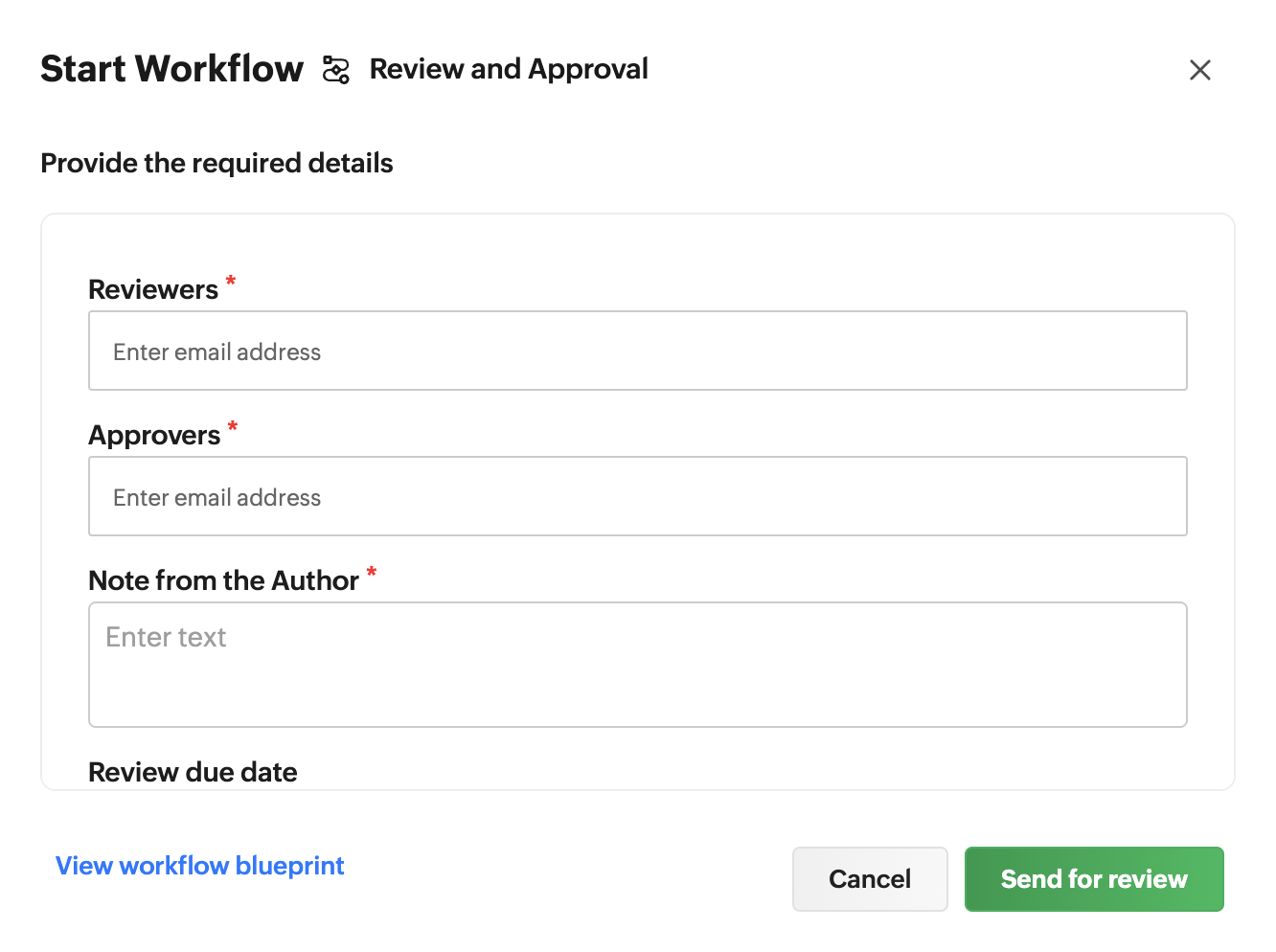
Introducing Workflows in Zoho Sheet—a streamlined approach for teams to create, edit, and finalize documents. Enabling a workflow for your team ensures accountability, clear communication, and makes the overall process efficient.
Workflows can be created and managed via WorkDrive by org admins only. The org admins can either choose from the default list of workflows or create custom workflows for their organization. Once the workflow is created, anyone with edit access to the spreadsheet file can assign the workflow.
Mark your spreadsheet as final
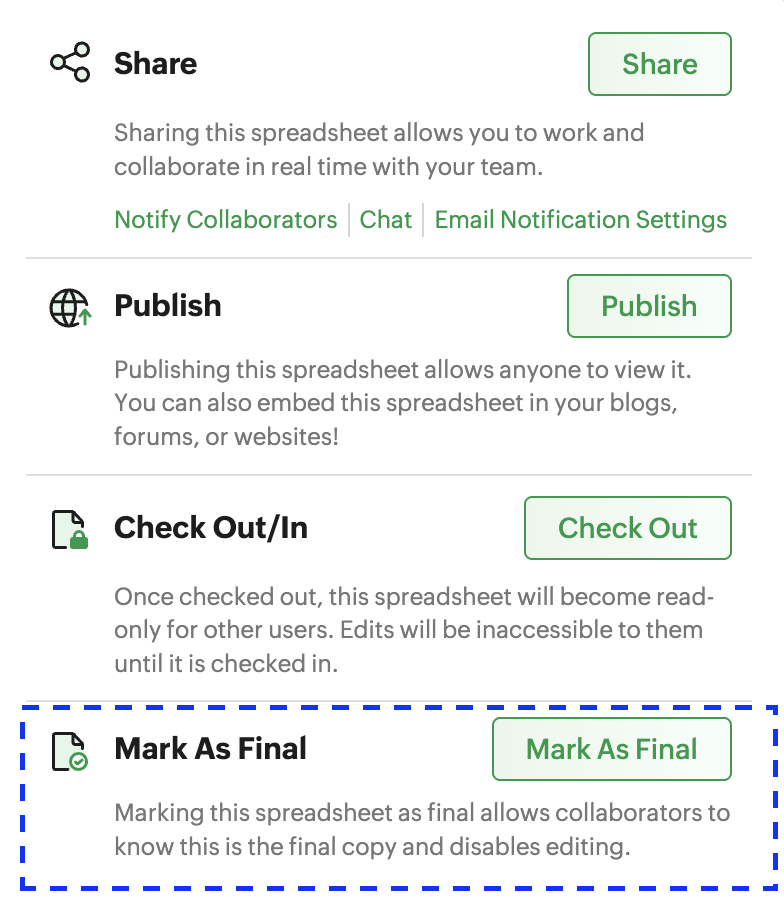
You finish off a budget sheet, run through the numbers, share it with the team, and someone makes a last-minute change—we've all been there! That's exactly why we are introducing the mark as final option in Zoho Sheet.
Marking your spreadsheet as final lets your collaborators know they're viewing the completed version while ensuring the version stays intact and free from accidental changes.
Customize email notifications
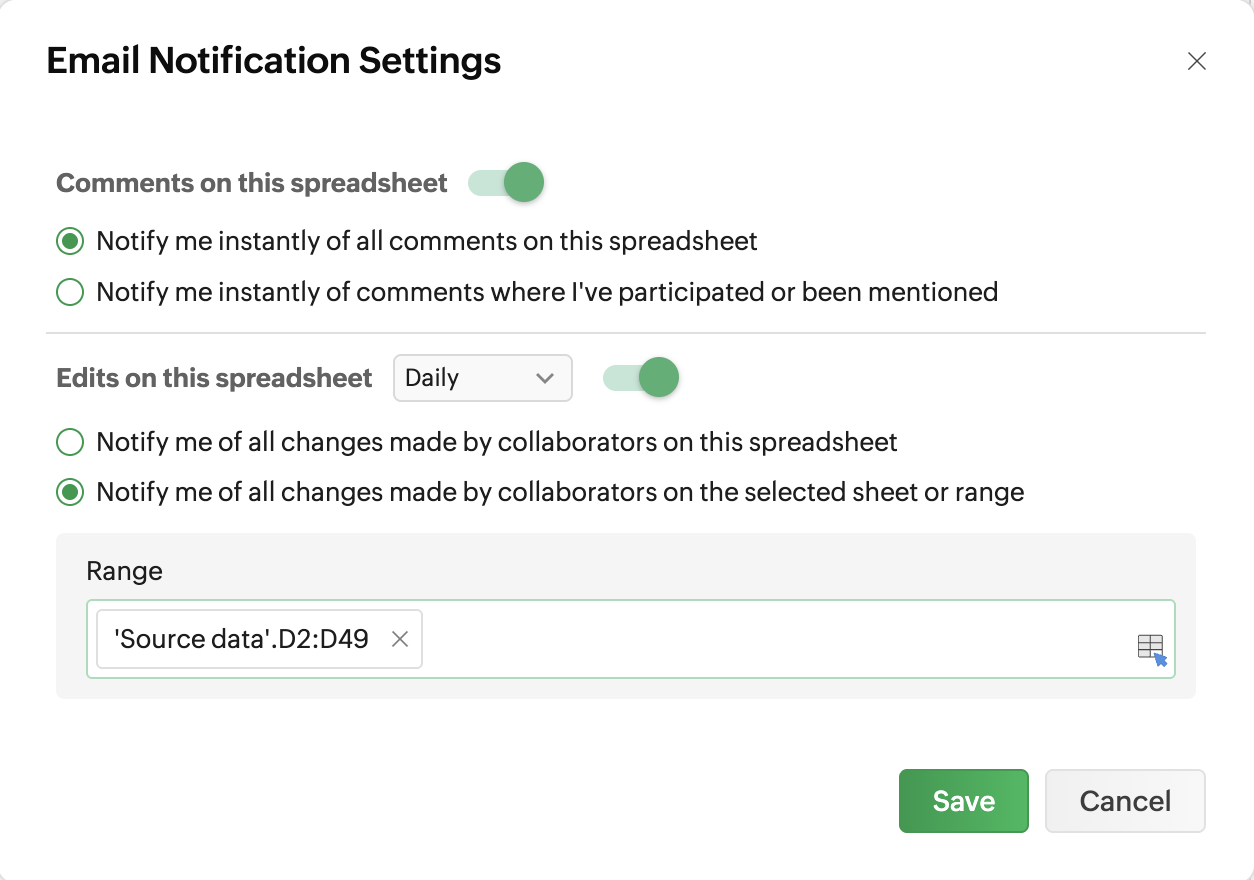
Whether you're working on financial or inventory records, staying on the same page as your collaborators ensures effective collaboration. To help you and your team stay in the loop, we've introduced email notifications for edits. Whenever a spreadsheet file, a specific cell range, or a particular sheet is edited, you'll receive an update via email, making it easier for you to track the changes.
Do more with Zoho Sheet
To help you take full advantage of these updates, we've also increased the size limits of the maximum number of rows, cells, and a few spreadsheet actions.
Maximum number of cells per spreadsheet: 10 million
Maximum number of rows per spreadsheet: 262K
Maximum number of columns in a spreadsheet: 2,048
Maximum file size you can import: 50 MB
Wrapping up
We believe that all of these new features will enhance your data entry and collaboration aspects. These features are live in Zoho Sheet, and we'd love you to try and share feedback. If you have any questions, please drop them in the comments or write to us at support@zohosheet.com.


Comments