Build smarter email workflows with Client Scripting in Zoho Mail

Email sits at the center of everyday work, but most inboxes still rely heavily on memory and manual effort.
Remembering to add the right people in the CC, attaching files before hitting Send, following internal communication rules, or formatting emails correctly often depends on users getting everything right, every single time. Over time, these small misses lead to follow-ups, delays, and unnecessary friction.
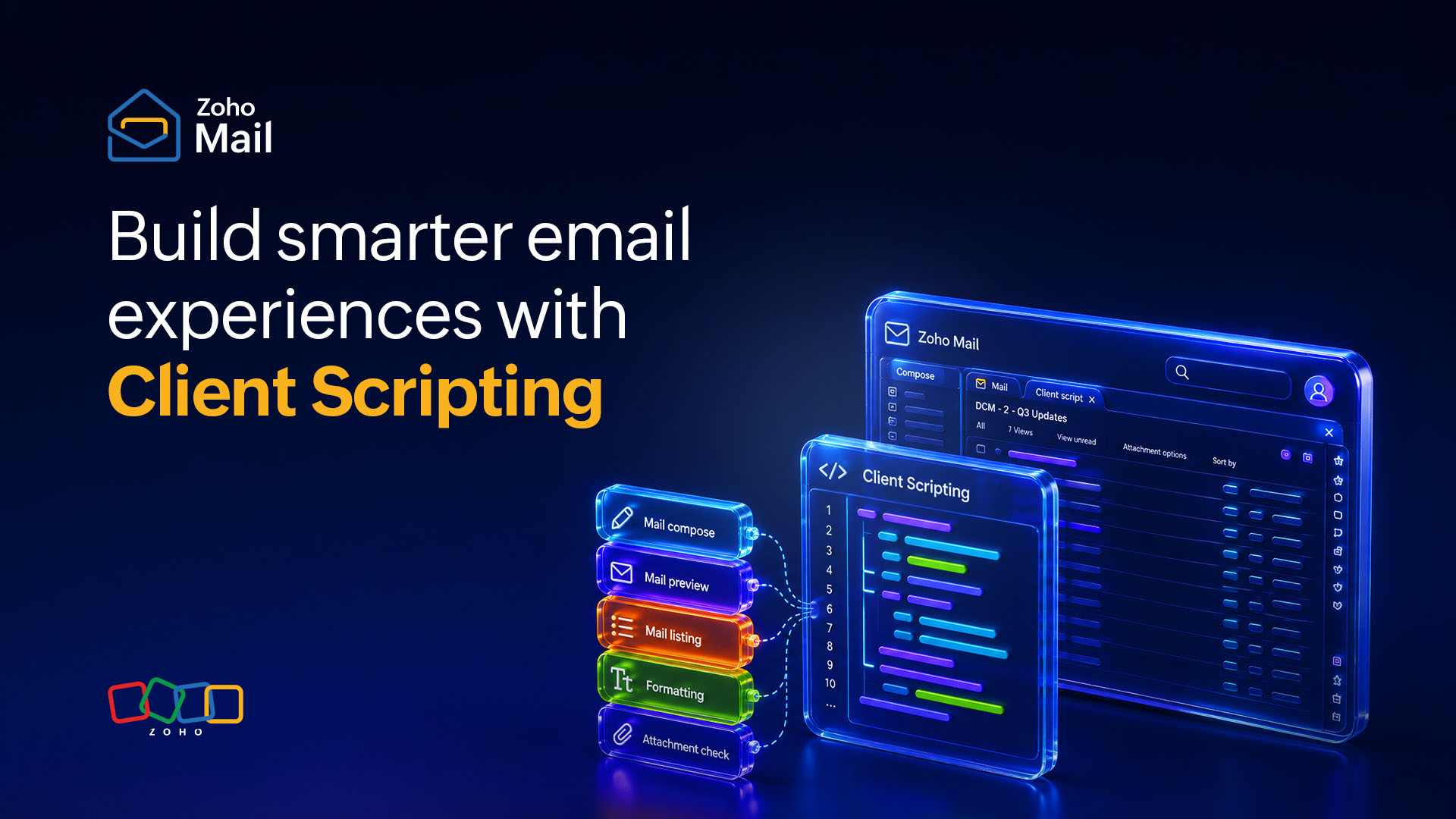
Client Scripting in Zoho Mail is designed to change that by bringing intelligence and automation directly into the inbox. Whether you’re sending emails, previewing messages, or view listings, Client Scripting helps save time, enforce business rules, and improve productivity right where work happens.
What is Client Scripting in Zoho Mail?
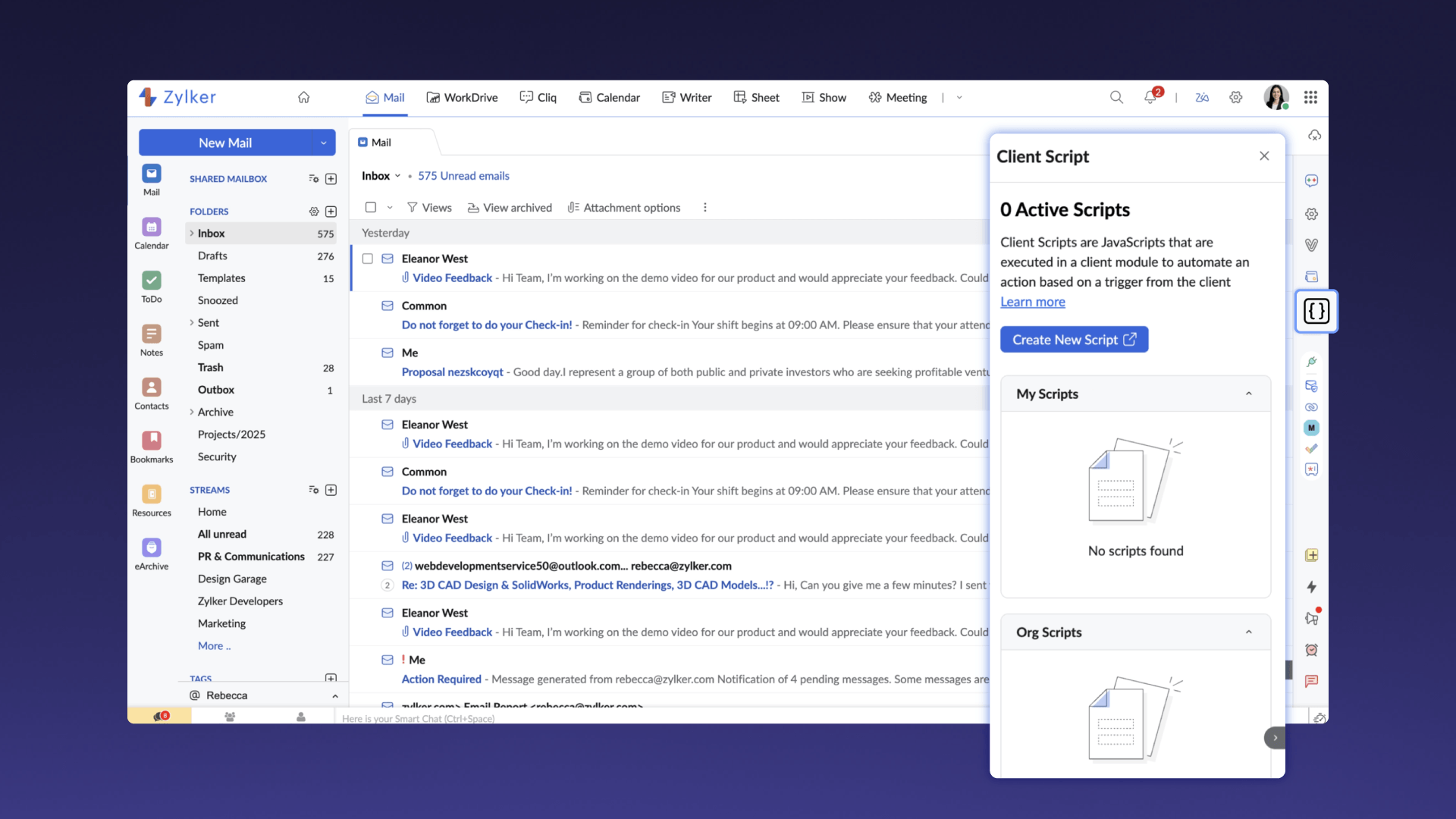
Client scripts are JavaScript snippets that run directly inside the Zoho Mail web interface, triggered by user actions such as:
- Composing an email.
- Previewing a message.
- Viewing emails in a list.
These scripts allow you to add validations, fetch data, or automatically set field values such as recipients, subject lines, or email content. It shows alerts, triggers custom dialogs, and integrates with other apps or services, all without users leaving the inbox.
In simple terms, your inbox can now think ahead, help you avoid mistakes, save time, and follow organizational rules automatically.
Why email workflows need intelligence and how Client Scripting solves it
Most email errors don’t happen because people don’t care. They happen because work is fast-paced and context keeps shifting.
Your email tool should adapt to your business processes, not the other way around. Client Scripting helps solve real, recurring problems that teams face every day.
1. Reducing human error
Teams often struggle with:
- Forgotten attachments.
- Missing CCs.
- Incorrect recipients.
- Incomplete or non-compliant emails.
With Client Scripting, Zoho Mail can:
- Warn users before sending risky or incomplete emails.
- Block sending until required conditions are met.
- Prompt confirmations for sensitive actions.
Outcome: Fewer mistakes, less rework, and higher-quality communication.
2. Enforcing compliance without training fatigue
Instead of relying on documentation or repeated user training, Client Scripting allow organizations to bake rules directly into email behavior.
Examples include:
- Mandatory CCs for audit or reporting.
- Alerts when sending emails outside the organization.
Outcome: Compliance becomes automatic, not optional.
3. Automating everyday email workflows
Many teams follow unwritten email rules like:
- “Always loop in the manager.”
- “Add the support group for escalations.”
- “Use a standard subject format.”
Client Scripting can:
- Auto-fill recipients based on roles or hierarchy.
- Set default subject lines or content blocks.
- Trigger logic based on keywords or context.
Outcome: Faster email composition and consistent execution across teams.
4. Contextual email using existing systems
Client scripts can use connectors or APIs to pull data from other systems during email actions.
Use cases include:
- Fetching employee details from Zoho People.
- Auto-inserting customer or project information from CRM.
- Displaying contextual prompts based on sender or recipient.
Outcome: Email becomes smarter and more context-aware without switching tools.
Industries and scenarios where this matters most
Client scripting is especially valuable for organizations in:
- BFSI and government: Compliance, audit trails, controlled communication.
- Education: Role-based email behavior for staff and administrators.
- Healthcare: Validation before external communication.
- Large enterprises: Standardization across departments.
Zoho Mail's Client Scripting supports users at the moment they need it most—right before an email is sent.
Everyday use cases that make a real difference
Client Scripting is truly powerful when applied to everyday email actions. Even small pieces of logic can prevent errors, enforce policies, and automate repetitive steps right inside the compose window.
Here are a few practical examples.
Preventing missed attachments
One of the most common email mistakes is referencing an attachment but forgetting to include it. With Client Scripting, Zoho Mail can scan the email content before sending and alert the user if no file is attached.
If an email mentions words like refer to the document or screenshot but no file is added, Zoho Mail can prompt the user before sending.
Result: Reduces incomplete emails, prevents unnecessary follow-ups, and improves communication quality.
Automatically looping in the right stakeholders
Many organizations require managers to be included in specific communications. Instead of relying on users to remember, a script can automatically add the reporting manager to the CC field during composition.
Result: Better visibility and accountability without manual effort.
Block emails that don’t include required information
Some organizations require specific details such as a project code, reference ID, or case number before an email can be sent. Admins with Client Scripting can block sending emails unless required fields or recipients are added. Warnings or confirmations can also be shown for sensitive or external communication.
Result: Consistent, policy-aligned communication across the organization.
Auto-fill subject lines based on context
Teams often follow subject line conventions for tracking or reporting purposes. A script can automatically format or pre-fill the subject line based on predefined rules.
Result: Smarter emails that align with existing workflows.
Control and flexibility for admins
Client scripting is designed with governance in mind:
- Available on all paid Zoho Mail plans.
- Fully admin-controlled.
- Scripts can be optional or mandatory.
- Can be assigned to specific users or applied org-wide.
This ensures that teams get flexibility where needed, while admins retain complete control over behavior and standards.
Small scripts, big impact
Client Scripting doesn’t require large or complex automation to be effective.
Even simple scripts can:
- Reduce human error.
- Save time on repetitive steps.
- Enforce business rules automatically.
- Improve the overall quality of communication.
Moreover, because everything happens inside the Zoho Mail interface, users don’t need to learn new tools or workflows.
Email that works the way you do
Client Scripting transforms Zoho Mail from a simple communication tool into a workflow-aware inbox—one that actively guides users, enforces standards, and adapts to organizational needs in real time.
Whether you’re aiming to standardize internal processes, strengthen compliance, or reduce everyday friction, Client Scripting gives you the control to build email workflows that truly reflect how your organization operates.
Because the smartest inbox isn’t the one that sends emails faster—it’s the one that helps you send them correctly.




Comments