From inventory reports to inventory intelligence with Zoho Inventory and Zoho Analytics

When using Zoho Inventory, you have strong control over your stock. You know what’s available and what’s running low. For most businesses, that level of visibility is exactly what’s needed to keep day-to-day operations running smoothly.
However, there comes a point where things stop lining up quite as expected. A product sells out faster than anticipated, even with reorder levels in place. Another item quietly piles up over time without anyone noticing. Cash feels tighter, even when sales numbers look healthy. This is when teams start asking questions that aren’t easy to answer by looking at a single report or dashboard.
When inventory control alone is no longer enough
As businesses grow, inventory naturally becomes more complex. Inventory decisions require answers to deeper questions:
- Are stock shortages driven by demand spikes or supplier delays?
- Which items consume the most working capital without delivering proportional returns?
- How do inventory levels and turnover change month over month across locations and sales channels?
While inventory systems are designed to manage daily operations, answering the above questions require a broader, more connected view of the data. This is where analytics comes in.
An analytics layer that builds on Zoho Inventory
Zoho Analytics works as an additional layer built on top of Zoho Inventory to help businesses get more value from the inventory data they already manage every day.
When Zoho Inventory is integrated with Zoho Analytics, inventory data is no longer viewed in isolation. Stock movements can be analyzed alongside sales, purchasing, and fulfillment data over longer time periods. What was previously scattered across multiple reports can now be seen together in one connected view.
This makes common inventory questions much easier to answer:
- Which fast-moving products also experience frequent stockouts?
- Which items tie up the most inventory value without moving quickly enough?
- How do inventory levels and turnover change month over month?
Because the data flows directly from Zoho Inventory, teams don’t need to export files manually or maintain complex spreadsheets. The focus shifts from compiling data to understanding it.
In practical terms, Zoho Analytics helps teams move from simply checking inventory status to spotting patterns, comparing performance, and anticipating issues before they start affecting operations.

From inventory reports to inventory intelligence
Moving from inventory reporting to inventory intelligence isn’t about replacing existing systems or workflows. Zoho Inventory continues to handle day-to-day inventory operations like tracking stock, managing orders, and keeping processes running reliably. Zoho Analytics builds on this foundation by helping teams analyze inventory data over time, across multiple dimensions, and in context with the rest of the business.
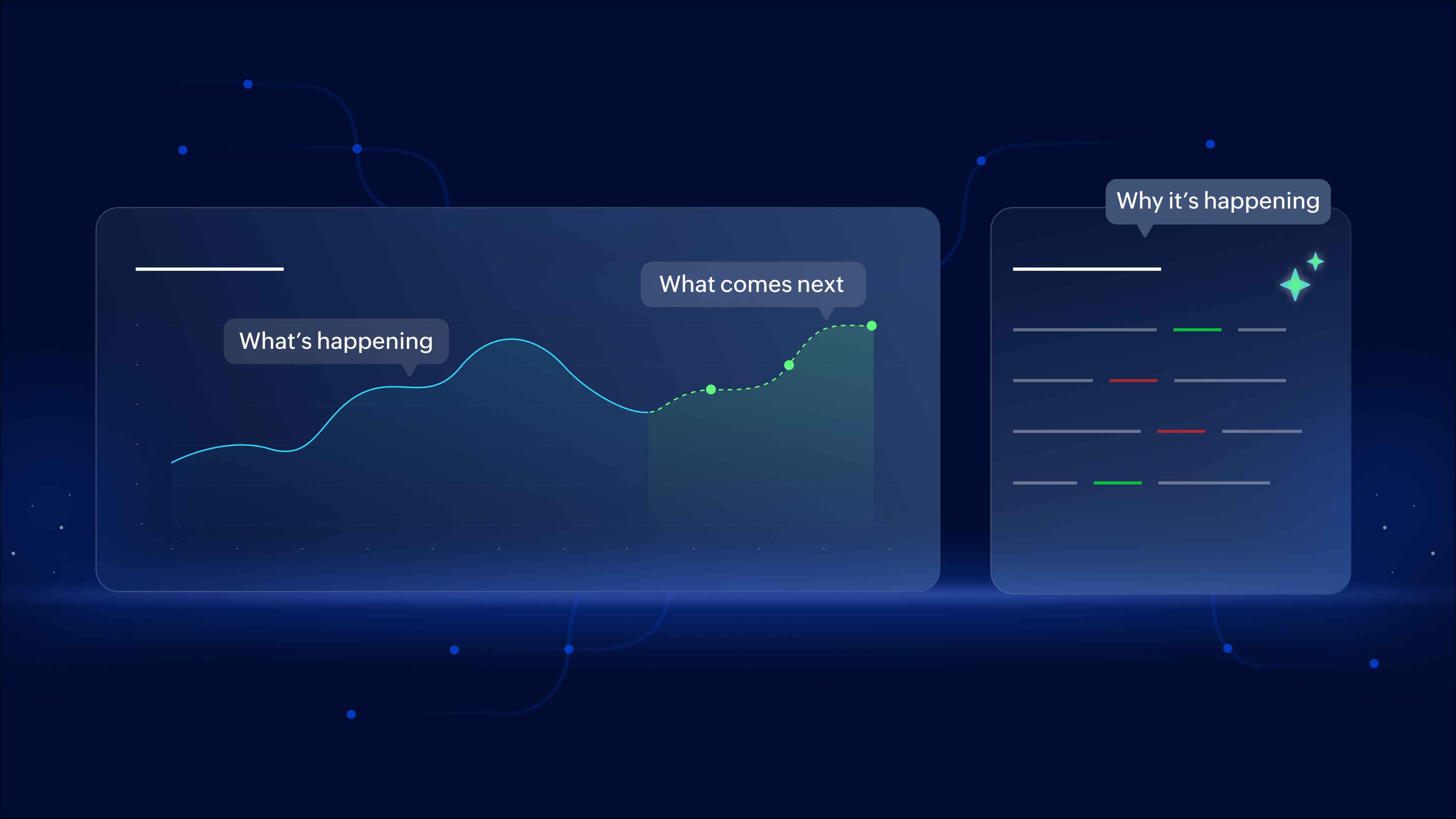
Inventory intelligence means understanding what's happening to your stock, why it's happening, and what actions should come next. Instead of working with isolated reports, teams begin to identify trends, patterns, and connections that aren’t immediately obvious. Inventory decisions become less reactive and more informed, guided by insight rather than assumptions.
This is what inventory intelligence looks like in practice: not more data, just clearer insight.
What's coming next
In this first part, we explored why traditional inventory reporting starts to fall short as businesses grow and how Zoho Analytics complements Zoho Inventory by adding the missing layer of understanding.
In the next part, we’ll focus on the practical side of inventory intelligence.
We’ll walk through real inventory use cases and the reports and dashboards behind them, showing how teams use Zoho Inventory data in Zoho Analytics to identify slow-moving stock, analyze demand trends, improve replenishment planning, and make smarter inventory decisions every day.
If inventory decisions are starting to feel harder to manage as your business grows, the next post in this series will show what better visibility looks like in action.

Comments