How to host a virtual event: A complete guide for event planners

Discover the essentials of building high-performing virtual events, and see how event software keeps every part of the process—setup, engagement, follow-up—in one place.

When we think of virtual events, we usually picture one of two extremes: the massive productions like Meta Connect—a two-day livestream showcasing AI glasses and metaverse tech to a global audience—or the standard one-hour webinar that's become a fixture in everyone's calendar.

But there's an entire world in between. Take the MarTech Festival: a month-long learning marathon mixing mini-online events with in-person sessions. Or Adobe Summit Online, which packs in keynotes, breakout sessions, and Sneak previews. Even museums like the Smithsonian host virtual art exhibitions that draw thousands of attendees.

Virtual events come in all shapes and forms, but they're all built on the same foundation: clear planning, smart promotion, genuine engagement, and data that tells you what worked. This guide walks you through each phase—whether you're hosting a 30-person virtual party or a 3,000-person conference with virtual expo booths.

Virtual event management guide

A beginner's guide to virtual event management

Part 1: Setting up your virtual event foundation

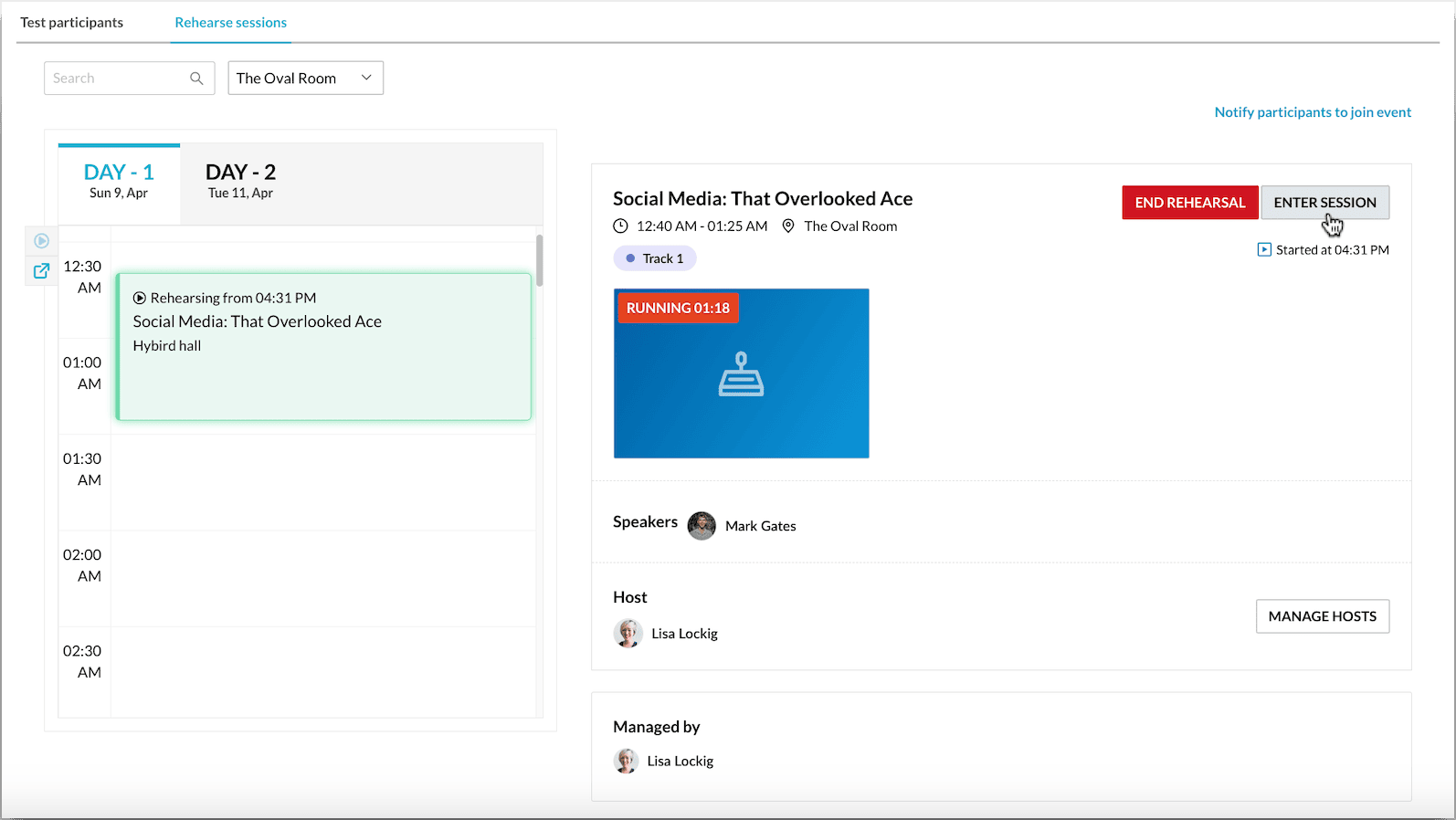
This step determines whether your virtual event will work or flop. Before promotion starts, lock down three things: what success looks like, which platform delivers that experience, and a team that's rehearsed for both the plan and the problems.

Here's a virtual event planning checklist to get you started:

Part 2 (Optional): Bringing in sponsors and exhibitors

If your event includes a virtual expo—or if sponsors are a key part of your revenue plan—you need to design an experience that feels valuable for them and natural for attendees. Virtual booths aren't a default box to check; they're part of the event ecosystem, and their success depends on deliberate planning.

Part 3: Promoting your virtual event

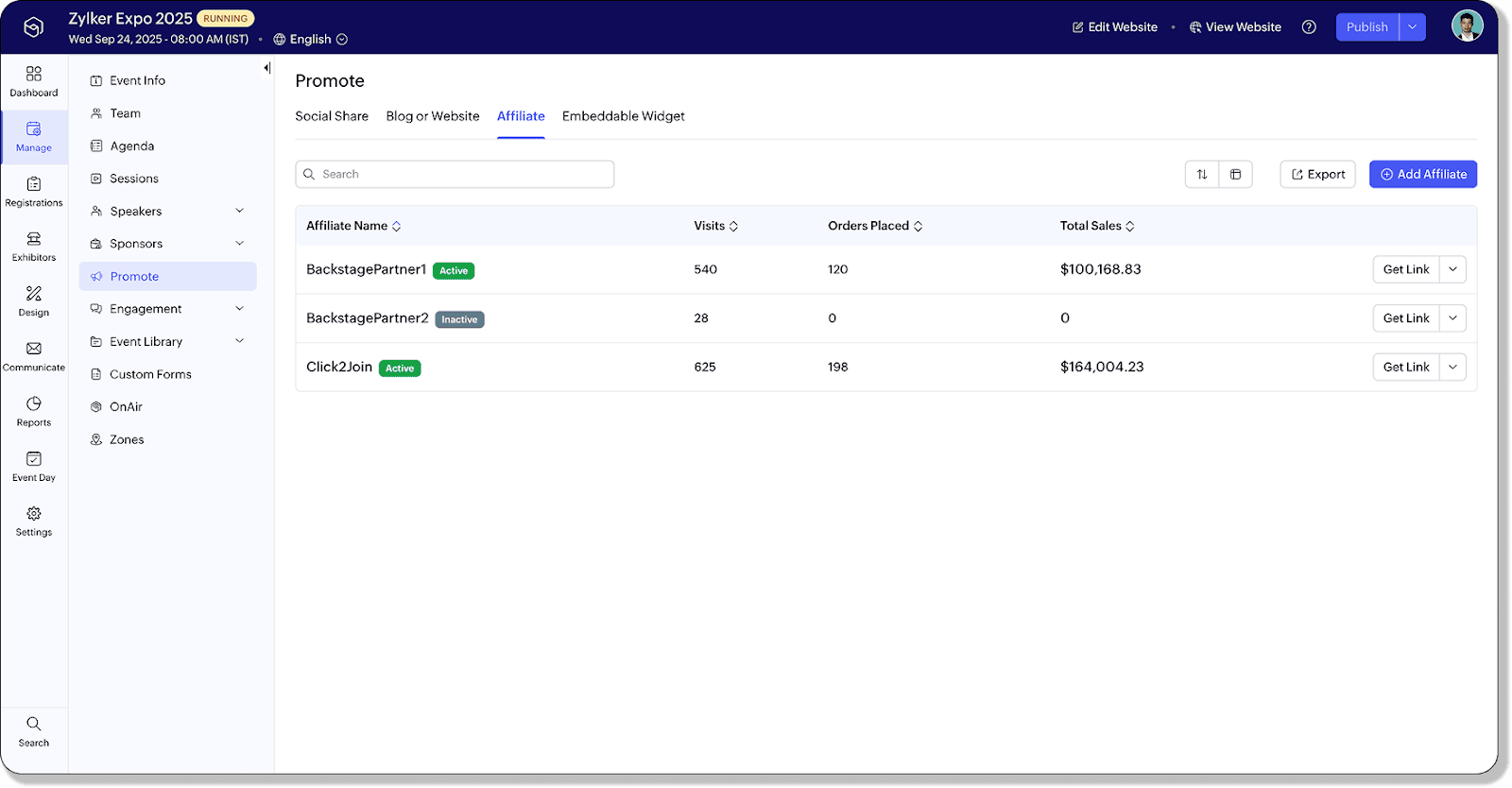
You've built the event. Now you need people to show up. This is about building momentum through a multi-channel campaign, timed right, and pre-event engagement that makes attendees actually excited to attend.

Part 4: Keeping attendees engaged during your virtual event

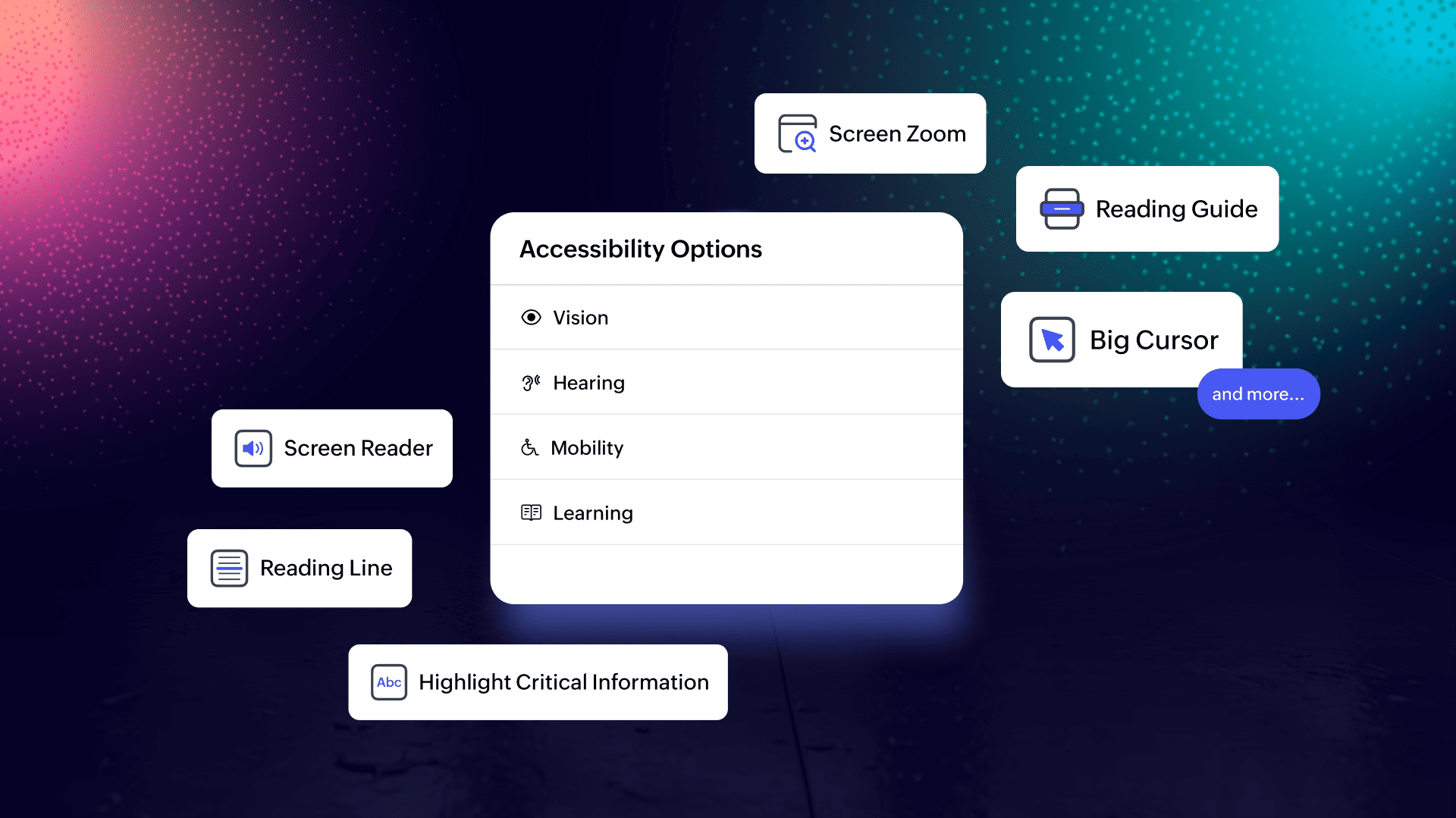
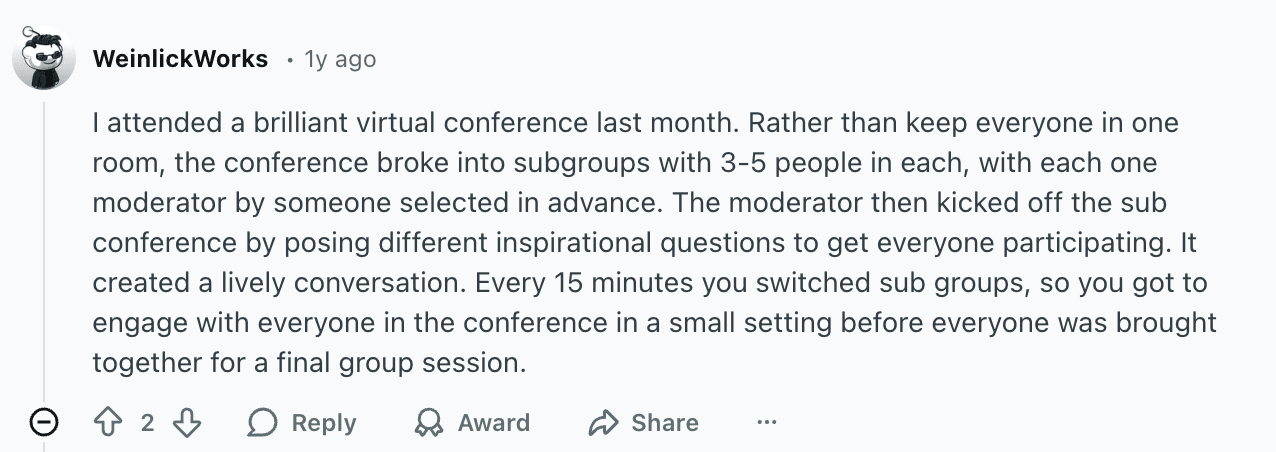
The hardest part of virtual events isn't getting people to register—it's keeping them from opening another tab five minutes in. Event engagement requires deliberate design across three areas: interactive mechanics, accessibility, and networking.

Part 5: Measuring success and maximize long-term value

Your event isn't over when the stream ends. The real value comes from what you learn afterwards with event analytics —what worked, who engaged, and where the biggest ROI opportunities are hiding.

Run your virtual events smoothly with Zoho Backstage

Hosting a virtual event only feels overwhelming when your tools are scattered. The work becomes far easier when registration, streaming, engagement, and analytics all live within a single workflow rather than across several disconnected platforms.

And that's precisely where Zoho Backstage fits in. It keeps everything under one roof—branded registration, integrated streaming with Backstage OnAir, session tools, expo booths, networking, and post-event insights. So you can run the entire event from a single system without duct-taping anything together.

FAQs

Virtual events can cost anywhere from a few hundred dollars for a simple webinar to several thousand for multi-track conferences with production, speakers, and promotion. Your highest costs are typically platform fees, promotion, and speaker talent.

If you want an all-in-one system that handles registration, streaming, engagement, and analytics in one place, Zoho Backstage is a strong choice. It's built for everything from simple webinars to full conferences with expo booths and networking, without needing extra tools.

Common revenue streams include paid tickets, tiered access (VIP or premium content), sponsorships, exhibitor booths, and on-demand content sales. Some events also drive indirect revenue through lead generation and product demos.

At minimum: a reliable laptop, high-speed internet, a good external microphone, and proper lighting. For higher production value, add a professional camera or webcam upgrade, an audio interface, and encoder software if your platform requires it.