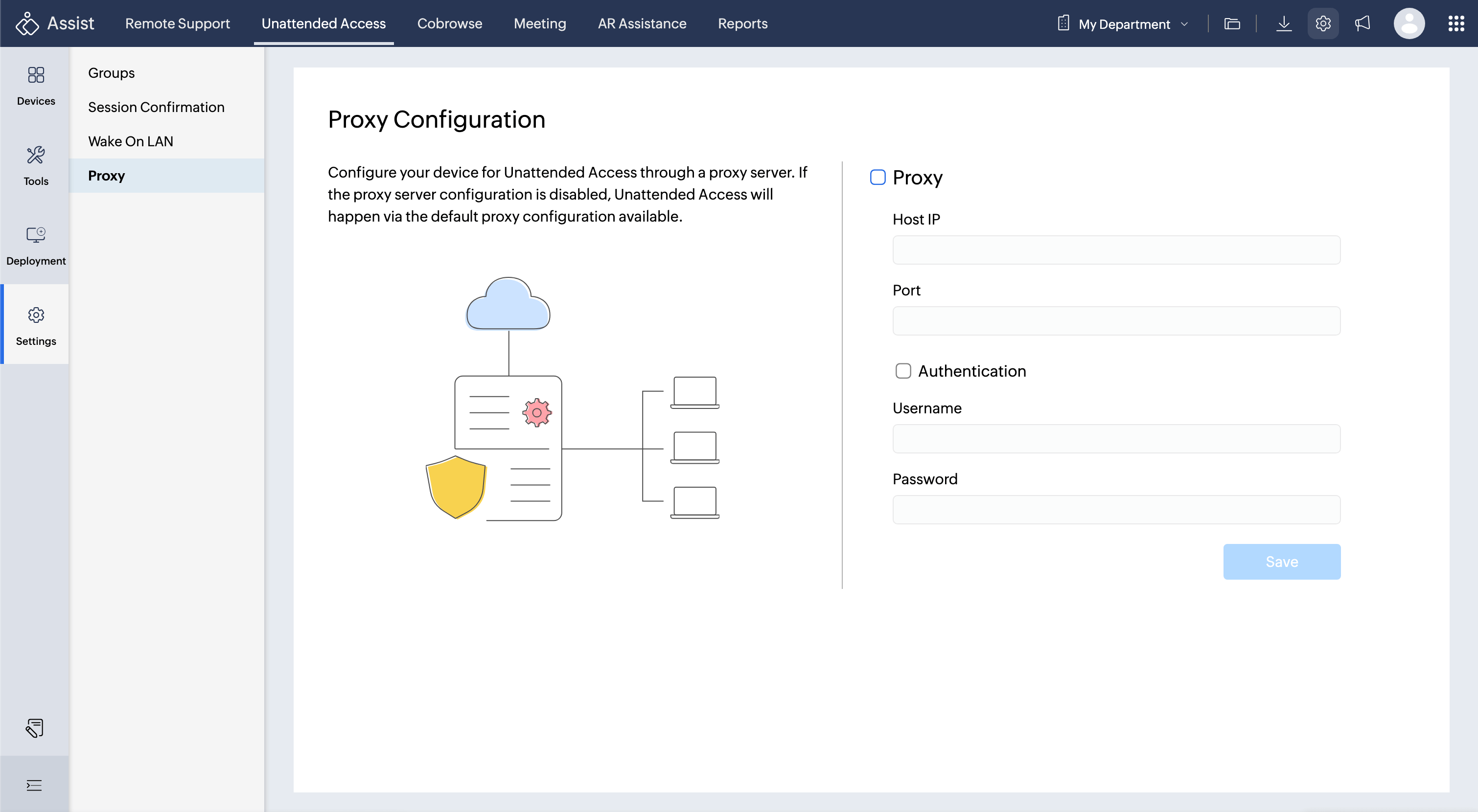
Unattended Access Settings
Unattended Access Settings let you control how you connect to remote devices, ensure compliance with privacy standards, and organize managed computers for maximum efficiency. Proper configuration ensures your remote support operations remain secure, accessible, and well organized.
The available settings include:
Groups
Helps you organize a growing list of managed devices by categorizing them for quick identification and easy access.|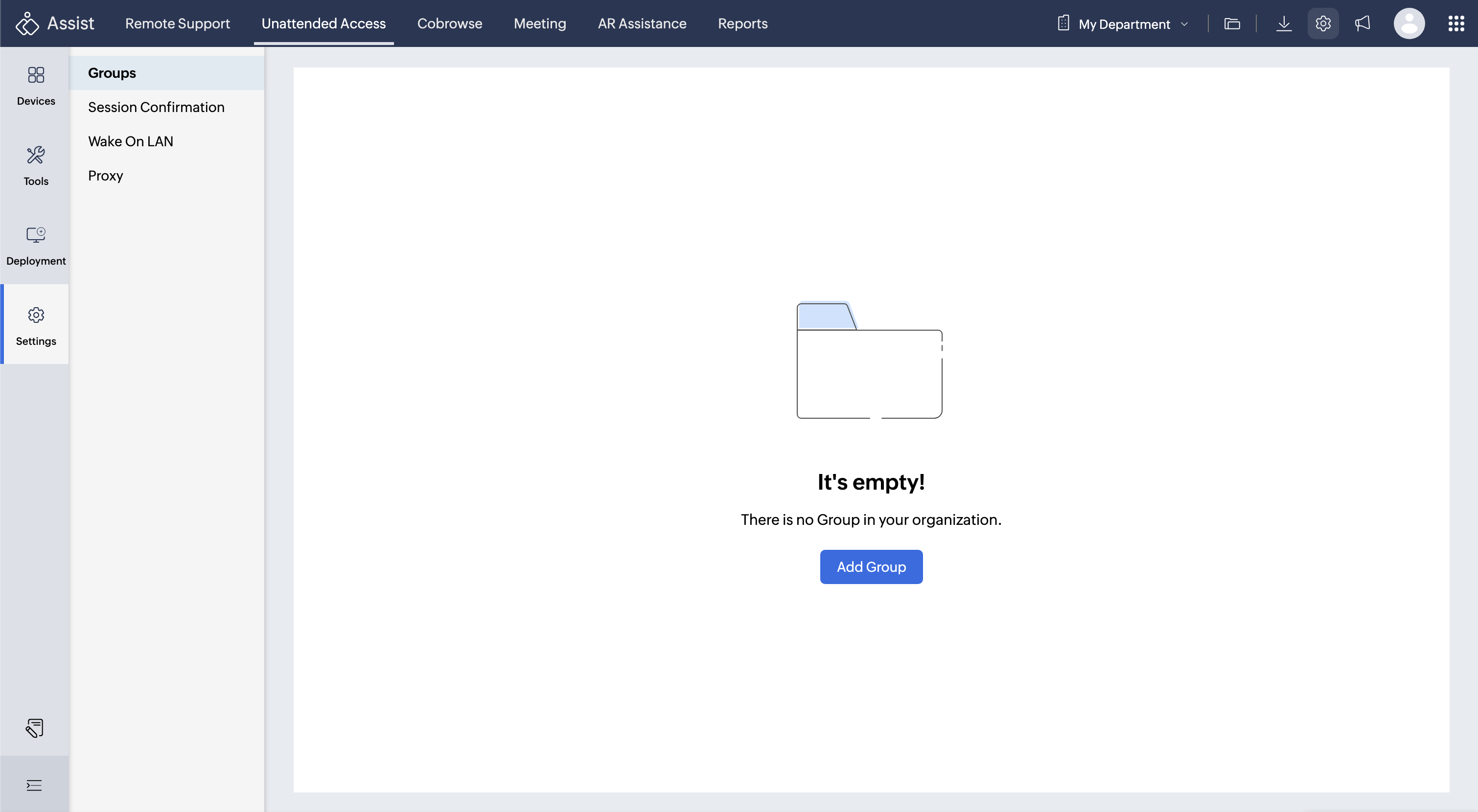
Session Confirmation
Allows remote customers to authorize access before a technician connects to their computer.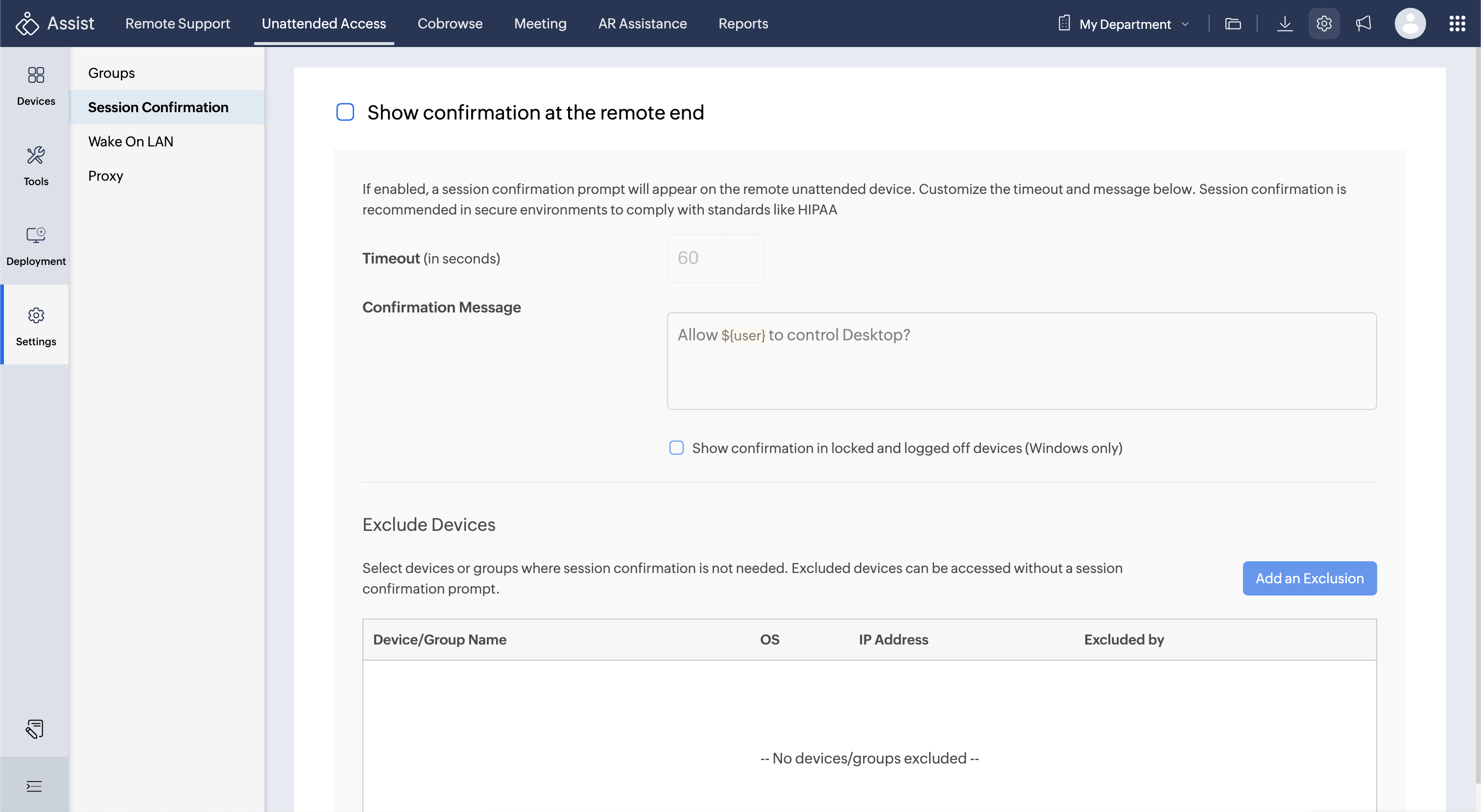
Wake on LAN (WoL)
Enables you to remotely power on or boot a computer from a completely shut-down state, ensuring uninterrupted support even when devices are offline.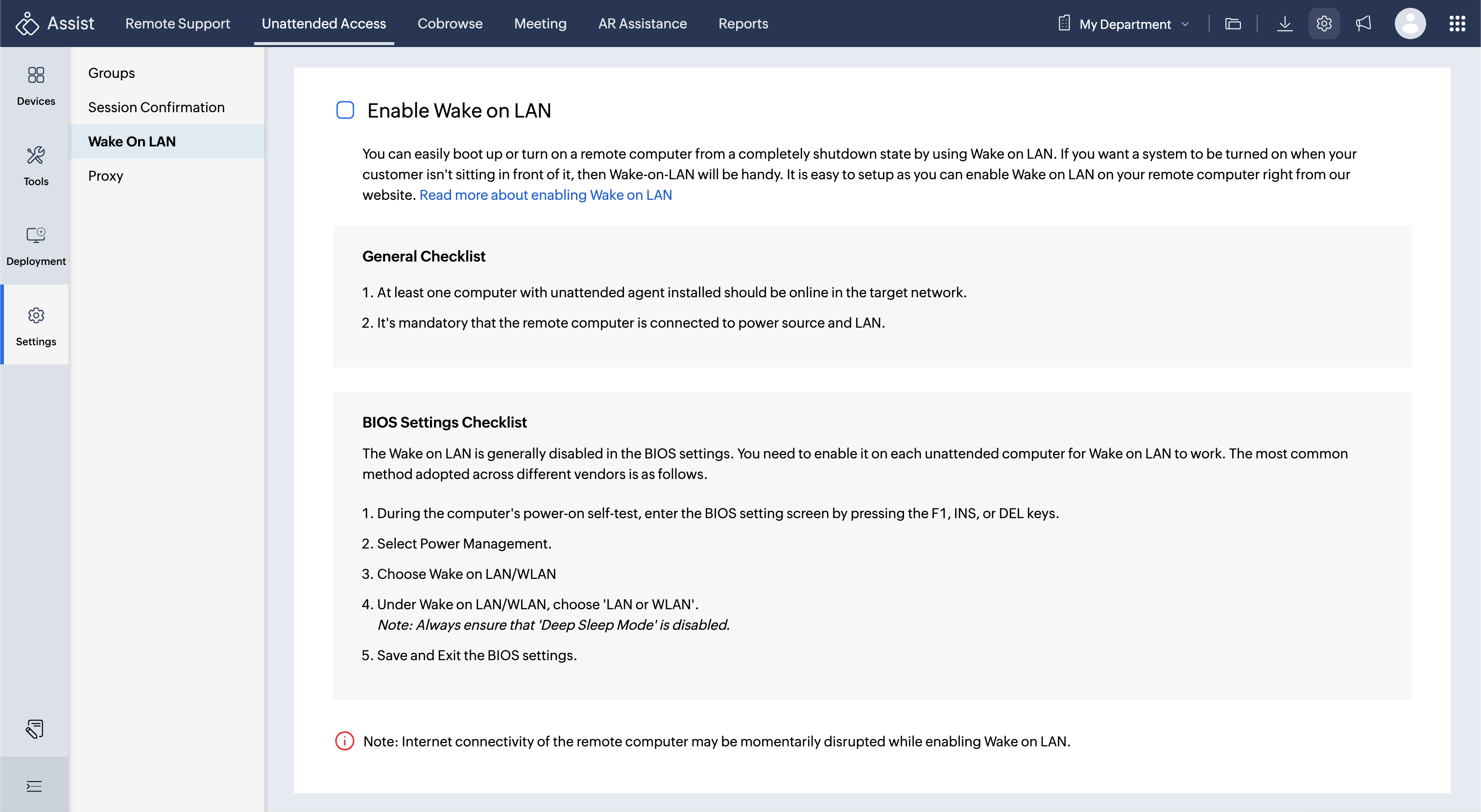
Proxy Settings
Allows you to configure necessary network routes/pathways so the unattended agent can communicate with servers even in restricted or firewall environments.