What is Zia Agents?
With most AI tools, the interaction is straightforward: you ask something, you get a response. You provide a document, it summarizes it. The exchange starts and ends with you directing every step.
AI agents work differently. An agent can take a goal, break it down into steps, decide what needs to happen at each point, and follow through on its own. Instead of guiding it through every move, you describe what needs to get done and the agent works out how to get there.
Say you need to onboard a new customer. A standard AI tool might help you draft the welcome email. An AI agent could identify the customer type, select the right onboarding template, send the email, schedule a follow-up call, update the CRM record, and notify the account manager. All from a single trigger, without waiting for you to initiate each step.
That's the core distinction. AI agents don't just generate responses. They reason through problems and take action.

How agents compare to assistants, and automations
These terms show up often in the same conversations, but they refer to different levels of capability.
| What it does | Decision-making | Your involvement |
Automation | Follows predefined rules. Trigger happens, action runs. | None. It does exactly what you configured. | You set it up and forget it. |
Assistant | Understands language, pulls relevant info, helps you think. | Supports yours. | You're in the driver's seat. |
Agent | Takes a goal, reasons through it, and acts. | Makes its own, within your boundaries. | You define the goal and guardrails. |
The progression is fairly intuitive: automations remove repetition, assistants support your thinking, and agents take ownership of outcomes.
For a deeper look at how these categories work and when each one makes sense, see Understanding AI Agents.
What Zia Agents brings to the table
Zia Agents is Zoho's platform for building and deploying AI agents that operate within your business context.
The platform combines large language models with awareness of what's happening across your Zoho ecosystem and any external tools you connect. Agents built here can send emails, update records, coordinate tasks across teams, trigger workflows, and manage multi-step processes without requiring constant human direction.
What makes it practical is the range of work it covers. Here's what agents built on the platform are already doing:
- A follow-up scheduling agent monitors lead progress across your sales pipeline, identifies when follow-ups are needed, and proactively reaches out to schedule meetings based on both lead and rep availability.
- An auto-responding agent watches incoming emails, identifies which ones need immediate acknowledgment, and sends the right reply, whether that's a thank-you for feedback or a note about expected wait times during off-hours.
- An interview schedule reporter gives recruitment teams a daily snapshot of all scheduled interviews, tracks whether each one was completed, canceled, or rescheduled, and sends reminders to reduce no-shows.
- A revenue growth specialist tracks purchase patterns across your customer base, identifies upsell and cross-sell opportunities, and notifies account managers at the right time with recommendations on how to approach the client.
Info: These agents are available in the Agent Store, ready to deploy or customize according to your needs.
You don't need deep technical expertise to build agents like these. The platform provides a flexible environment where you define what an agent should do, connect it to the right data sources and tools, and deploy it across your chosen channels.
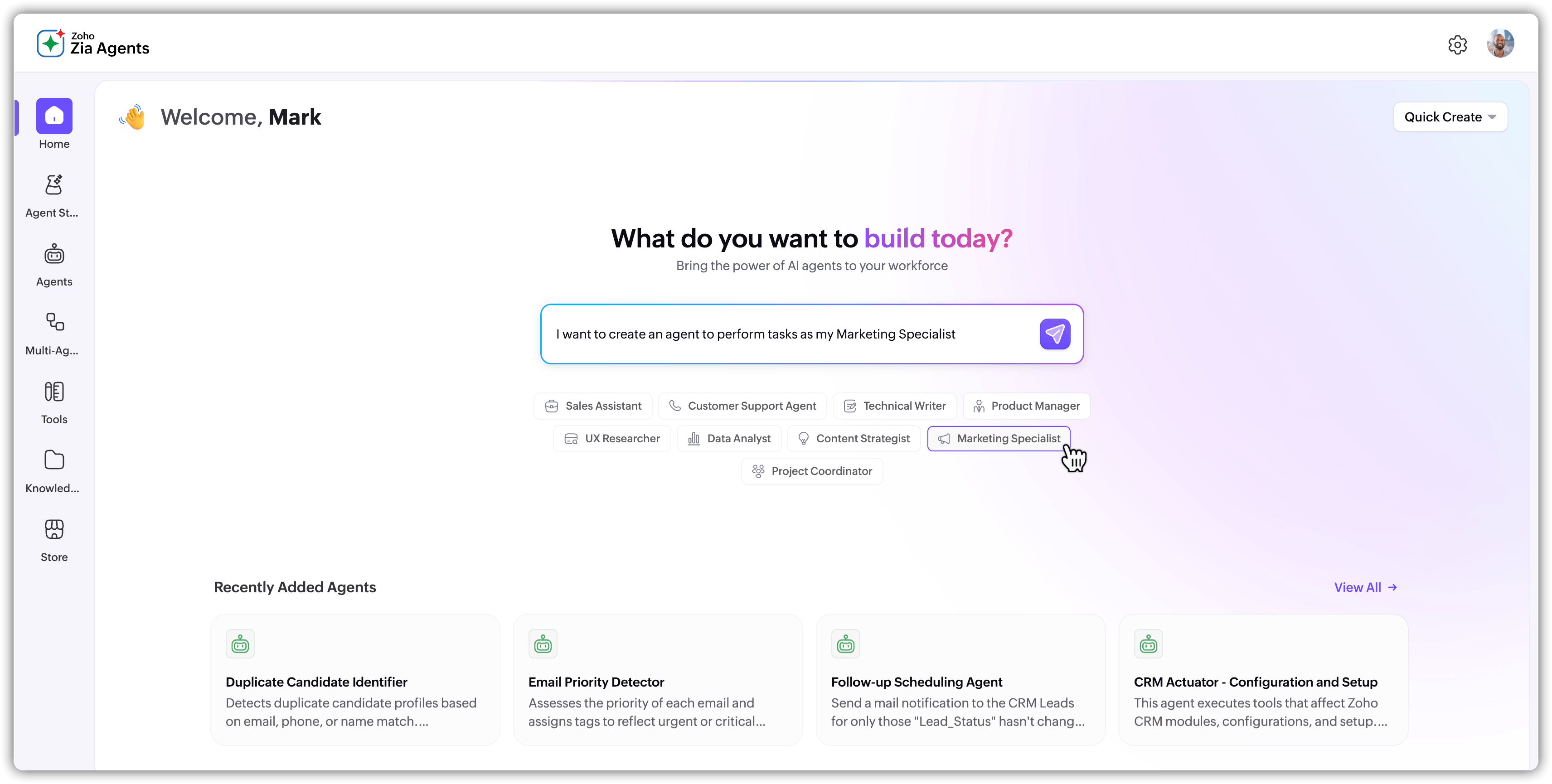
If you'd rather not start from scratch, the Agent Store has pre-built agents for common scenarios that you can add to your account and customize.
How agents stay grounded in your data
An AI agent without access to your business data is essentially a well-spoken generalist. It can reason and plan, but it has nothing specific to work with. A support agent that doesn't know your return policy or a sales agent unfamiliar with your pricing tiers won't be very useful.
Zia Agents solves this with a Knowledge Base. Before generating a response, the agent searches through documents you've uploaded (product docs, FAQs, policies, internal guides), retrieves the most relevant information, and uses that as context. Instead of relying on the model's general training data, the agent checks your actual files first.
This matters because agents act on information. An agent taking action based on wrong information creates real problems down the line. The knowledge base keeps responses accurate, specific, and traceable to your own documentation.
For a deeper understanding of how this retrieval process works, see Understanding RAG.
You also control what the agent should never do. Guardrails define hard boundaries, like never disclosing internal pricing or never making commitments outside your policy. If a guardrail ever conflicts with the agent's instructions, the guardrail wins. Zia Agents includes built-in checks for fairness, bias, and toxicity, and you can add custom rules tailored to your use case.
From idea to production
Understanding the lifecycle of a Zia Agent helps set the right expectations for what building and running one actually involves.
- It starts with creation, where you define the agent's purpose, the skills it needs, and the scope of tasks it should handle. You can build from scratch or work with pre-built agents depending on your requirements.
- Next comes configuration. This is where you connect the agent to the relevant data sources, populate its knowledge base, set up its decision-making criteria, and integrate the tools it needs to do its job, whether that's CRM modules, email systems, or external applications. Guardrails are also configured at this stage.
- Once everything is wired up, the agent moves to deployment. It goes live on your chosen channels, begins handling interactions, making decisions, and executing tasks based on everything you've configured along with the context it picks up during conversations.
- Finally, there's refinement. No agent is perfect on day one. As it operates, you review its performance, update the knowledge base, adjust its rules, and fine-tune how it handles specific scenarios. The goal is continuous improvement over time.