Manage your organization's mailboxes, configure spam policies, set up restrictions, and customize user information from the
Control Panel.
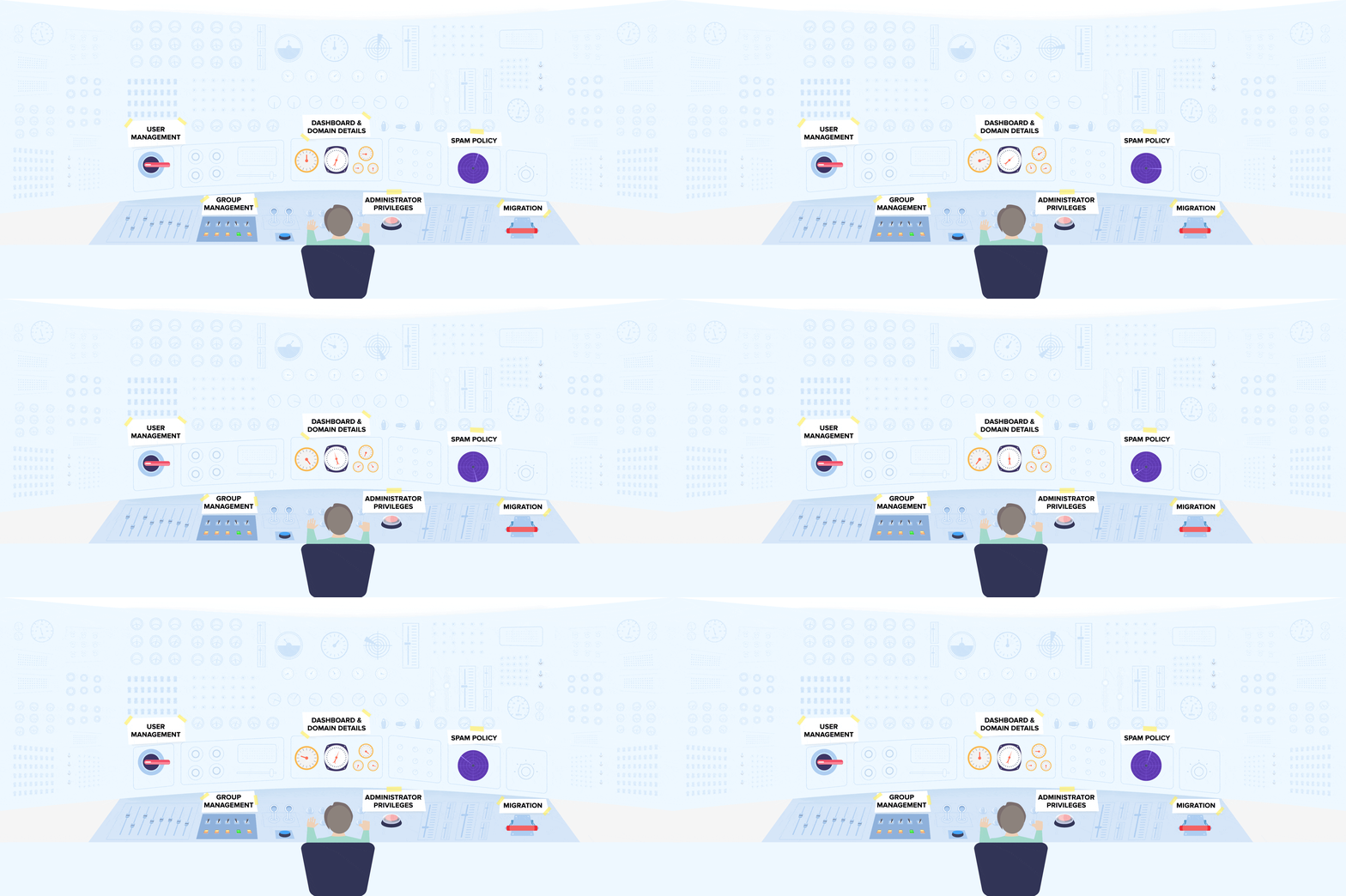
Dashboard and Domain details
Take control of all domain-related settings and your organization's general settings from the Dashboard.
Two-factor Authentication
Add an extra layer of security to your accounts with Two-factor authentication. A Zoho-generated OTP, combined with your password, ensures your accounts are protected.
Domain details
Buy a new domain of your choice, set up multiple domains, monitor email hosting status, add domain aliases, and manage all your domains from a single window.
Custom Login URL and Logo
Customize your login URL such that your users will be able to login to mail.yourdomain.com, and customize your company logo on the login screen and the Control Panel.
Find out how to setup Two-factor authentication and Customize your login URL.
User Management
Control all user accounts and set up user-related data from the User Details section.
Import/Add users
Migrate your users from your old email provider to Zoho Mail by simply importing a .csv file, or add them manually in a few simple steps.
Password Reset
Fear no more of forgetting your password. Be assured that your password can be reset by one of your Administrators or Super Administrators on request.
Add user alias
Create more than just one email address for each user by setting up email aliases.
Email forwarding
Delegate or back up emails by forwarding them to an email address either inside or outside your organization.
Vacation Reply
Worried that your much-needed vacation will leave potential clients hanging? Set up user-specific vacation replies that keep your clients in the loop even while you're away.
Password policy
Ensure that your users create a secure password by enforcing a password policy and a password expiration period.
Learn more on Managing Users.
Group Management
Create group email addresses for specific channels, such as support, sales, and marketing, with relevant policies and permissions.
Group Types
Zoho offers four group types: Public groups, Organization groups, Private groups, and Moderated groups. Choose the best one for your channel's requirements.
Set group moderators
Choose the required number of moderators for each group, and allocate custom member roles to each user.
Advanced Settings
Manage advanced group preferences, such as permissions to email the group, customizing group notifications, and controlling spam at the group level.
Notification emails
Use your Control Panel to customize the notification or warning emails sent to group members or moderators.
Moderate email content
All group email content that needs moderation is saved in the Control Panel, making verification and further processing easier.
Read more about Groups in Zoho Mail.
Spam Policy
Zoho Mail's spam policies keep spam away ensuring that genuine email lands in your mailbox.
Email Authentication
With validation protocols like SPF and DKIM, email authenticity is never going to be a question again.
Quarantine
Emails that fail to be validated by the SPF or DKIM protocols can be quarantined, and you can decide whether these messages get delivered to user accounts.
Whitelisting and Blacklisting
Keep your spam and genuine email sorted by adding them to your email Whitelist and Blacklist.
Spam Reports
Keep yourself informed of bounced email and the spam categories that rejected them by monitoring your Spam Classification Reports.
Know more about Zoho Mail's Spam Control Mechanisms.
Administrator Privileges
Zoho Mail's policies empower administrators with full control over organization accounts
Email policies
Use email policies to control the domains from which you send/receive emails, set up restrictions on accessing mailboxes from POP/IMAP clients, backup all outgoing emails, and so much more.
Managing User Accounts
Control all your user accounts from the Control Panel. From disabling incoming/outgoing emails to resetting forgotten passwords, you can manage it all in the Control Panel.
Set Roles and Privileges
Allot varying levels of privileges to each user by assigning the User or Administrator roles.
IP Restriction
Add trusted IP addresses to prevent access outside these IP ranges.
Monitor audit logs
Track admin activities by monitoring detailed audit logs. Sort the logs based on the category, the operation performed, the period in which it was performed, or the administrator who performed it.
Organization Settings
Set up domain-wide disclaimers, configure catch-all addresses, and notification addresses for the entire organization.
Export account data
Back up email data from entire accounts or emails that fall within a specified date range.
Find out how to Configure Email Policies and Organization Settings.
Migration
Migrate all your data from your previous service provider to Zoho Mail using the POP/IMAP migration or the Exchange migration wizard.
Download the Exchange Migration Wizard.
Check out how to migrate users using POP/IMAP Migration or using the Email Migration Wizard.