Your digital transformation toolkit
With the rise of the digital workforce, every user—from an IT leader to a line of business executive—needs modern applications designed to their requirements.
Zoho Creator is a low-code platform that abstracts 90% of the complexities in the app development lifecycle, enabling you to create the apps you need easily, without reinventing the wheel. From conceptualization to launch, we help you focus on features, business value, and the customer—not code.
Try for free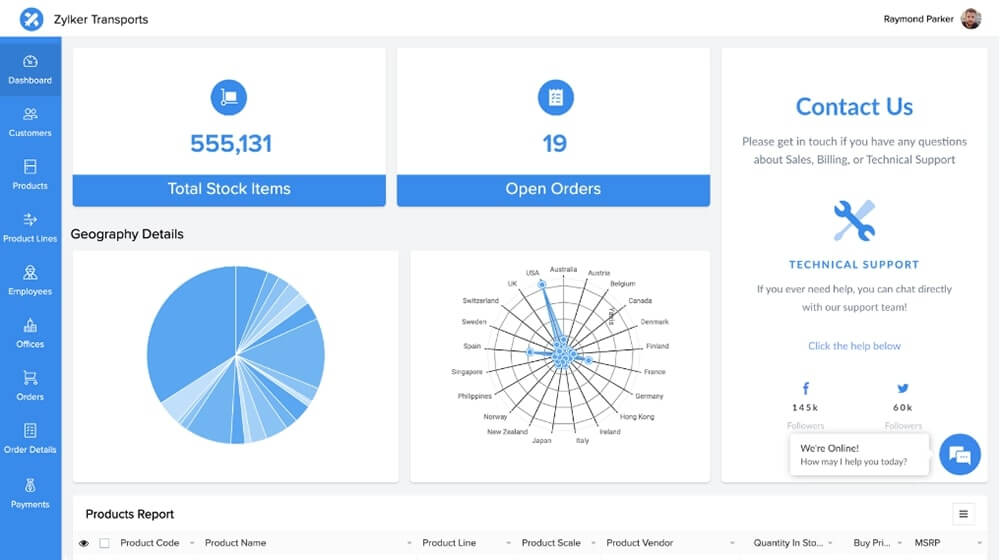
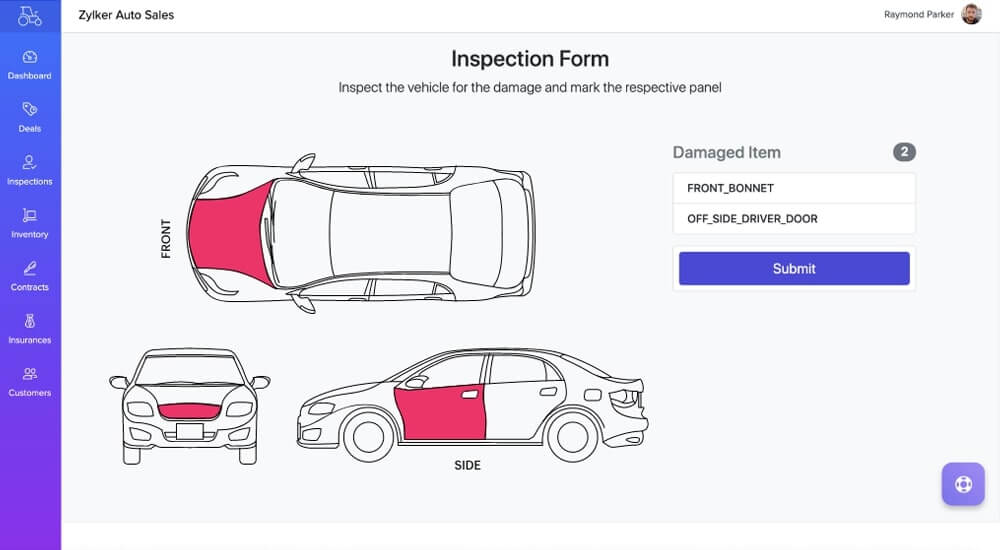
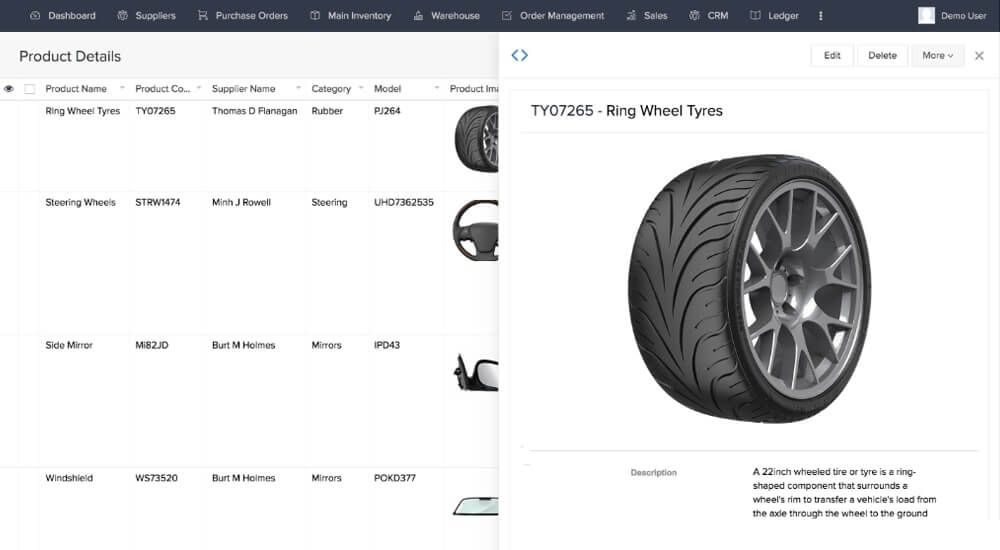
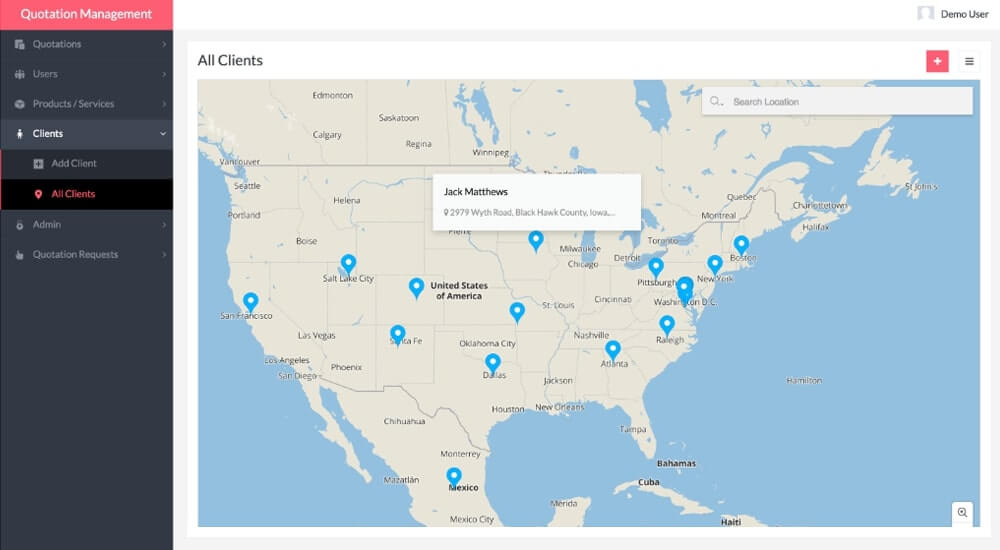
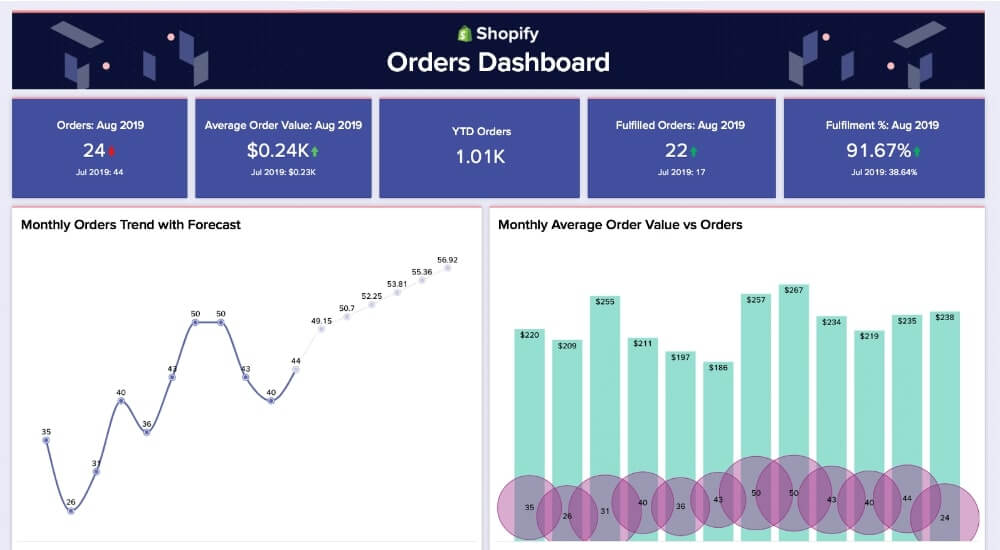

Build any tool to run your business, at speed and scale
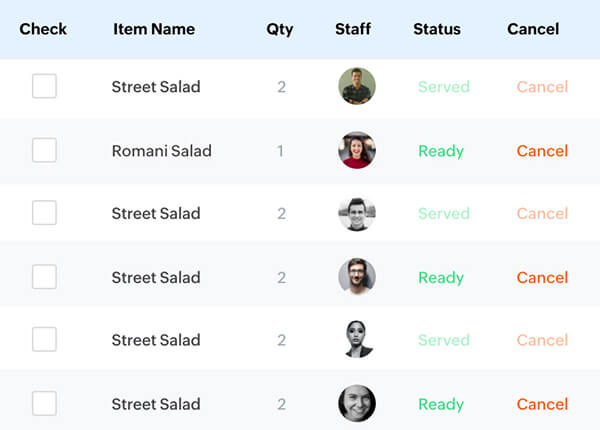
Be it a task manager, a CRM, or an application for almost any situation—you can build it on Zoho Creator. Our platform combines intuitive, visual builders and readymade code blocks to help you build modern business apps fast. Just drag and drop elements and see your apps come alive instantly. The apps you build on the web run natively on PCs, tablets, and both iOS and Android mobile devices.
- Custom apps
- Mobile apps
- Online portals
- Business processes
- Integration flows
- BI & analytics
- AI-powered apps
- Unified data service
- Serverless functions
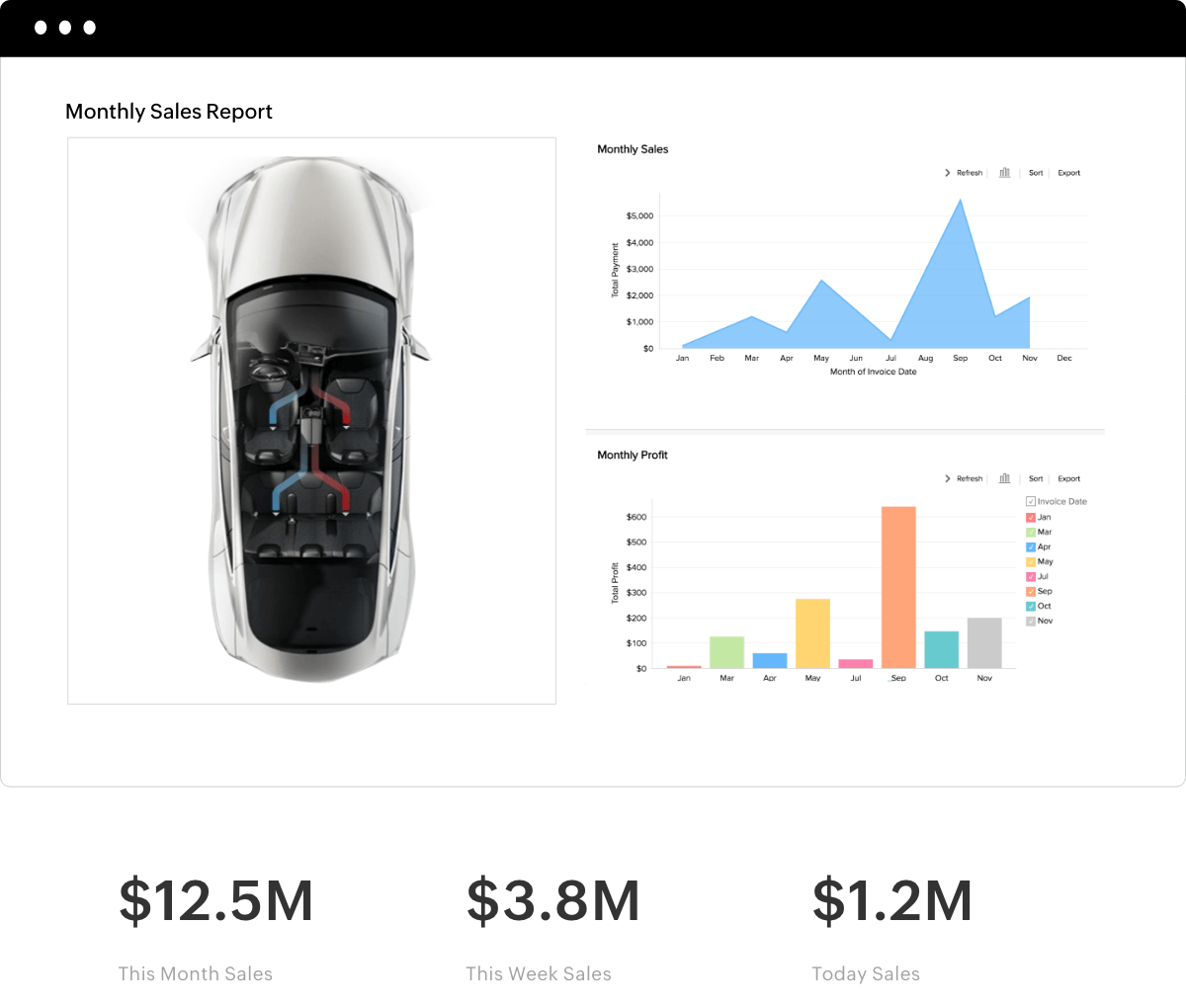
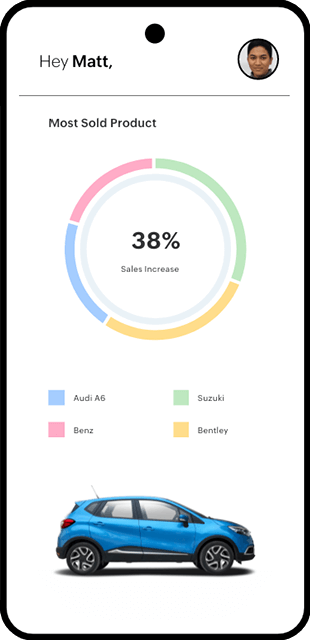
Import your data from existing apps with AI-assisted migration tools
Migrate your existing business data from different sources, like legacy systems and spreadsheets, instantly and transition into a modern, connected environment. Our Smart Import tool can transform a heap of cluttered data into a well-formatted, unified database within minutes.
Learn more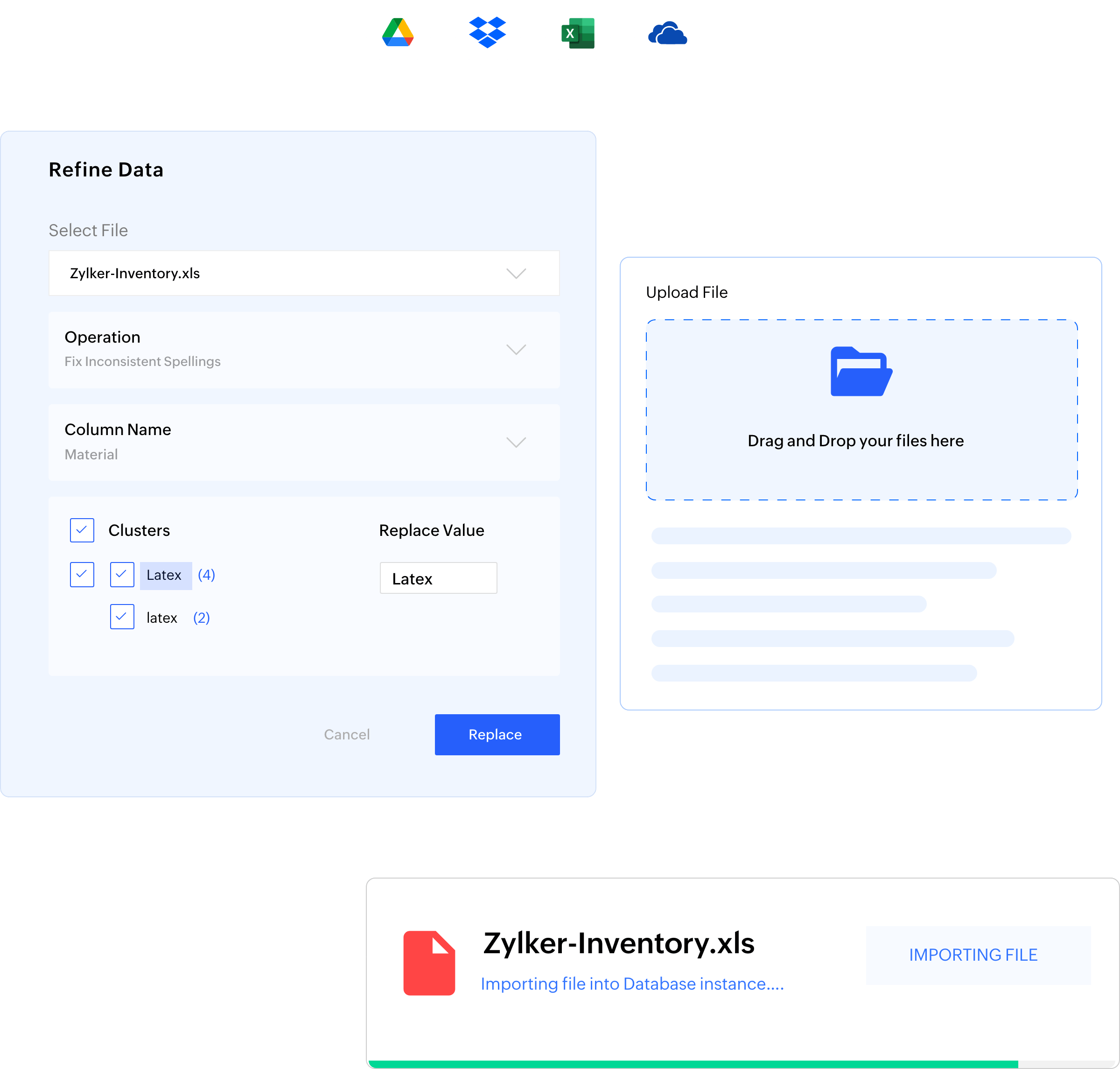
Model your app structure and data flows
Collect any type of data, generate your own data model, and visualize the data structure and their relationships. Map out each step and organize all the details of your applications in one place.
Learn more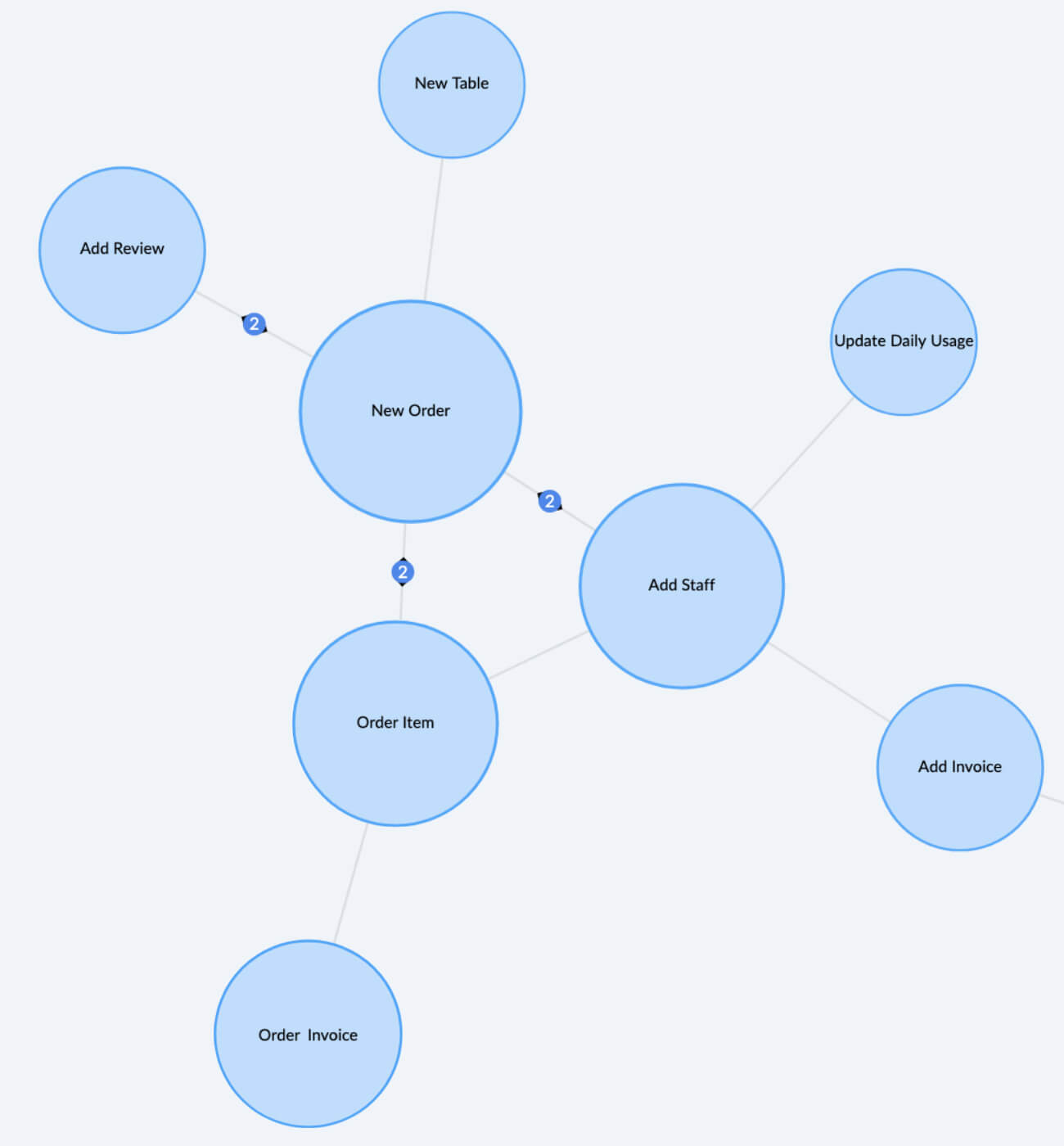

Visualize data from multiple sources using cross-functional analytics
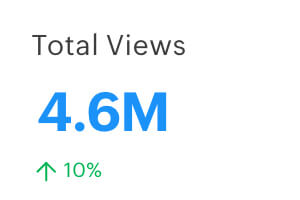
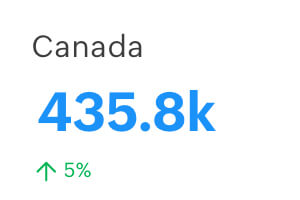
Combine data from different sources to create cross-functional reports, and perform in-depth analysis of your business. Keep every stakeholder informed with real-time metrics, alerts, and a clear line of sight into their role.
Learn more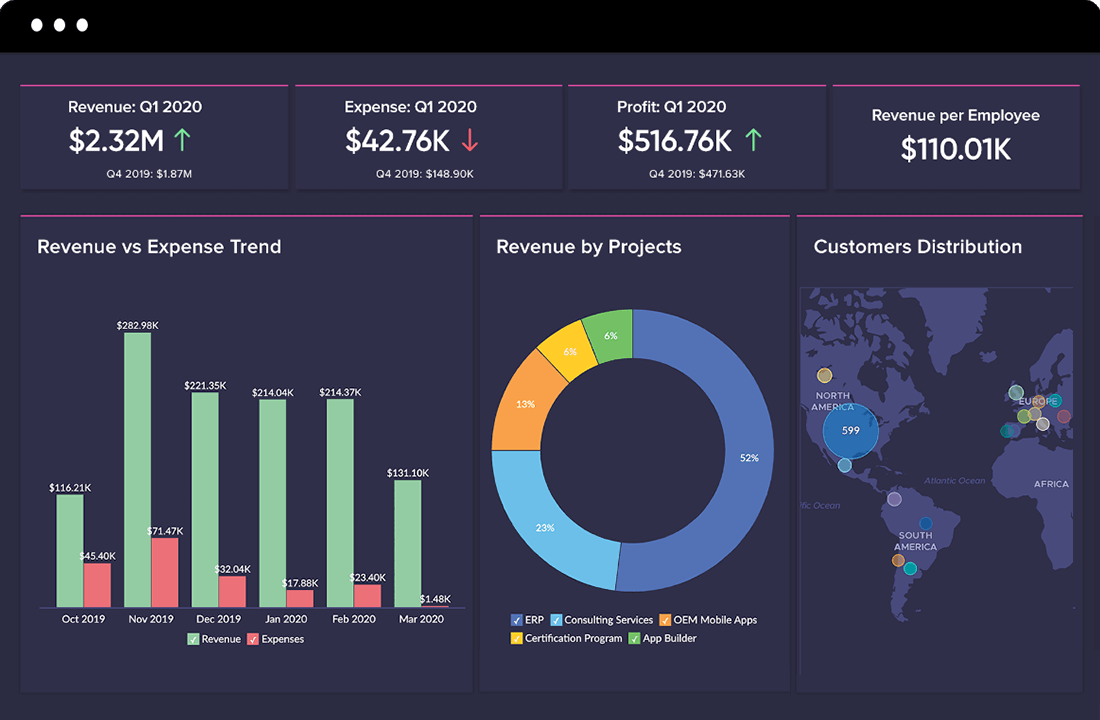
Automate. Accomplish more.
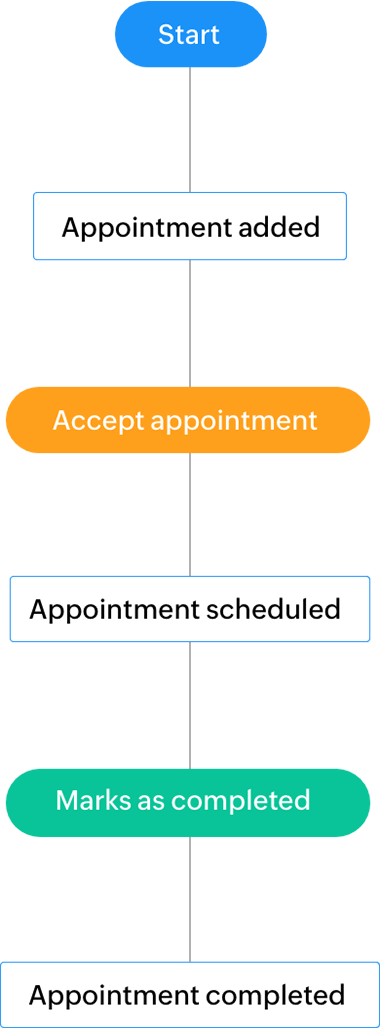
Leave the repetitive tasks to us. Zoho Creator apps can collect data, transact payments, update your CRM, send emails and reports, and do anything you need, so you and your team can get more done.
Learn more
1000+ apps ready to integrate
Take efficiency to another level by integrating day-to-day applications into your Zoho Creator workflows. Just drag and drop a built-in connector or create your own. Using the data pulled from various applications across departments, you can centralize all the information and processes related to a customer, employee, project, order, or product.
Learn morePersonalize brand experiences that resonate with users
Customize the look of your app, upload your logo, and connect stakeholders through your domain. The applications are then yours to resell. Offer full-fledged white-labeled web and mobile applications under your brand name, along with auto-translation.
Learn more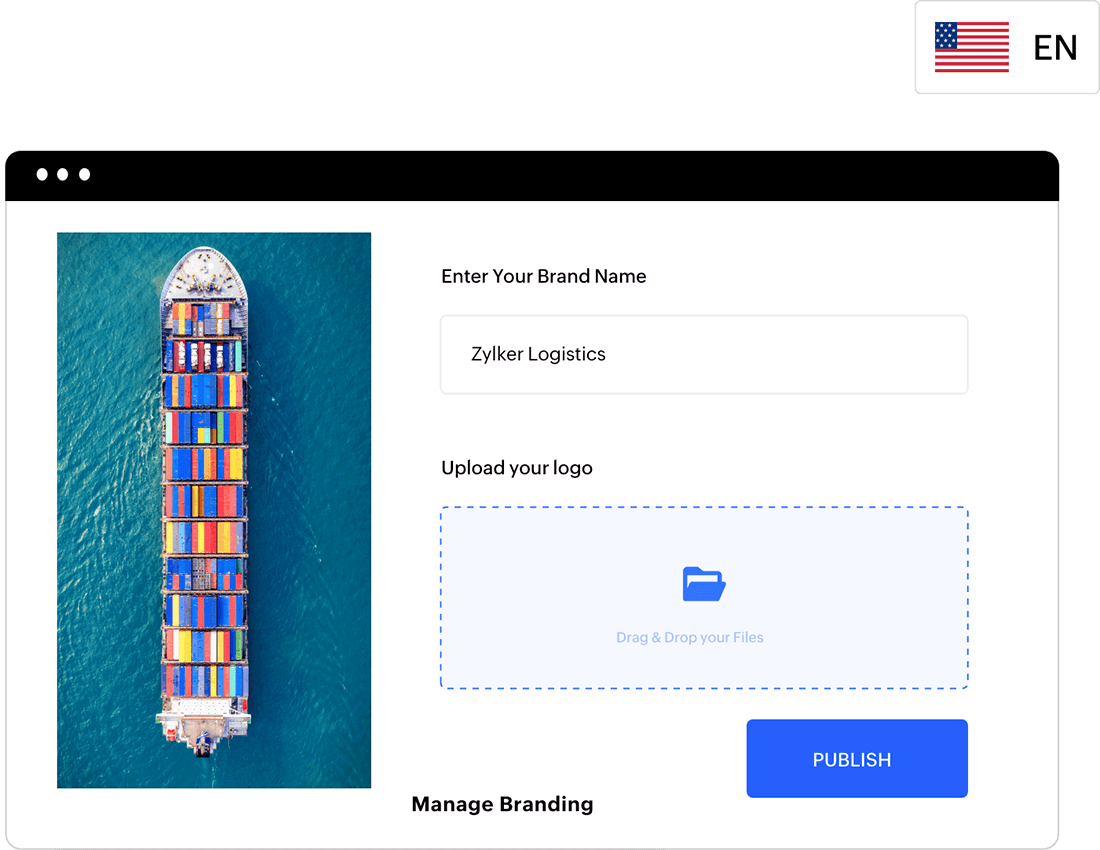



Simplified, Fortune-500 grade security
Enjoy full transparency and peace of mind on when and how your business data is being used. We offer comprehensive, enterprise-grade security controls that are trusted by over 13 million users around the world.
Learn more- Security for your apps Data encryption Data portability Data retention API security Session management IP restriction Password policy MFALearn more
- Security at Zoho Data center security Network security Disaster recovery Business continuity Customer controls for securityLearn more
- Compliance GDPR ISO/IEC 27001 SOC 2 + HIPAA Learn more
- Data privacy Transparent business model Your right to restrict No adjunct surveillanceLearn more


Govern with an unprecedented level of control over your data
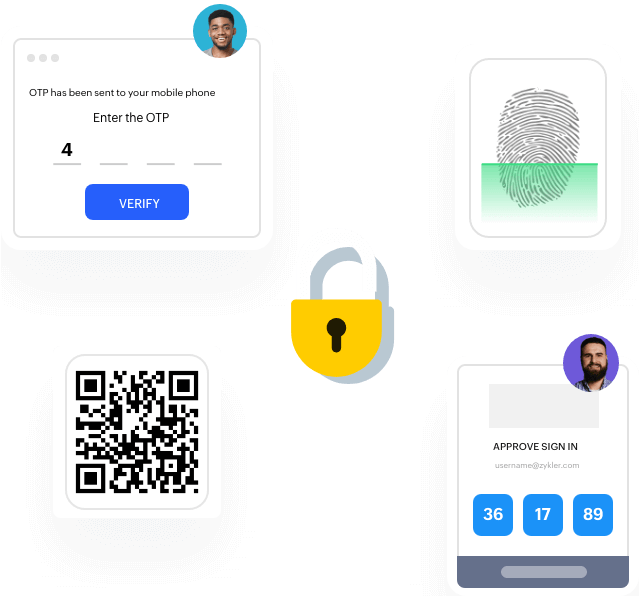
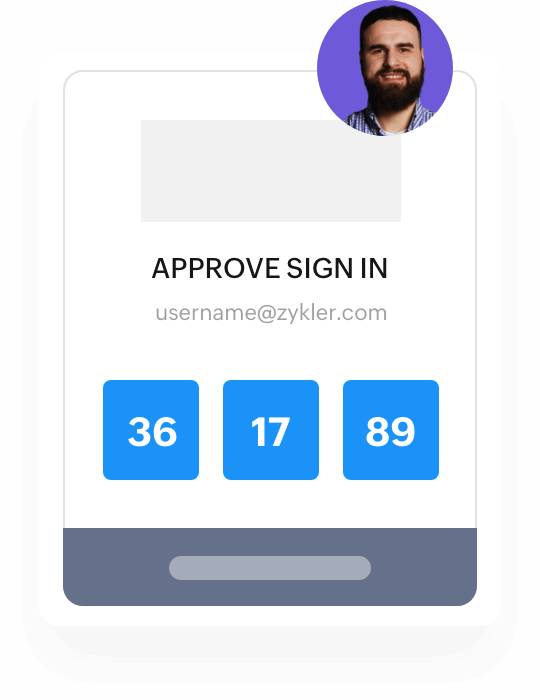
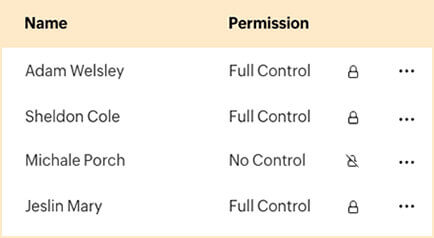
Have full control over user access, from how your colleagues and clients log in to your company’s account to what they can see and do in your apps. Effectively manage a large-scale organization across all departments and geographic locations with SAML and Active Directory.
- Users and controlsRole-based access controlsIP restrictionsSingle sign-onAutomated user management
- Application and dataAudit trailsDomain authenticationAutomatic backupsApp diagnosticsAutomatic upgrades



Deploy multi-device apps to the platform of your choice
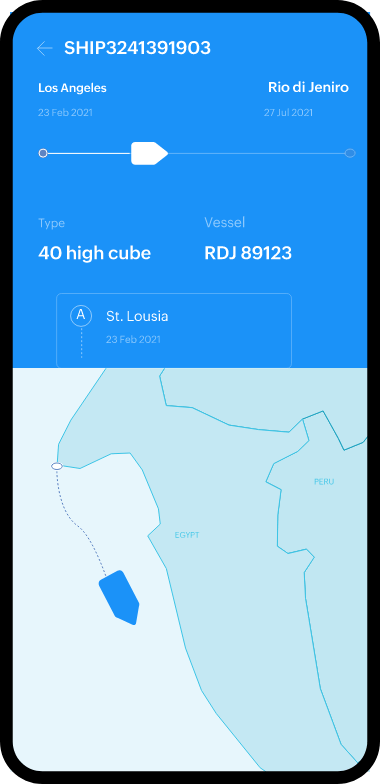
Zoho Creator handles deployment and hosting for you. So when your app is ready, all you need to do is to select the app environment and click deploy. Applications you build on the web are automatically available as native Android and iOS apps. Publish the entire app or just a part of it, and distribute it through Google Play, the App Store, or any other MDM. Host your apps in Zoho's cloud, deploy them in public clouds like AWS, Azure, and Google Cloud, or install them on your servers on-premise.
Learn more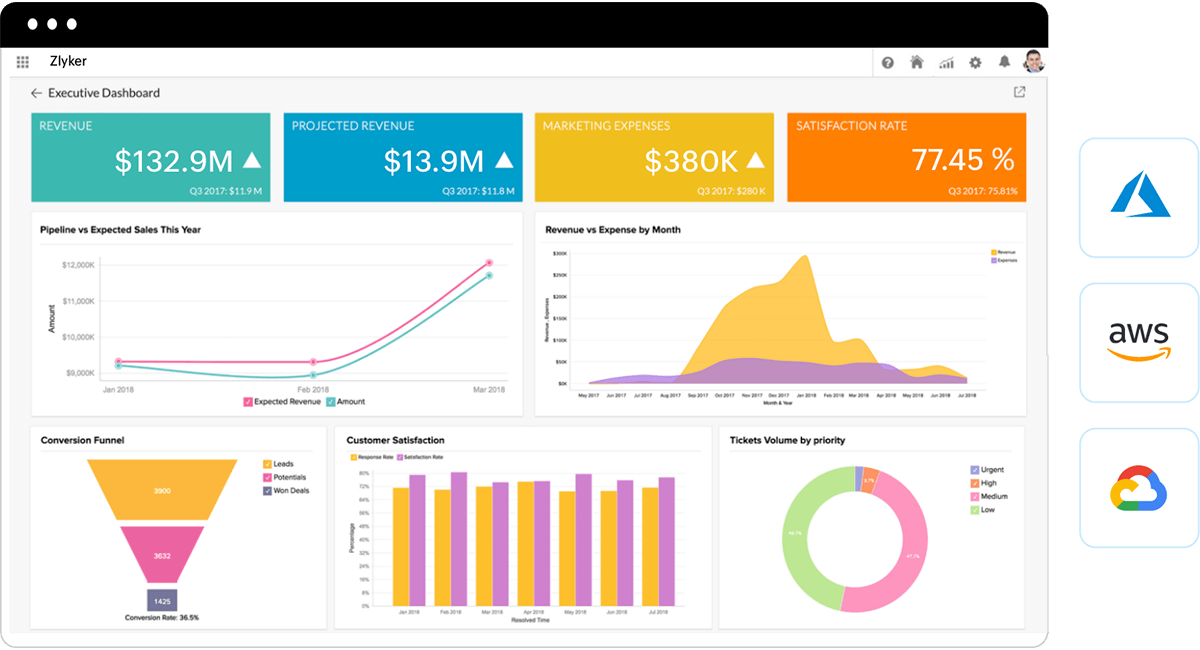

Developer tools to code and extend app capabilities
With Creator, you're never boxed in by limitations, but rather have an expanse of options to choose from when extending your apps. Create your own Java libraries and custom UI components, or bring in third-party apps within Zoho Creator.
Learn more