How Zoho Webinar helps you conduct interactive webinars
Easy setup and customization
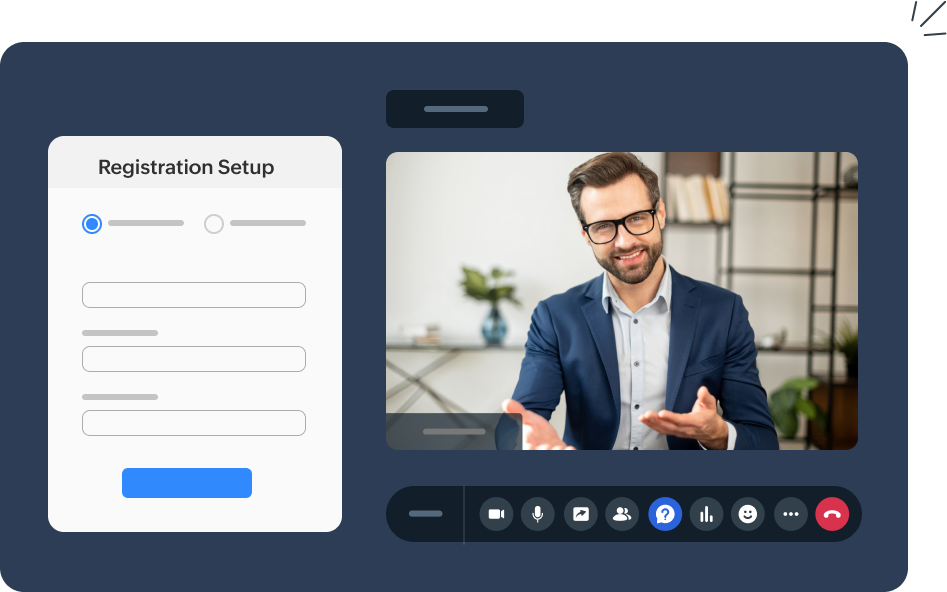
Zoho Webinar provides a user-friendly interface, allowing you to set up your webinars quickly and efficiently. You can customize registration forms, emails, and webinar landing pages to reflect your brand identity, ensuring a professional look that aligns with your business.
Engagement tools
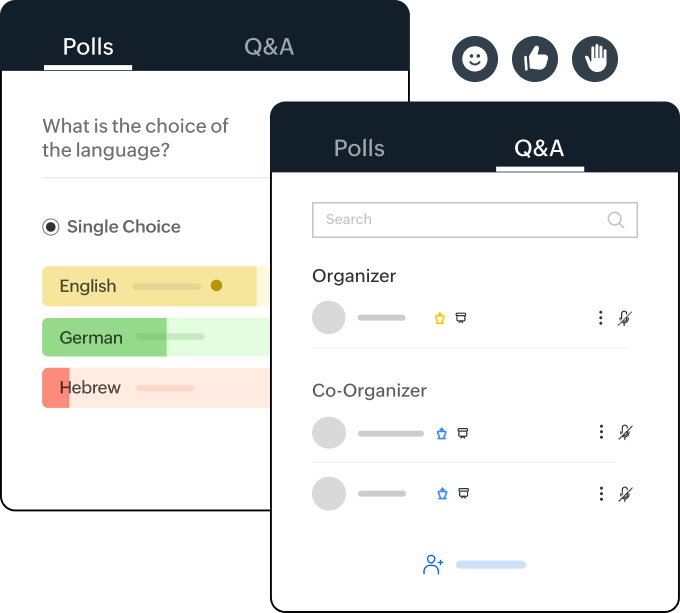
Zoho Webinar offers various interactive tools like live chat, polls, emoji reactions, and Q&A sessions to enhance audience engagement. These features enable real-time interaction and participation, making webinars interaction more dynamic and keeping the audience involved.
Recording and file sharing
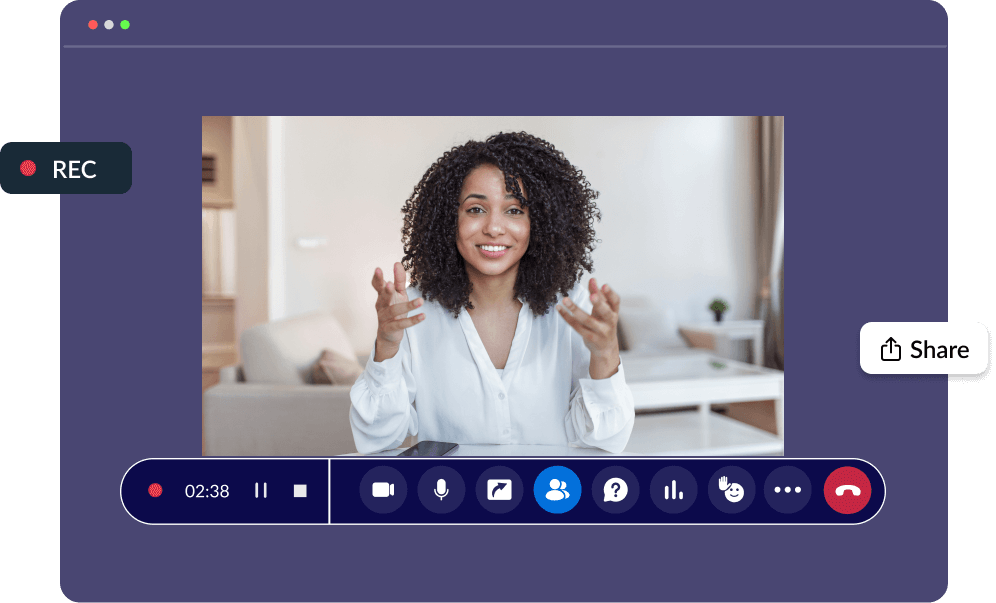
With Zoho Webinar, recording and sharing your webinars is simple. The recordings can be repurposed as training materials or shared with participants afterward, extending the reach and lifespan of your content. You can also share files conveniently during the webinar, ensuring participants have all the resources they need.
Analytics and reporting
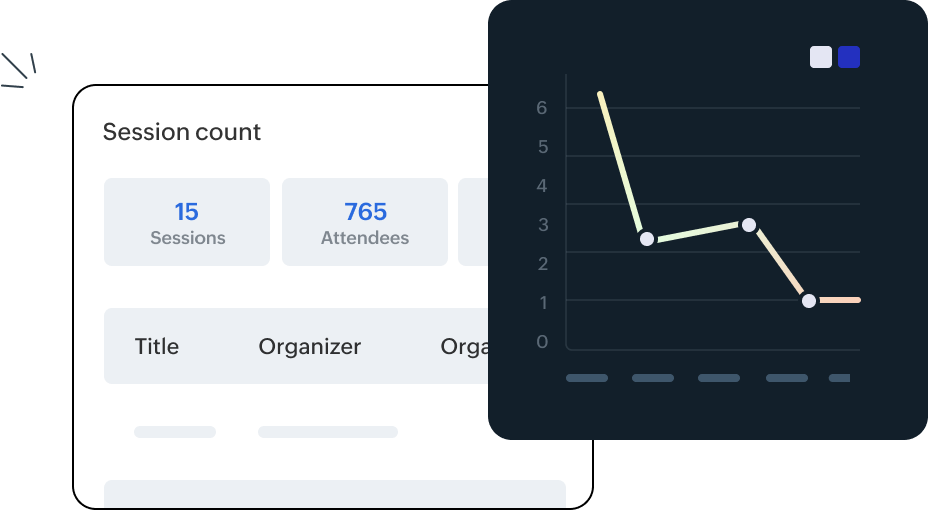
Detailed analytics provided by Zoho Webinar help you measure the success of your sessions. You can track attendance, engagement, and poll responses. The post-webinar reports give you valuable insights to refine and improve future webinars.

Host dynamic webinars with Zoho Webinar
Enhance your webinars with interactive features
Utilize Zoho Webinar’s live polls, Q&A sessions, and chats to actively engage attendees. These tools facilitate instant feedback and collaboration, making your sessions more participatory.
Foster real-time networking
Create opportunities for meaningful interaction and networking by engaging with experts and peers during the live session. Encourage collaboration and build a strong sense of community among attendees.
How to make webinars interactive with Zoho Webinar
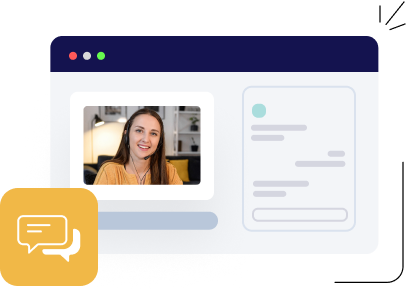
Utilize live chat
Engage with attendees using Zoho Webinar's chat feature. Answer questions instantly to foster lively discussions. Enhance interaction and keep the conversation compelling throughout the session.
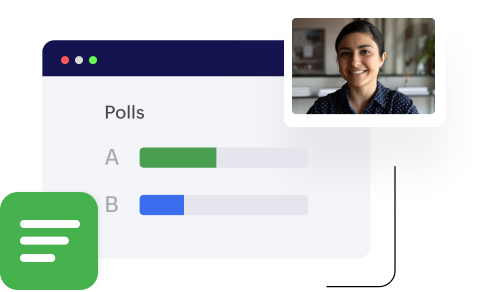
Conduct polls
Use Zoho Webinar's poll feature to gauge audience opinions and knowledge. Share the results instantly to maintain engagement. Keep attendees involved and informed throughout the session.

Host Q&A sessions
Allow attendees to submit questions, including anonymously, during the webinar using Zoho Webinar's Q&A feature. Address questions live or assign them to organizers for detailed responses, ensuring thorough engagement.
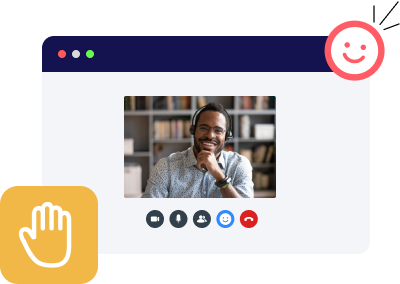
Use emoji reactions and hand-raising
Utilize emoji reactions and the hand-raising functionality in Zoho Webinar to permit attendees to indicate inquiries or remarks. This maintains interactivity and order throughout the webinar.

Share files and resources
Provide downloadable materials through Zoho Webinar during the session. Share additional resources, such as slides or documents, to provide attendees with valuable references and an enhanced learning experience.
Leverage post-webinar reports
Generate detailed post-webinar reports on attendees, registrants, polls, and Q&A interactions. Access consolidated data on registration, participation, and performance. Download reports in CSV or XLS formats for in-depth analysis.