





Create, send, and track quotes with ease
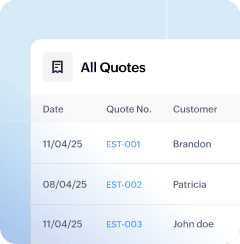
From initial enquiry to final approval, streamline your sales process with professional quotes. Zoho Books helps you create a quote, send it to your customer, track its status, and convert it into an invoice — without switching tools.
The basics
Make quote creation a breeze
Draft quotes tailored to every customer
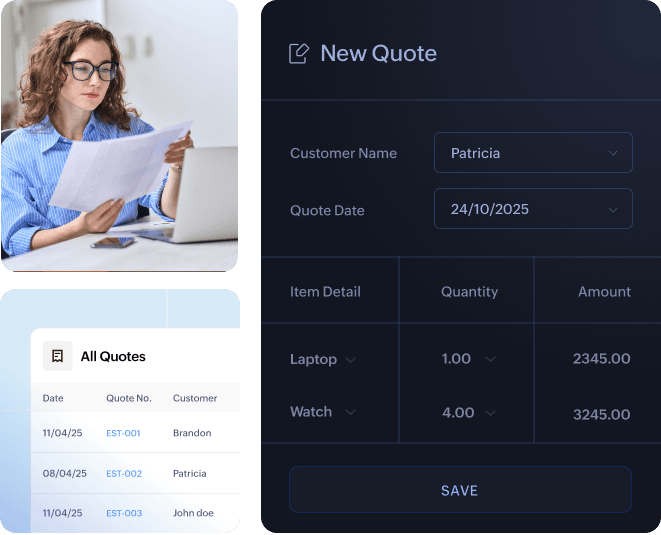
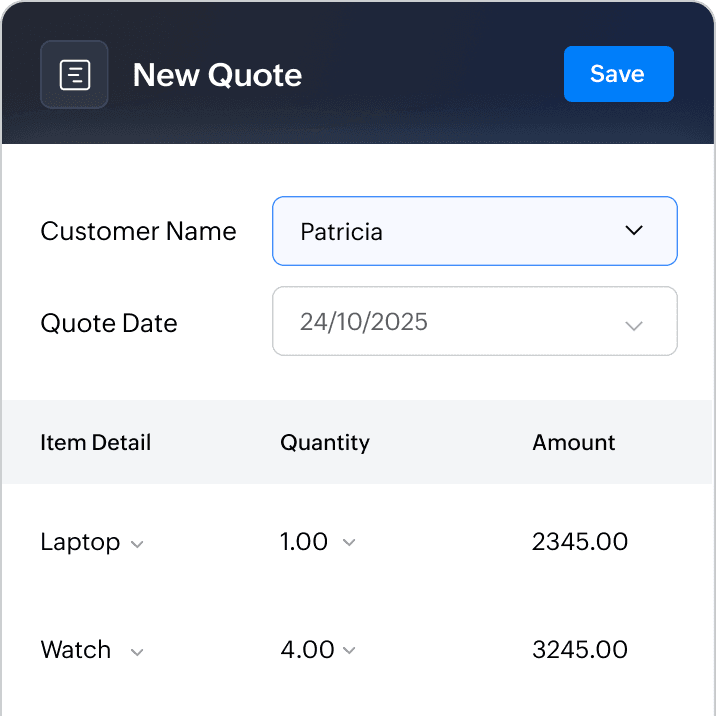
Build quotes that reflect your offering clearly. Add itemized pricing, taxes, terms, discounts, shipping costs, and notes—all within a branded layout. Whether it's a one-time job or a recurring service, you can generate accurate and professional quotes in minutes.
Track quote status and follow up
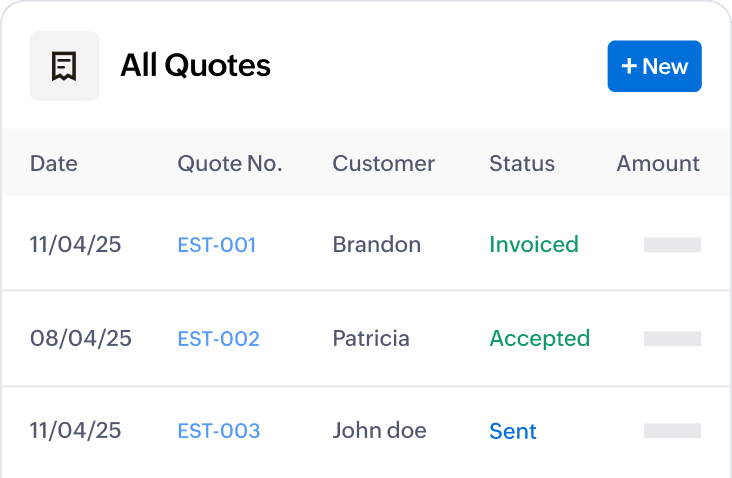
Get a complete overview of your business performance. You can track the profit and loss for different periods with a clear breakdown of operating and non-operating expenses, all in one place.
Send quotes instantly
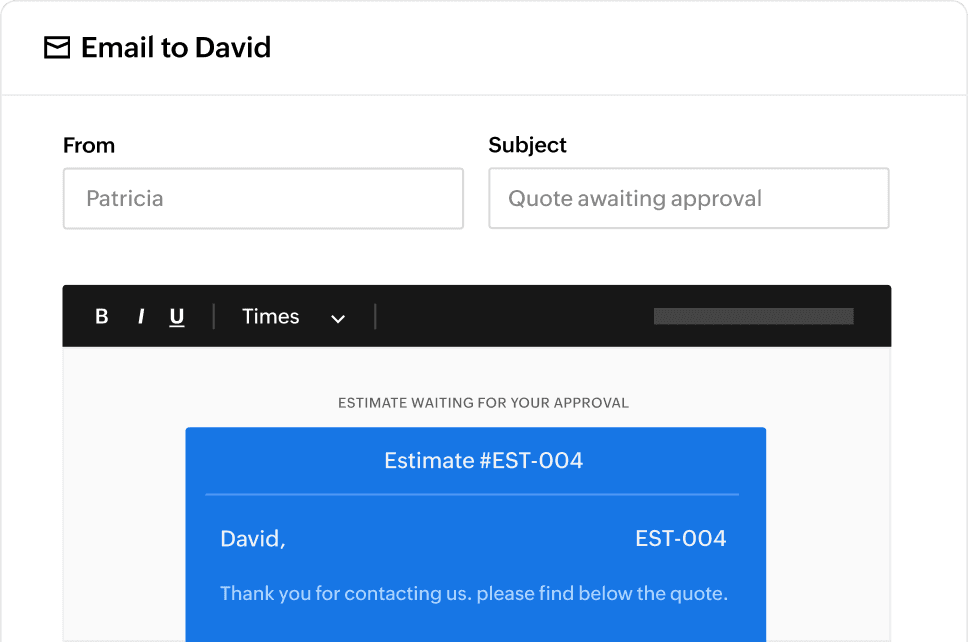
Email your quotes directly from the platform or share them via a secure client portal. You'll be notified when a customer views or responds to your quote, helping you take timely action.
The Conversion
From quotes to invoicing
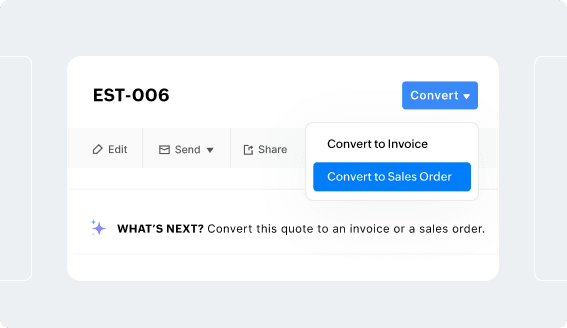
Convert quotes into invoices or sales orders
Once a quote is approved, turn it into an invoice or sales order—no need to re-enter the details. This reduces manual errors and accelerates your invoicing process.
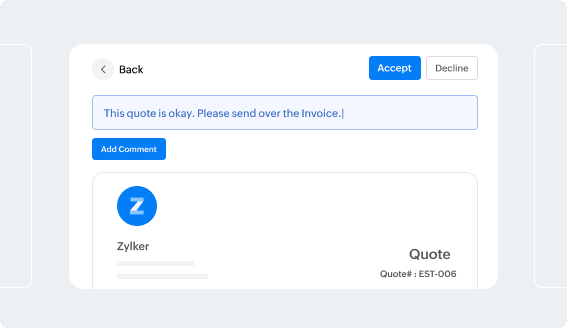
Speed up quote approvals
Simplify how your customers approve or decline quotes. Enable real-time discussions and reduce the back-and-forth through a self-service portal designed for faster quote approvals.
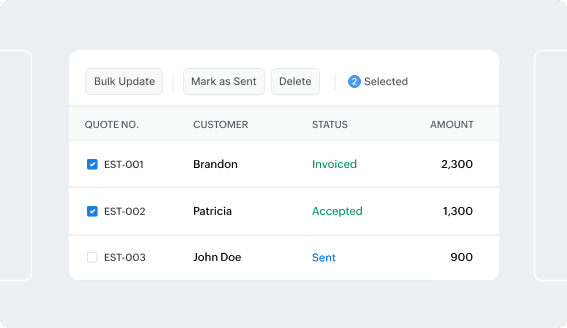
Work smarter with quoting software
Use built-in quoting tools to manage multiple quotes, apply bulk actions, or filter by customer, amount, or status. Whether you're creating estimates for projects or quoting for individual sales, Zoho Books helps you stay organized.
And do more with quotes...
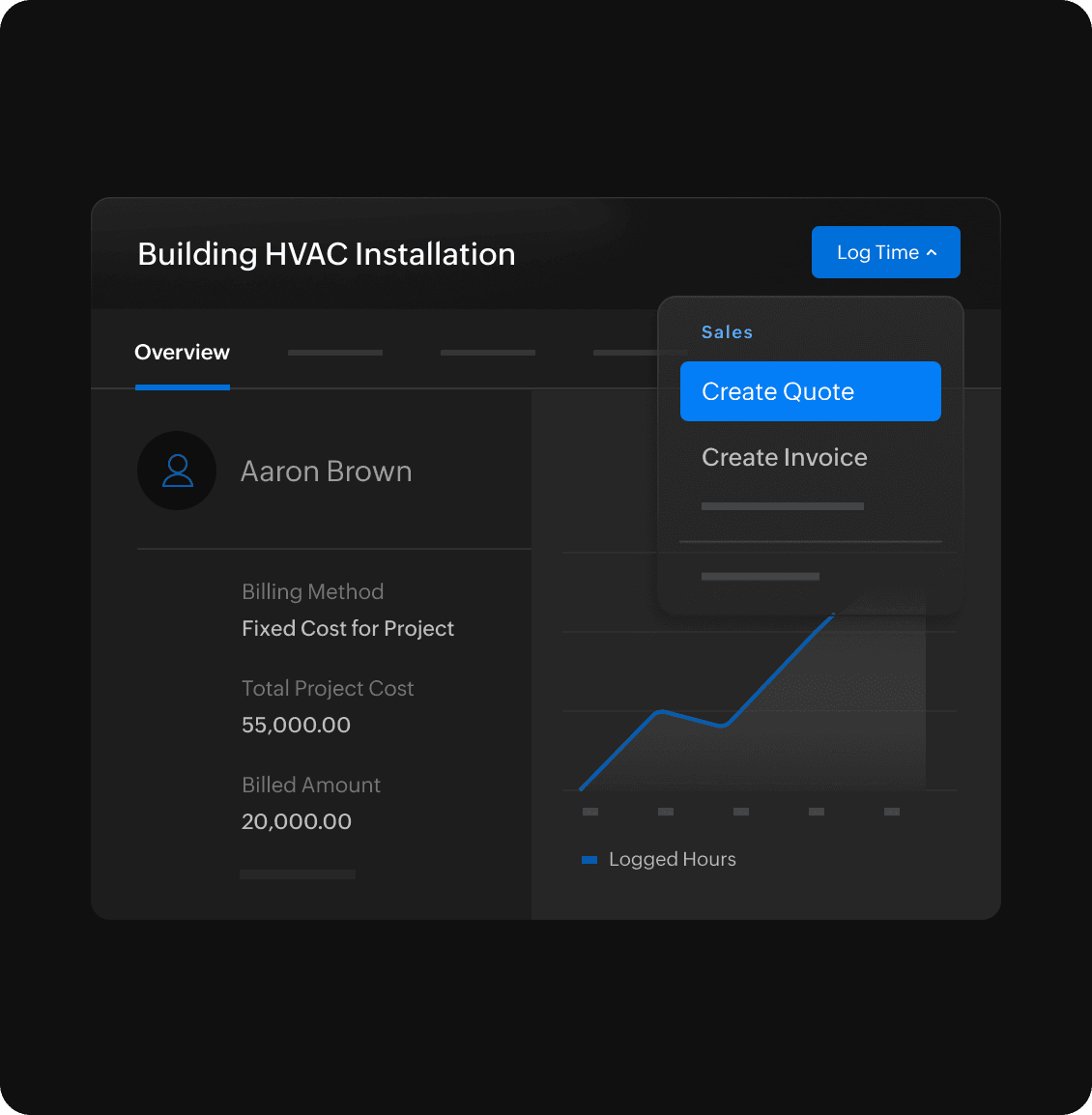
Create estimates for projects
Need to send a quote for project-based work? Tag your estimates to customers and projects so that future invoicing and cost recovery are accurate. Turn estimates into invoices with markup included.
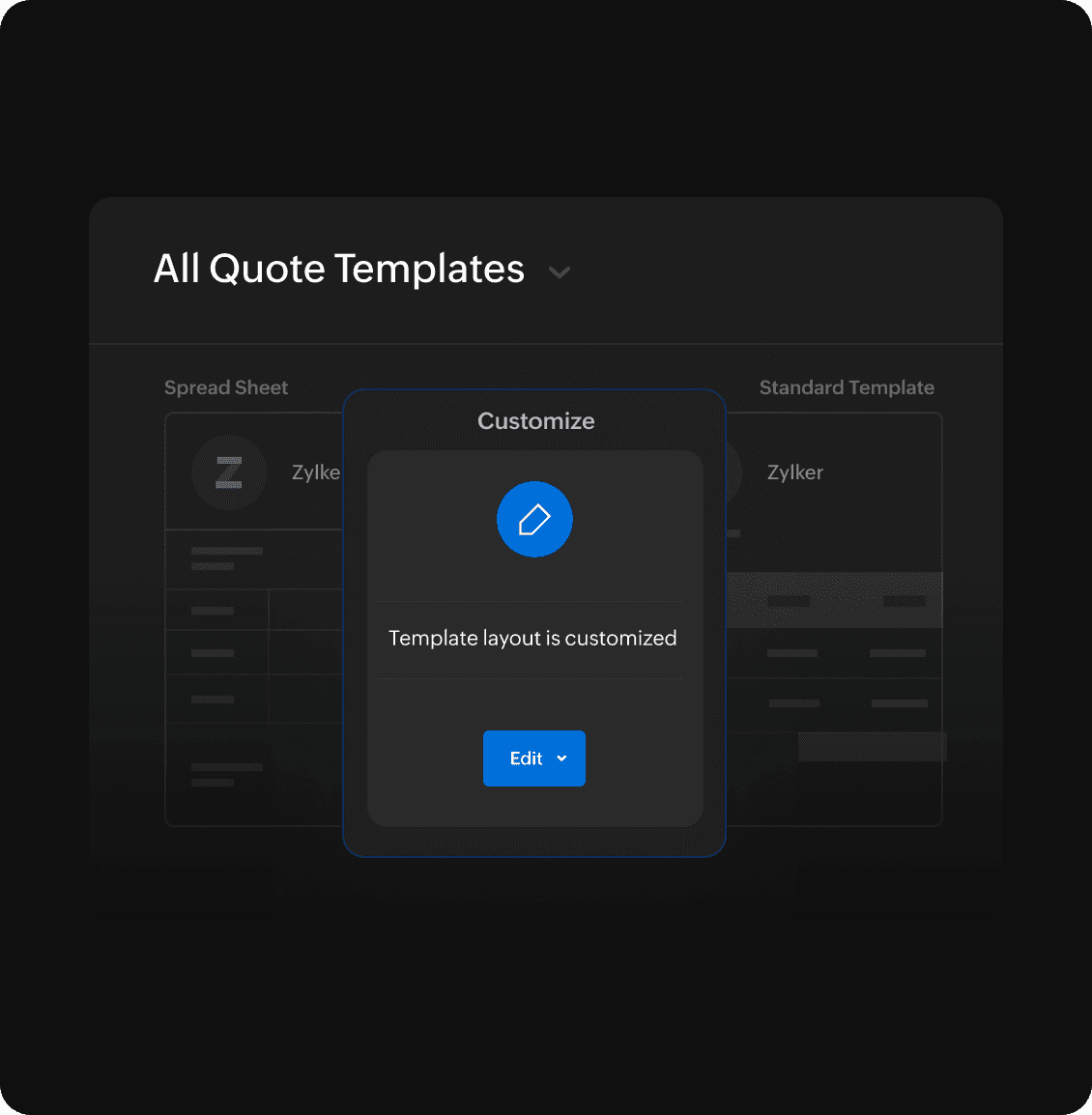
Customize quote templates
Create customized quote templates and personalize messages when you send a quote. Ensure a consistent experience for your clients.
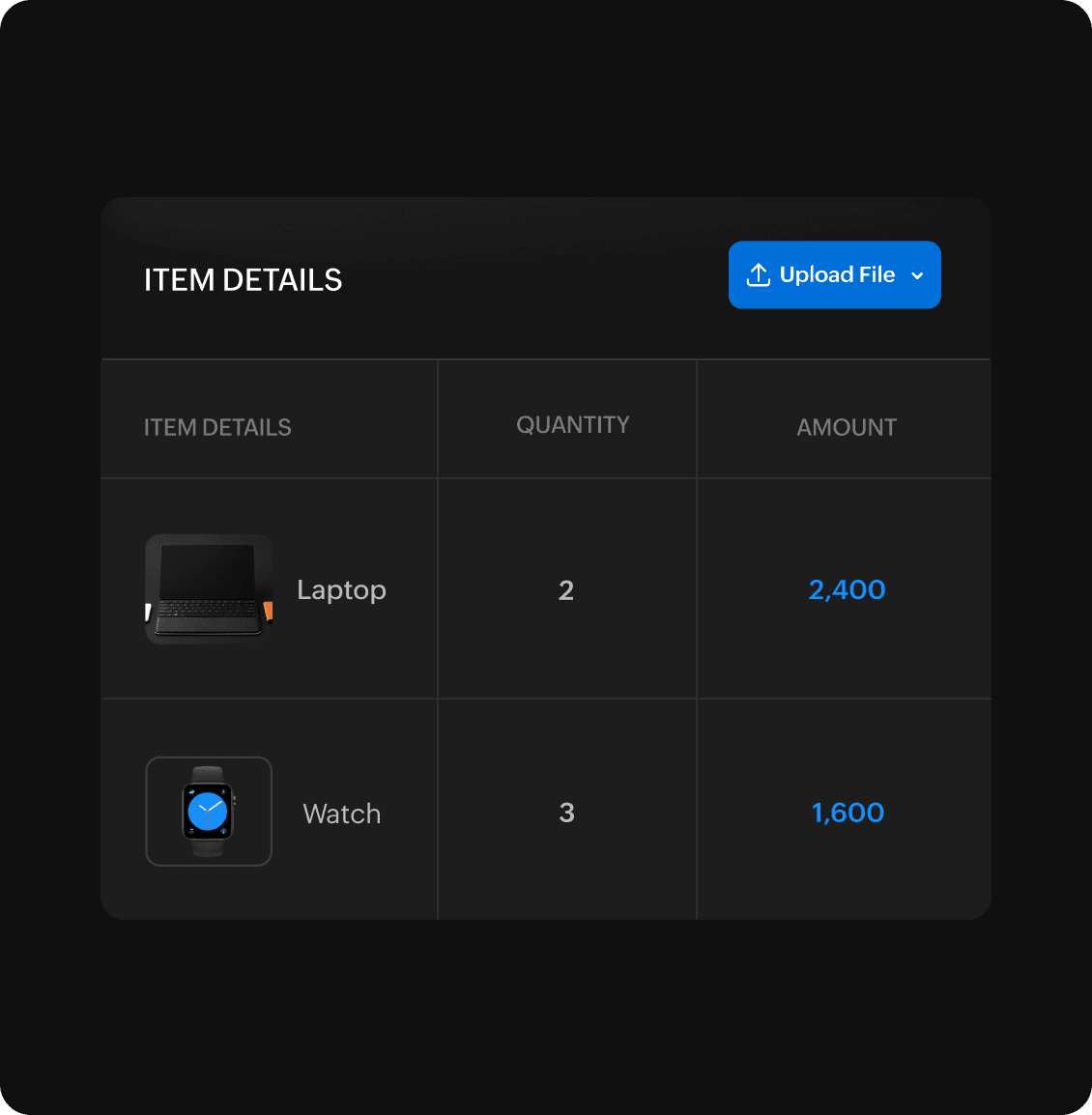
Attach files and add context
Support your quotes with relevant documents—specs, pricing sheets, or images. Every quote you send can include attachments, making it easy for clients to review all the details.
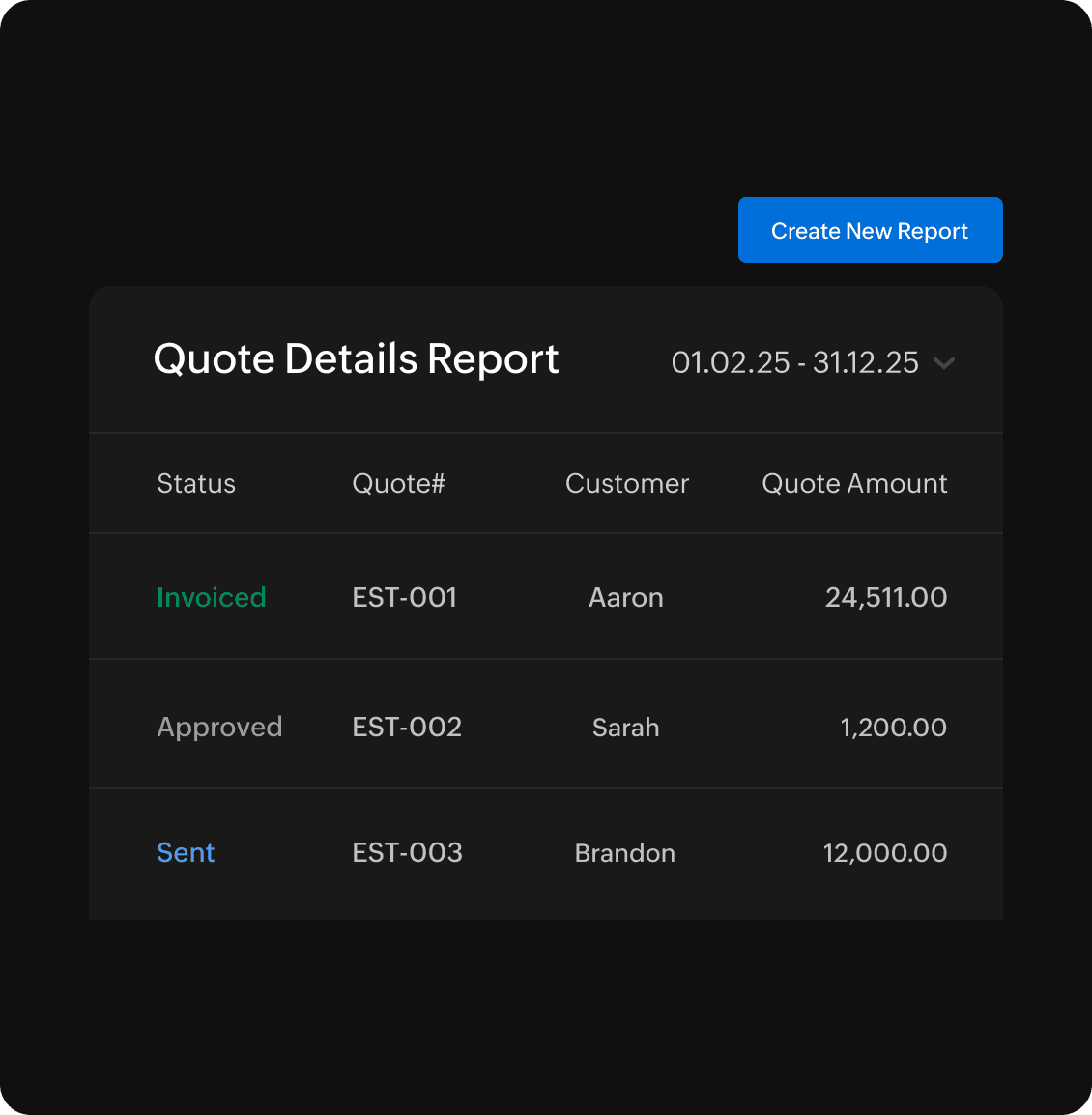
Analyze performance with quote reporting
Generate a summarized quote report that shows the quotes you have sent to your customers and their current status. Use these insights to optimize your sales process, pricing strategy, and win rate.
Simplify accounting