


Submit your Self Assessment to HMRC for free
Whether you are a sole trader, landlord, or a limited company director, submit your Self Assessment to HMRC and stay compliant.
Effortless Self Assessment filing with Zoho Books
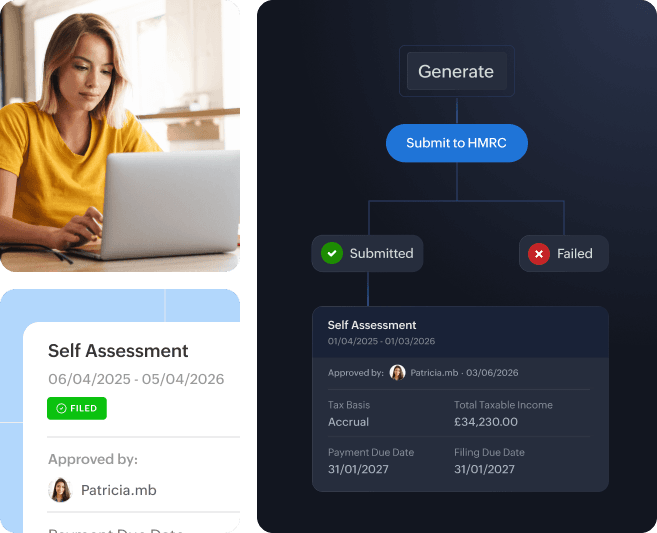
Maintain digital records of incomes and expenses, and file your Self Assessment returns (SA100 and other additional forms) directly to HMRC.

Record income & expenses
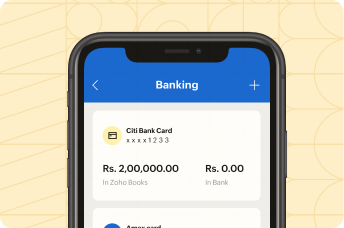
Maintain digital records of incomes and expenses on Zoho Books either on your laptop or smartphone to stay tax-season ready.

Connect your bank account
Connect your business bank account with Zoho Books and automatically import transactions to Zoho Books for effortless bookkeeping.

Submit to HMRC
Generate your Self Assessment returns and include additional forms based on your business. You may then submit your Self Assessment return to HMRC before January 31.
Step to file SA100 with HMRC
Generate Self Assessment return
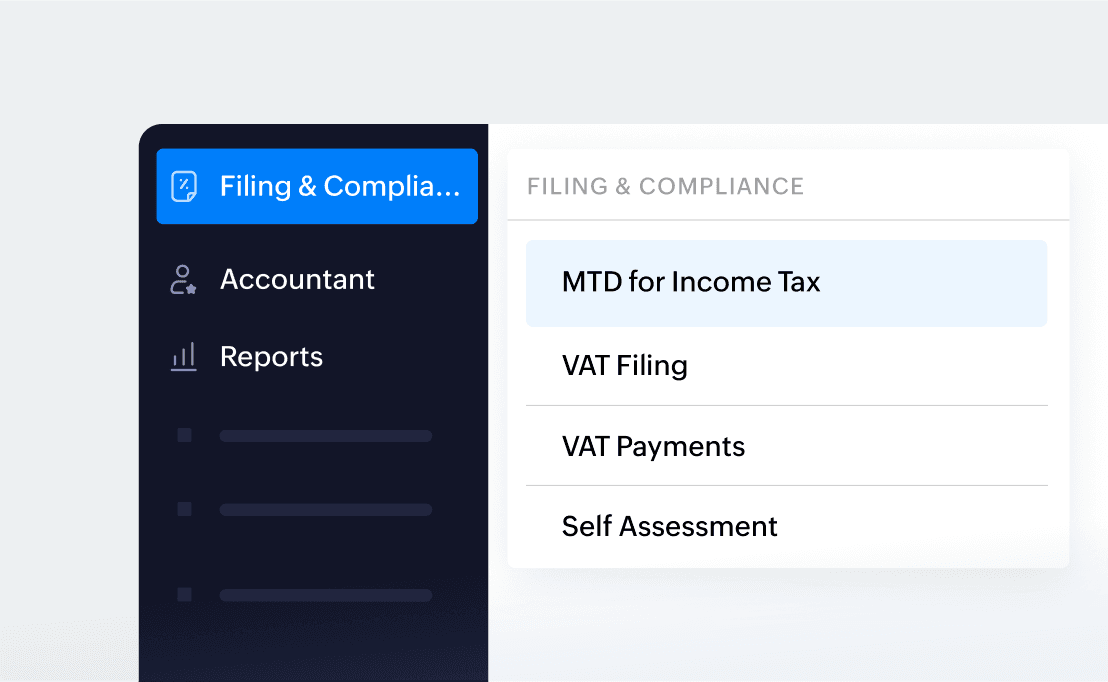
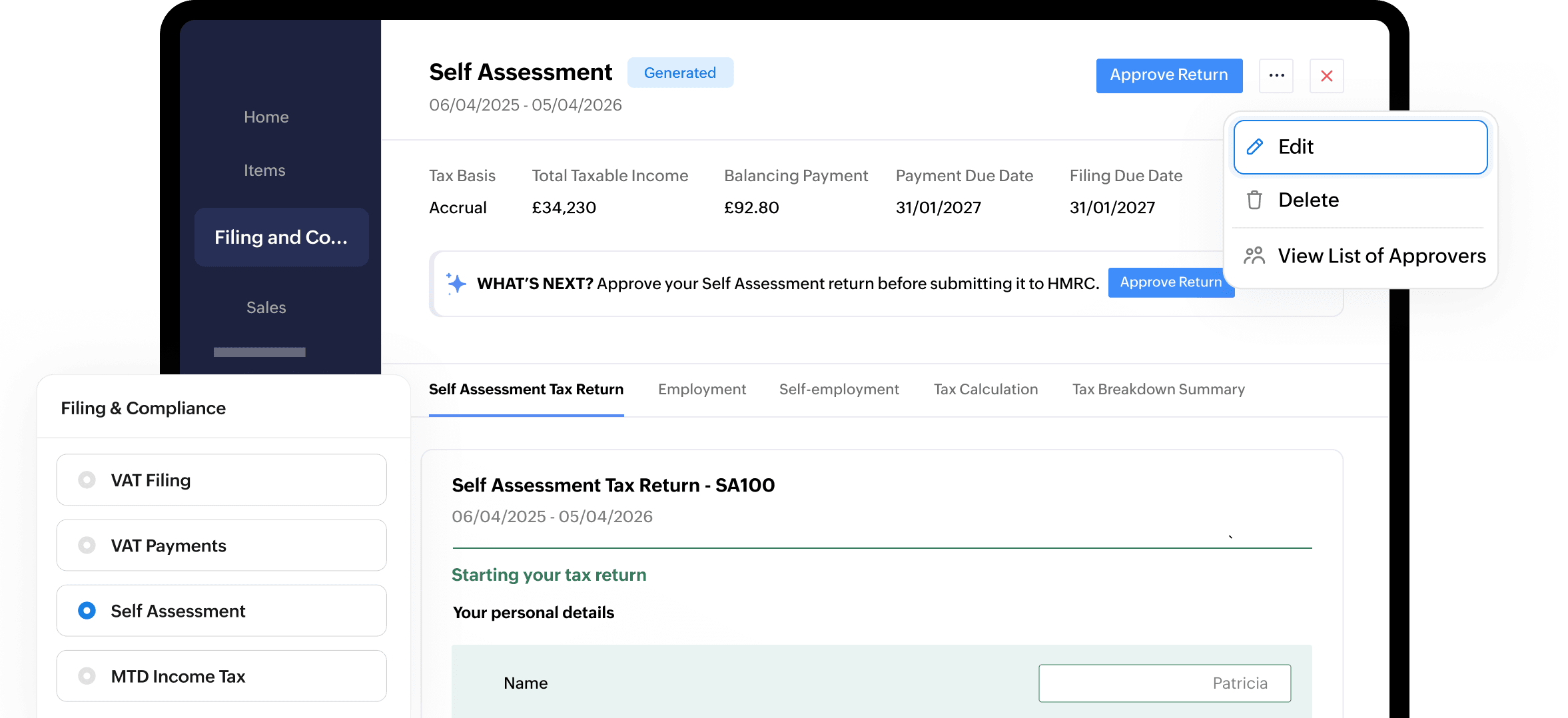
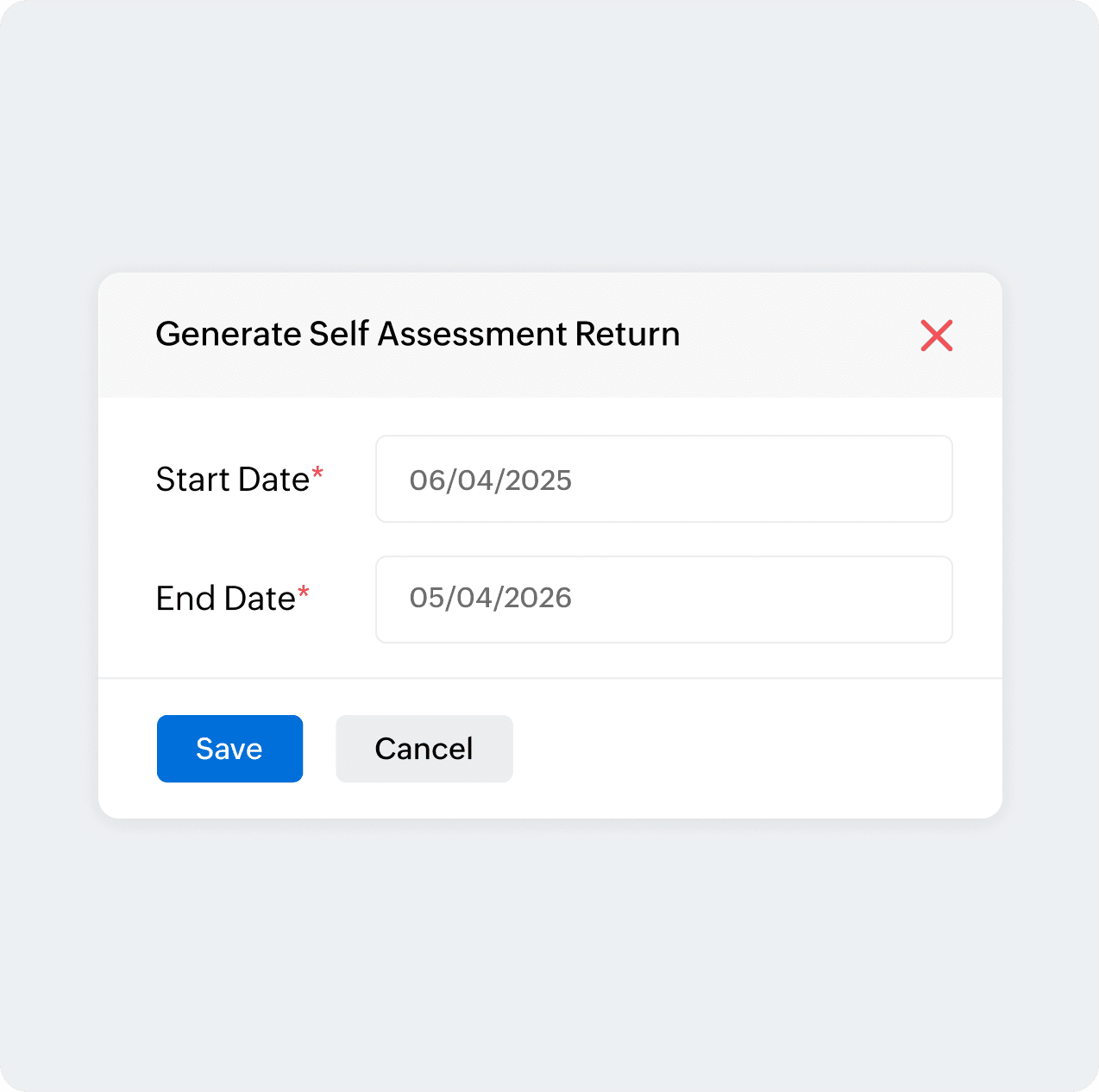
Select Self Assessment under Filing & Compliance on the left sidebar and click Generate Self Assessment Return in the top right corner. Enter the Start Date and End Date and click Generate.
Map accounts
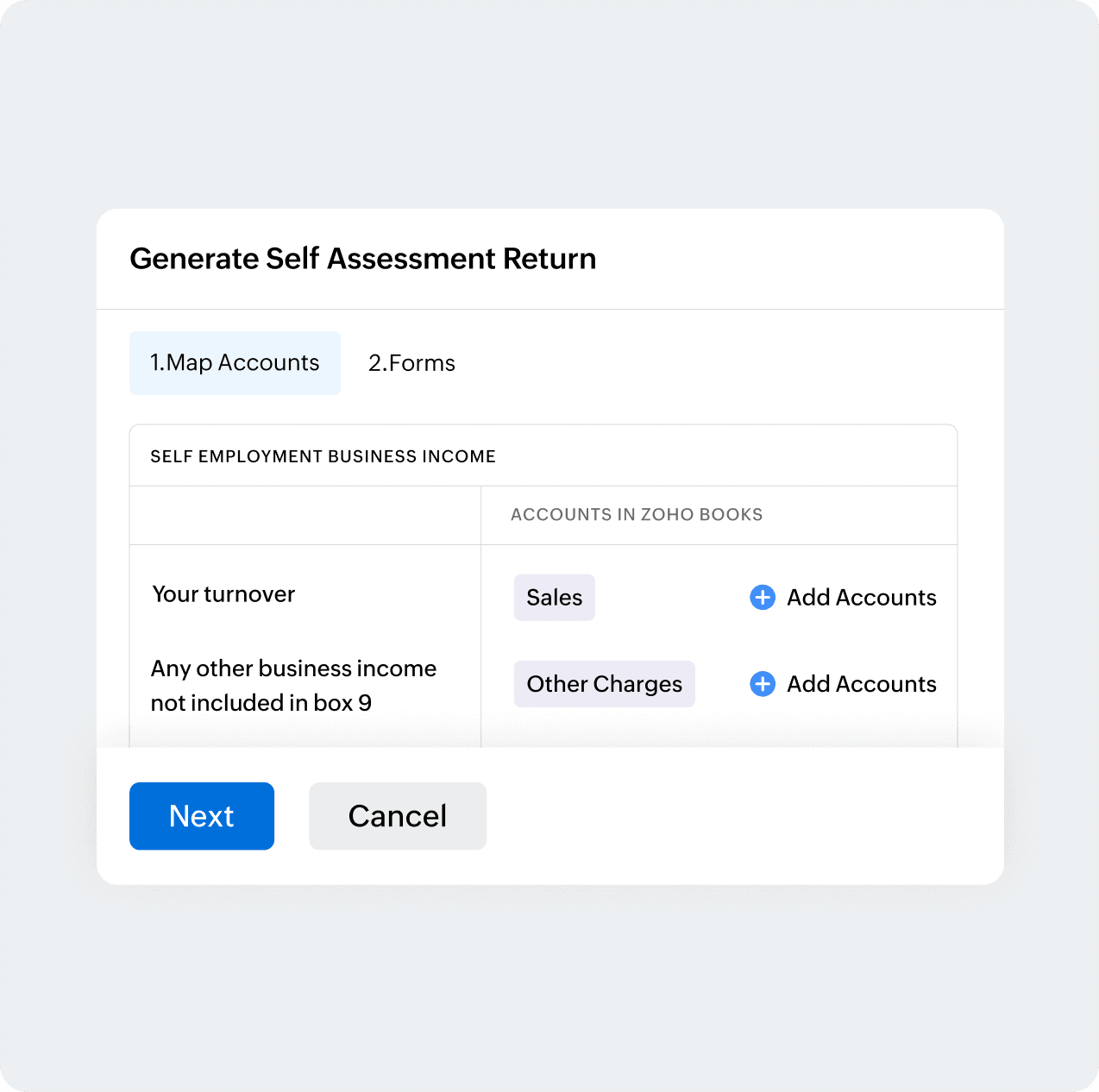
If you are a sole trader or landlord, you can map relevant income and expense accounts before proceeding to generate your return.
Review your return
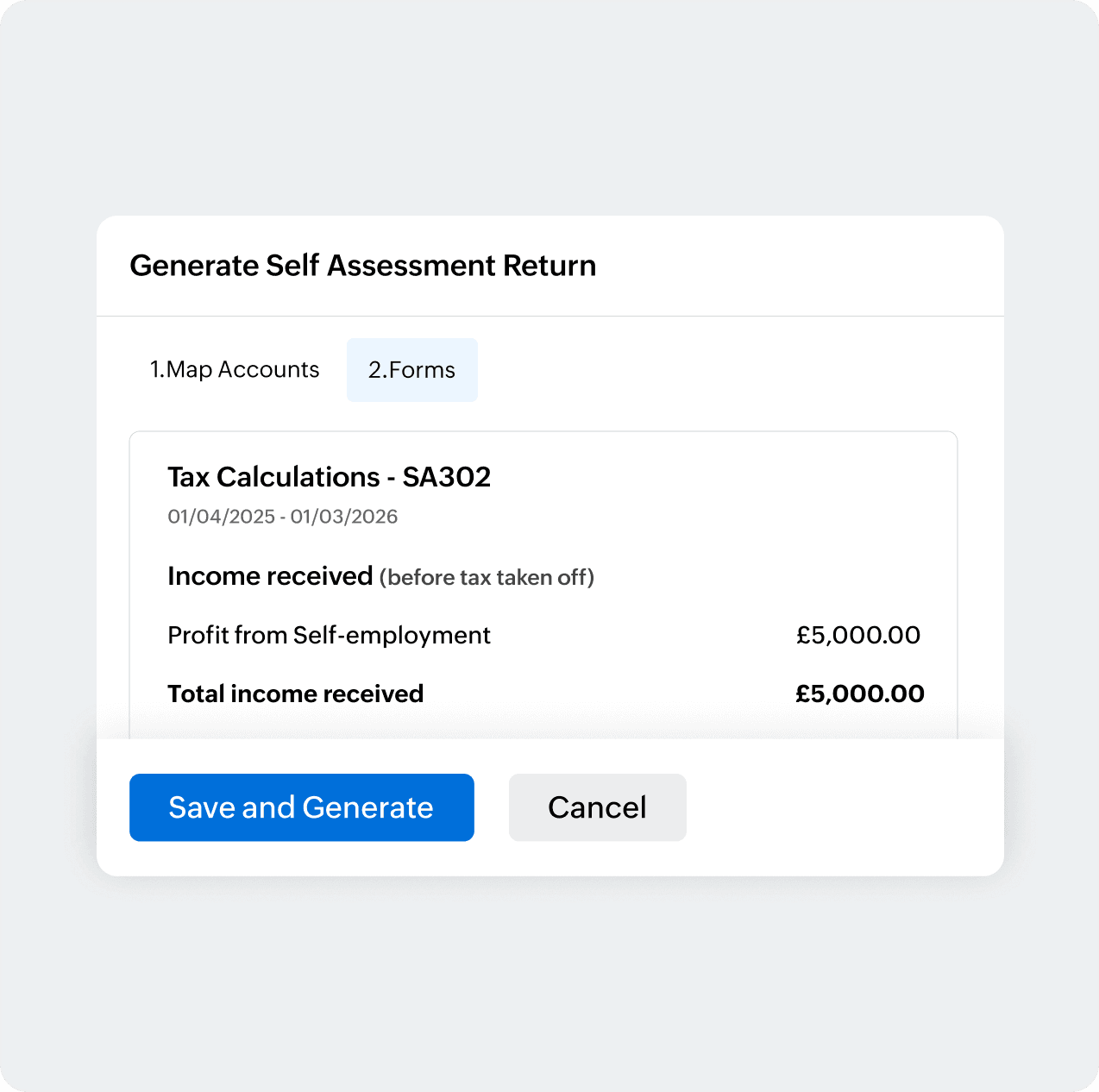
Once you fill in the relevant fields, the tax breakdown summary (SA302) gives a holistic view of your tax calculation along with the final balancing payment or refund. Review the breakdown and click Save and Generate.
Approve the return
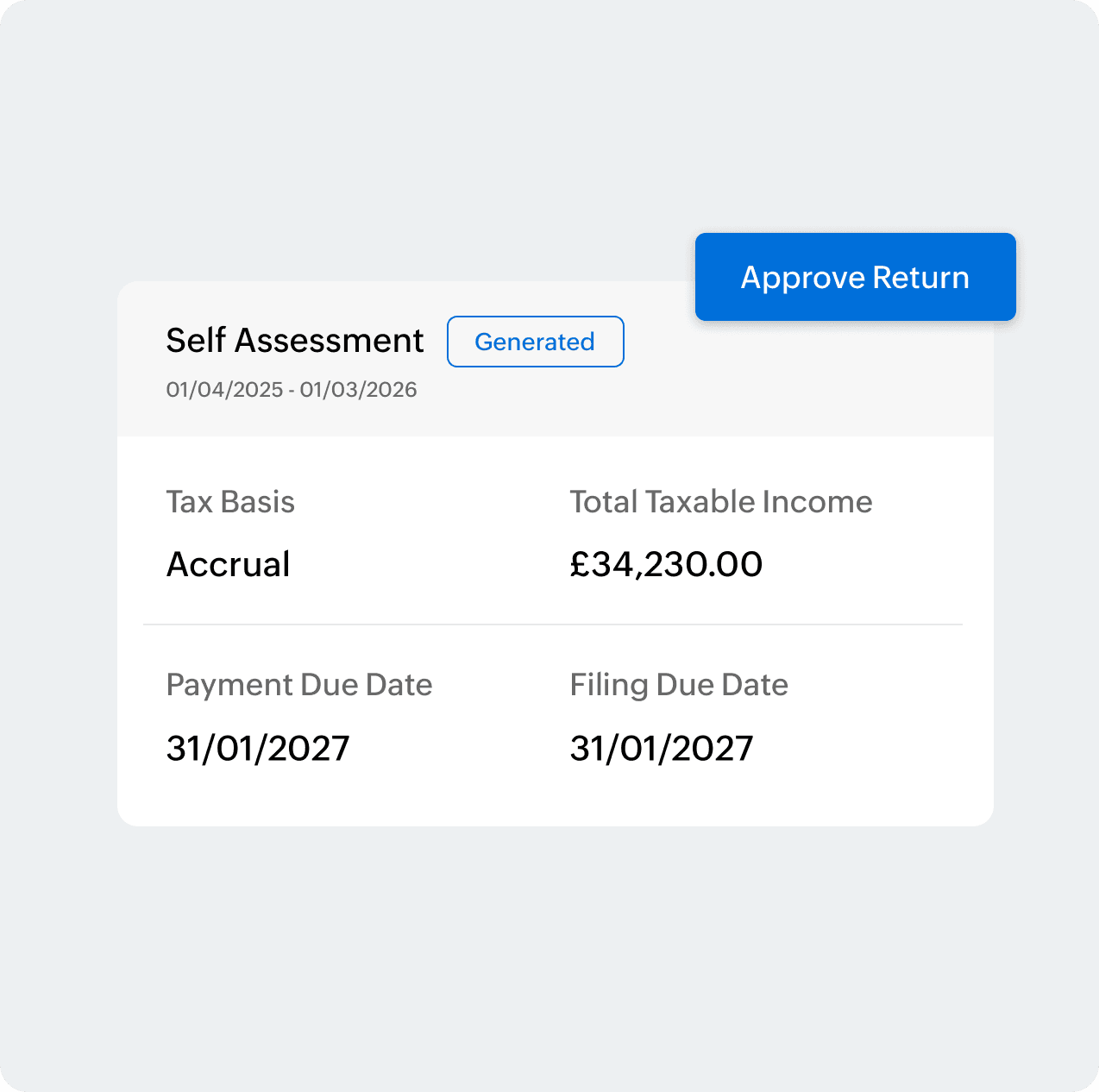
Choose the return you generated and click Approve Return in the Self Assessment page.
Submit to HMRC
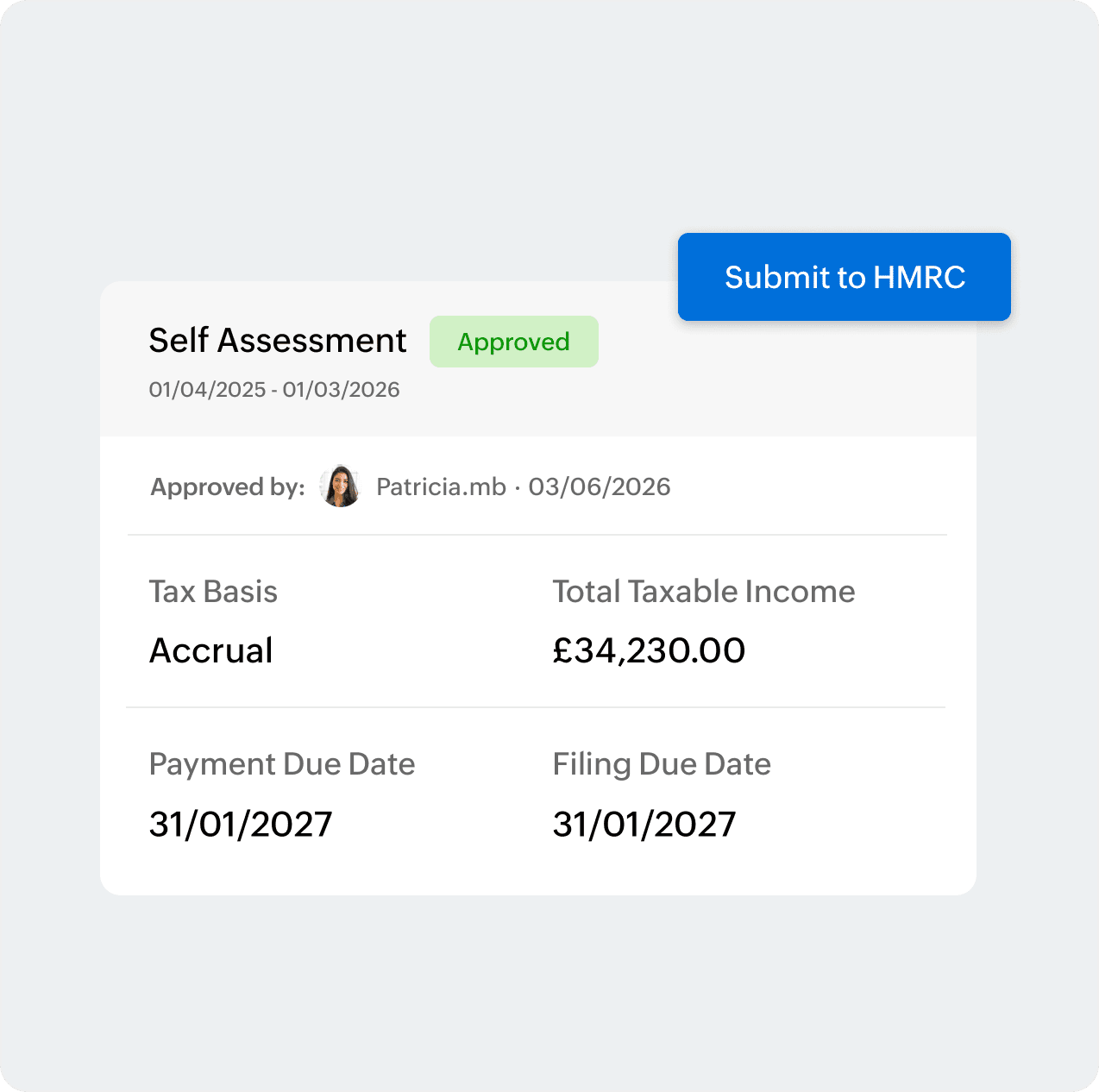
Once the return has been approved, you can now directly submit the return from Zoho Books. Click Submit to HMRC and enter your government gateway credentials for the submission.
Confirmation of receipt for SA100
Successful submission
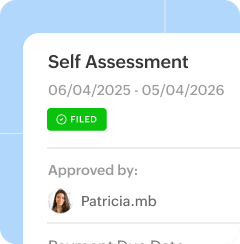
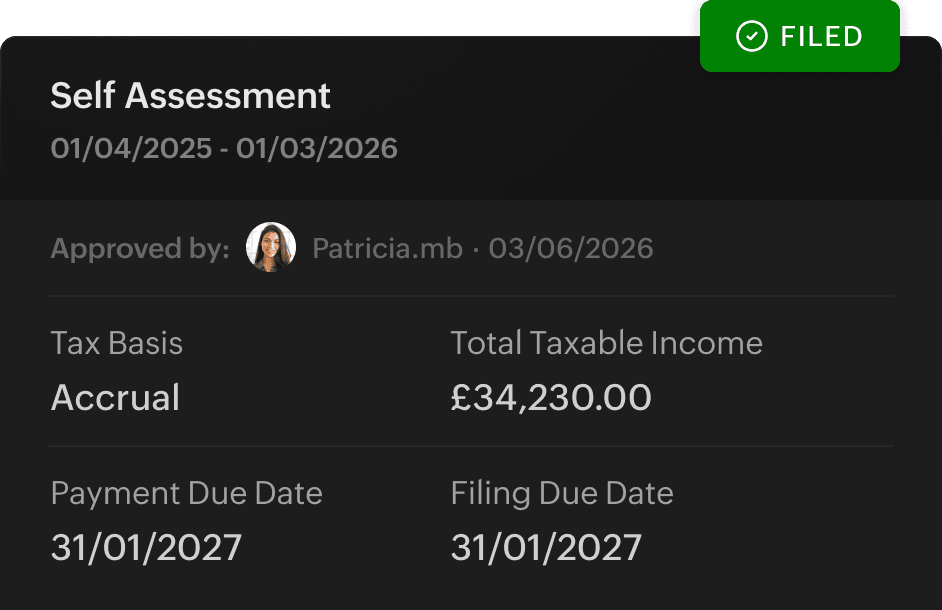
Once you enter the government gateway credentials, your Self Assessment return will be marked as Filed if HMRC has accepted your return.
Failed submission
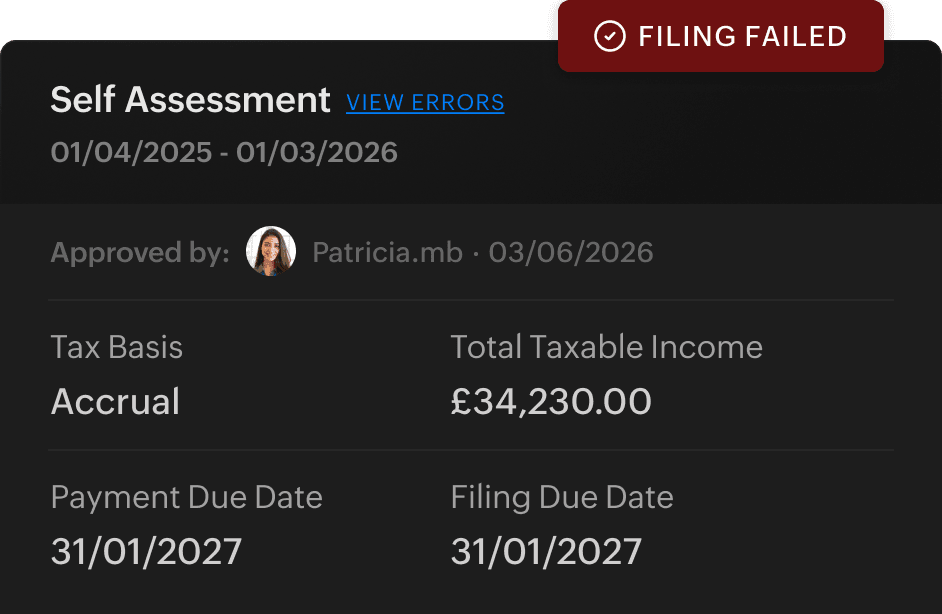
If you see the Filing Failed tag, this means your return to HMRC has failed. Click View Errors to find out what went wrong before trying again. For more assistance with error codes, check out our help documentation.
Supplementary forms in Self Assessment

Employment
If you are a limited company director, you will be required to fill out SA102 to report salary, benefits, and pensions from employment along with PAYE tax already deducted.

Self-employment
Are you a sole trader with turnover less than 90,000 GBP? Fill out SA103S to report business income and allowable expenses with simpler accounts.

UK Property
Managing your rental portfolio? Submit SA105 along with SA100 to report rental income from UK property and capture allowable expenses to calculate property profit or loss.
More actions in Self Assessment
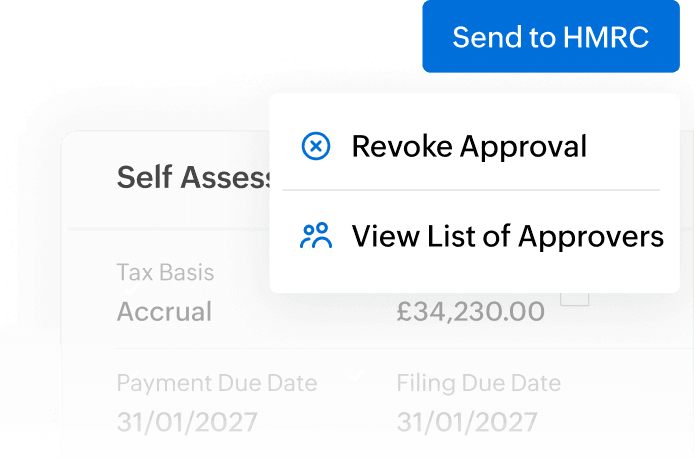
Revoke approval
You may want to revoke an already approved Self Assessment return for multiple reasons.
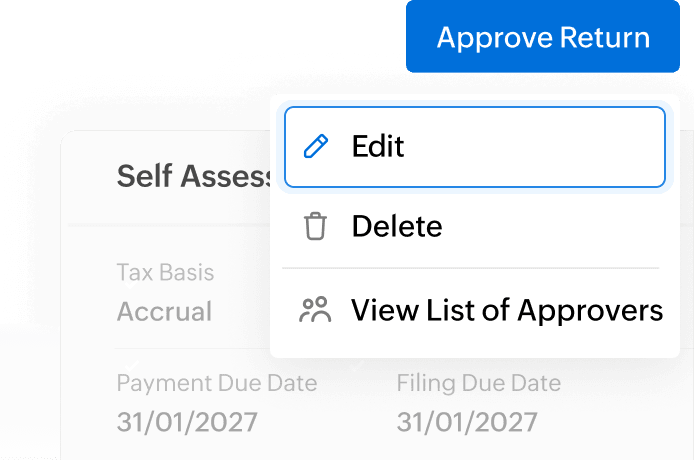
Edit a return
Once you have revoked the approval, you will be allowed to edit the Self Assessment return and make the required amendments.
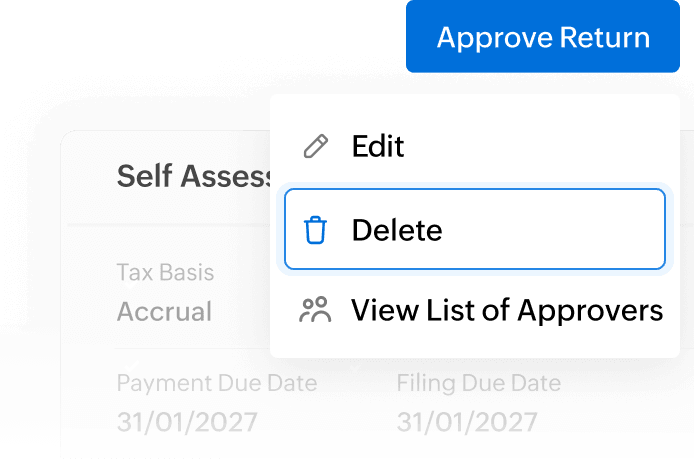
Delete a return
Want to scratch this return and do it all again a little later? Zoho Books allows you to delete a return if you haven't submitted the same to HMRC.
Switch to MTD for Income Tax
Has your sole trader or landlord business reached the income threshold for MTD for Income Tax? Enable MTD for Income Tax on Zoho Books and start sending quarterly updates.