

Bookkeeping & accounts production software
Manage bookkeeping for your micro-entity limited company from the FREE plan of Zoho Books and file Final Accounts and CT600 with HMRC for just £5.
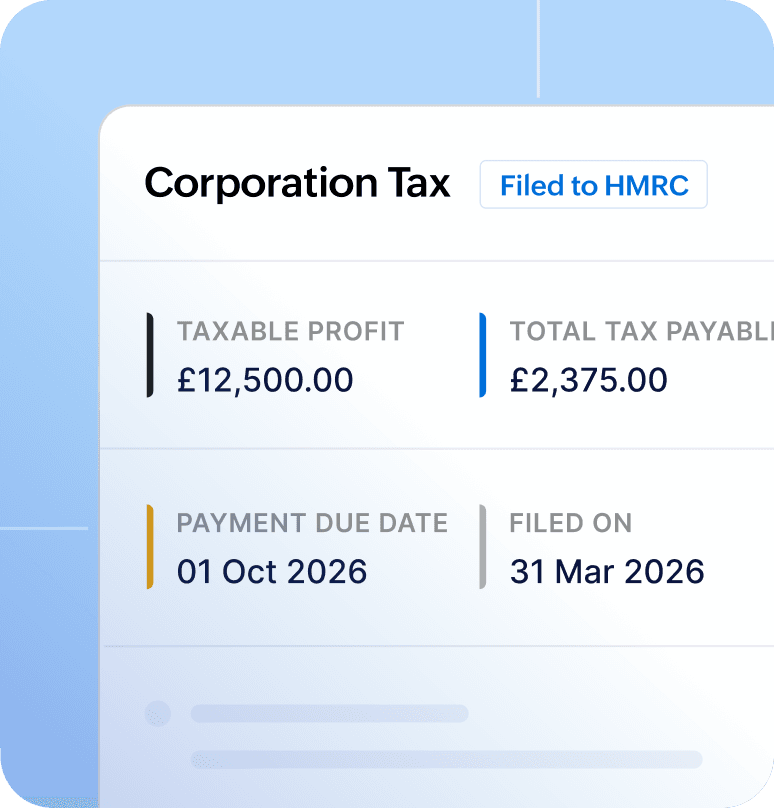
Affordable bookkeeping and year-end accounts filing with Zoho Books
You no longer need to pay for third-party accounts production software. If you are using Zoho Books for bookkeeping, the end-of-year filing becomes a breeze.

Manage bookkeeping
Automate routine admin like invoices, expenses, and bank feeds to keep your records up to date.

Review your CT600 returns
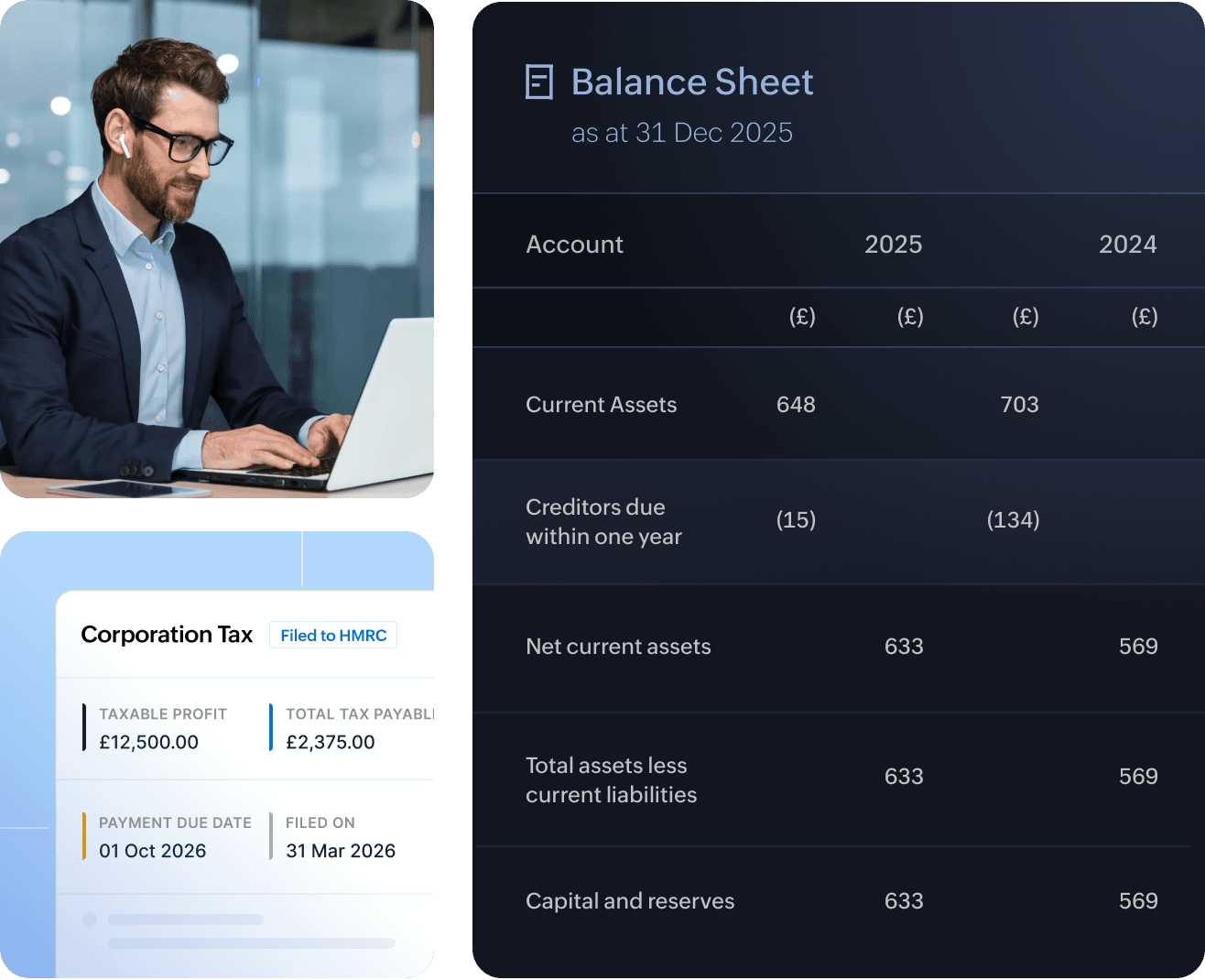
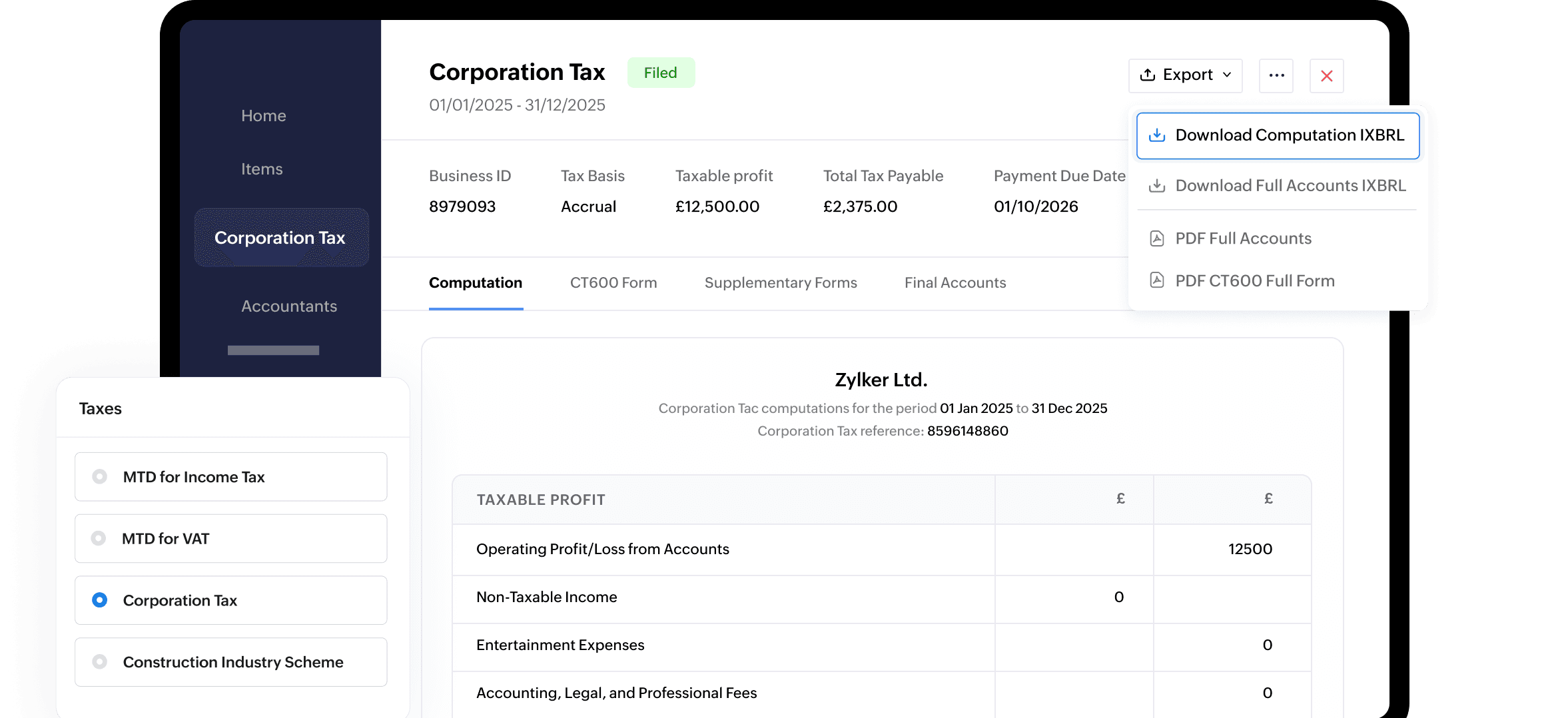
Zoho Books helps you calculate your CT600 returns based on the records you have maintained. Just review the figures instead of doing the calculations yourself.

Submit to HMRC
Once you review the figures, file both CT600 and Final Accounts to HMRC and get immediate confirmation.
Steps to file CT600 returns
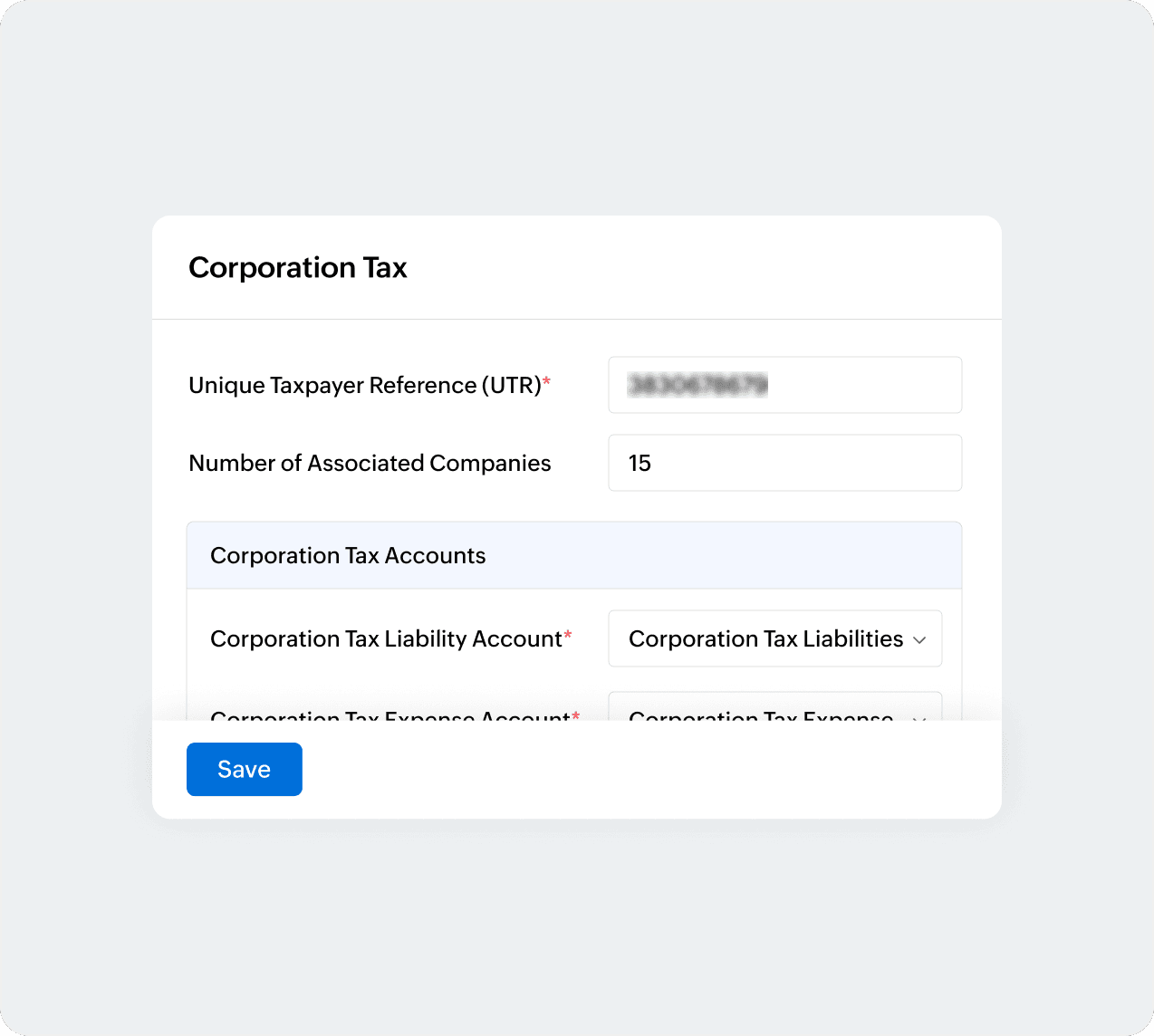
Configure Corporation Tax
Go to Settings > Taxes, and select Corporation Tax. Fill in your UTR, the number of associated companies, and declare Liability and Expense accounts.
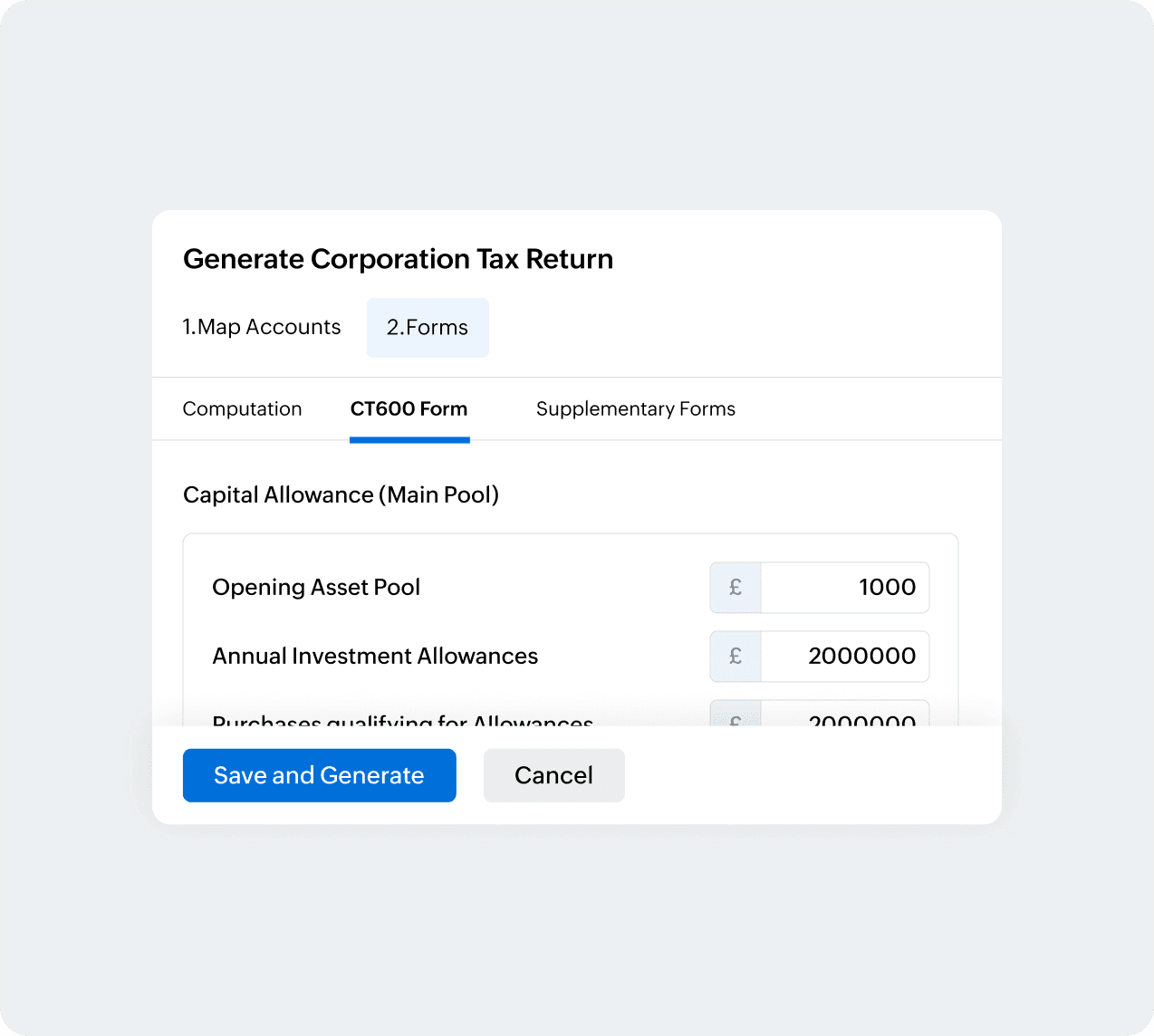
Generate CT600 return
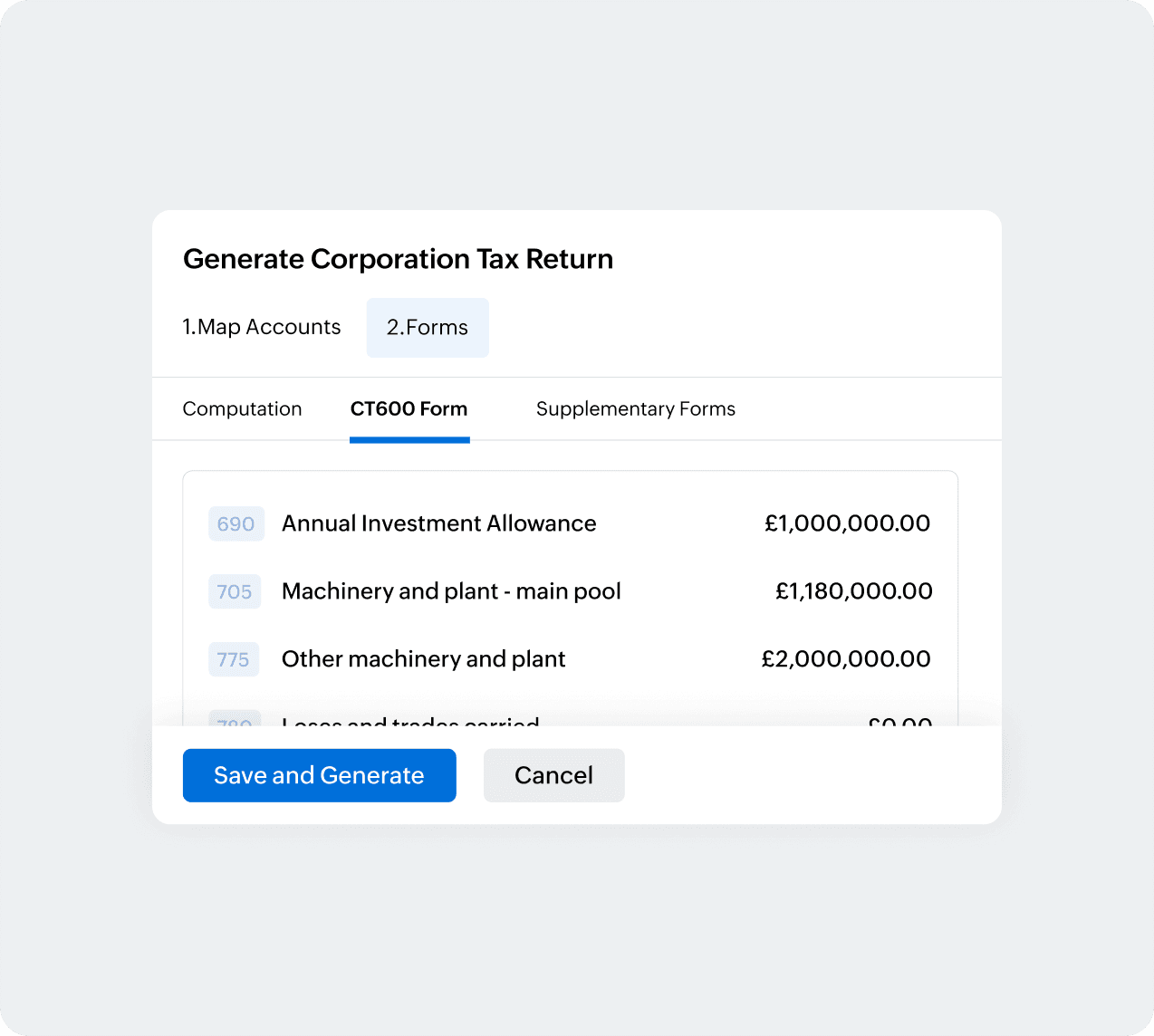
Once you enter the accounting period start and end dates, you can map the relevant accounts to compute the return and key in your capital allowance details.
Review the figures
Zoho Books auto-calculates the CT600 figures to free up your capacity. Just review the figures and make changes if necessary to generate the return.
Submit CT600 to HMRC
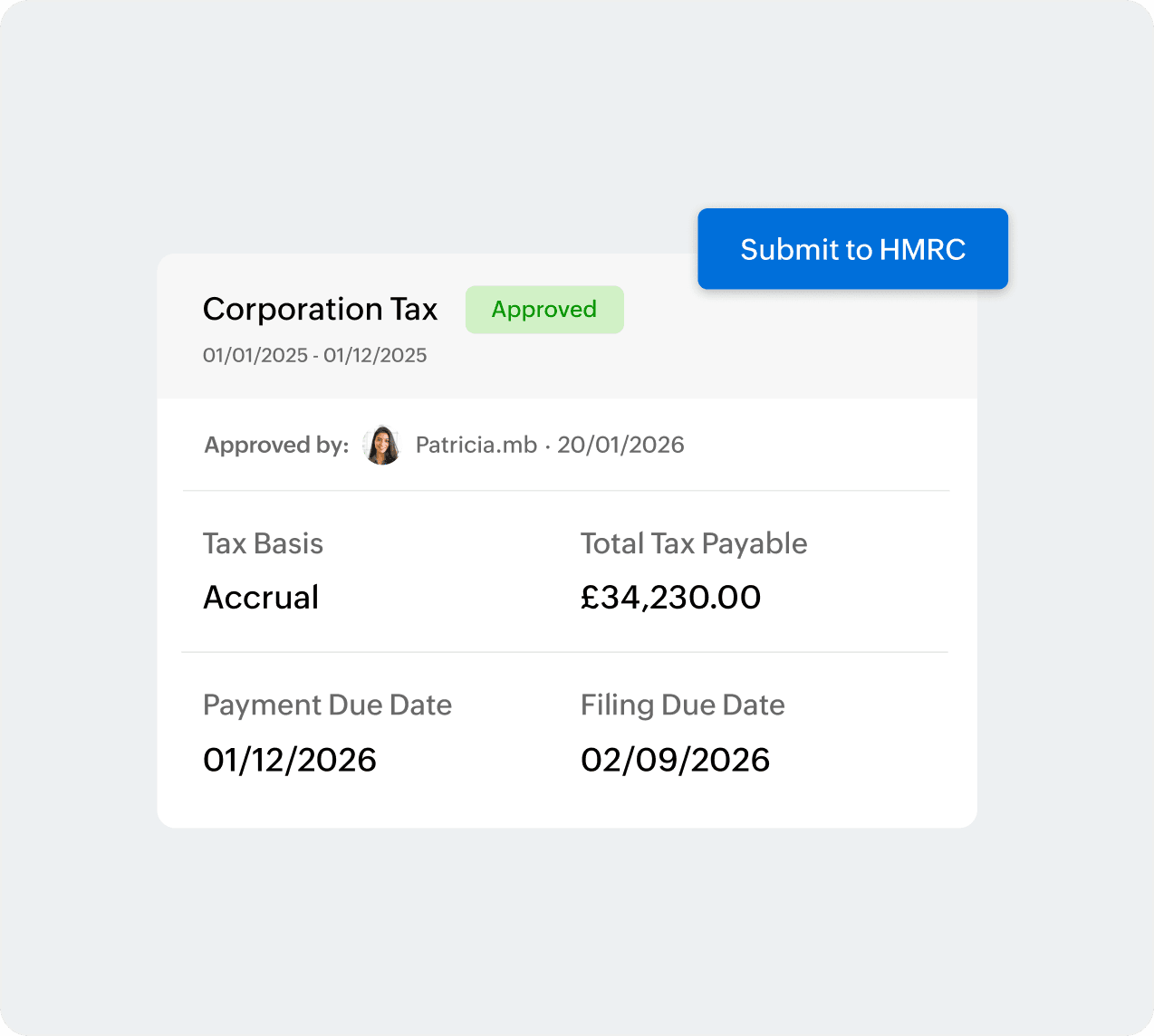
Once your admin approves the return, you may submit to HMRC by entering your government gateway credentials and self-declaration.
More actions in CT600 returns
Edit or delete CT600 returns
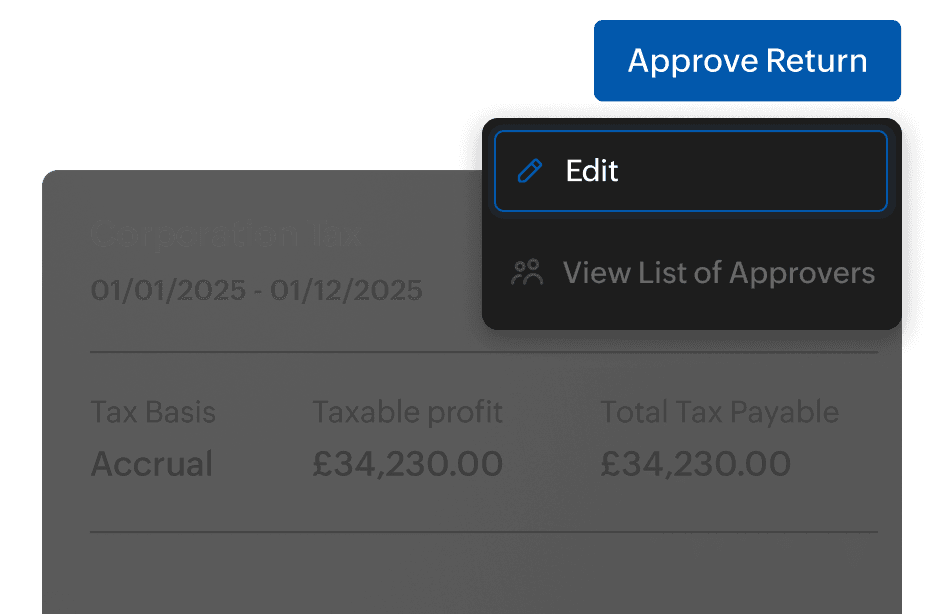
You can make amendments or delete the CT600 return. Select the return and click the More icon to edit or delete the same.
Export in iXBRL format
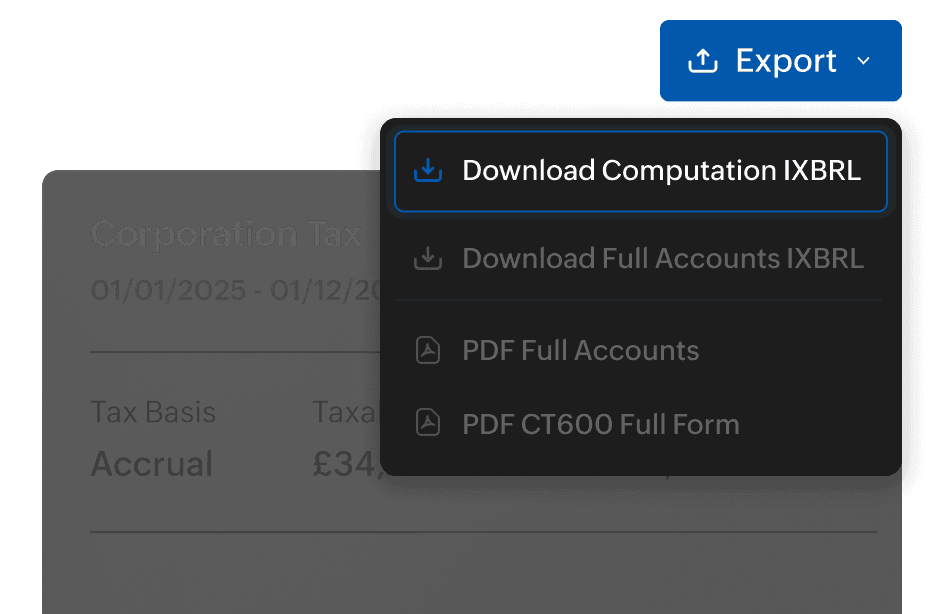
Once you review the figures in the computation form, Zoho Books helps you export the return in iXBRL format (recommended by HMRC).
How Zoho Books makes tax-season a breeze?

Simpler workflows
All transactions recorded in Zoho Books go straight to the CT600 computation form, allowing you to speed up your submissions.

File without leaving Zoho Books
Submit Final Accounts (FRS 105 micro-entity reports) to Companies House and CT600 returns to HMRC without leaving Zoho Books.

Work with an accountant
Invite your accountant to Zoho Books, so they can manage bookkeeping and file tax returns to HMRC on your behalf.
File Final Accounts from Zoho Books
Generate Final Accounts Report
Enter the Start Date and End Date of your accounting period and map relevant accounts to sections for tax calculation.
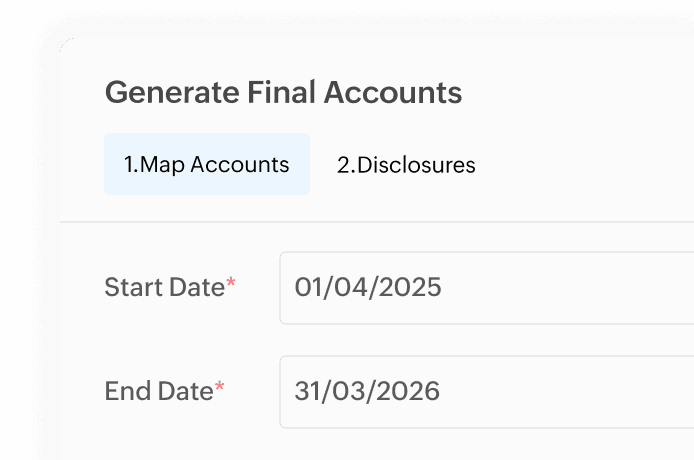
Disclose your company information
Fill in your company details in the Disclosures tab including number of employees, statement of compliance, and basis of preparation to generate the Final Accounts report.
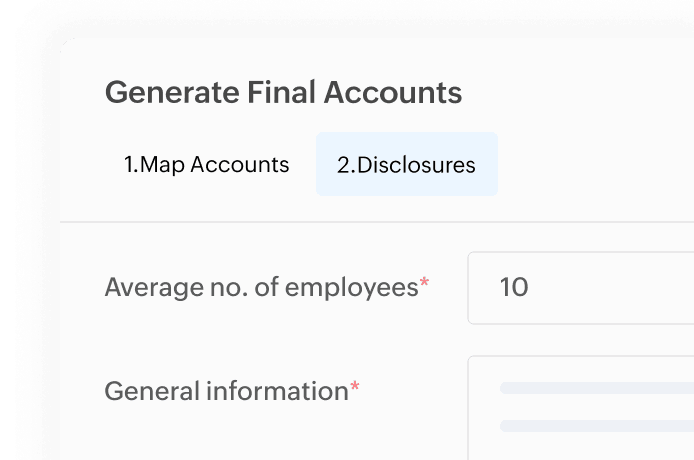
Submit the report to Companies House
You may now file the Final Accounts report (FRS 105 micro-entity) directly with Companies House. Ensure all accounts and director's notes are included.
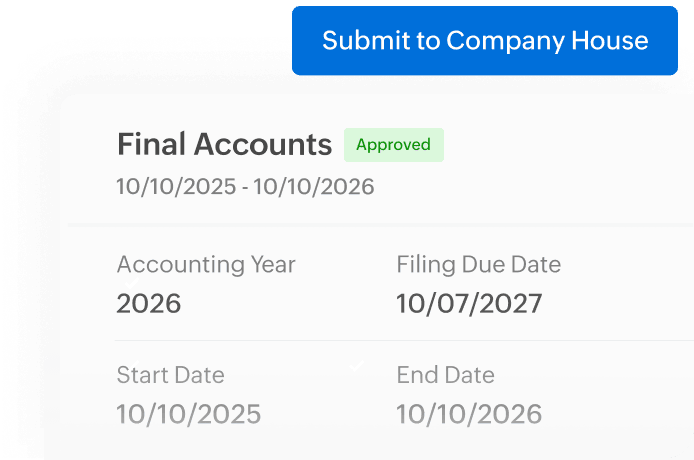
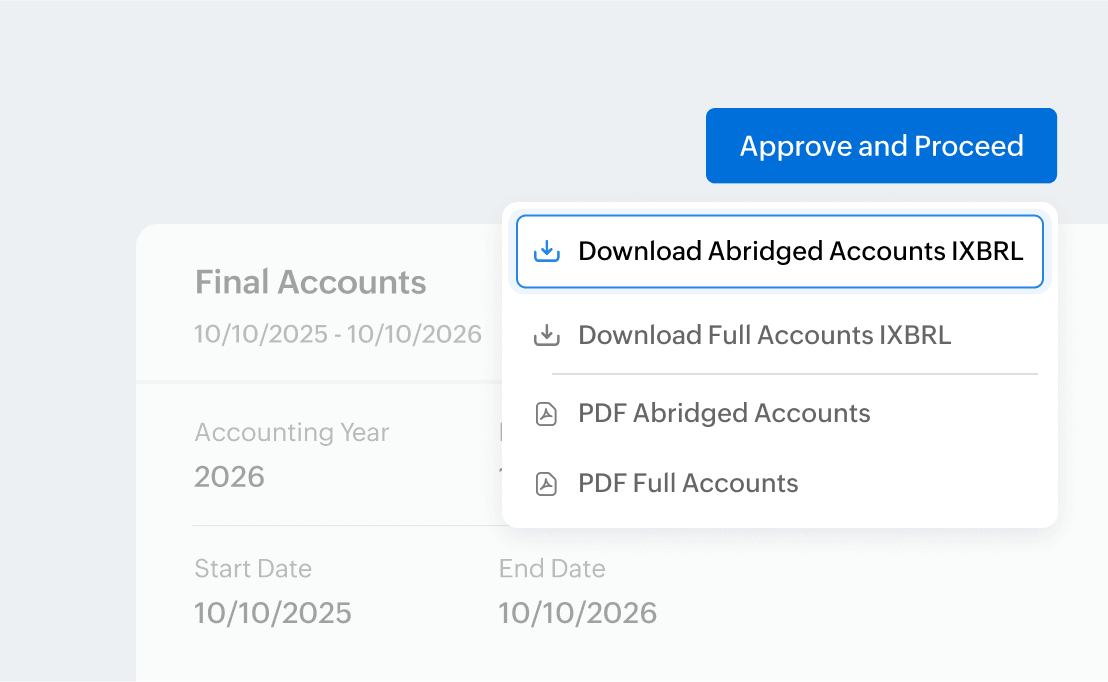
Export the report in iXBRL
The full version includes the Income Statement, Balance Sheet, and Disclosures. You can export the Final Accounts report in iXBRL format and submit along with the Corporation Tax return to HMRC.