
Most email marketers are optimizing the wrong thing! They A/B test subject lines, obsess over send times, and chase open rate benchmarks – all while the most powerful variable in email performance sits completely unused in their toolkit. That variable is not a new automation sequence or an AI-generated content block. It is a direct question asked of the subscriber: who are you, what do you want, and why are you here?
Email marketing is consistently one of the highest-ROI channels in digital marketing. According to McKinsey, email marketing is 40 times more effective at customer acquisition than Facebook and X combined. Yet despite this performance, most email programs are built on behavioral inference: opens, clicks, and purchase history. These signals tell marketers what subscribers did. They do not tell them why or what they actually want next.
Email marketing surveys close that gap.
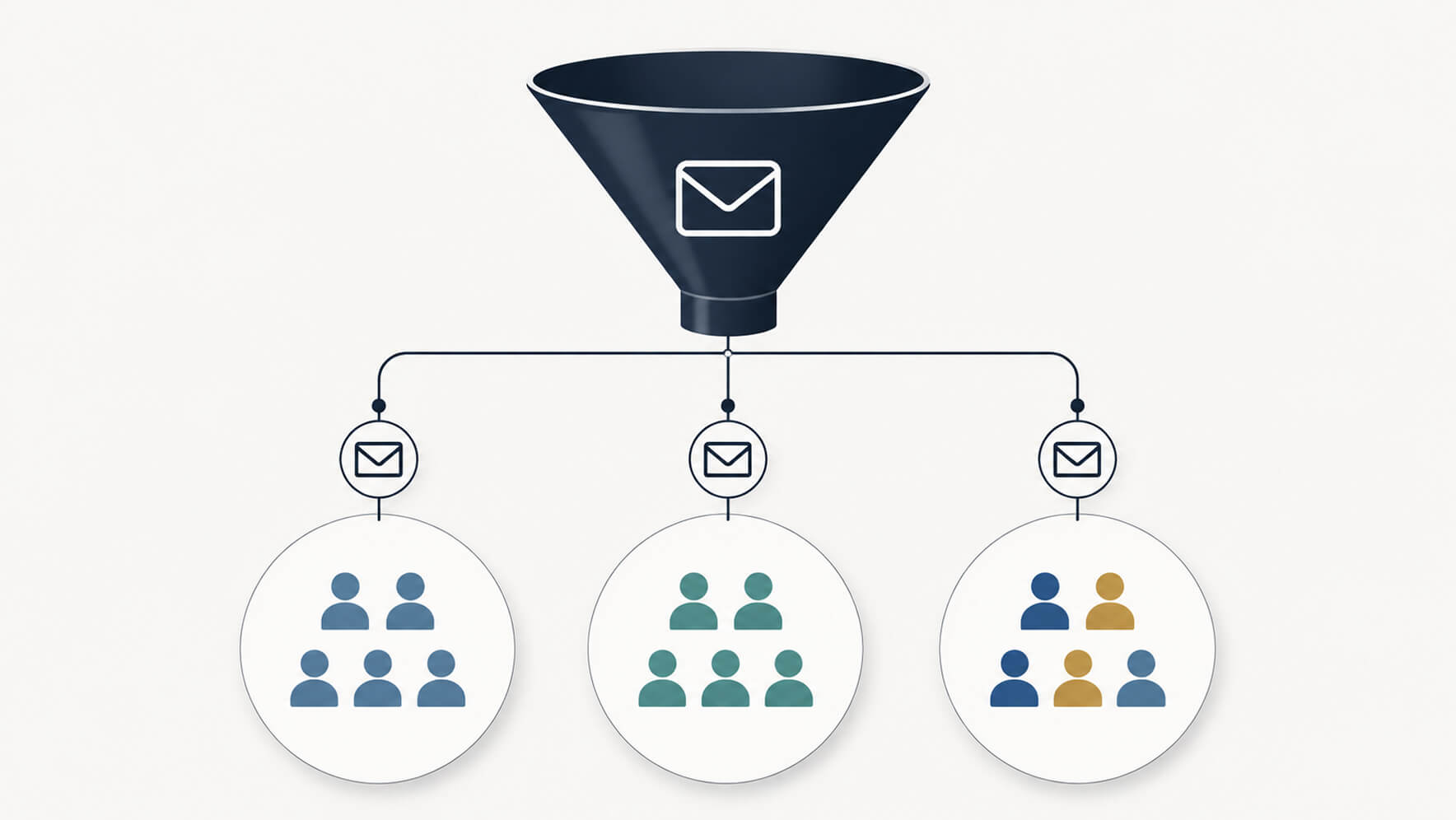
What is segmentation in email marketing
Segmentation in email marketing is the practice of dividing an email list into subgroups based on shared characteristics, then sending each group content relevant to their specific profile. The goal is relevance: the right message to the right person at the right moment. Done well, it is the difference between an email that feels personally crafted and one that feels like a broadcast.
Why is segmentation important in email marketing?
To put it in simple words, it's because the inbox has never been more crowded. And as volume rises, relevance becomes the primary determinant of whether a subscriber opens, clicks, or unsubscribes. The brands winning in email are the ones whose messages feel personally chosen and not another identical broadcast message sent to 1000s of users.
Most email marketing audience segmentation relies on behavioral and demographic data: purchase history, click patterns, geographic location, company size, or job title. These are useful inputs, yes. But they are structurally limited.
Behavioral data tells you what a subscriber did. For example, which links they clicked, which products they browsed, and how recently they opened an email. However, it does not tell you why, what they are looking for next, what content they actually want to receive, or how they feel about the emails they are already getting.
This is where email marketing audience segmentation built purely on behavioral inference breaks down. A subscriber who clicked on three articles about enterprise software pricing has demonstrated interest, but not whether they are a buyer, a researcher, a student, or a competitor.
A survey that asks "Are you currently evaluating a solution in this category?" and "What best describes your role?" resolves that ambiguity in seconds.
How email surveys feed the segmentation engine
The most powerful application of email surveys for audience segmentation is the subscriber profiling survey. This can be done with a short questionnaire deployed at the point of list entry or to an existing segment to collect the preference and intent data needed to route subscribers into the right content track.
At list entry, the value is immediate. A new subscriber's behavioral data is zero. A two-to-three question survey embedded in the welcome email immediately provides the segmentation signal needed to send the second email to the right place.
For established lists, surveys serve a different but equally important function: they validate or revise the assumptions that behavioral segmentation has produced over time.
For example, A subscriber categorized as high engagement based on open rate may, in a survey, reveal they have been delegating email management to an assistant, are not the actual decision-maker, and are one irrelevant campaign away from unsubscribing. That single survey response saves a segment that analytics would have misclassified as healthy.
How to write a survey email that gets responses
Knowing how to write a survey email is one of the most practical skills in email marketing and requires a different approach than writing a promotional or content email.
The subject line must communicate value to the subscriber, not to the sender
"Help us improve" is sender-centric and generates modest engagement. "Tell us what you want, and we'll stop sending the rest" is subscriber-centric and makes the benefit of participating explicit. Specificity and subscriber-first framing consistently outperform generic feedback requests.
The body should be short
A survey invitation email does not need to explain the entire survey. It needs to establish why the subscriber should participate, communicate the time required, and deliver a single, clear call to action. Three to four sentences maximum before the link or embedded question. Paragraphs of context between the subject line and the survey link are the most common reason survey emails underperform.
State the time commitment explicitly
"This takes 90 seconds" removes more hesitation than any incentive. Subscribers are more likely to begin a survey they believe they can finish than one whose length is unknown.
Use a named sender
Survey emails sent from a named individual like "James from Zoho Survey" consistently outperform those sent from a generic brand address in both open rates and response rates. The personal framing signals that a real person is asking and will read the responses.
Include one question directly in the email
Embedding the first survey question within the email body (so the subscriber's click on an answer option simultaneously records their first response and opens the full survey) removes the most significant friction point in email survey campaigns. Subscribers who engage with a question in the email are significantly more committed to completing the survey than those who click a generic "Take the survey" button.
How to embed a survey in an email
Understanding how to embed a survey in an email is one of the highest-impact technical skills for email marketers focused on response rates. The technique places the first question of a survey directly inside the email body. When the subscriber clicks an answer, that response is recorded, and the complete survey opens in a new window for any follow-up questions.
This approach works because it eliminates the cognitive gap between reading a survey invitation and starting the survey. By the time the subscriber realizes they are completing a multi-question instrument, they have already answered the first question and are psychologically committed to finishing.
Zoho Survey's email distribution feature supports this directly. Surveys can be distributed by navigating to the Launch tab, selecting Distribution, and using the Create Email option to configure recipient lists, sender details, and custom variables. The platform supports up to 3,000 email invites per 24-hour period and integrates with Zoho Campaigns for larger lists. Response tracking within the platform shows opened, unopened, bounced, and unsubscribed invites in real time.
This gives email marketers the delivery and engagement visibility they need alongside the survey response data. For teams already using Zoho Campaigns, the integration allows survey deployment directly within existing campaign workflows without switching platforms.
Email marketing survey questions by segmentation goal
The following email marketing survey questions are organized by the segmentation outcome they are designed to produce.
Content preference and topic segmentation
- Which of the following topics would you most like us to cover?
- What format do you prefer for learning about [subject area]: articles, videos, case studies, or webinars?
- How would you describe your current knowledge level in this area?
- Which recent email from us was most useful to you and why?
Purchase intent and lifecycle stage segmentation
- Are you currently evaluating solutions in [category]?
- What is your approximate timeline for making a decision?
- What is the biggest challenge currently preventing you from [desired action]?
- Have you purchased from us before?
Frequency and channel preference segmentation
- How often would you like to hear from us?
- Do you prefer concise, action-focused emails or longer, in-depth content?
- Are there other channels (SMS, social media, or webinars), through which you'd also like to engage with us?
Role and organization segmentation (B2B)
- Which best describes your primary role?
- How large is your organization?
- Are you the decision-maker for [product or service category] purchases at your company?
- What is your primary business objective for the next 12 months?
Post-campaign feedback for re-segmentation
- Did the content in our recent campaign match what you were hoping to receive?
- Was there a specific resource or offer in this email that was particularly useful?
- Is there something you expected to find in this campaign that wasn't there?
Mail survey advantages and disadvantages in the email context
Understanding the mail survey advantages and disadvantages in an email marketing context allows teams to design programs that maximize the former and mitigate the latter.
Advantages
Email surveys sent to existing lists reach an audience that already has a relationship with the sender. This means response rates are consistently higher than cold outreach surveys. Responses can be collected, processed, and fed into segmentation workflows automatically. The survey itself functions as a touchpoint: even subscribers who don't complete it are exposed to the message that the brand is listening, which has a measurable positive effect on brand perception.
Disadvantages
Response rates, even for well-designed email surveys, typically fall in the 10 to 30% range. This means segmentation built on survey responses must account for the non-responding majority through behavioral inference for subscribers who don't engage. There is also a self-selection bias: subscribers who respond to surveys tend to be more engaged than those who don't, which means survey-derived segments may overrepresent highly active subscribers and underrepresent the middle and lapsing tiers of the list.
The mitigation for both disadvantages is the same: deploy surveys repeatedly, in multiple formats, across the subscriber lifecycle. A subscriber who ignores a welcome survey may respond to a single-question embedded pulse survey in a regular newsletter. Over multiple touchpoints, the proportion of the list with survey-derived segmentation data grows and the quality of segmentation improves accordingly.
Using Zoho Survey for email marketing audience segmentation
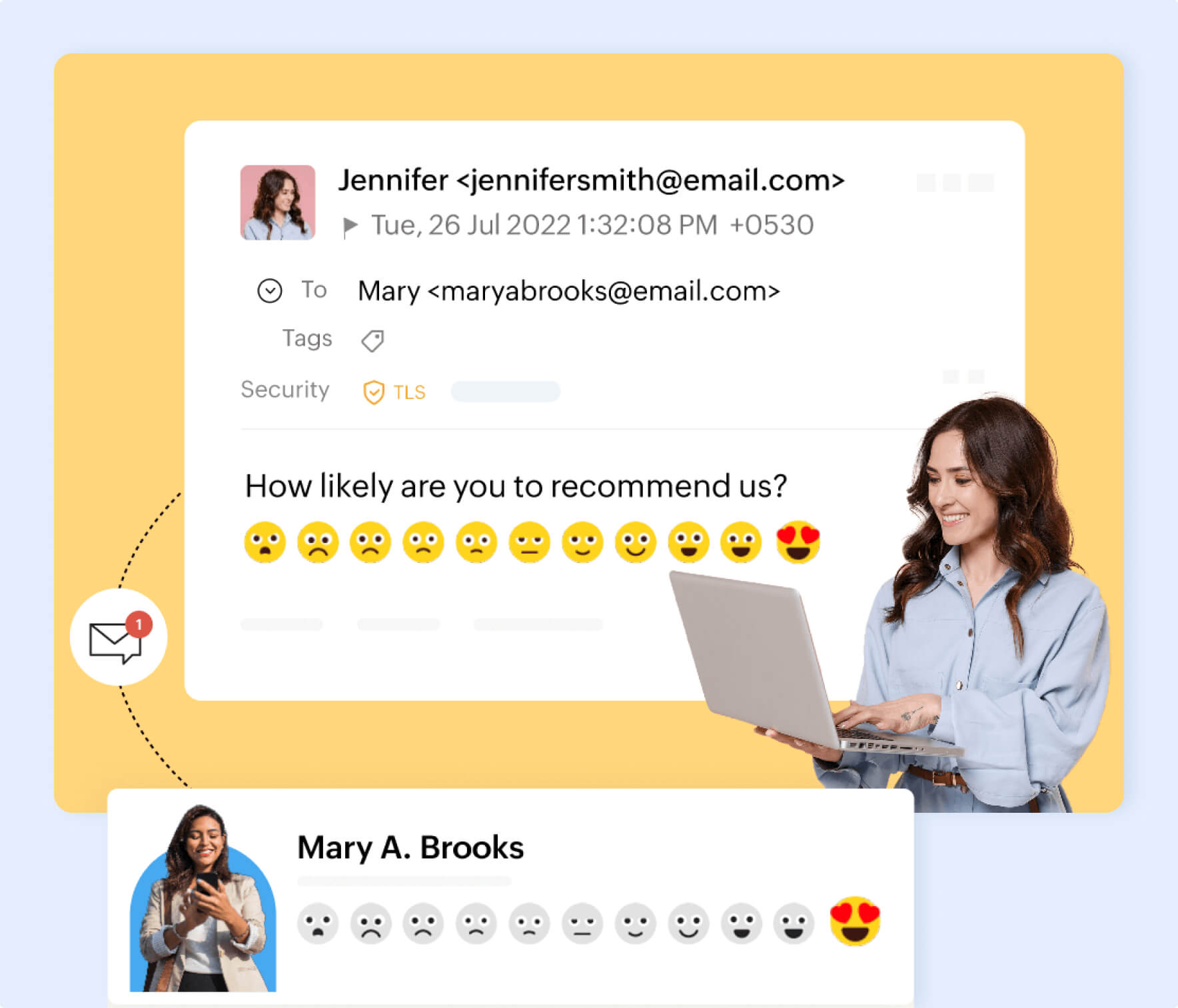
Zoho Survey's integration with Zoho Campaigns makes it the most efficient option for teams already within the Zoho ecosystem. Surveys built in Zoho Survey can be distributed through existing Zoho Campaigns contact lists, with responses tracked and linked to subscriber records automatically. This, in turn, enables segmentation tags to be applied to CRM contacts without manual data transfer or platform switching.
For teams distributing independently, Zoho Survey supports contact import via CSV or XLS, custom sender configuration, and real-time tracking of open, response, bounce, and unsubscribe status for every survey email deployed. Instant reporting translates incoming responses into visual dashboards as replies arrive, so segmentation decisions can be made progressively rather than waiting for a survey window to close.
Zoho Survey is now available with a 7-day, credit card-free Enterprise trial. Try it today!
Wrapping up
The email marketers consistently outperforming their benchmarks are not the ones with the sharpest subject line formulas. They are the ones who know their audiences most precisely because they asked. Email marketing surveys, deployed thoughtfully across the subscriber lifecycle, transform audience segmentation from a behavioral inference exercise into a first-party data discipline.
In a channel where relevance is the primary driver of revenue, the brands that build their segmentation on what subscribers actually told them will always have a structural advantage over those that only track what subscribers clicked.