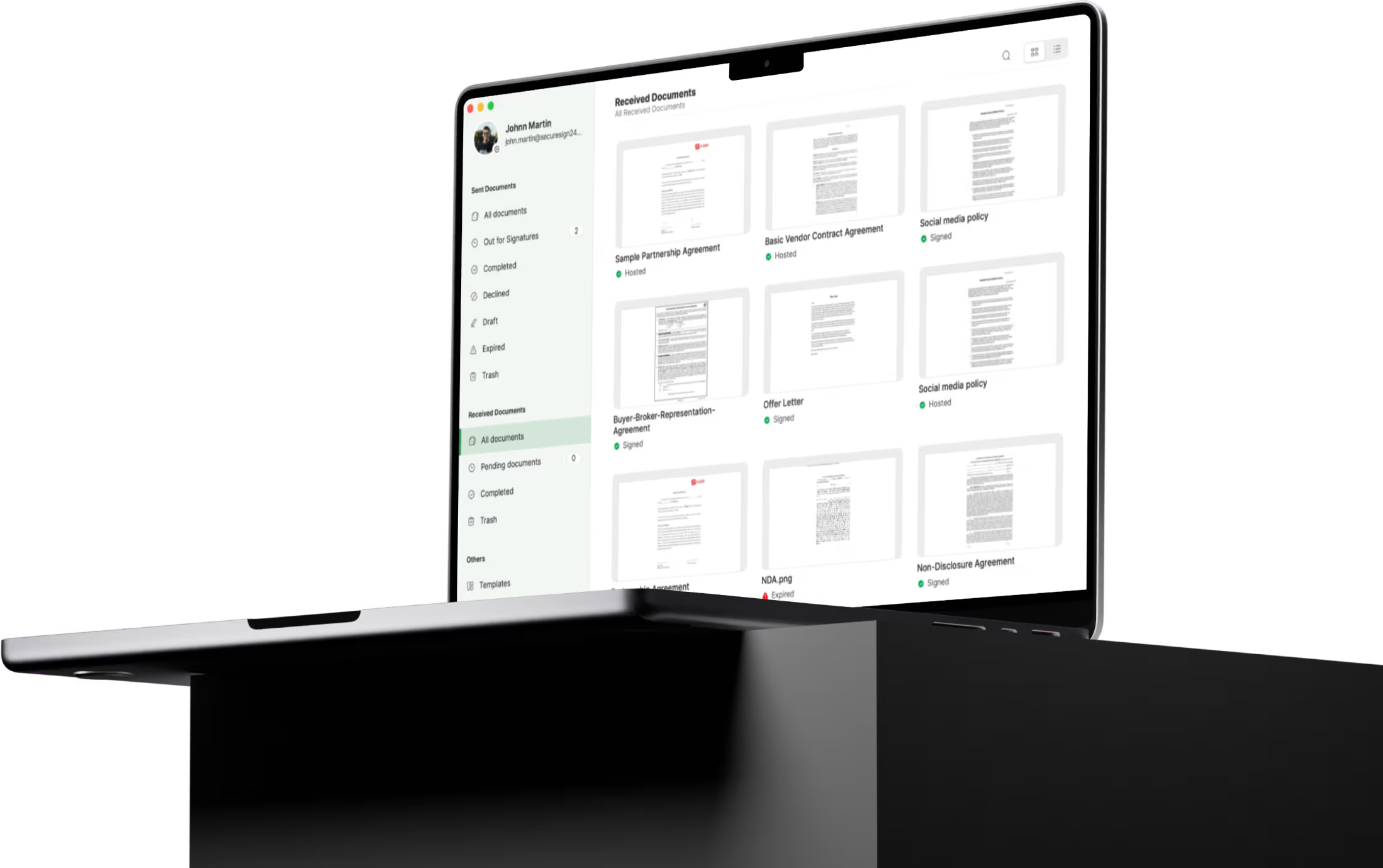
Zoho Sign's desktop app for macOS and Windows gives you the tools to e-sign documents and stay on top of your paperwork. Use Siri on macOS to check progress, or sign paperwork offline on Windows—Zoho Sign streamlines your entire process, no matter where you work.
Key Features of Zoho Sign on Desktop
Filtered views for easy document tracking
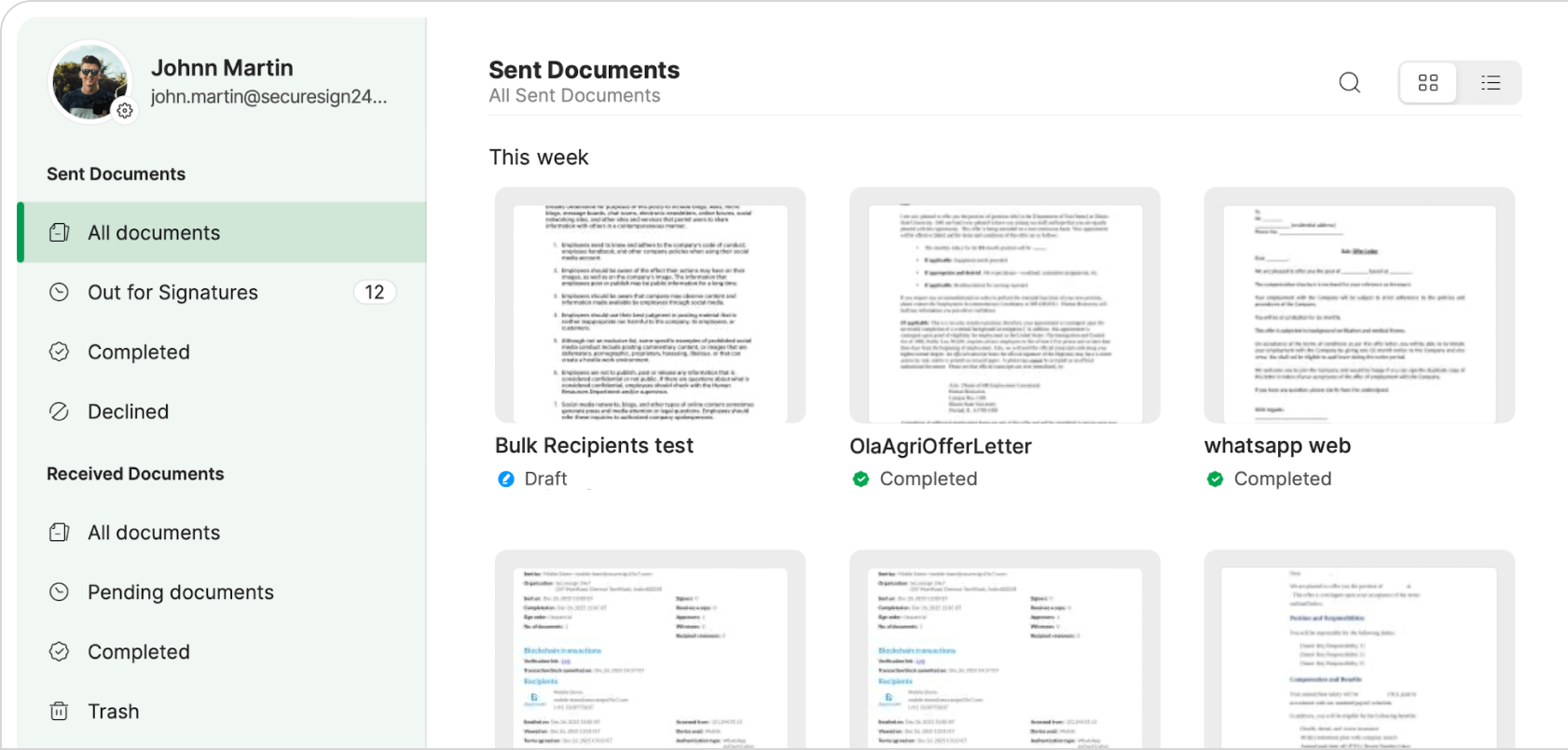
See all sent and received documents in the same place with the Documents tab. With a simplified view, you can keep track of your workflows and ensure authenticity throughout the signing process.
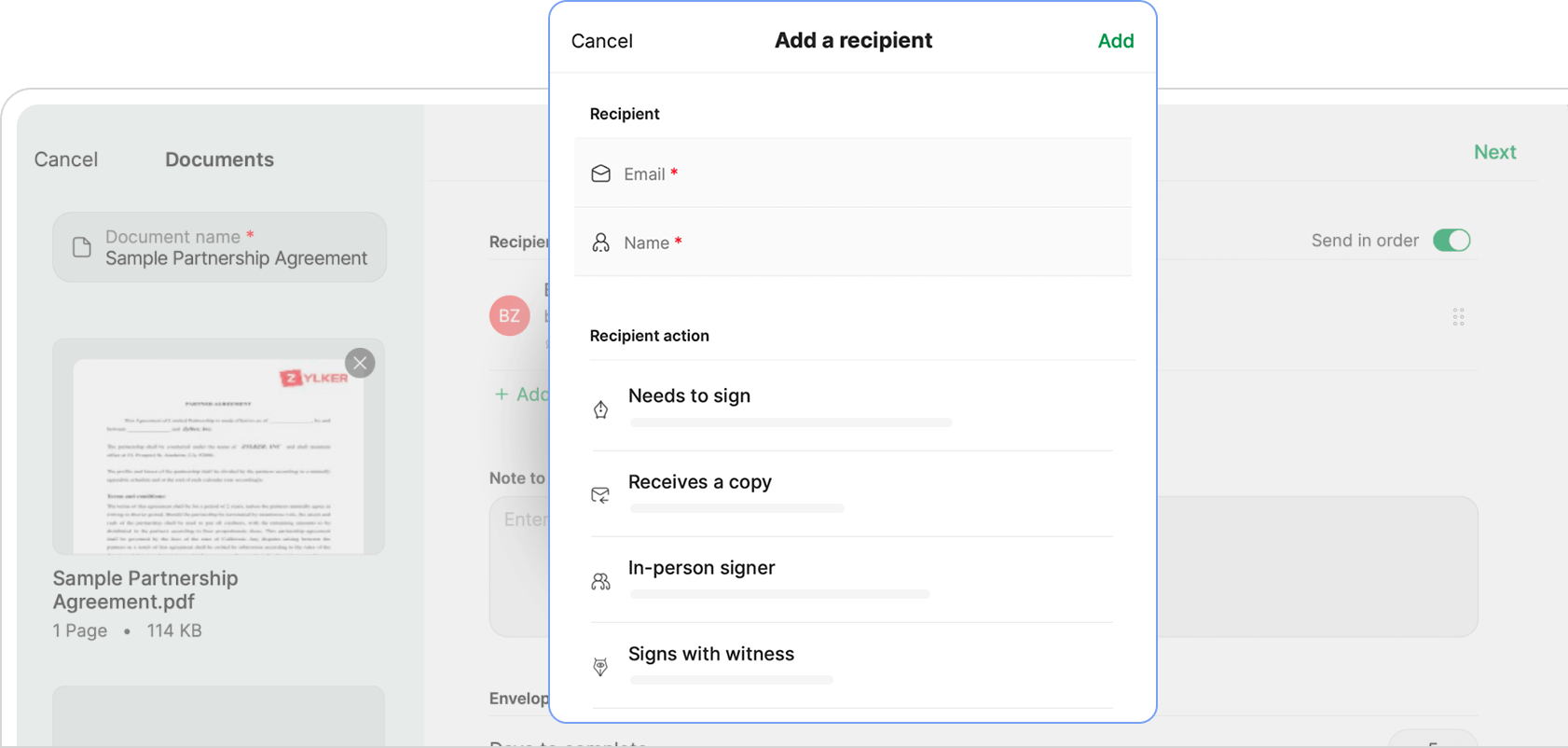
Upload documents and create signature workflows
Easily upload documents from your desktop and cloud storage, or use templates. Define the signing order and specific actions for each recipient. You can personalize the recipient experience by sharing public or private notes, setting the email and interface language, and choosing the digital signature certificate type.
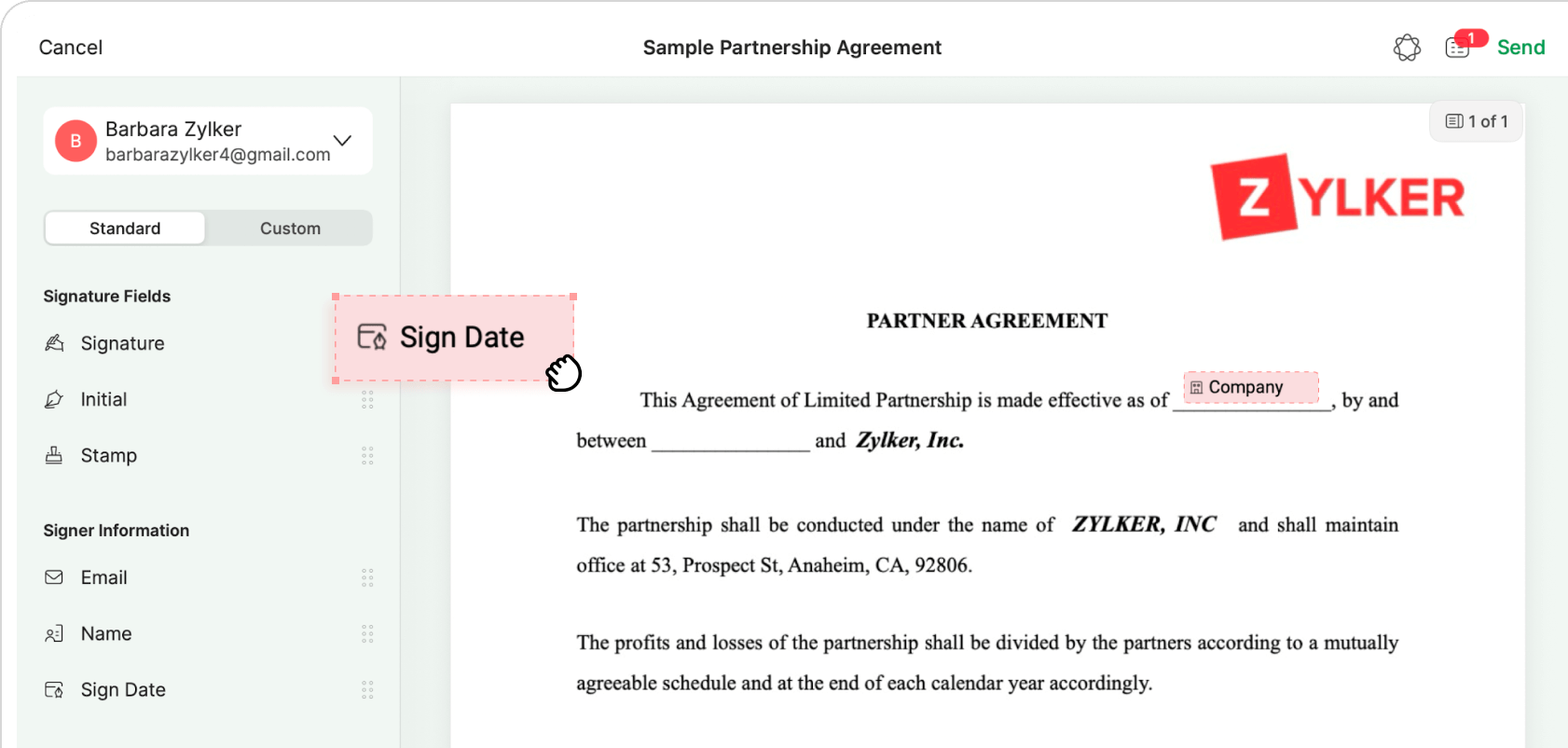
Add signer fields and send for signature
Quickly drag and drop fillable fields, signer fields, and custom fields, and assign them to the respective recipients.
Why use the Zoho Sign desktop app?
Use Siri's summary feature to instantly view the number of pending documents. Need to pull up a document immediately? Just search with Spotlight. Stay informed with a widget that displays all documents that need your signature. Real-time notifications ensure that you don't miss out on any important developments.
Use the Zoho Sign app across departments
- Sales contracts
- HR documents
- Compliance documents
- Purchase orders
- Expense reporting
- Vendor agreements
- NDAs
- Invoices
- Social media policy
Legally compliant signing
Zoho Sign complies with major e-signature laws and regulations across the globe, ensuring legal validity in a court of law. For a better understanding of Zoho Sign's compliance with the e-sign laws in your country, take a look at our legality guide.

Download Zoho Sign and start signing now!
FAQs
Zoho Sign is a complete, legally valid electronic signature solution for all businesses seeking a digital alternative to traditional paperwork and wet signatures.
Absolutely! Download the Zoho Sign app for macOS and Windows and sign digitally at your convenience.
Yes, the offline signing feature allows you to sign documents from an input folder and save the signed copies to a chosen output folder. Just connect your USB signing certificate to get started.
Yes, the Zoho Sign desktop app allows you to create new templates or access existing templates for frequently used documents.
Yes! Sign up for Zoho Sign and get a 14-day free trial. After the trial, you can upgrade to the Standard, Professional, or Enterprise plan—or you can access the free plan without any worries of losing your data.