




Unified invoicing and accounting software
Zoho Books' invoicing feature allows you to create and send professional invoices to your customers in few clicks. Ensure you receive payments on time with automated payment reminders and maintain a steady cash flow.
The basics
All that you need to let the cash trickle in for your business!
Send professional invoices
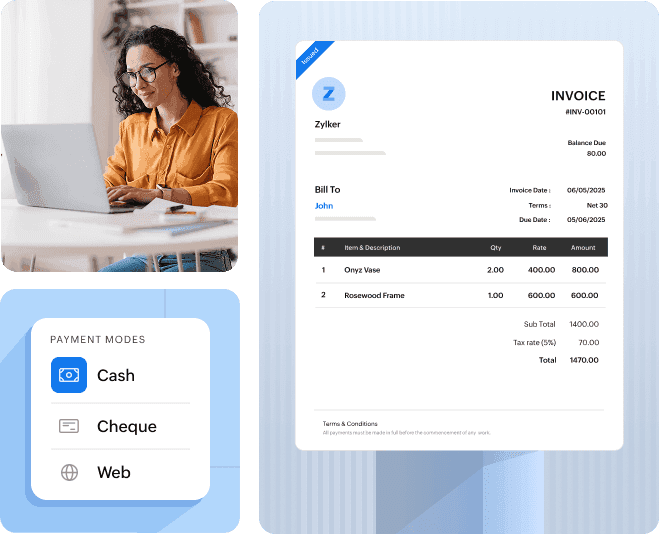
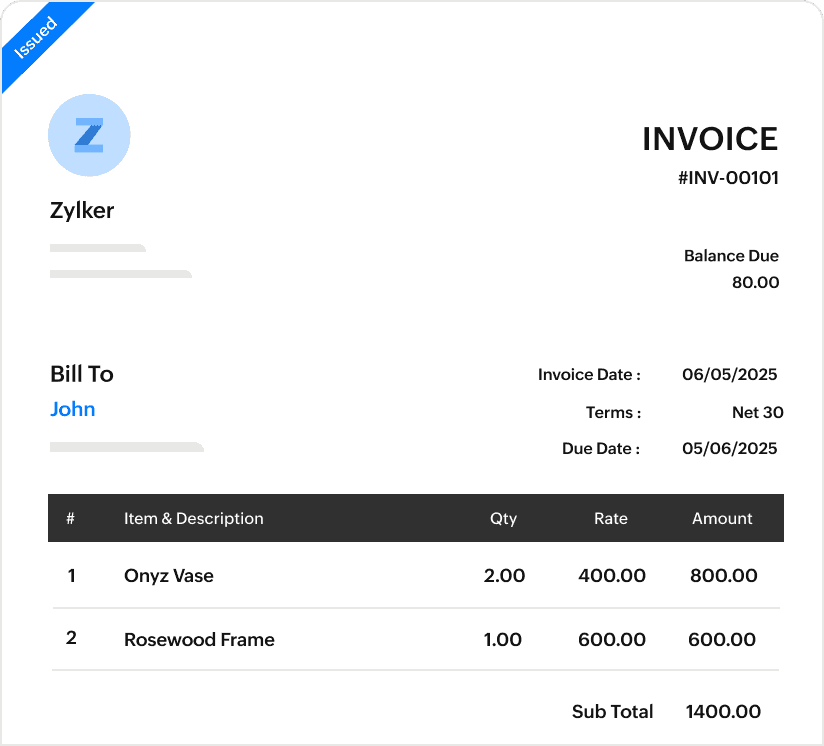
Send invoices that make your customers pay. Personalize and customize invoice templates to reflect your brand by adding your logo, colors etc.
Get paid faster
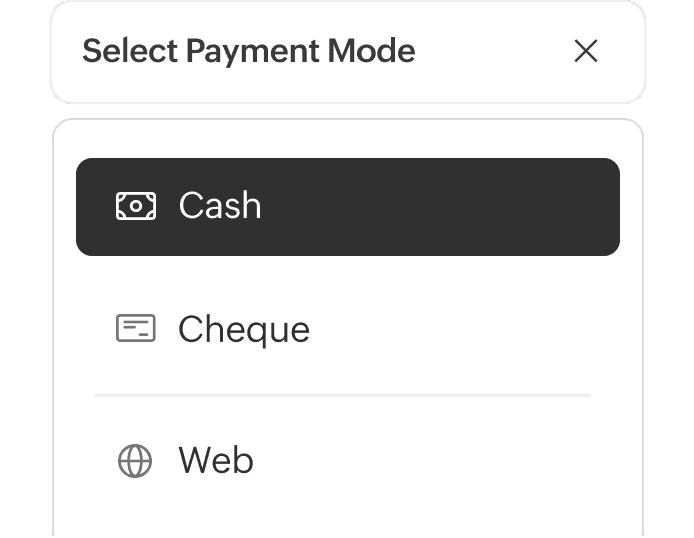
Zoho Books offers flexibility to your customers by supporting multiple payment methods. Your customer will always have an option that works best for them.
Minimize invoicing errors
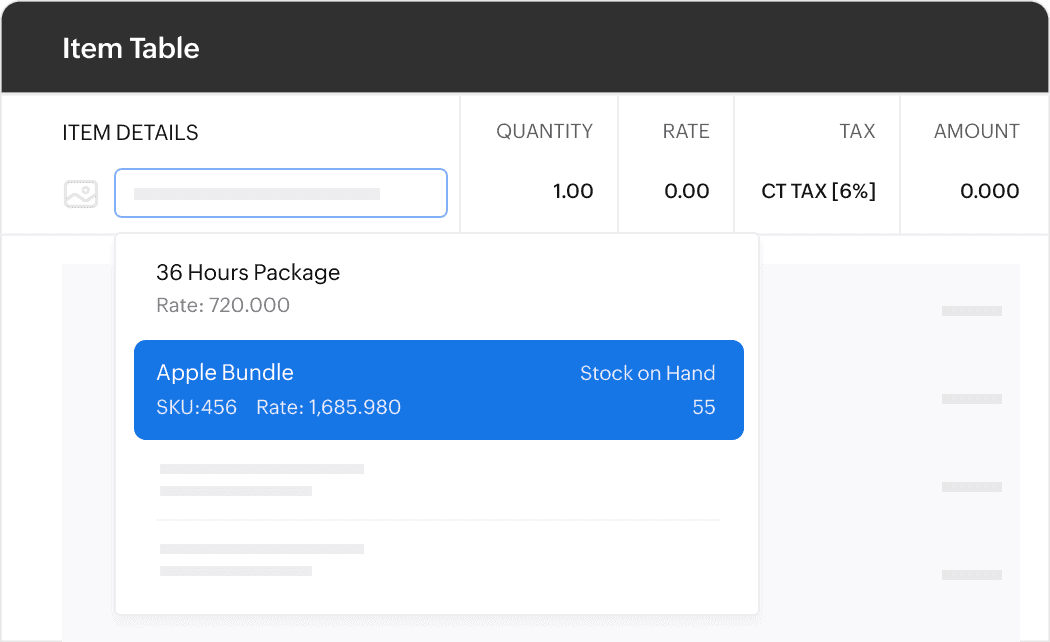
Create invoices easily by selecting items from your preconfigured list. Corresponding taxes are auto applied, thereby saving you from manual errors.
Invoice Automation: What's that?
Payment reminders
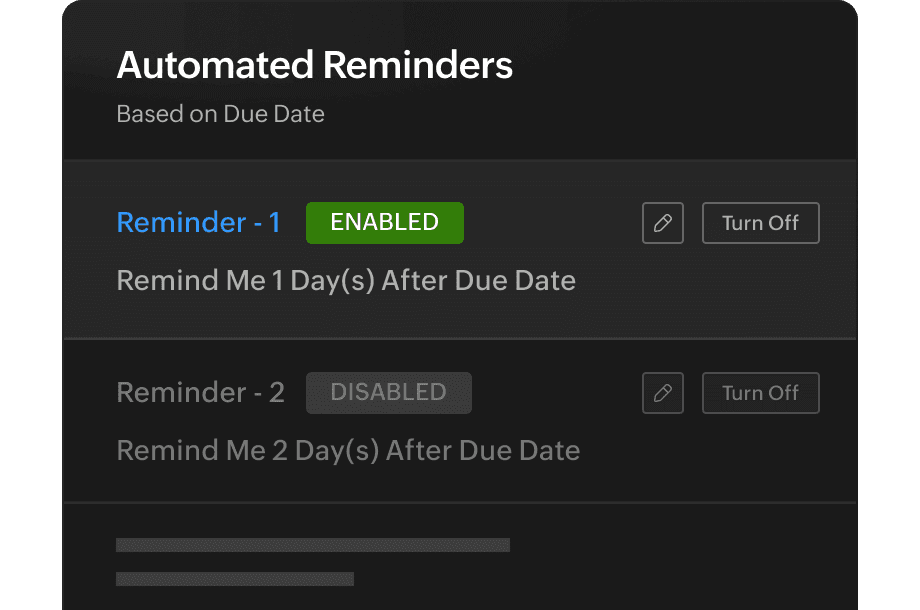
Set up reminders for your clients based on the invoice due date. You never have to chase a customer payment again and let the system take care of it.
Recurring invoices
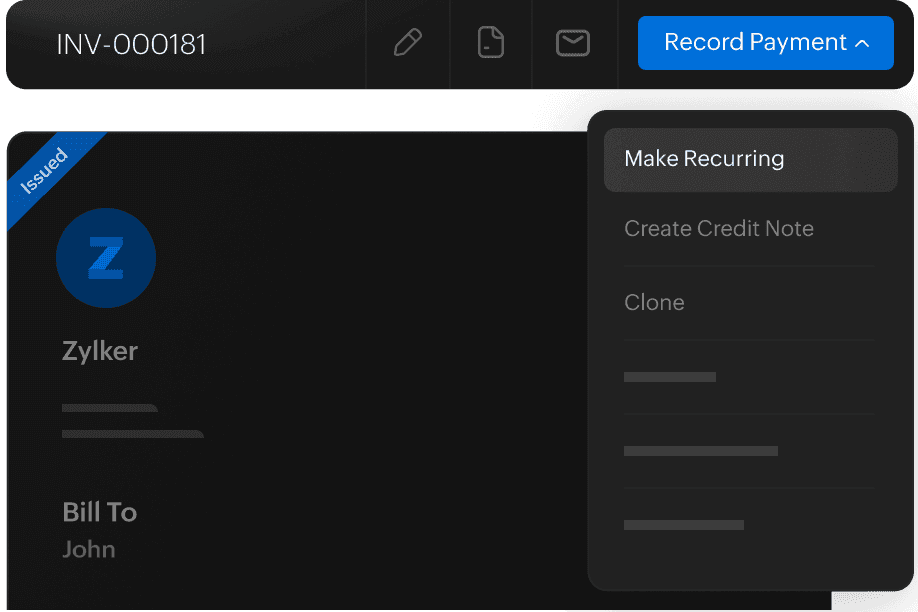
Handle routine sales like a pro by sending invoices automatically to your loyal customers. You also have the option to auto charge them for these invoices.
Invoicing features that enhance your AR process
Setup approval mechanisms
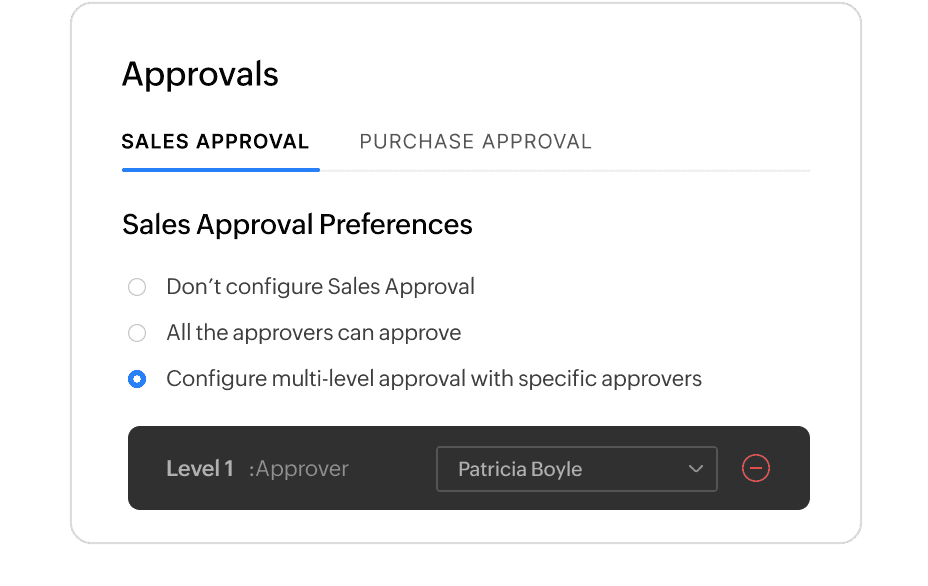
Worried about invoicing a customer incorrectly? Set up a single or multi-level approval process and ensure all invoices are reviewed before pushed out to your customers.
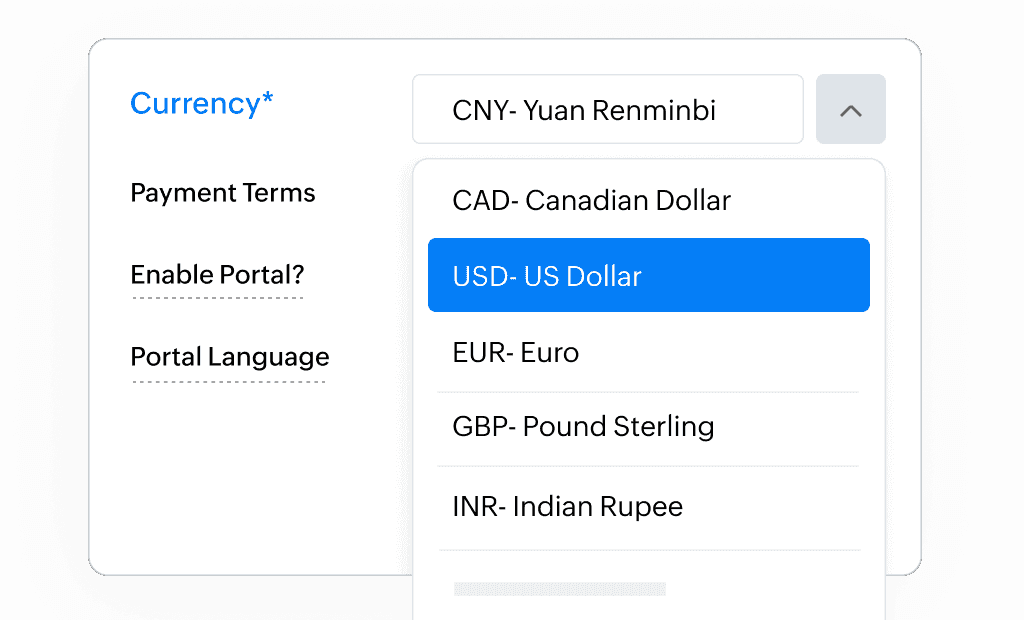
Handle multiple currencies
Going global? The multi-currency feature in Zoho Books allows you to send invoices in your customer's currency and records the transaction in your currency after auto-applying the exchange rate.
And some invoicing features that your customers will appreciate
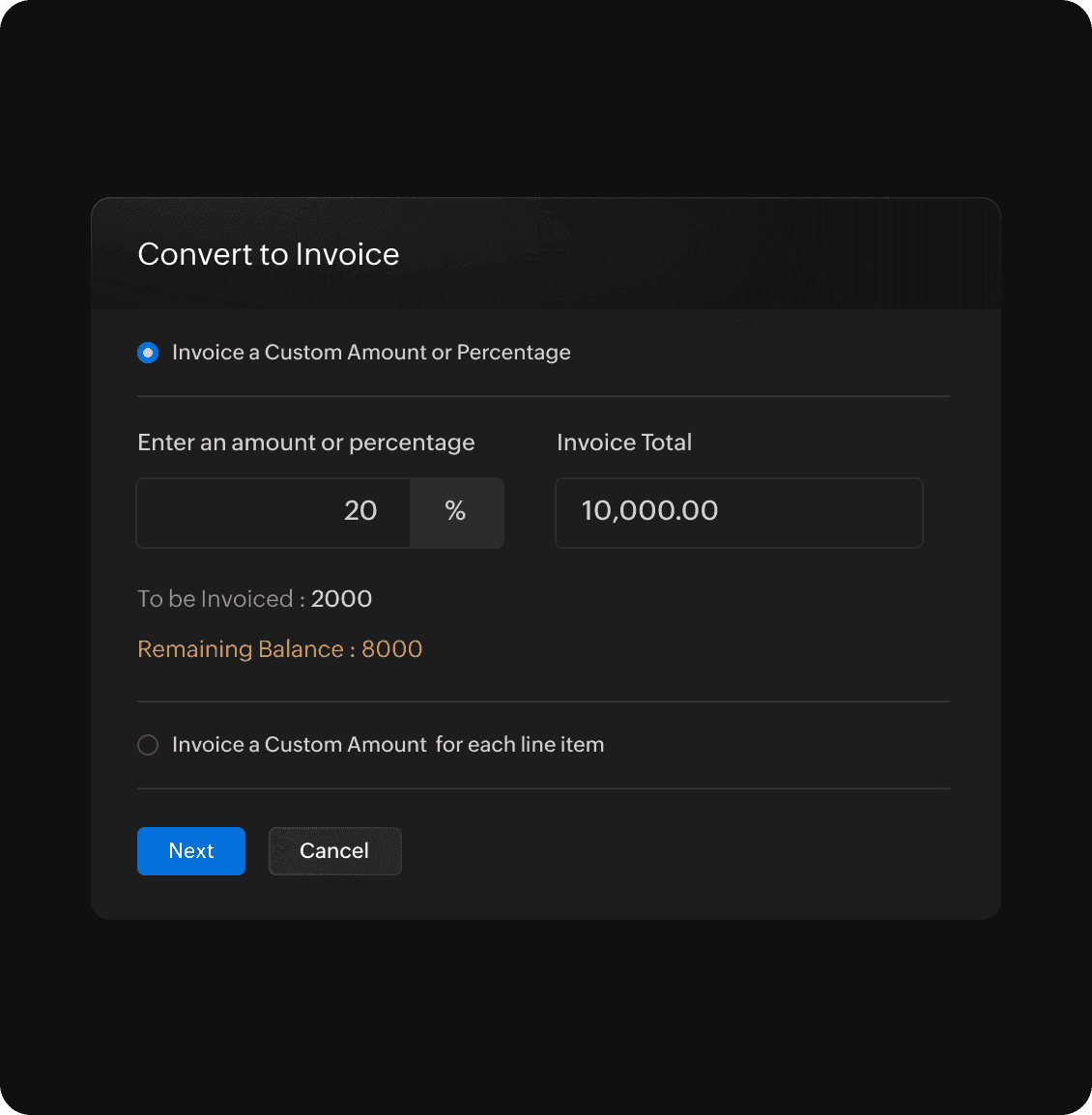
Progress invoice
100% upfront payment can put off your customers, and 100% post payment can put you off. Create a win-win situation for you and your customers by invoicing them as and when work is completed or products are delivered.
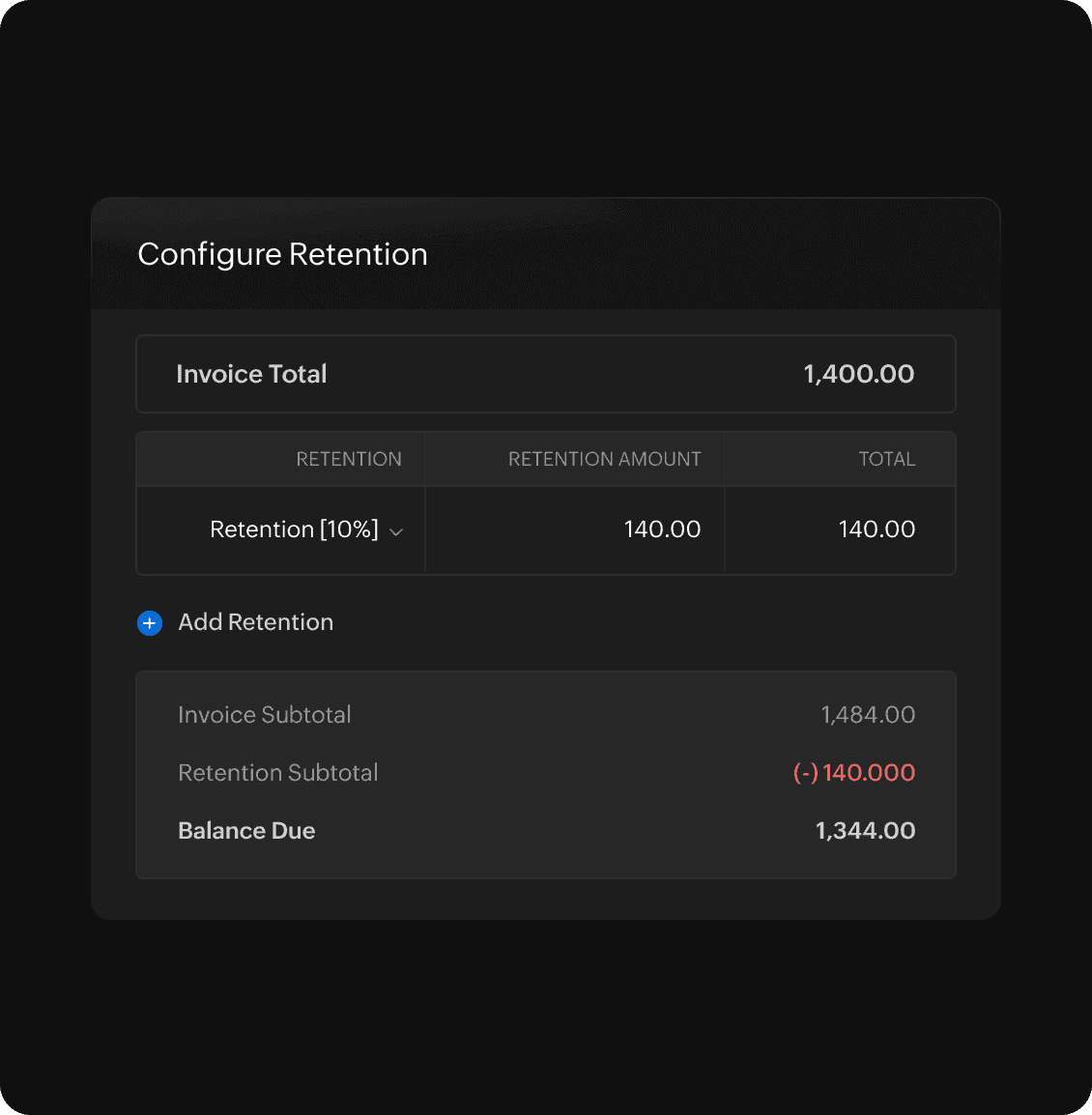
Payment retention
Offer flexibility to your customers by allowing them to retain a portion of the total invoice amount. This allows them to complete the retained payment at a later stage as per the contract terms.
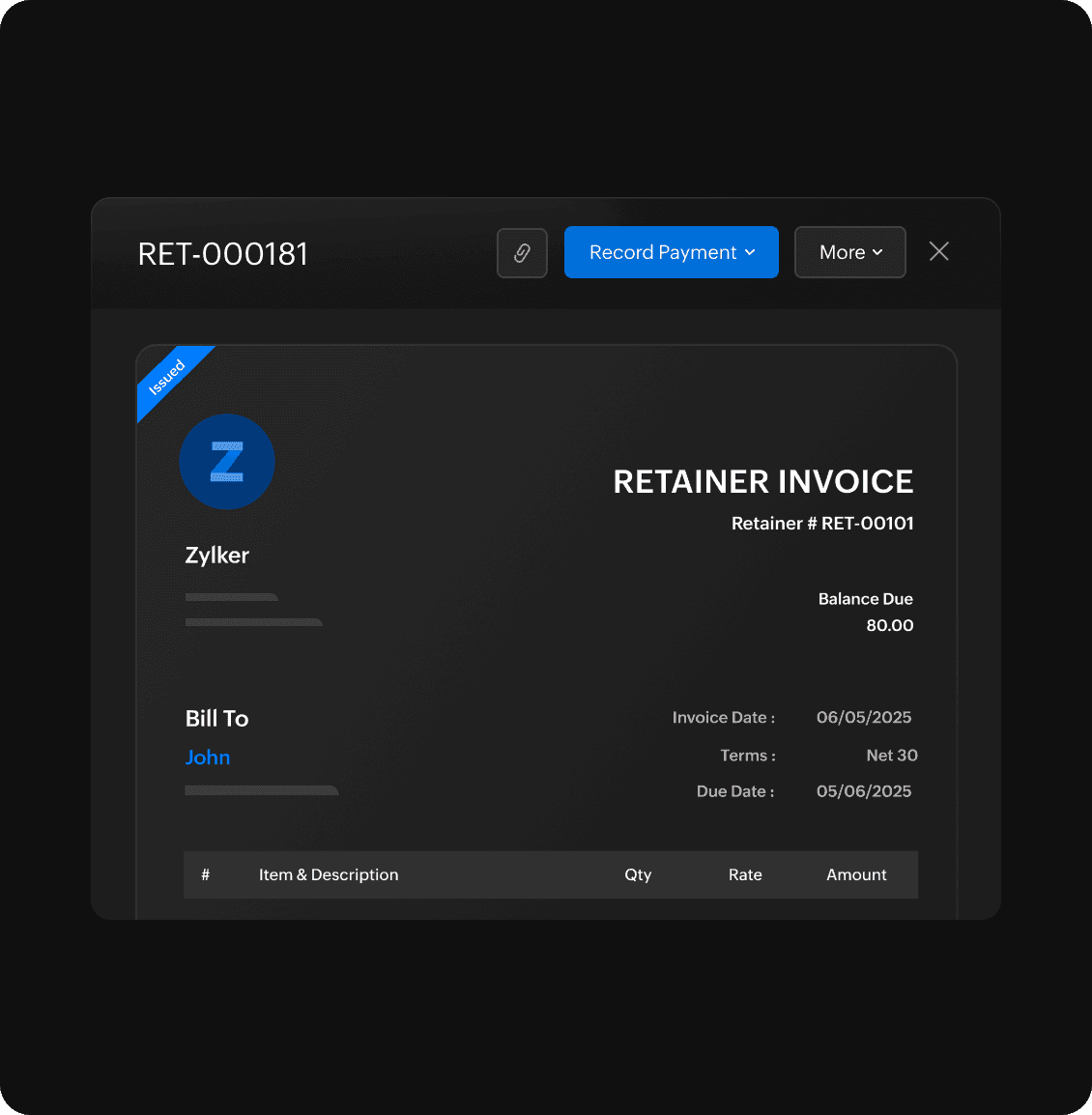
Retainer invoice
Collect advance payment from your customers for long-term projects. Apply the retainer to any outstanding invoice of a customer at a later stage.
Returns & refunds
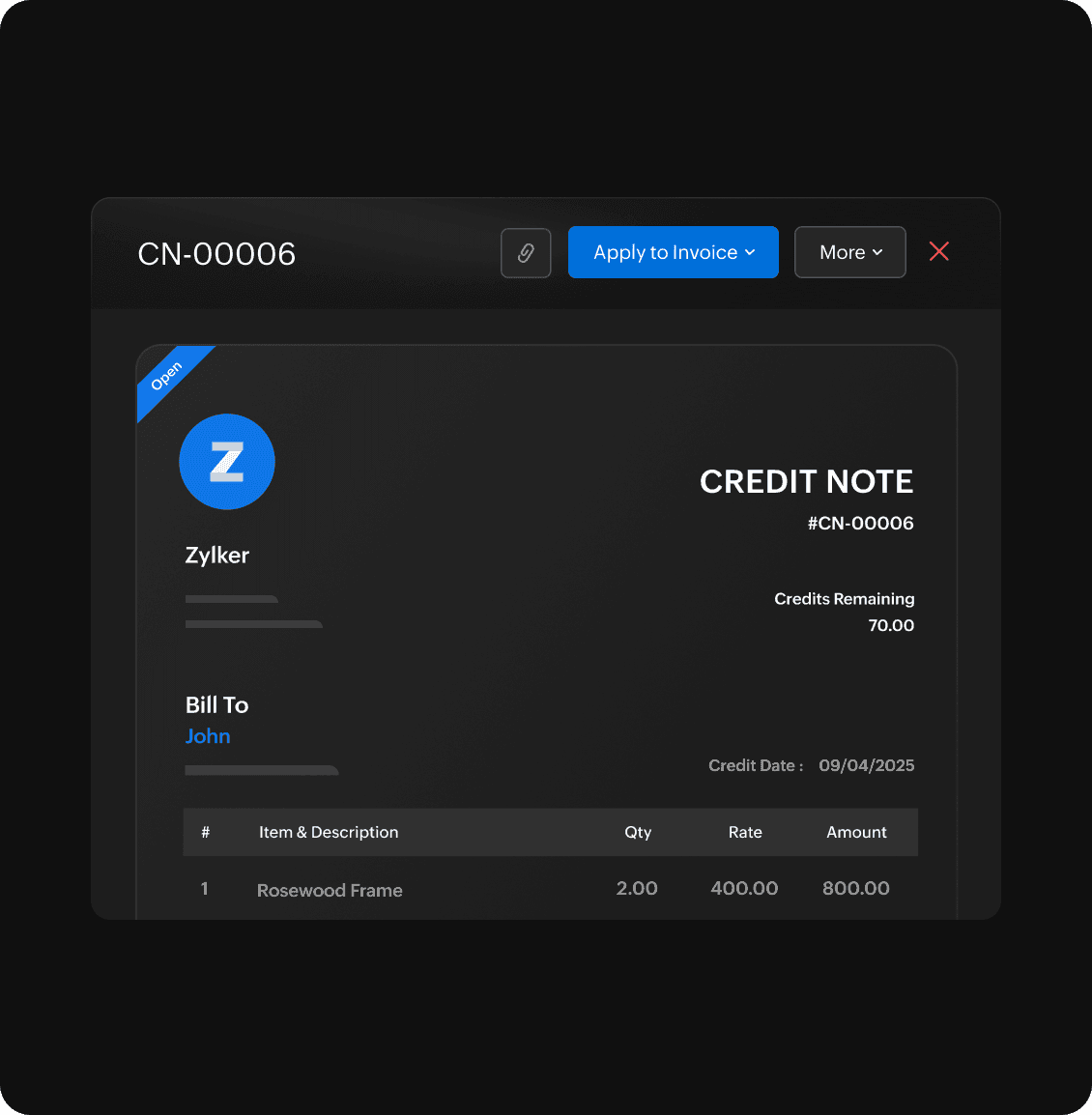
Issue credit notes to customers who return your products. These credit notes can be applied to their future invoices or refunded offline.
More features to simplify accounting

Sales orders
Create and manage sales orders effortlessly. Streamline your order processing, avoid delivery errors, and ensure timely invoicing

Online Payments
Accept online payments seamlessly. Get paid faster and offer your customers a smooth payment experience.