- HOME
- Beyond the knowledge wall: Scaling first contact resolution with a connected visual ecosystem
Beyond the knowledge wall: Scaling first contact resolution with a connected visual ecosystem
- Last Updated : September 15, 2026
- 0 Views
- 8 Min Read
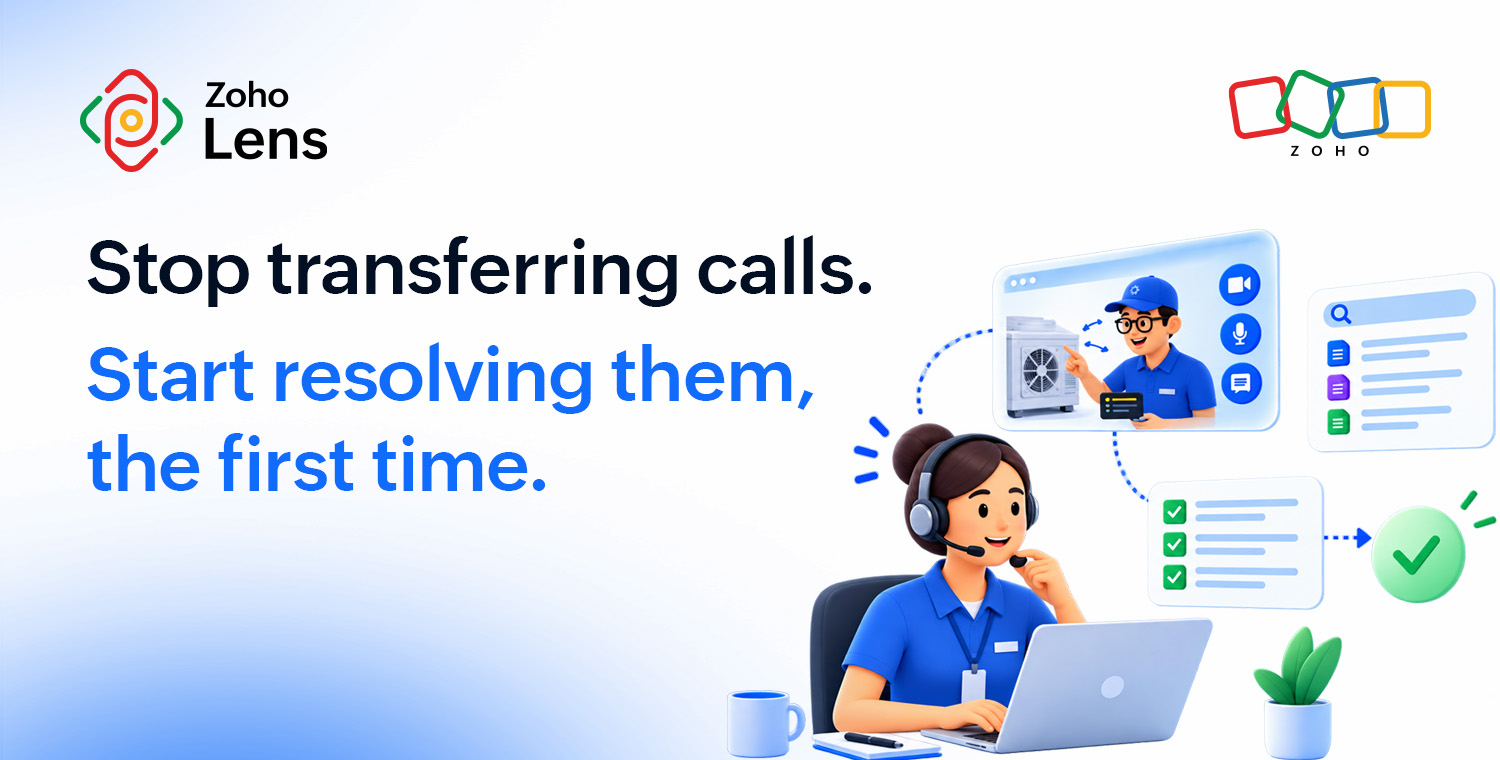
A customer calls about a fridge that won’t cool. The first agent transfers them to appliance support, and they transfer it to a technician who actually knows that model. By the third hand-off, the customer has explained the same problem three times and nothing has moved forward.
None of that is a skill problem. It’s a routing and knowledge problem, and SQM Group’s own benchmarking research points in the same direction. When a call isn’t resolved on the first contact, the organization itself is the biggest source of error, more than the agent and far more than the customer. First contact resolution (FCR), whether an issue gets solved in one interaction with no follow-up call, ticket, or truck roll, rarely stalls because a technician can’t do the job. It stalls because the request never reached the right person, the fix depended on one technician’s memory instead of a standard, or the answer was sitting in a manual nobody had time to search.
Zoho Lens, a visual remote assistance platform, doesn’t close that gap with one clever feature. It closes it with a set of purpose-built tools, each aimed at a different, specific reason first contact resolution fails.
Key takeaways
Most of the first contact resolution failures trace back to the organization itself, not agent skill or customer behavior, according to SQM Group’s own root-cause research.
Getting a request to the right technician on the first try closes one of the most common reasons customers get bounced around and have to start over.
Standardizing the steps a technician follows, and letting a customer run some of those steps themselves by scanning a QR code, closes the gap between what one technician knows and what another one doesn’t.
Giving a technician instant access to the organization’s own manuals and specs mid-session removes the need to leave a live call to go find an answer.
Tools like AR comments, OCR, and geolocation improve the accuracy of the diagnosis itself, while session recordings and notes support training and review after the fact, not automated learning.
None of these tools are stages in one pipeline. Each closes a different, specific reason a first contact fails, and they’re valuable precisely because they work together in the same session.
Routing the request before anyone picks up a phone
SQM Group’s research on non-FCR calls points out two of the most common reason for repeat contact:
Misrouting, where a customer gets bounced around instead of reaching the right person on the first try.
The call being handled by an agent simply not having the knowledge to help.
Both may look like agent problems at first glance, but they’re actually organizational ones.
Recommended workflow: The self-service portal handles the routing part. A customer scans a QR code on the equipment or clicks a portal link without downloading apps or signing up for a service. The request lands in a service queue instead of a phone tree, where an admin or team lead assigns it to the technician with the right skill set and availability. The assigned technician can also decline a request outside their scope, which keeps the queue accurate without any mismatches. Once they click Start, the customer will get the option to join the session from the same request page, and an AR session opens directly from there.
Effective routing removes an entire category of redirection. The customer explains the problem once in the request form, and it reaches a technician the first time.
Standardized steps for consistency across shifts
The second reason FCR stalls isn’t a skills gap. It’s a coin flip whether the technician who answers happens to be the one who’s already solved this exact problem, or is starting from scratch. Zoho Lens addresses this with digital work instructions—a way to build a standardized set of steps once—inside the organization’s Lens portal, and make it accessible for all technicians.
Recommended workflow: Admins can make specific steps in a work instruction mandatory, attach photos or videos to a step for clarity, and get a unique QR code after saving it. That code can be printed and stuck directly on the equipment, which matters more than it sounds. A technician doesn’t have to be the only one who executes them, because for a lot of known issues, a customer can scan the code and work through the fix without a technician joining a session at all. When a technician does run it live, the customer marks each step pass or fail, with remarks or photo evidence attached, and that record can be reviewed later under Reports.
This is what actually closes the “agent lacked the knowledge” and “the request wasn’t completed” root causes. The standard doesn’t live in one technician’s head. It lives in the portal, the same for whoever picks it up.
When a technician has to leave the call to find an answer
Even a well-trained technician can run into questions a standard checklist doesn’t cover: an unfamiliar error code, a compliance detail specific to one customer’s contract, a spec buried 40 pages into an installation guide. Historically, that meant putting the customer on hold to go find someone, or another document, with the answer.
Recommended workflow: The Zia Answer Bot removes that detour. An organization uploads its own specs guides, installation manuals, and compliance documentation as PDF, Word, or text files (up to 10MB each), and during a live session, a technician can ask the bot anything related to those documents. It retrieves the answer through closed retrieval-augmented generation, meaning it searches only what that organization has actually trained it on, not the open internet.
Try Zoho Lens free for 15 days and see how Zia Answer Bot helps your technicians while they’re working on a complex issue. |
Seeing the problem clearly enough to act on it
A chunk of first-contact failures never make it to a “wrong department” or “wrong answer” problem. They fail at two other points instead: when a technician is still trying to see what’s actually wrong, and when a customer is trying to follow the fix once the technician knows it.
Recommended workflow: Zoho Lens provides a wide range of remote diagnostic tools to identify the issue effectively on the live feed:
Annotations for pointing out issues.
A magnify tool for taking a closer look .
A flashlight for a brighter view of dark spaces.
Live text (OCR) for extracting lengthy serial numbers from part labels.
Virtual code scanner for getting product information from barcodes and QR codes.
AR comments help here by letting a technician tag a note to a specific annotation on the live video feed, so a customer can work through multi-step guidance at their own pace instead of trying to keep pace with the technician in real time. Geolocation helps in verification for site-specific protocols, as well as insurance claims before the adjuster signs off on it.
None of these tools resolve an issue by themselves. They remove friction from the moment a technician is trying to see the problem clearly enough to act on it.
What gets saved, and what it’s actually for
Every bit of information is useful when it comes to troubleshooting issues. That’s why it is essential to capture the whole process, from the issue itself to its solution.
Recommended workflow: Offline recording exists for when a live session isn’t possible, such as no technician being available, or a connection that’s too poor for real-time video. A customer can capture the issue on their own device, using AR tools during that recording, and send it once they’re back online. That file stays on the customer’s device until they actively share it. It’s a way to make sure a bad connection doesn’t turn into a missed first contact, not an automatic backup system.
Session recording, snapshots, and session notes are a technician’s tools to capture the troubleshooting process. Sessions are stored in the organization’s own cloud storage inside the Zoho Lens portal, where a technician can pull one up to review it or use it for training a new hire. This archive supports training and quality review seamlessly, while maintaining security through role-based access.
What “connected” actually means here
None of these tools hand data to one another, and none of them are steps in a pipeline. What actually connects them is simpler than that. In the same call, a technician can pull up a work instruction, ask Zia Answer Bot a question, request a location, and tag an AR comment, without switching tools or losing the thread of the conversation.
That’s the real payoff. The customer with the problem never wanted a better app. They wanted to explain the issue once and actually get it fixed.
SQM Group’s research puts a number on what that’s worth. Every one percentage point of improvement in FCR translates to roughly $286,000 a year in operating savings for the average midsize call center.
At that scale, the real question for most support teams isn’t whether closing these gaps is worth the effort. It’s which one is costing them the most calls right now.
Try Zoho Lens free for 15 days and see how routing, standardized instructions, AI-powered document lookup, and live diagnosis tools work together in a single support session. |
FAQ
What’s considered a good first contact resolution rate today?
Most benchmarking puts a good FCR rate between 70% and 79%, with 80% or higher considered world-class. SQM Group’s research shows only about 5% of call centers hit that world-class mark, so even a small, steady improvement puts you ahead of most of the industry.
Can a customer resolve an issue without ever talking to a technician?
Yes, it can be done for standardized issues, where the organization has created a work instruction for a piece of equipment. The customer can scan the QR code stuck on it to access the work instruction and follow the same mandatory steps a technician would run in a live session, marking each one as pass or fail and attaching photo evidence wherever necessary. It’s not a fit for a first-time or unusual problem, but for anything repeatable, it resolves the issue without needing a technician’s calendar at all.
Does Zia Answer Bot learn from past support sessions?
No. Zia Answer Bot only retrieves from documents an organization uploads on purpose, such as PDFs, Word files, or text files up to 10MB each. It has no connection to session recordings, session notes, or anything captured during a live call on its own. The workaround for this is for the organization to upload session notes as articles for Zia Answer Bot manually. In that way, it can reference session notes and answer technician queries based on it.
Who can see a session recording after the call ends?
Recordings, snapshots, session notes, and chat transcripts all land in the organization’s own cloud storage inside the Zoho Lens portal. Only members of that organization (admin or technician) can pull up those records for review, reference, or training.
Do AR comments show up if you go back and watch a session recording?
Partly. A session recording keeps the audio and the annotation marks a technician draws, and it shows a small note icon if a comment was tagged to one of those marks, but it doesn’t render the actual text of that note. If you need the literal wording of what was communicated, that lives in session notes or chat, not the AR comments.
 Martina Joan
B2B content specialist covering augmented reality, remote assistance, and the future of field operations. Perpetually mid-chapter — let's talk cats, chess, or crochet anytime.